NZXT
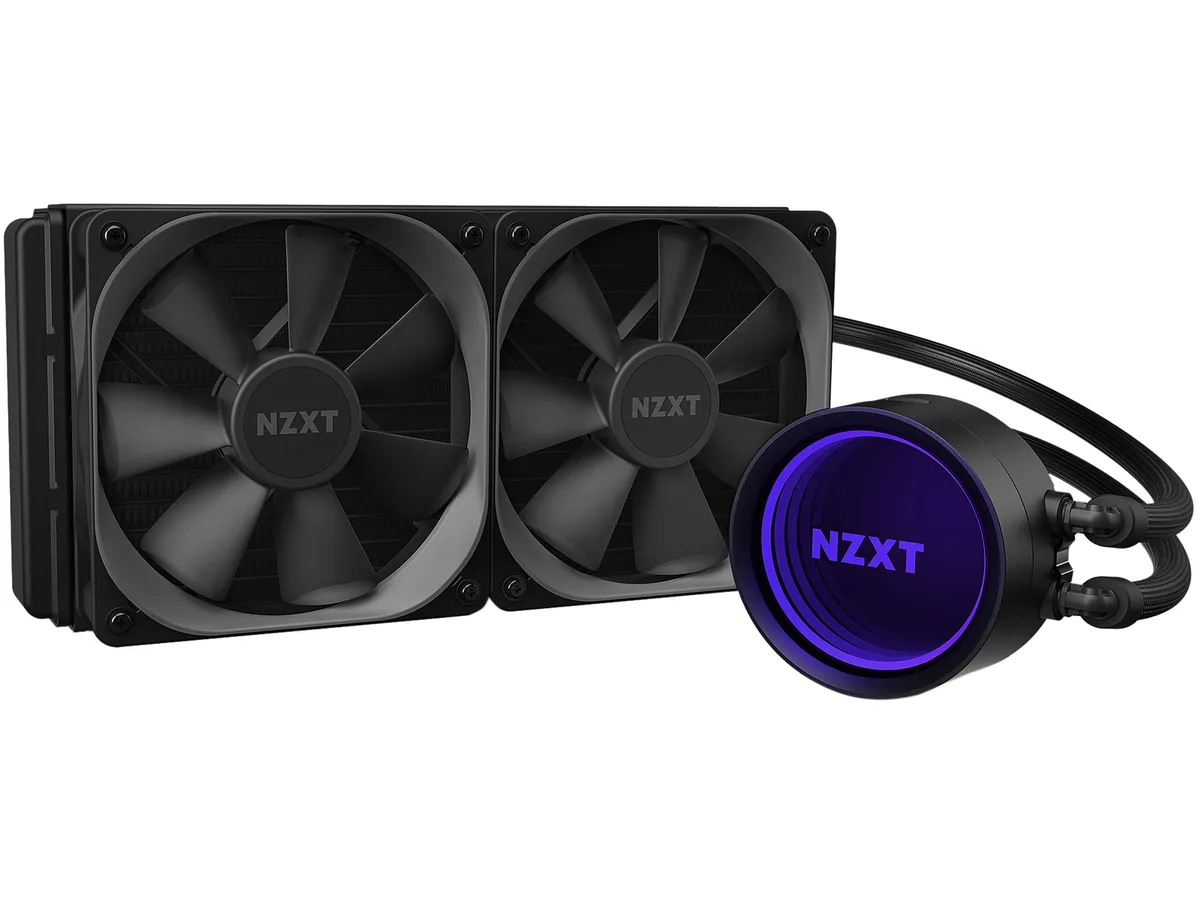
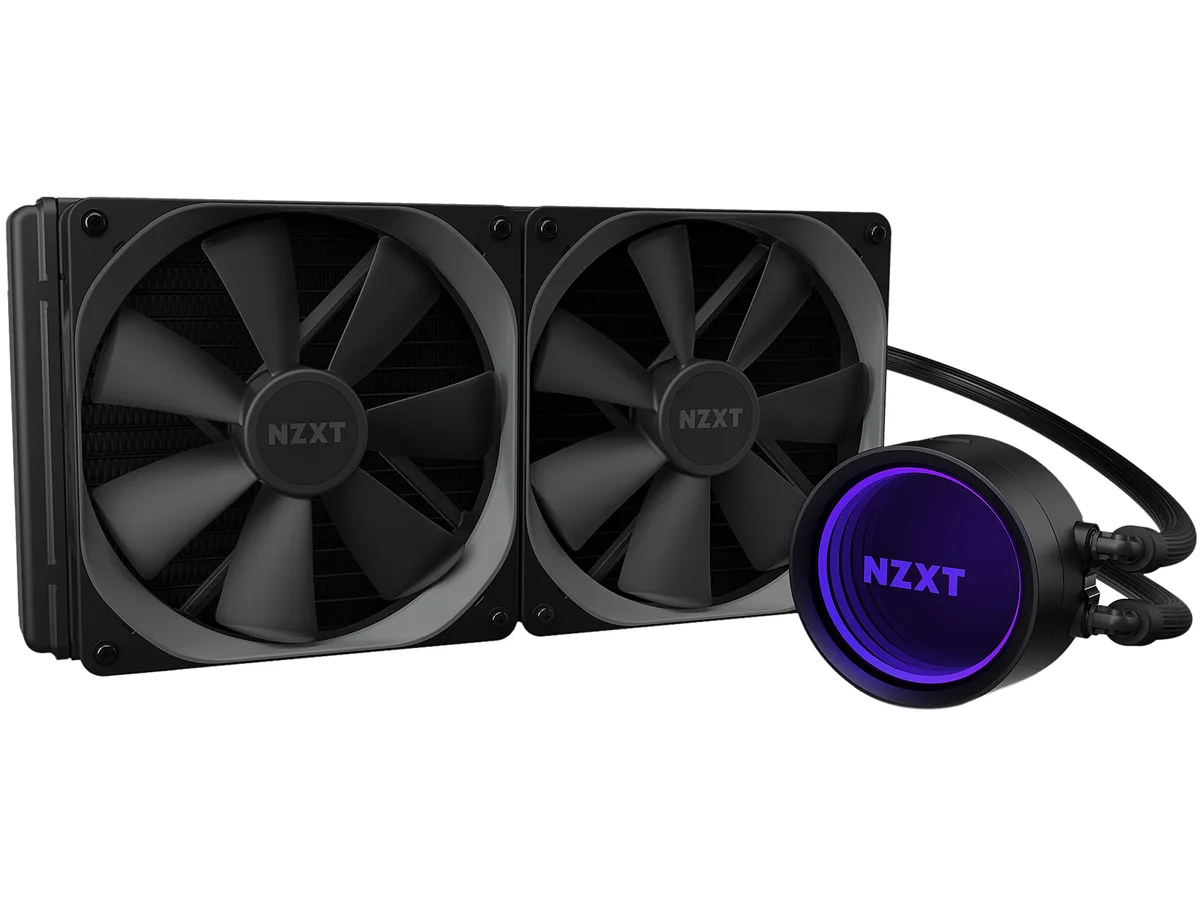
NZXT RL-KRM22-01 Kraken M22 120mm liquid cooler
- Liquid Cooling Syst…
- Intel Socket 2066 /…
79,99 $US
0.00103346BTC
En stockNous acceptons la cryptomonnaie — les cryptos que vous détenez peuvent ainsi acheter du matériel réel.Payez en crypto, dépensez-la en matériel réel. Livraison assurée offerte partout dans le monde au-delà de 399 $. Cartons neutres, sans marque, expédiés depuis l’Allemagne.Livraison assurée offerte au-delà de 399 $. Votre taux est bloqué pendant 30 minutes dès l’ouverture de la caisse.Taux bloqué 30 minutes. Chaque article est scellé, son numéro de série est vérifié, et il est couvert par une garantie de 24 mois.Scellé, garanti 24 mois.


NZXT
A 240 mm all-in-one liquid cooler with a 2.36 inch LCD screen for custom images or live data, two 120 mm fans running 500 to 2000 RPM at 21 to 36 dBA.
Fan Size 2 Fan Slots (120mm)
Color White
Model Kraken Z53 RGB
Les versions barrées existent, mais ne sont pas disponibles ici.
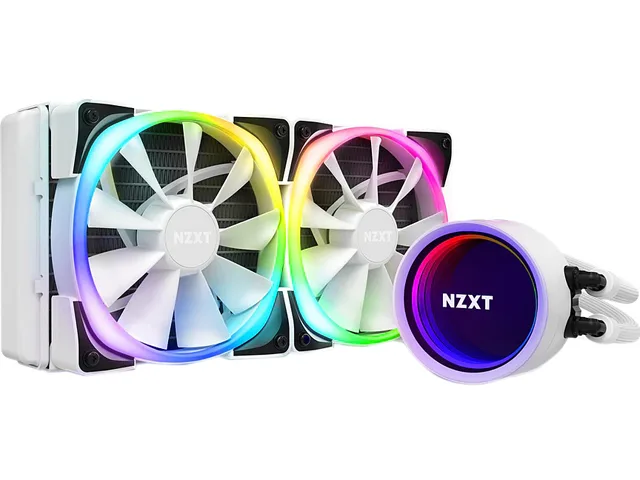
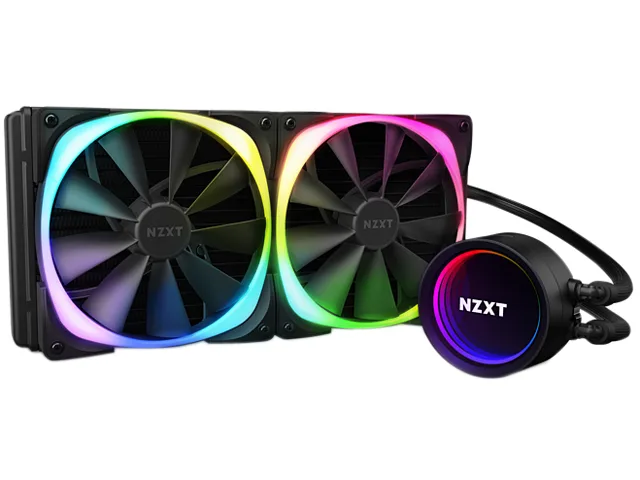
The NZXT Kraken Z53 is a 240mm all-in-one liquid cooler finished in white. It features a 2.36" LCD screen capable of 24-bit colour for custom images, GIFs or real-time CAM data. Two 120mm Aer P fans with chamfered intakes and fluid dynamic bearings handle airflow. Rubber tubing is reinforced with fine nylon mesh sleeves for durability.
Suits users who want a white AIO with a programmable LCD readout and RGB lighting controlled through NZXT CAM software. Fan speeds range from 500 to 2,000 RPM with noise between 21 and 36 dBA. Not for buyers who need Threadripper sTRX4 or TR4 support because the required bracket is not included in the box.
The cold plate mounts directly to Intel LGA 1700, 1200, 115x, 1366, 2011, 2011-3 and 2066 sockets plus AMD AM4. Threadripper sTRX4 and TR4 require a separate bracket. Radiator dimensions are 275.00 x 123.00 x 30.00 mm with 400mm tube length for case clearance planning.
| Brand | NZXT |
|---|---|
| Model | RL-KRZ53-RW |
| Type | Liquid Cooling System |
| Block Compatibility | Intel LGA 2066 / 2011-3 / 2011 / 1700 / 1366 / 1200 / 115x AMD AM4 / sTRX4* / TR4* (*Threadripper bracket not included) |
| Block Material | Copper & Plastic |
| Radiator Size | 275.00 x 123.00 x 30.00 mm |
| Radiator Material | Aluminum |
| Fan Size | 2 Fan Slots (120 mm) |
| Fan RPM | 500 - 2,000 (+/- 300) RPM |
| Fan Air Flow | 18.28 - 73.11 CFM |
| Fan Noise | 21 - 36 dBA |
| Fan Connector | 4 Pin |
| Color | White |
| LED Color | RGB |
| Tube Dim. | 400mm |
| Tube Material | Rubber with Nylon Sleeve |
| Poids d’expédition | 2.09 kg |
| Dimensions du colis | 349 × 210 × 156 mm |
Autres versions de ce modèle
Même famille, mémoire, ventirad ou fréquence différents — comparez avant de vous décider.
The cooler supports Intel LGA 1700, 1200, 115x, 2011, 2011-3 and 2066 plus AMD AM4; Threadripper sTRX4 and TR4 require a separate bracket not included.
Yes, the 120 mm fans mount on the 240 mm radiator and use standard 4-pin connectors compatible with most motherboard headers.
Open CAM, select the Kraken Z53, enable the temperature overlay and the screen will display real-time CPU or GPU readings in 24-bit colour.
Également dans ce rayon
Même rayon, même caisse — huit monnaies et un taux bloqué 30 minutes.
Ce que vous envoyez, et ce dans quoi vous lisez les prix.
Envoyé depuis votre portefeuille à la caisse
Affichage seul — le catalogue est libellé en dollars
Aucune monnaie ne correspond.
Choisissez la langue dans laquelle le site vous parle.
Première visite ?
Vous avez déjà un compte ?
Il n’y a pas de réinitialisation automatique : cette boutique n’envoie aucun e-mail, il n’existe donc aucun lien à usage unique à demander. Laissez l’adresse sur le compte, elle sera traitée à la main.
Demande enregistrée
Rien n’arrivera dans votre boîte de réception — cette boutique n’envoie aucun e-mail. Quelqu’un s’en occupe à la main.
Vous l’avez retrouvé ?