


DELL
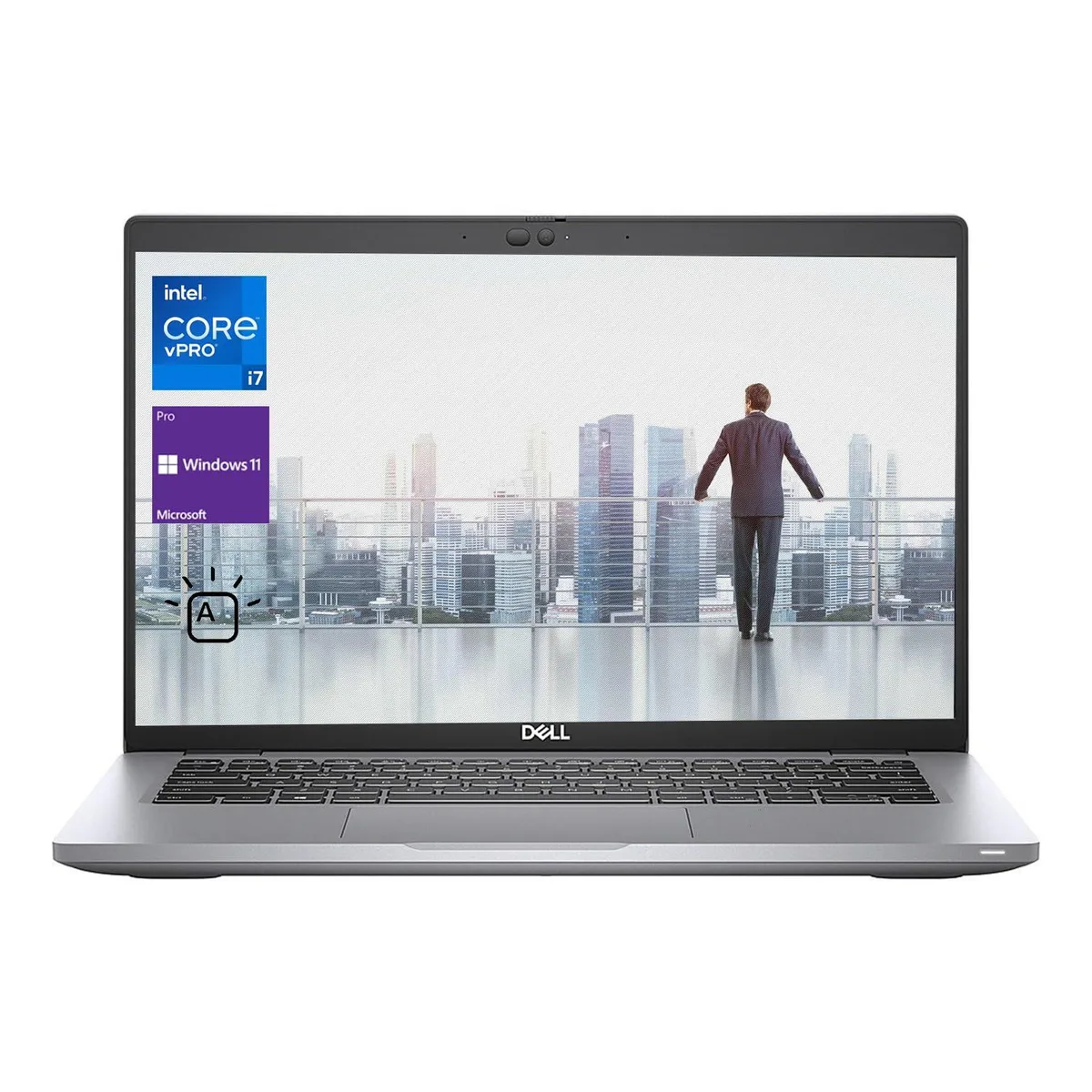
DELL Latitude 5400 laptop 14" FHD i7-8665U 32GB 512GB Windows 11 Pro
A 14-inch Full HD business laptop with an Intel Core i7-8665U processor, 32GB DDR4 memory and a 512GB SSD running Windows 11 Pro
- Operating SystemWindows 11 Pro
- CPU TypeIntel Core i7 8th Gen
- Processor Name1.90GHz
- Screen Size14.0"
- Display TypeFHD
- Resolution1920 x 1080
- 14" Full HD display for sharp visuals
- Intel Core i7 1.9GHz processor handles demanding workloads
- 32GB DDR4 memory keeps multitasking smooth
- 512GB SSD provides fast storage access
- Thunderbolt 3 port adds versatile connectivity
Dell Latitude 5400 14-inch FHD business laptop
The Dell Latitude 5400 is a 14-inch Full HD laptop built for professionals who need reliable daily performance. It runs Windows 11 Pro on an Intel Core i7-8665U processor with 32GB DDR4 memory and a 512GB SSD. Integrated Intel UHD Graphics 620 handles standard office visuals. The chassis includes Thunderbolt 3, HDMI 1.4, RJ-45 and a uSD 4.0 card reader for connectivity.
Suits mobile workers needing 32GB RAM
This configuration suits mobile workers who need 32GB RAM and Thunderbolt 3 for docks or external displays. Buyers who want a dedicated graphics processor for 3D rendering or gaming should look at something else. The 512GB SSD may limit users with large local media libraries. The 14-inch form factor does not fit buyers who prefer a larger screen for multi-window work.
Deciding spec: 32GB DDR4 memory soldered
The deciding specification is the 32GB DDR4 memory capacity. This amount supports heavy multitasking and virtual machines without paging. Verify that the memory configuration matches your workload before purchase. If your applications need more than 32GB, this unit will not meet the requirement.
Puncte forte
- 14" Full HD display for sharp visuals
- Intel Core i7 1.9GHz processor handles demanding workloads
- 32GB DDR4 memory keeps multitasking smooth
- 512GB SSD provides fast storage access
- Thunderbolt 3 port adds versatile connectivity
Specificații
| Brand | DELL |
|---|---|
| Series | Latitude |
| Model | 5400 |
| Operating System | Windows 11 Pro |
| CPU Type | Intel Core i7 8th Gen |
| Processor Name | 1.90GHz |
| Screen Size | 14.0" |
| Display Type | FHD |
| Resolution | 1920 x 1080 |
| GPU/VPU | Integrated Graphics |
| Graphic Type | Integrated Card |
| SSD | 512GB |
| Memory | 32GB |
| Bluetooth | Yes |
| USB | 1x USB Type C 3.1 Gen 2 Thunderbolt 3 with Power Delivery & DisplayPort 3x USB 3.1 Gen 1 (one with PowerShare) 1x HDMI 1.4 1x RJ-45 1x external uSIM card tray option 1x uSD 4.0 Memory card reader Noble Wedge Lock slot |
| Video Port | 1 x HDMI |
| Other port | 1x USB Type C 3.1 Gen 2 Thunderbolt 3 with Power Delivery & DisplayPort 3x USB 3.1 Gen 1 (one with PowerShare) 1x HDMI 1.4 1x RJ-45 1x external uSIM card tray option 1x uSD 4.0 Memory card reader Noble Wedge Lock slot |
| Audio Ports | Yes |
| Audio | Integrated Sound card |
| Webcam | Yes |
| Type | Work / Business |
| Usage | Business |
| Package Content | Laptop and AC Adaptor |
Întrebări despre acest articol
Does the 5400 need a separate Thunderbolt dock to run two external displays?
The single Thunderbolt 3 port with DisplayPort alt mode can drive one external monitor; a second display requires the built‑in HDMI 1.4 port or a Thunderbolt dock with dual‑display support.
Will my older USB‑A 3.0 flash drives and mouse work at full speed on the three USB 3.1 Gen 1 ports?
Yes, the three USB 3.1 Gen 1 Type‑A ports are backward compatible with USB 3.0 and 2.0 devices, so legacy peripherals operate at their rated speeds.
How can I confirm the integrated Intel UHD Graphics 620 is active after installing Windows 11 Pro?
Open Device Manager, expand Display adapters and verify Intel UHD Graphics 620 appears without a warning icon; the DirectX Diagnostic Tool (dxdiag) will also list the 620 under the Display tab.
Tot din acest raion
Clienții au comparat și acestea.
Același raion, aceeași finalizare a comenzii — opt monede și un curs blocat 30 de minute.


Microsoft
Microsoft Surface 3 1657 128GB CRB 2-in-1 laptop
- Silver
- Windows 10 Pro
244,99 USD
0.00319218BTC
În stoc
Microsoft
Microsoft Surface Pro FGG-2D-00001-RFB 2-in-1 laptop 16 GB 512 GB 12.0" touchscreen 2736 x 1824 refurbished
- 12.0"
- Touch Screen
687,99 USD
0.00896439BTC
În stoc
Lenovo
Lenovo Chromebook 500e Gen 5 M89 83TA0004US 12.2" MediaTek 8GB 64GB
- 12.2"
392,99 USD420,99 USD−7%
0.00512059BTC
În stoc