HP
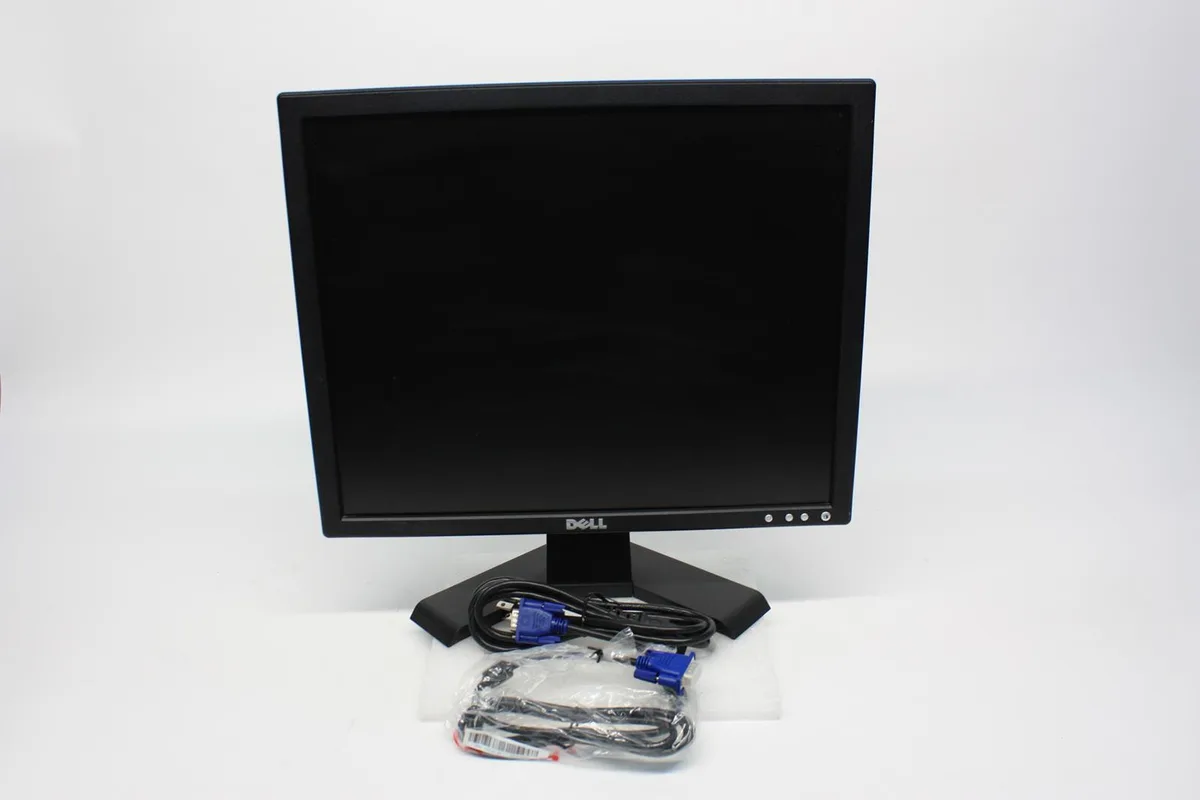
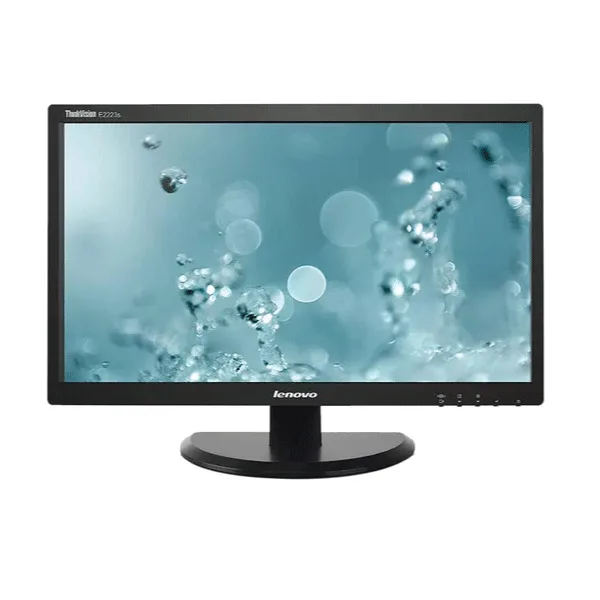
HP 524pm 24" 23.8" Viewable 1920 x 1080 Monitor
A 23.8 inch Full HD display with 1920 x 1080 resolution and a 16:9 aspect ratio
- Screen Size24"
- Full HD clarity with 1920 x 1080 resolution
- 8 inch viewable area for comfortable viewing
- 16:9 widescreen format suits modern content
- 24 inch class display fits standard desks
- Brand new HP monitor ready for work
24-inch Full HD monitor for everyday computing
The HP 524pm delivers a 23.8-inch viewable area at 1920 x 1080 resolution with a 16:9 aspect ratio. It suits office work, study and general multimedia use where a crisp Full HD image is required.
Low heat and quiet operation for desk use
The LCD panel runs cool during typical productivity tasks and produces no audible fan noise. Power draw remains modest, keeping energy costs down during long work sessions.
Simple connectivity frees up desk space
A single USB-C cable can carry video, data and peripheral connections, reducing cable clutter on the desktop. The compact footprint leaves room for documents or a second monitor without demanding a deep desk.
Puncte forte
- Full HD clarity with 1920 x 1080 resolution
- 8 inch viewable area for comfortable viewing
- 16:9 widescreen format suits modern content
- 24 inch class display fits standard desks
- Brand new HP monitor ready for work
Specificații
| Brand | HP |
|---|---|
| Screen Size | 24" |
Întrebări despre acest articol
How do I attach the HP 524pm to a VESA mount?
Remove the stand by pressing the release latch, then fasten the VESA plate using the four M4 screws supplied; the step most people skip is fully seating each screw before tightening the next.
What part will need replacement first on the 23.8" panel?
The backlight assembly ages with use; when brightness drops noticeably at the default setting the panel itself must be swapped.
What limit appears first during long sessions on the 1920 x 1080 display?
Sustained maximum brightness can trigger thermal throttling that dims the screen until the chassis cools.
Tot din acest raion
Clienții au comparat și acestea.
Același raion, aceeași finalizare a comenzii — opt monede și un curs blocat 30 de minute.