LUOM
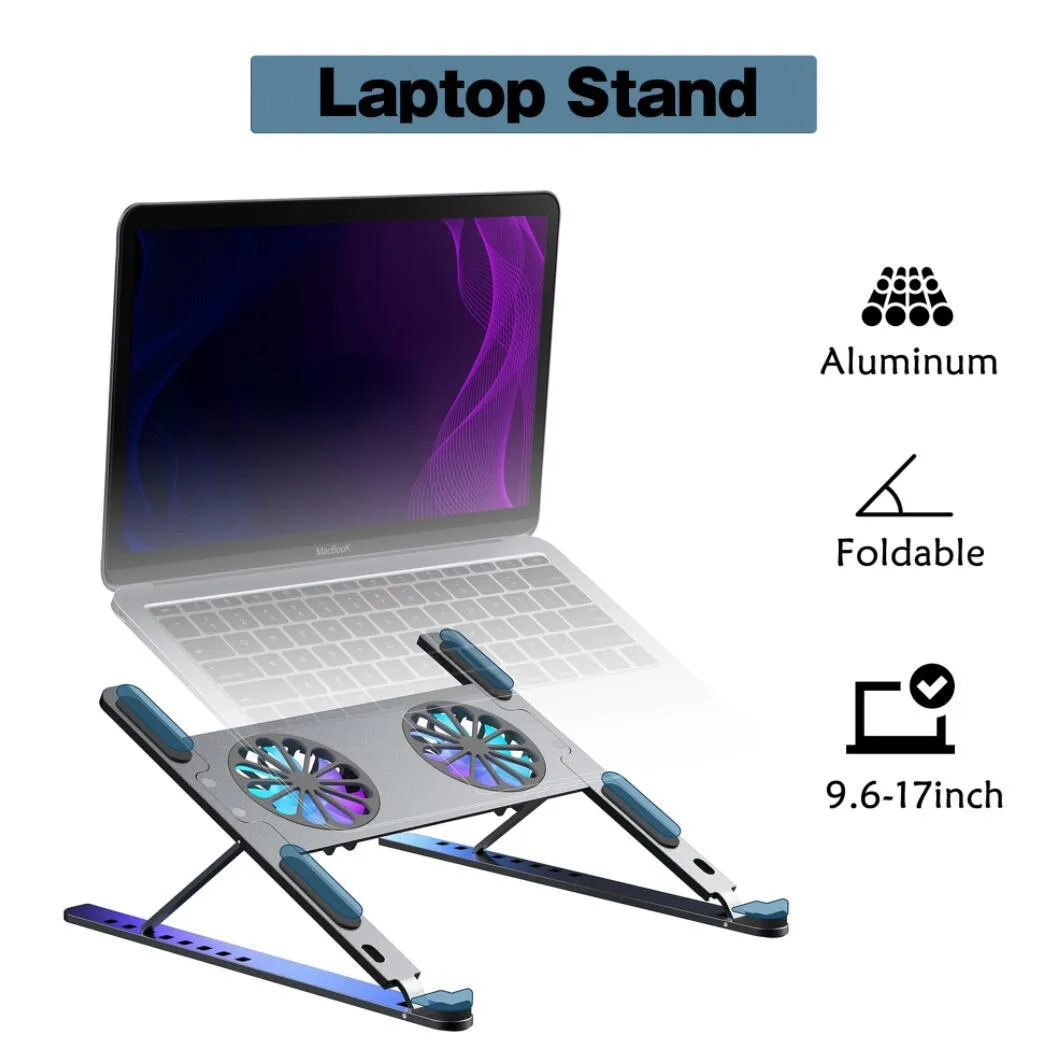
LUOM TSB02F laptop cooling pad dual fan 11-17.3 inch black
- Stand
- Black
28,99 $
0.00035652BTC
VarastossaHyväksymme kryptoa — hallussasi olevat kolikot voivat näin ostaa oikeaa laitteistoa.Maksa kryptolla, käytä se oikeaan laitteistoon. Ilmainen vakuutettu toimitus maailmanlaajuisesti yli 399 $. Neutraalit, tuotemerkittömät ulkopakkaukset, lähetetään Saksasta.Ilmainen vakuutettu toimitus yli 399 $. Kurssisi lukitaan 30 minuutiksi heti, kun kassa avautuu.Kurssi lukittu 30 minuutiksi. Jokainen tuote on sinetöity, sen sarjanumero on tarkistettu, ja sillä on 24 kuukauden takuu.Sinetöity, 24 kuukauden takuu.


DELL
A genuine Dell OEM palmrest touchpad assembly for Latitude 5580 and Precision 3520 laptops, measuring 14.2" x 5.3" x 0.4" and weighing 0.65 lbs
This genuine Dell OEM replacement part restores full palmrest and touchpad functionality for Latitude 5580 and Precision 3520 laptops. It integrates directly with the motherboard via a ribbon cable connection and supports Windows precision drivers for multi-gesture input. The unit measures 14.2" x 5.3" x 0.4" and weighs 0.65 lbs.
This assembly suits owners of a Dell Latitude 5580 or Precision 3520 needing to replace a cracked frame, unresponsive clickpad, or loose connector. It is not for users of other Dell models or different laptop brands, as screw holes and ribbon cable routing are model-specific. Buyers needing a standalone touchpad module without the palmrest frame should look elsewhere.
The decisive specification is the exact model compatibility: this part fits only Dell Latitude 5580 and Precision 3520 laptops. Verify your laptop model number before purchase, as the pre-aligned screw holes and connector slots will not align with any other device.
| Brand | Dell |
|---|---|
| Part Number | 5WF4M |
| Compatible Manufacturer | For Dell |
| Compatible Models | For Dell Latitude 5580 & Precision 3520 |
| Dimensions | 14.2" x 5.3" x 0.4" (Length x Width x Height) |
| Weight | 0.65 lbs |
Remove the bottom case, disconnect the battery, unplug the old ribbon cable, align the pre-drilled screw holes, connect the new ribbon cable firmly into the motherboard socket, then reinstall screws. The step most often missed is fully seating the ribbon cable connector before tightening the palmrest.
The scratch-resistant surface and reinforced stress points are built for long-term use. If the touchpad later develops unresponsive clicks or cursor drift, the whole assembly would be replaced again; no separate sub-components are serviceable.
The integrated ribbon cable and clickpad surface are rated for continuous operation. The first limit is typically physical wear on the touchpad coating or ribbon-cable fatigue after extended daily use.
Myös tällä osastolla
Sama osasto, sama kassa — kahdeksan kryptovaluuttaa ja 30 minuutin kurssilukko.
Valuutta, jolla maksetaan, sekä valuutta, jossa hinnat näytetään.
Lähetetään lompakostasi kassalla
Vain näyttöä varten — hinnat ovat Yhdysvaltain dollareissa
Valuuttaa ei löytynyt.
Valitse kieli, jolla sivusto puhuu sinulle.
Ei vastaavaa kieltä.
Uusi täällä?
Onko sinulla jo tili?
Automaattista palautusta ei ole: kauppa ei lähetä sähköpostia lainkaan, joten kertakäyttöistä linkkiä ei ole mistä pyytää. Jätä osoite tilille, niin se käsitellään käsin.
Pyyntö kirjattu
Mikään ei ole tulossa sähköpostiisi — tämä kauppa ei lähetä sähköpostia lainkaan. Joku käsittelee nämä pyynnöt käsin.
Muistitko sen?