

Thermalright
Thermalright MC-2 ARGB Memory Cooler White 3200 RPM
- Fan & Heatsinks
- DDR/DDR2/DDR3/DDR4/…
22,99 $
0.00028631BTC
VarastossaHyväksymme kryptoa — hallussasi olevat kolikot voivat näin ostaa oikeaa laitteistoa.Maksa kryptolla, käytä se oikeaan laitteistoon. Ilmainen vakuutettu toimitus maailmanlaajuisesti yli 399 $. Neutraalit, tuotemerkittömät ulkopakkaukset, lähetetään Saksasta.Ilmainen vakuutettu toimitus yli 399 $. Kurssisi lukitaan 30 minuutiksi heti, kun kassa avautuu.Kurssi lukittu 30 minuutiksi. Jokainen tuote on sinetöity, sen sarjanumero on tarkistettu, ja sillä on 24 kuukauden takuu.Sinetöity, 24 kuukauden takuu.

Fans
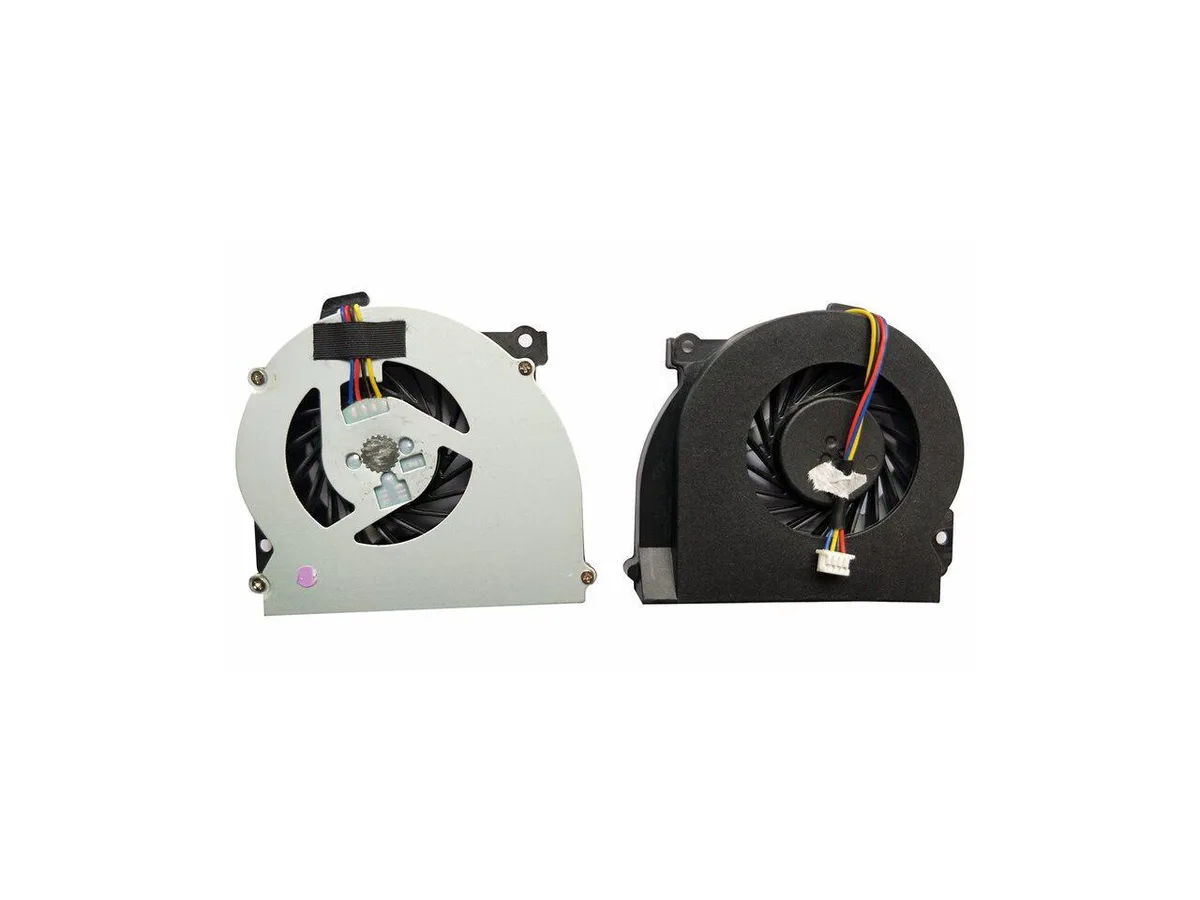
Replacement CPU cooling fan for HP EliteBook 2560 and 2570 series laptops, part number 651378-001
This new CPU cooling fan is built for the HP EliteBook 2560, 2560P, 2570 and 2570p series. It matches the original 651378-001 part number so the notebook runs at the thermal level the manufacturer intended. Install it when the stock cooler fails or becomes noisy.
The swap is worth it when the existing fan spins loudly, overheats the chassis or stops entirely. It restores the factory cooling profile without changing the form factor. Buyers who need a higher airflow design or a different mounting layout should look elsewhere.
Tälle tuotteelle ei ole vielä julkaistu teknisiä tietoja.
Yes, it is designed for the EliteBook 2560 and 2560p series.
Remove the old cooler, clean the CPU surface, apply fresh thermal paste, then secure the new fan and reconnect its cable.
Myös tällä osastolla
Sama osasto, sama kassa — kahdeksan kryptovaluuttaa ja 30 minuutin kurssilukko.
Valuutta, jolla maksetaan, sekä valuutta, jossa hinnat näytetään.
Lähetetään lompakostasi kassalla
Vain näyttöä varten — hinnat ovat Yhdysvaltain dollareissa
Valuuttaa ei löytynyt.
Valitse kieli, jolla sivusto puhuu sinulle.
Uusi täällä?
Onko sinulla jo tili?
Automaattista palautusta ei ole: kauppa ei lähetä sähköpostia lainkaan, joten kertakäyttöistä linkkiä ei ole mistä pyytää. Jätä osoite tilille, niin se käsitellään käsin.
Pyyntö kirjattu
Mikään ei ole tulossa sähköpostiisi — tämä kauppa ei lähetä sähköpostia lainkaan. Joku käsittelee nämä pyynnöt käsin.
Muistitko sen?


