

SanDisk
SanDisk Cruzer Blade 8 GB USB 2.0 USB flash drive Black SDCZ50-008G-B35
391,99 $
0.00499675BTC
VarastossaHyväksymme kryptoa — hallussasi olevat kolikot voivat näin ostaa oikeaa laitteistoa.Maksa kryptolla, käytä se oikeaan laitteistoon. Ilmainen vakuutettu toimitus maailmanlaajuisesti yli 399 $. Neutraalit, tuotemerkittömät ulkopakkaukset, lähetetään Saksasta.Ilmainen vakuutettu toimitus yli 399 $. Kurssisi lukitaan 30 minuutiksi heti, kun kassa avautuu.Kurssi lukittu 30 minuutiksi. Jokainen tuote on sinetöity, sen sarjanumero on tarkistettu, ja sillä on 24 kuukauden takuu.Sinetöity, 24 kuukauden takuu.
SAMSUNG
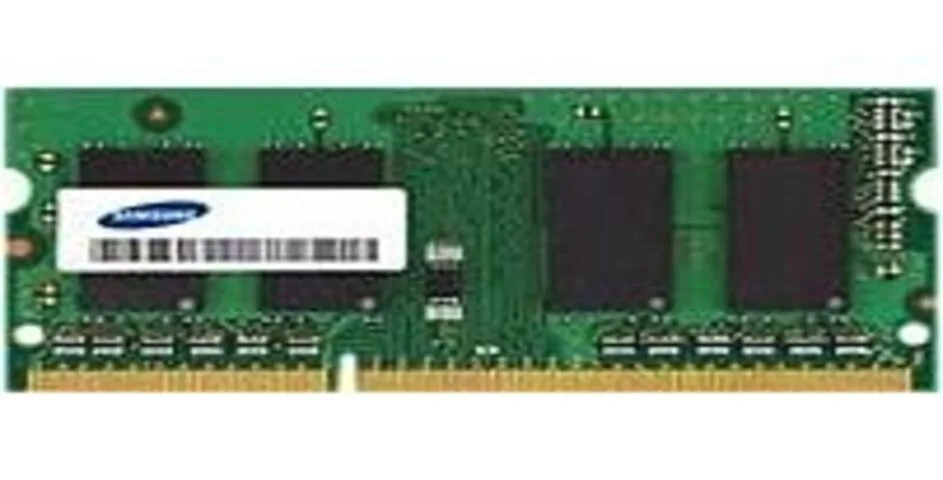
8 GB DDR4-2400 SO-DIMM module with 260 pins for desktop upgrades
This Samsung module adds 8 GB of DDR4 memory at 2400 MT/s. It uses the 260-pin SO-DIMM form factor intended for notebook and small-form-factor systems. Builders upgrading a compatible platform can install it to increase multitasking headroom. The part number is M471A1K43BB1CRC.
Standard DDR4 SO-DIMM modules run cool without active cooling in typical workloads. Power draw stays low during everyday tasks such as browsing and office applications. The stick produces no audible noise because it has no moving parts. Thermal output remains modest inside a properly ventilated chassis.
Tälle tuotteelle ei ole vielä julkaistu teknisiä tietoja.
Align the notch with the slot key, insert at an angle, then press down firmly until both side clips click; the step often missed is verifying both clips fully lock.
No scheduled maintenance is required; replacement is only necessary if a memory test reports errors or the system fails to boot with the module installed.
Myös tällä osastolla
Sama osasto, sama kassa — kahdeksan kryptovaluuttaa ja 30 minuutin kurssilukko.
Valuutta, jolla maksetaan, sekä valuutta, jossa hinnat näytetään.
Lähetetään lompakostasi kassalla
Vain näyttöä varten — hinnat ovat Yhdysvaltain dollareissa
Valuuttaa ei löytynyt.
Valitse kieli, jolla sivusto puhuu sinulle.
Ei vastaavaa kieltä.
Uusi täällä?
Onko sinulla jo tili?
Automaattista palautusta ei ole: kauppa ei lähetä sähköpostia lainkaan, joten kertakäyttöistä linkkiä ei ole mistä pyytää. Jätä osoite tilille, niin se käsitellään käsin.
Pyyntö kirjattu
Mikään ei ole tulossa sähköpostiisi — tämä kauppa ei lähetä sähköpostia lainkaan. Joku käsittelee nämä pyynnöt käsin.
Muistitko sen?



