

NEMIX RAM
NEMIX RAM DDR5-5600 2TB (16x128GB) ECC RDIMM CL46 1.1V Supermicro H14SST-G memory upgrade
- 2TB (16 x 128GB)
- 288-Pin DDR5 RDIMM
62.908,99 USD
0.78422536BTC
DisponibileAccettiamo criptovalute — così le crypto che Lei possiede possono comprare hardware reale.Paghi in crypto, la spenda in hardware reale. Spedizione assicurata gratuita in tutto il mondo oltre i 399 $. Cartoni neutri, senza marchio, spediti dalla Germania.Spedizione assicurata gratuita oltre i 399 $. Il Suo tasso resta bloccato per 30 minuti dall’apertura del checkout.Tasso bloccato 30 minuti. Ogni articolo è sigillato, il numero di serie è verificato, ed è coperto da una garanzia di 24 mesi.Sigillato, garantito 24 mesi.
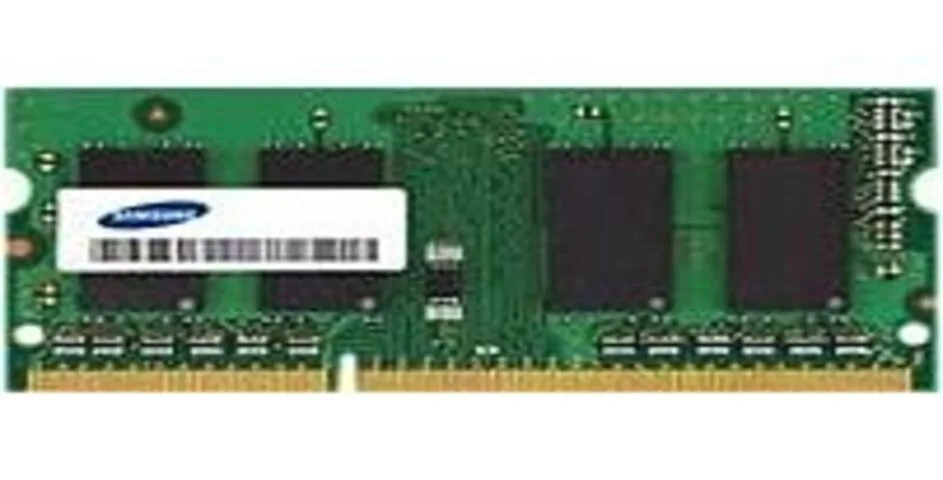
SAMSUNG
8 GB DDR4-2400 SO-DIMM module with 260 pins for desktop upgrades
This Samsung module adds 8 GB of DDR4 memory at 2400 MT/s. It uses the 260-pin SO-DIMM form factor intended for notebook and small-form-factor systems. Builders upgrading a compatible platform can install it to increase multitasking headroom. The part number is M471A1K43BB1CRC.
Standard DDR4 SO-DIMM modules run cool without active cooling in typical workloads. Power draw stays low during everyday tasks such as browsing and office applications. The stick produces no audible noise because it has no moving parts. Thermal output remains modest inside a properly ventilated chassis.
Nessuna caratteristica ancora pubblicata per questo articolo.
Align the notch with the slot key, insert at an angle, then press down firmly until both side clips click; the step often missed is verifying both clips fully lock.
No scheduled maintenance is required; replacement is only necessary if a memory test reports errors or the system fails to boot with the module installed.
Anche in questo reparto
Stesso reparto, stessa cassa — otto monete e un cambio bloccato per 30 minuti.
Cosa invia per pagare, e in quale valuta legge i prezzi.
Inviato dal Suo portafoglio alla cassa
Solo a titolo indicativo — il catalogo è espresso in dollari
Nessuna valuta corrisponde.
Scelga la lingua in cui il sito Le parla.
Prima visita?
Ne ha già uno?
Non esiste un ripristino automatico: questo negozio non invia e-mail, quindi non esiste alcun link monouso da richiedere. Lasci l’indirizzo sull’account: verrà gestito manualmente.
Richiesta registrata
Non arriverà nulla nella Sua casella di posta — questo negozio non invia e-mail. Qualcuno se ne occupa manualmente.
L’ha ritrovata?


