
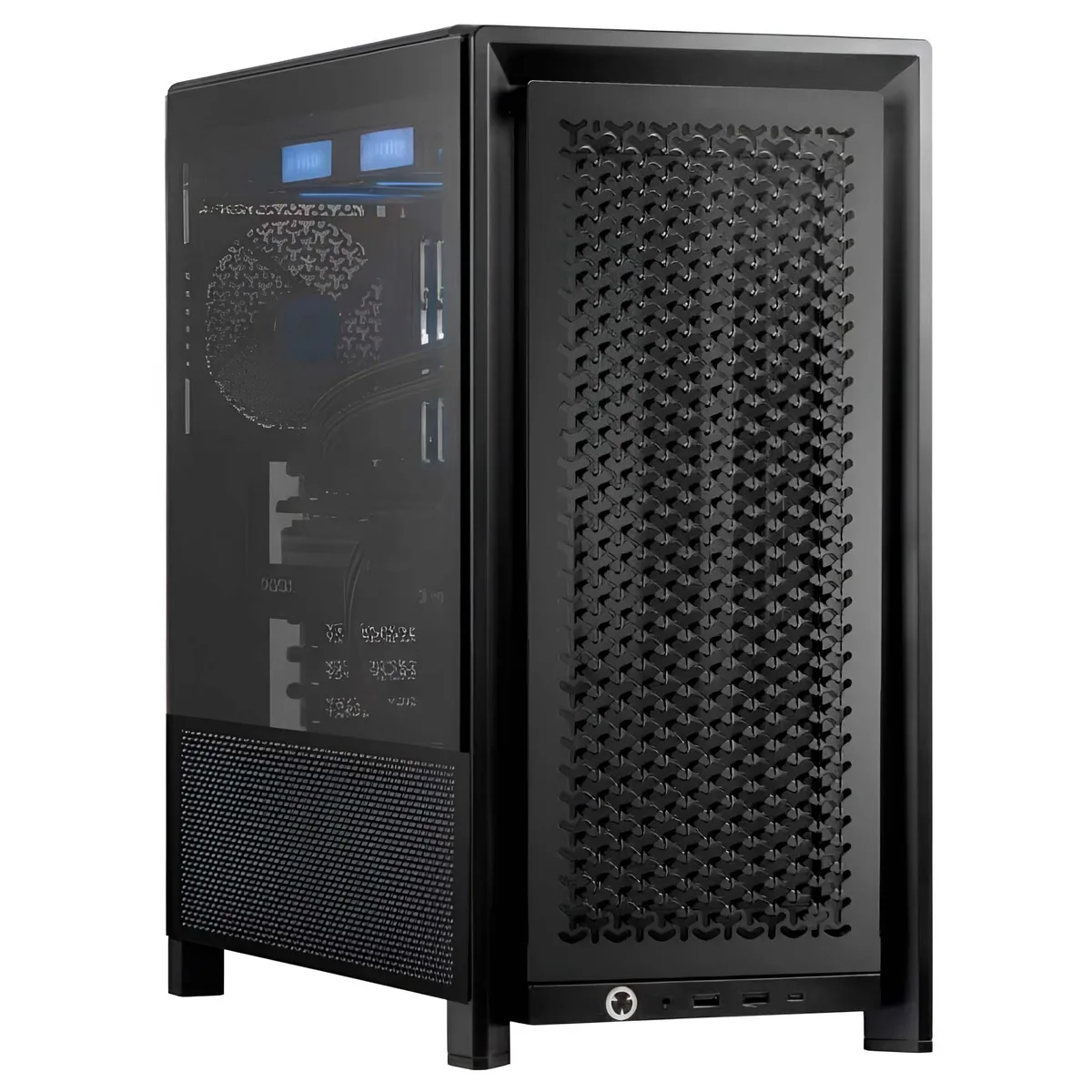
Adamant Custom
Adamant Custom Business Desktop Ryzen 7 9800X3D 128GB 8TB NVMe 10TB HDD RTX PRO 5000 Blackwell
- 2026
- Business Desktops &…
11,040.99 $
0.14243866BTC
במלאיאנחנו מקבלים תשלום בקריפטו — כך שמטבעות הקריפטו שברשותך יכולים לקנות ציוד אמיתי.שלם בקריפטו, קנה איתו ציוד אמיתי. משלוח חינם ומבוטח לכל העולם מעל 399 $. קרטונים ניטרליים וללא מיתוג, נשלחים מגרמניה.משלוח חינם ומבוטח מעל 399 $. השער שלך ננעל ל-30 דקות מרגע פתיחת הקופה.שער נעול ל-30 דקות. כל פריט אטום, המספר הסידורי שלו נבדק, והוא מכוסה באחריות ל-24 חודשים.אטום, באחריות ל-24 חודשים.


DELL
A 32 GB microSD card tested with updated firmware for Dell server systems
This Dell G4VKH microSD card provides 32 GB of storage in a compact form factor designed for server environments. It ships new with firmware already updated and components tested. The card fits Dell rack-mounted systems that use an internal microSD slot for boot media or configuration storage. It is a direct replacement part for compatible Dell PowerEdge servers.
If the original card has failed or was never installed, this module restores the server's ability to boot from internal flash or store firmware logs. The upgrade is worthwhile when the server requires a reliable, vendor-qualified microSD card for its dedicated internal slot. It is not suited for general-purpose external storage, high-speed media capture, or devices that require full-size SD cards.
| Brand | DELL |
|---|---|
| Model | G4VKH |
| Type | Rack |
The card fits a standard microSD slot found in compatible Dell server internal readers.
Insert the card into the server internal microSD reader until it clicks; the step often missed is enabling the internal SD module in the server BIOS before the OS sees the storage.
גם במדף הזה
אותו מדף, אותה קופה — שמונה מטבעות קריפטו ונעילת שער ל-30 דקות.
באיזה מטבע משלמים, ובאיזה מטבע מוצגים המחירים.
נשלח מהארנק שלך בקופה
לתצוגה בלבד — הקטלוג מתומחר בדולר ארה״ב
לא נמצא מטבע מתאים.
בחר את השפה שבה האתר פונה אליך.
חדש כאן?
כבר יש לך חשבון?
אין כאן איפוס אוטומטי: החנות הזו לא שולחת אימייל, ולכן אין קישור חד-פעמי לבקש. השאר את הכתובת בחשבון, והיא תטופל ידנית.
הבקשה נקלטה
שום דבר לא בדרך לתיבת האימייל שלך — החנות הזו לא שולחת אימייל בכלל. מישהו אוסף את הבקשות האלה ידנית.
נזכרת בה?


