

NEMIX RAM
NEMIX RAM DDR5-5600 2TB (16x128GB) ECC RDIMM CL46 1.1V Supermicro H14SST-G memory upgrade
- 2TB (16 x 128GB)
- 288-Pin DDR5 RDIMM
62 908,99 USD
0.79236454BTC
RaktáronElfogadjuk a kriptovalutát — így az Ön birtokában lévő érmékből valódi hardvert vásárolhat.Fizessen kriptóval, és költse el valódi hardverre. 399 $ felett világszerte díjmentes a biztosított szállítás. Egyszerű, jelöletlen külső kartonok, Németországból küldve.399 $ felett díjmentes a biztosított szállítás. Az Ön árfolyama a pénztár megnyitásától számított 30 percre zárolva marad.Árfolyam zárolva 30 percre. Minden termék gyárilag zárt, sorozatszáma ellenőrzött, és 24 hónapos garancia fedezi.Zárt csomagolás, 24 hónap garancia.
HP
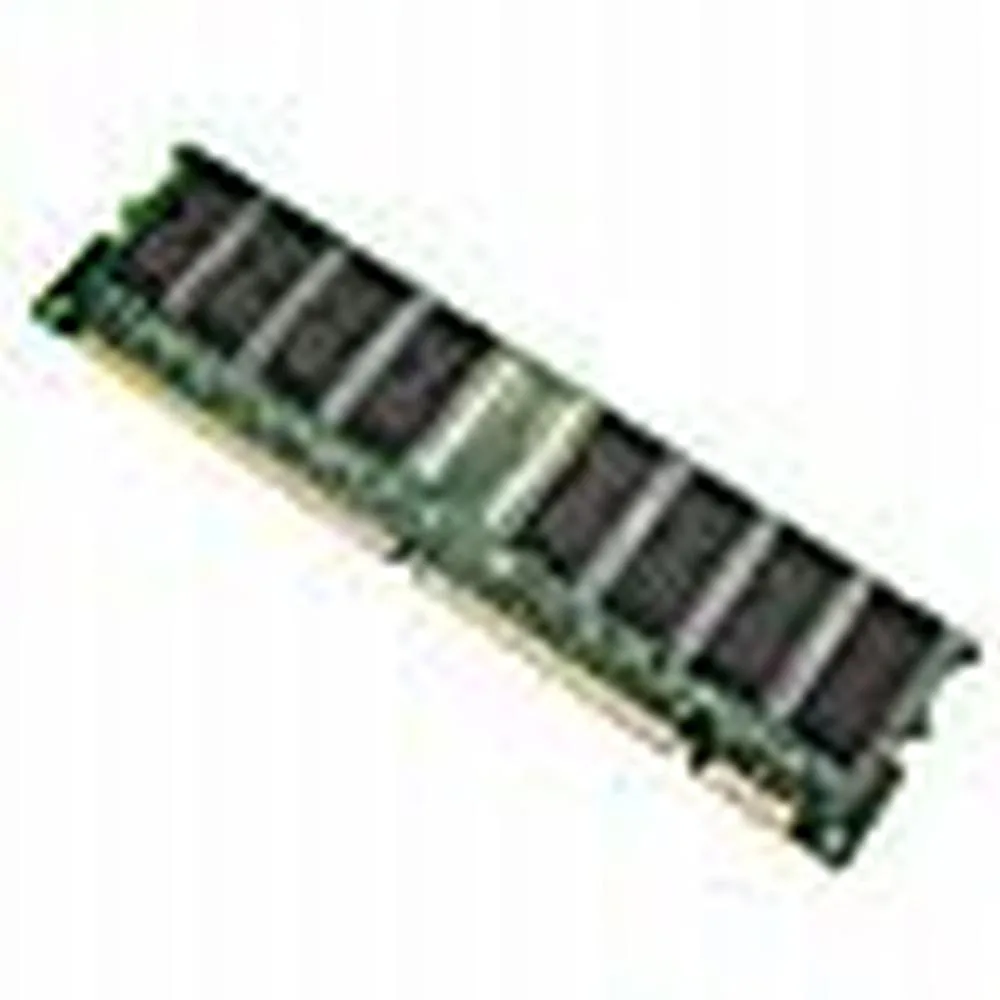
128 MB desktop module running at 133 MHz with CL3 latency on a 168-pin DIMM
This is a 128 MB desktop memory module built to the PC133 standard and running at 133 MHz. It uses a 168-pin DIMM form factor with non-ECC unbuffered chips and a CL3 latency rating.
It replaces older SDRAM sticks that run at slower bus speeds or have lower density. The jump is worth it when a legacy motherboard explicitly supports PC133 and needs a single 128 MB module to reach its maximum memory limit.
Ehhez a termékhez egyelőre nincs közzétett műszaki adat.
This module uses the standard 168-pin DIMM form factor used by desktop motherboards that accept PC133 SDRAM; align the notches with the slot keys before pressing down until the retention clips click.
Power off the PC and unplug it, open the case, line up the 168-pin module with the slot, press firmly until both side clips snap shut, then power on and verify the BIOS reports the full 128MB at 133MHz.
Szintén ezen a polcon
Ugyanaz a polc, ugyanaz a pénztár — nyolc pénznem és 30 perces árfolyamzár.
Amivel fizet, és amiben az árakat olvassa.
A pénztárnál küldi el a tárcájából
Csak tájékoztató jellegű — a katalógus dollárban van árazva
Nincs ilyen pénznem.
Válassza ki, milyen nyelven szóljon Önhöz az oldal.
Először jár itt?
Már van fiókja?
Nincs automatikus visszaállítás: ez a bolt nem küld e-mailt, tehát nincs kérhető egyszer használatos link. Hagyja meg a fiókhoz tartozó címet, azt valaki kézzel átnézi.
Kérés rögzítve
Semmi nem érkezik a postafiókjába — ez a bolt egyáltalán nem küld e-mailt. Ezeket valaki kézzel intézi.
Eszébe jutott?


