

NEMIX RAM
NEMIX RAM DDR5-5600 2TB (16x128GB) ECC RDIMM CL46 1.1V Supermicro H14SST-G memory upgrade
- 2TB (16 x 128GB)
- 288-Pin DDR5 RDIMM
62.908,99 USD
0.7874254BTC
În stocAcceptăm criptomonede — astfel, criptomonedele pe care le dețineți pot cumpăra echipamente reale.Plătiți în cripto, cheltuiți-o pe echipamente reale. Livrare asigurată gratuită oriunde în lume peste 399 $. Cartoane neutre, fără marcă, expediate din Germania.Livrare asigurată gratuită peste 399 $. Cursul dumneavoastră este blocat timp de 30 de minute de la deschiderea paginii de plată.Curs blocat 30 de minute. Fiecare articol este sigilat, numărul de serie este verificat, iar produsul este acoperit de o garanție de 24 de luni.Sigilat, garantat 24 de luni.
HP
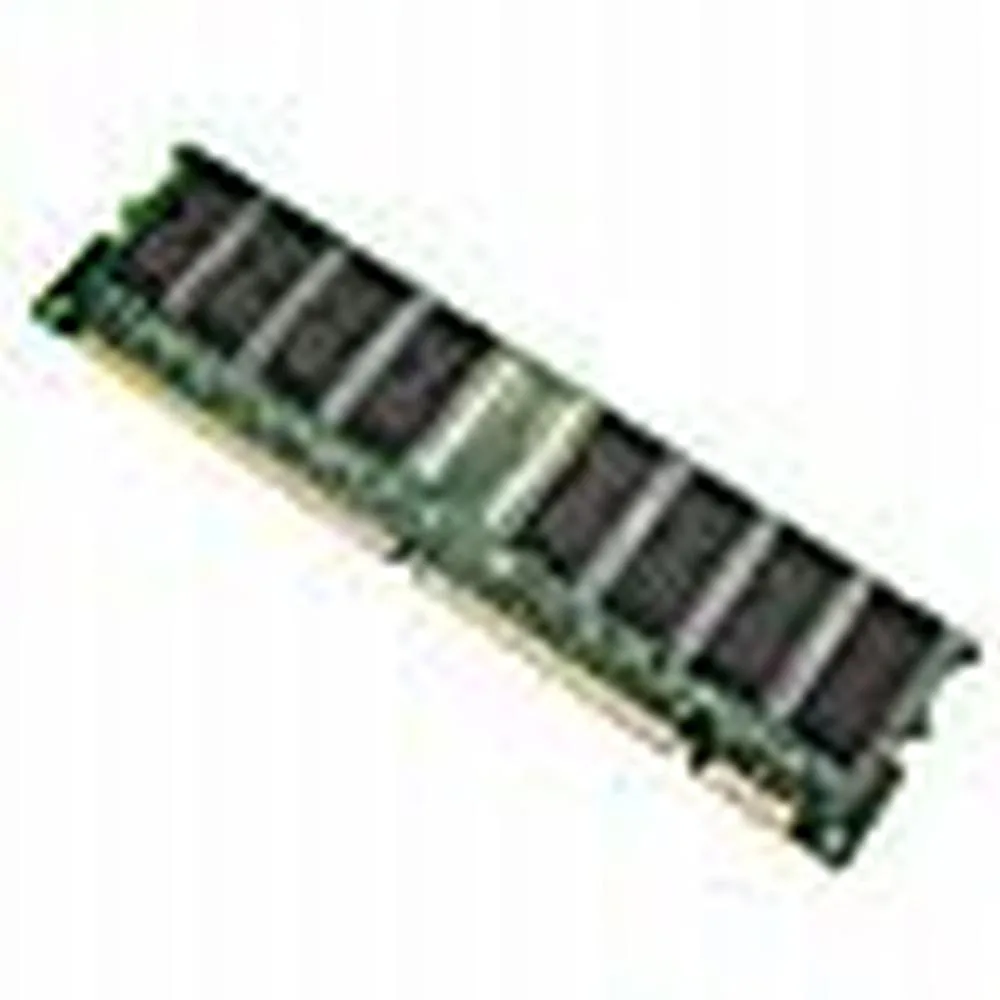
128 MB desktop module running at 133 MHz with CL3 latency on a 168-pin DIMM
This is a 128 MB desktop memory module built to the PC133 standard and running at 133 MHz. It uses a 168-pin DIMM form factor with non-ECC unbuffered chips and a CL3 latency rating.
It replaces older SDRAM sticks that run at slower bus speeds or have lower density. The jump is worth it when a legacy motherboard explicitly supports PC133 and needs a single 128 MB module to reach its maximum memory limit.
Nicio specificație publicată pentru acest articol deocamdată.
This module uses the standard 168-pin DIMM form factor used by desktop motherboards that accept PC133 SDRAM; align the notches with the slot keys before pressing down until the retention clips click.
Power off the PC and unplug it, open the case, line up the 168-pin module with the slot, press firmly until both side clips snap shut, then power on and verify the BIOS reports the full 128MB at 133MHz.
Tot din acest raion
Același raion, aceeași finalizare a comenzii — opt monede și un curs blocat 30 de minute.
În ce monedă plătiți și în ce monedă citiți prețurile.
Trimis din portofelul dumneavoastră la finalizarea comenzii
Doar pentru afișare — catalogul este exprimat în dolari
Nicio monedă nu corespunde.
Alegeți limba în care vă vorbește site-ul.
Prima vizită?
Aveți deja un cont?
Nu există o resetare automată: acest magazin nu trimite niciun e-mail, deci nu există niciun link de unică folosință de solicitat. Lăsați adresa în cont. Va fi tratată manual.
Cerere înregistrată
Nu veți primi nimic în căsuța de e-mail — acest magazin nu trimite niciun e-mail. Cineva se ocupă de asta manual.
V-ați amintit-o?


