

NEMIX RAM
NEMIX RAM DDR5-5600 2TB (16x128GB) ECC RDIMM CL46 1.1V Supermicro H14SST-G memory upgrade
- 2TB (16 x 128GB)
- 288-Pin DDR5 RDIMM
62.908,99 $
0.78597921BTC
Auf LagerWir akzeptieren Kryptowährungen — so können die Coins, die Sie besitzen, echte Hardware kaufen.Zahlen Sie mit Krypto, geben Sie sie für echte Hardware aus. Weltweit kostenloser versicherter Versand ab 399 $. Neutrale Kartons ohne Markenaufdruck, versendet aus Deutschland.Kostenloser versicherter Versand ab 399 $. Ihr Kurs wird 30 Minuten lang gesperrt, sobald die Kasse geöffnet wird.Kurs 30 Minuten gesperrt. Jeder Artikel ist versiegelt, die Seriennummer wird geprüft, und es gilt eine Garantie von 24 Monaten.Versiegelt, 24 Monate Garantie.
HP
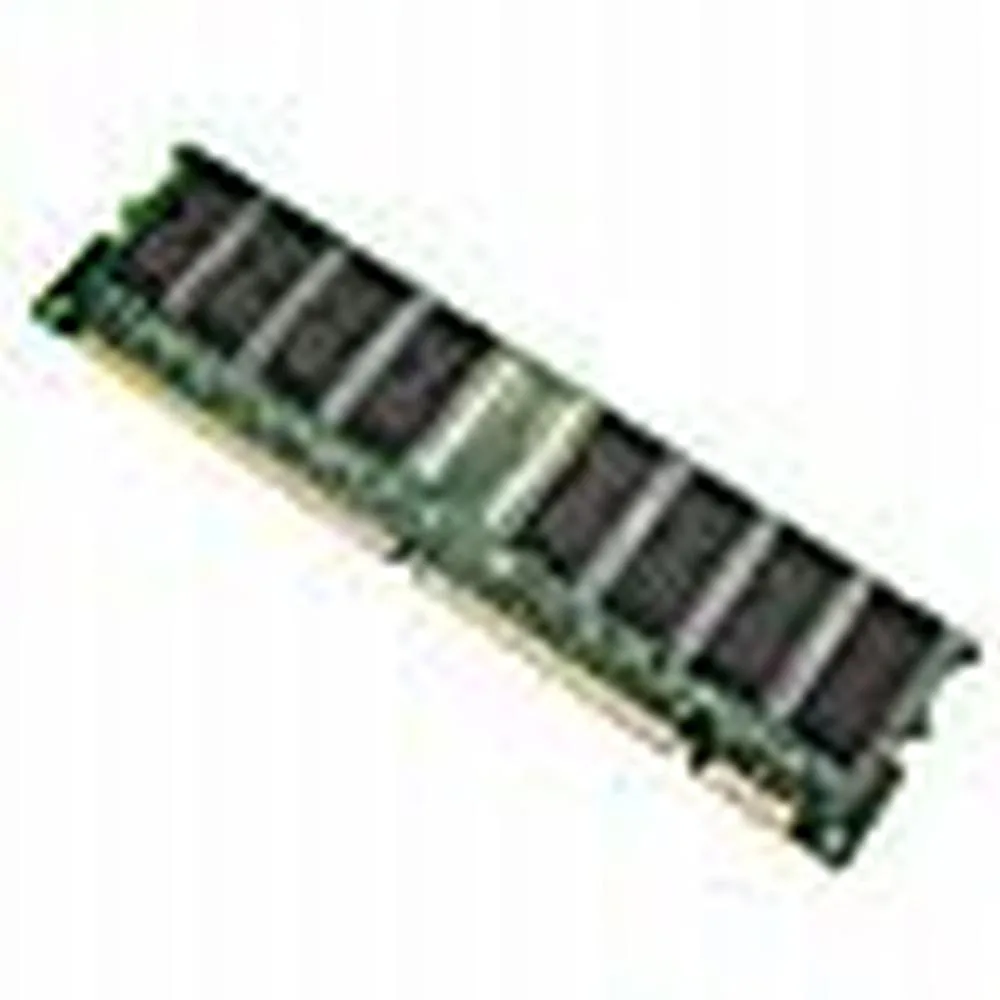
128 MB desktop module running at 133 MHz with CL3 latency on a 168-pin DIMM
This is a 128 MB desktop memory module built to the PC133 standard and running at 133 MHz. It uses a 168-pin DIMM form factor with non-ECC unbuffered chips and a CL3 latency rating.
It replaces older SDRAM sticks that run at slower bus speeds or have lower density. The jump is worth it when a legacy motherboard explicitly supports PC133 and needs a single 128 MB module to reach its maximum memory limit.
Für diesen Artikel sind noch keine technischen Daten veröffentlicht.
This module uses the standard 168-pin DIMM form factor used by desktop motherboards that accept PC133 SDRAM; align the notches with the slot keys before pressing down until the retention clips click.
Power off the PC and unplug it, open the case, line up the 168-pin module with the slot, press firmly until both side clips snap shut, then power on and verify the BIOS reports the full 128MB at 133MHz.
Ebenfalls in dieser Kategorie
Gleiche Abteilung, gleiche Kasse — acht Kryptowährungen und ein für 30 Minuten fixierter Kurs.
Womit Sie bezahlen und in welcher Währung Sie die Preise sehen.
Wird von Ihrem Wallet an der Kasse gesendet
Nur zur Anzeige — der Katalog ist in US-Dollar ausgezeichnet
Keine passende Währung gefunden.
Wählen Sie die Sprache, in der die Seite mit Ihnen spricht.
Neu hier?
Haben Sie bereits eins?
Es gibt keine automatische Zurücksetzung: Dieser Shop versendet keine E-Mails, daher gibt es auch keinen Einmal-Link, den Sie anfordern könnten. Lassen Sie die im Konto hinterlegte Adresse stehen, sie wird von Hand bearbeitet.
Anfrage vermerkt
Es ist nichts auf dem Weg in Ihr Postfach — dieser Shop versendet grundsätzlich keine E-Mails. Jemand bearbeitet diese Anfragen von Hand.
Wieder eingefallen?


