

NEMIX RAM
NEMIX RAM DDR5-5600 2TB (16x128GB) ECC RDIMM CL46 1.1V Supermicro H14SST-G memory upgrade
- 2TB (16 x 128GB)
- 288-Pin DDR5 RDIMM
62.908,99 USD
0.79300378BTC
Na zalihiPrihvaćamo kriptovalute — tako kriptovalute koje posjedujete mogu kupiti pravi hardver.Plaćajte kriptovalutom, trošite je na pravi hardver. Besplatna osigurana dostava diljem svijeta iznad 399 $. Obični vanjski kartoni bez oznaka, otpremaju se iz Njemačke.Besplatna osigurana dostava iznad 399 $. Vaš je tečaj blokiran 30 minuta od otvaranja blagajne.Tečaj blokiran 30 minuta. Svaki je artikl zapečaćen, njegov serijski broj provjeren, i pokriven jamstvom od 24 mjeseca.Zapečaćen, jamstvo 24 mjeseca.
HP
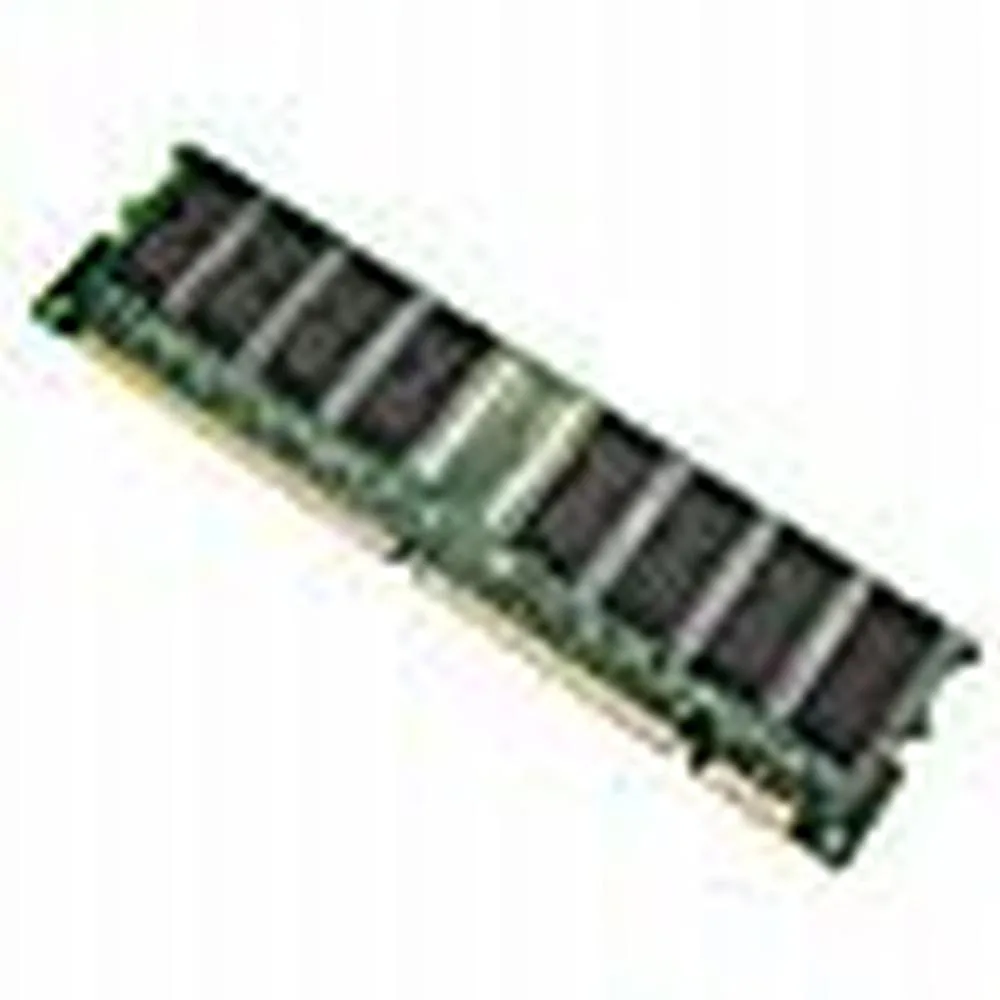
128 MB desktop module running at 133 MHz with CL3 latency on a 168-pin DIMM
This is a 128 MB desktop memory module built to the PC133 standard and running at 133 MHz. It uses a 168-pin DIMM form factor with non-ECC unbuffered chips and a CL3 latency rating.
It replaces older SDRAM sticks that run at slower bus speeds or have lower density. The jump is worth it when a legacy motherboard explicitly supports PC133 and needs a single 128 MB module to reach its maximum memory limit.
Za ovaj artikl još nisu objavljene specifikacije.
This module uses the standard 168-pin DIMM form factor used by desktop motherboards that accept PC133 SDRAM; align the notches with the slot keys before pressing down until the retention clips click.
Power off the PC and unplug it, open the case, line up the 168-pin module with the slot, press firmly until both side clips snap shut, then power on and verify the BIOS reports the full 128MB at 133MHz.
Također u ovoj kategoriji
Ista polica, ista blagajna — osam valuta i blokada tečaja na 30 minuta.
Ono što šaljete, i ono u čemu gledate cijene.
Poslano iz Vašeg novčanika na blagajni
Samo prikaz — katalog je izražen u dolarima
Nijedna valuta ne odgovara.
Odaberite jezik na kojem Vam se stranica obraća.
Novi ste ovdje?
Već imate račun?
Ne postoji automatsko resetiranje: ova trgovina ne šalje e-poštu, stoga ne postoji jednokratna poveznica koju biste mogli zatražiti. Ostavite adresu uz svoj račun, netko će je ručno obraditi.
Zahtjev zaprimljen
Ništa neće stići u Vaš pretinac e-pošte — ova trgovina uopće ne šalje e-poštu. Netko će to ručno preuzeti.
Sjetili ste se?


