

NEMIX RAM
NEMIX RAM DDR5-5600 2TB (16x128GB) ECC RDIMM CL46 1.1V Supermicro H14SST-G memory upgrade
- 2TB (16 x 128GB)
- 288-Pin DDR5 RDIMM
62.908,99 $
0.81343975BTC
Na zalogiSprejemamo kriptovalute — tako lahko sredstva, ki jih imate, kupijo pravo strojno opremo.Plačajte v kriptovaluti, zapravite jo za pravo strojno opremo. Brezplačna zavarovana dostava po vsem svetu nad 399 $. Nevtralni kartoni brez znamke, poslani iz Nemčije.Brezplačna zavarovana dostava nad 399 $. Vaš tečaj je zaklenjen za 30 minut, takoj ko se odpre blagajna.Tečaj zaklenjen 30 minut. Vsak izdelek je zapečaten, njegova serijska številka preverjena, in krit z 24-mesečno garancijo.Zapečateno, 24-mesečna garancija.
HP
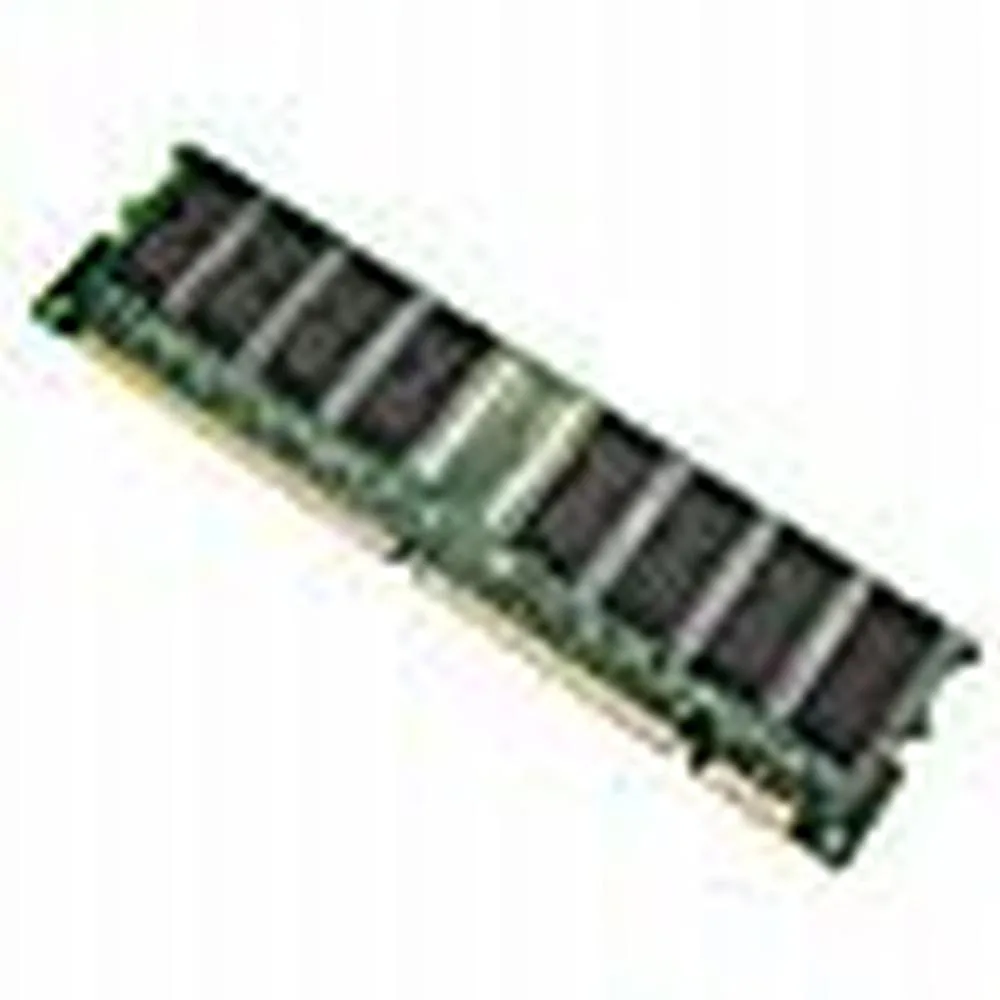
128 MB desktop module running at 133 MHz with CL3 latency on a 168-pin DIMM
This is a 128 MB desktop memory module built to the PC133 standard and running at 133 MHz. It uses a 168-pin DIMM form factor with non-ECC unbuffered chips and a CL3 latency rating.
It replaces older SDRAM sticks that run at slower bus speeds or have lower density. The jump is worth it when a legacy motherboard explicitly supports PC133 and needs a single 128 MB module to reach its maximum memory limit.
Za ta izdelek še ni objavljenih specifikacij.
This module uses the standard 168-pin DIMM form factor used by desktop motherboards that accept PC133 SDRAM; align the notches with the slot keys before pressing down until the retention clips click.
Power off the PC and unplug it, open the case, line up the 168-pin module with the slot, press firmly until both side clips snap shut, then power on and verify the BIOS reports the full 128MB at 133MHz.
Tudi v tem oddelku
Ista polica, ista blagajna — osem kriptovalut in 30-minutni zaklep tečaja.
V čem plačujete in v čem berete cene.
Poslano iz Vaše denarnice ob blagajni
Samo za prikaz — katalog je cenovno izražen v dolarjih
Nobena valuta ne ustreza.
Izberite jezik, v katerem Vam govori spletna stran.
Prvič tu?
Že imate račun?
Samodejne ponastavitve ni: ta trgovina ne pošilja e-pošte, zato ni enkratne povezave, ki bi jo lahko zahtevali. Pustite naslov na računu — nekdo ga bo obravnaval ročno.
Zahteva zabeležena
V Vašo elektronsko pošto ne prihaja nič — ta trgovina ne pošilja nobene e-pošte. Zahteve nekdo obravnava ročno.
Ste se spomnili?


