

NEMIX RAM
NEMIX RAM DDR5-5600 2TB (16x128GB) ECC RDIMM CL46 1.1V Supermicro H14SST-G memory upgrade
- 2TB (16 x 128GB)
- 288-Pin DDR5 RDIMM
62 908,99 щ.д.
0.79290383BTC
В наличностПриемаме криптовалута — така монетите, които притежавате, могат да купят истински хардуер.Платете с крипто, похарчете го за истински хардуер. Безплатна застрахована доставка по целия свят над 399 $. Неутрални кашони без марка, изпратени от Германия.Безплатна застрахована доставка над 399 $. Курсът Ви е заключен за 30 минути веднага след отварянето на касата.Курс, заключен за 30 минути. Всеки артикул е запечатан, серийният му номер е проверен, и е покрит с 24-месечна гаранция.Запечатан, 24-месечна гаранция.
HP
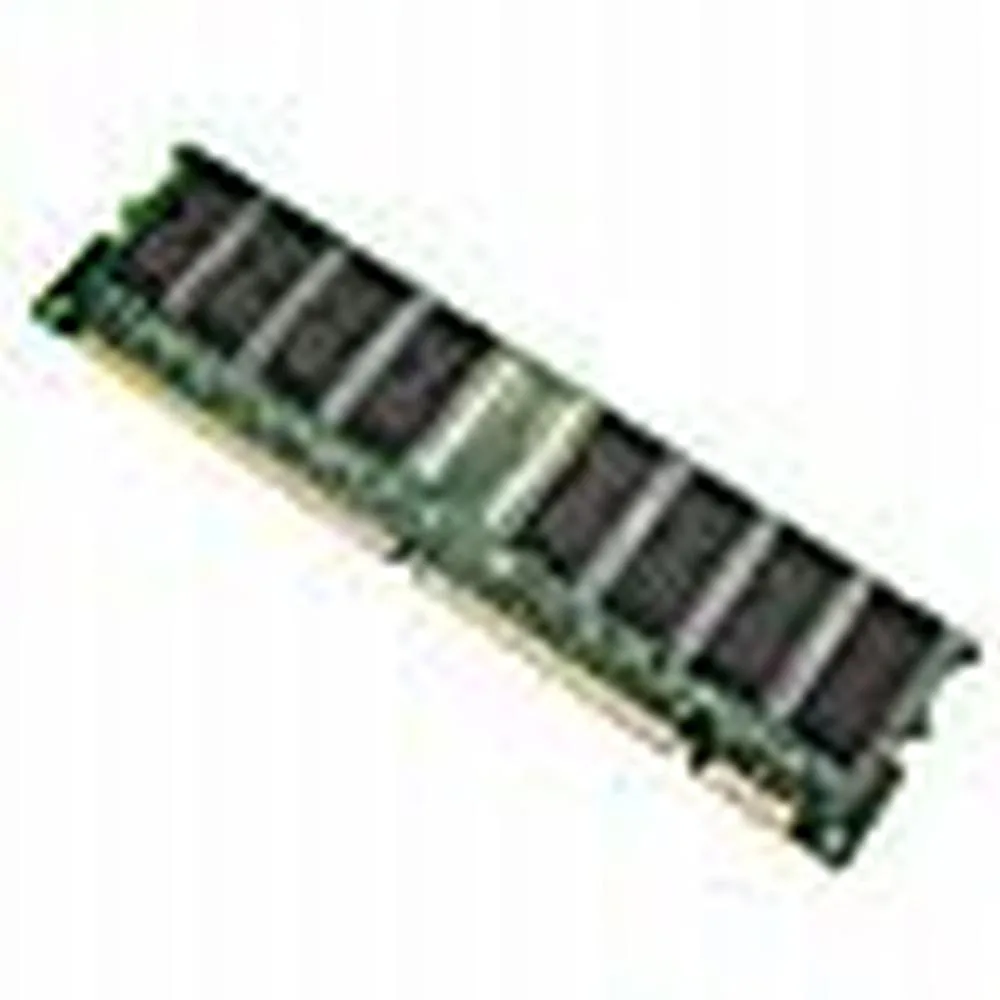
128 MB desktop module running at 133 MHz with CL3 latency on a 168-pin DIMM
This is a 128 MB desktop memory module built to the PC133 standard and running at 133 MHz. It uses a 168-pin DIMM form factor with non-ECC unbuffered chips and a CL3 latency rating.
It replaces older SDRAM sticks that run at slower bus speeds or have lower density. The jump is worth it when a legacy motherboard explicitly supports PC133 and needs a single 128 MB module to reach its maximum memory limit.
Все още няма публикувани спецификации за този артикул.
This module uses the standard 168-pin DIMM form factor used by desktop motherboards that accept PC133 SDRAM; align the notches with the slot keys before pressing down until the retention clips click.
Power off the PC and unplug it, open the case, line up the 168-pin module with the slot, press firmly until both side clips snap shut, then power on and verify the BIOS reports the full 128MB at 133MHz.
Още от този рафт
Същият рафт, същата каса — осем монети и заключване на курса за 30 минути.
Това, което изпращате, и това, в което четете цените.
Изпратено от Вашия портфейл при поръчката
Само за визуализация — каталогът е в долари
Никоя валута не съответства.
Изберете езика, на който сайтът да Ви говори.
Нови сте тук?
Вече имате профил?
Няма автоматично нулиране: този магазин не изпраща имейли, така че няма еднократна връзка, която да поискате. Оставете адреса в профила си и той ще бъде обработен ръчно.
Заявката е приета
Нищо няма да пристигне във Вашата пощенска кутия — този магазин изобщо не изпраща имейли. Заявките се обработват ръчно.
Спомнихте си я?


