ASUS
ASUS PRIME X870-P WIFI + Ryzen 7 9700X AMD motherboard & CPU combo
- AMD X870
- 4x288pin (DDR5)
718,99 USD
0.00919307BTC
Yra sandėlyjePriimame kriptovaliutą — taip monetos, kurias turite, gali nupirkti tikrą techniką.Mokėkite kriptovaliuta, išleiskite ją tikrai technikai. Nemokamas apdraustas pristatymas visame pasaulyje virš 399 $. Paprastos, be žymų siuntos dėžės, siunčiamos iš Vokietijos.Nemokamas apdraustas pristatymas virš 399 $. Jūsų kursas fiksuojamas 30 minučių, kai tik prasideda atsiskaitymas.Kursas fiksuojamas 30 minučių. Kiekvienas gaminys užplombuotas, jo serijos numeris patikrintas, ir jam taikoma 24 mėnesių garantija.Užplombuota, 24 mėnesių garantija.


ASUS
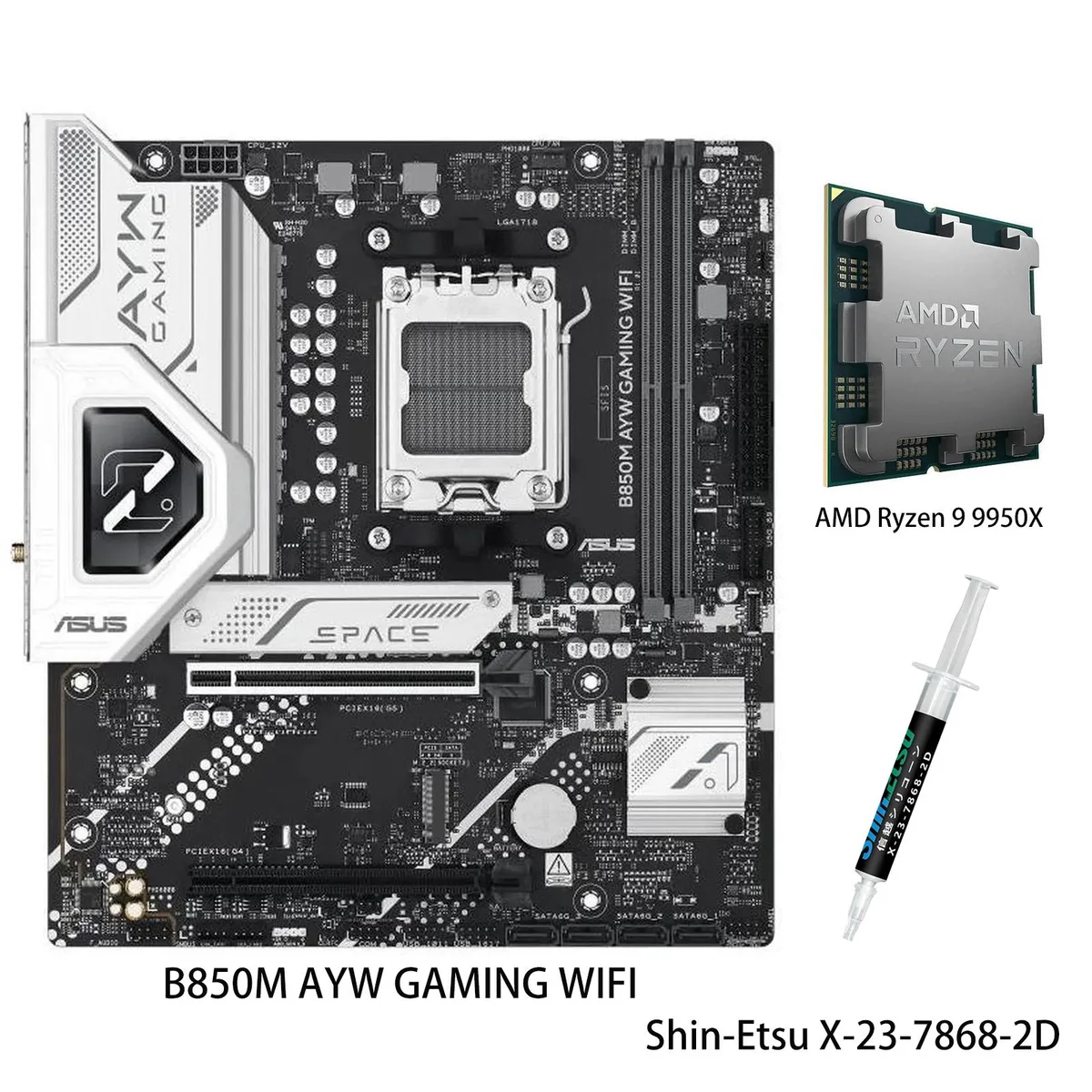
AM5 motherboard and 12-core Ryzen 9 9900X CPU combo with DDR5 support, three M.2 slots, Wi-Fi 6, 2.5Gb Ethernet and USB 40Gbps front Type-C
Motherboard X870 AYW GAMING WIFI W
CPU + R9 9900X
This bundle pairs an ASUS X870 AYW GAMING WIFI W motherboard with a Ryzen 9 9900X processor on the AM5 platform. It targets builders who want a matched CPU and board without separate compatibility checks. The package delivers 12 cores and 24 threads based on the Zen 5 architecture for heavy multitasking and content creation.
AI Intelligent Cooling 2.0 adjusts fan and AIO speeds automatically through Fan Xpert 4, keeping thermals in check during sustained loads. The VRM uses 12 plus 2 plus 1 power stages rated at 80 A each, feeding the unlocked 9900X up to its 5.6 GHz max boost. Wi-Fi 6 and 2.5 Gb Ethernet handle network traffic while multiple heatsinks dissipate heat quietly.
Storage expands across three M.2 slots sharing up to 128 Gbps bandwidth, and the board adds a front-panel USB 20 Gbps Type-C connector plus USB 40 Gbps rear ports. DDR5-5600 memory support and PCIe 5.0 readiness on select slots give headroom for faster drives and GPUs later. The jump makes sense when moving from an older AM4 system or a lower-tier Zen 4 chip that lacks the core count and boost headroom of the 9900X.
| Brand | ASUS |
|---|---|
| Model | X870 AYW GAMING WIFI W+R9 9900X |
| CPU Socket Type | AM5 |
Kiti šio modelio variantai
Ta pati šeima, bet skiriasi atmintis, aušintuvas ar dažnis — palyginkite prieš apsispręsdami.
Align the gold triangle on the CPU with the socket marker, lower it gently without force, and engage the retention arm; the step often missed is removing the protective plastic cover from the socket before placement.
Clean dust from the VRM and M.2 heatsinks every few months, verify fan curves in Fan Xpert 4 after BIOS updates, and replace thermal paste on the CPU if temperatures rise under sustained loads.
The VRM thermal limit typically appears first; the 80A modules can deliver the current, but sustained 5.6 GHz loads heat the heatsinks until Fan Xpert 4 ramps fans to maximum.
Taip pat šiame skyriuje
Ta pati lentyna, tas pats atsiskaitymas — aštuonios monetos ir 30 minučių fiksuotas kursas.
Tai, kuo mokate, ir valiuta, kuria matote kainas.
Išsiunčiama iš Jūsų piniginės atsiskaitant
Tik rodoma — katalogo kainos nurodytos doleriais
Tokios valiutos nerasta.
Pasirinkite kalbą, kuria Jums kalbės svetainė.
Tokios kalbos nerasta.
Pirmą kartą čia?
Jau turite paskyrą?
Automatinio atstatymo nėra: ši parduotuvė nesiunčia jokių el. laiškų, todėl nėra jokios vienkartinės nuorodos, kurios būtų galima paprašyti. Palikite adresą paskyroje, ir juo bus pasirūpinta rankiniu būdu.
Prašymas užfiksuotas
Į Jūsų pašto dėžutę niekas nekeliauja — ši parduotuvė apskritai nesiunčia jokių el. laiškų. Šiuos prašymus kažkas peržiūri rankiniu būdu.
Prisiminėte?