ASUS
ASUS PRIME X870-P WIFI + Ryzen 7 9700X AMD motherboard & CPU combo
- AMD X870
- 4x288pin (DDR5)
718.99 $
0.00921156BTC
במלאיאנחנו מקבלים תשלום בקריפטו — כך שמטבעות הקריפטו שברשותך יכולים לקנות ציוד אמיתי.שלם בקריפטו, קנה איתו ציוד אמיתי. משלוח חינם ומבוטח לכל העולם מעל 399 $. קרטונים ניטרליים וללא מיתוג, נשלחים מגרמניה.משלוח חינם ומבוטח מעל 399 $. השער שלך ננעל ל-30 דקות מרגע פתיחת הקופה.שער נעול ל-30 דקות. כל פריט אטום, המספר הסידורי שלו נבדק, והוא מכוסה באחריות ל-24 חודשים.אטום, באחריות ל-24 חודשים.


ASUS
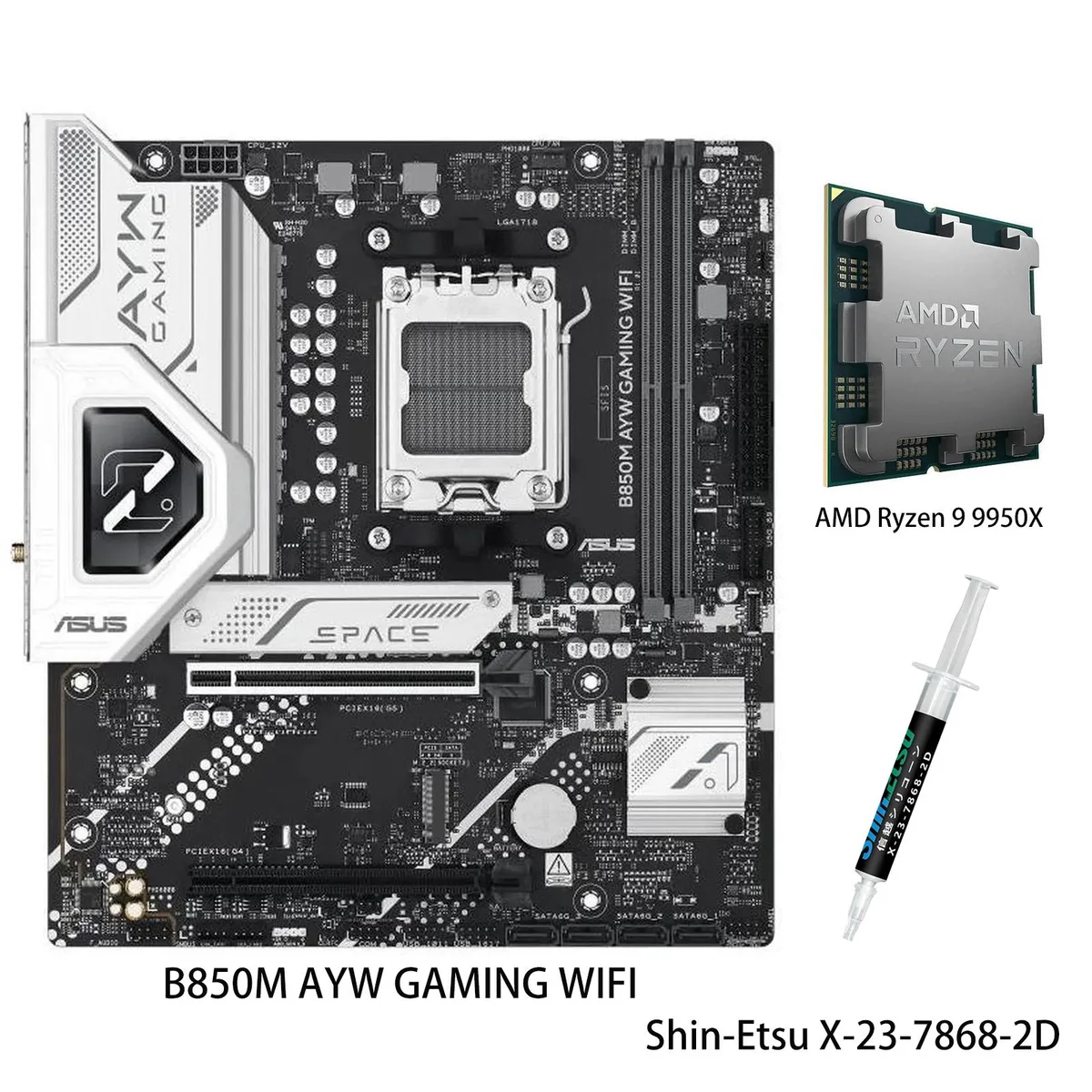
AM5 motherboard and 12-core Ryzen 9 9900X CPU combo with DDR5 support, three M.2 slots, Wi-Fi 6, 2.5Gb Ethernet and USB 40Gbps front Type-C
Motherboard X870 AYW GAMING WIFI W
CPU + R9 9900X
This bundle pairs an ASUS X870 AYW GAMING WIFI W motherboard with a Ryzen 9 9900X processor on the AM5 platform. It targets builders who want a matched CPU and board without separate compatibility checks. The package delivers 12 cores and 24 threads based on the Zen 5 architecture for heavy multitasking and content creation.
AI Intelligent Cooling 2.0 adjusts fan and AIO speeds automatically through Fan Xpert 4, keeping thermals in check during sustained loads. The VRM uses 12 plus 2 plus 1 power stages rated at 80 A each, feeding the unlocked 9900X up to its 5.6 GHz max boost. Wi-Fi 6 and 2.5 Gb Ethernet handle network traffic while multiple heatsinks dissipate heat quietly.
Storage expands across three M.2 slots sharing up to 128 Gbps bandwidth, and the board adds a front-panel USB 20 Gbps Type-C connector plus USB 40 Gbps rear ports. DDR5-5600 memory support and PCIe 5.0 readiness on select slots give headroom for faster drives and GPUs later. The jump makes sense when moving from an older AM4 system or a lower-tier Zen 4 chip that lacks the core count and boost headroom of the 9900X.
| Brand | ASUS |
|---|---|
| Model | X870 AYW GAMING WIFI W+R9 9900X |
| CPU Socket Type | AM5 |
גרסאות נוספות של דגם זה
אותה משפחה, זיכרון, קירור או תדר שונים — השווה לפני שתחליט.
Align the gold triangle on the CPU with the socket marker, lower it gently without force, and engage the retention arm; the step often missed is removing the protective plastic cover from the socket before placement.
Clean dust from the VRM and M.2 heatsinks every few months, verify fan curves in Fan Xpert 4 after BIOS updates, and replace thermal paste on the CPU if temperatures rise under sustained loads.
The VRM thermal limit typically appears first; the 80A modules can deliver the current, but sustained 5.6 GHz loads heat the heatsinks until Fan Xpert 4 ramps fans to maximum.
גם במדף הזה
אותו מדף, אותה קופה — שמונה מטבעות קריפטו ונעילת שער ל-30 דקות.
באיזה מטבע משלמים, ובאיזה מטבע מוצגים המחירים.
נשלח מהארנק שלך בקופה
לתצוגה בלבד — הקטלוג מתומחר בדולר ארה״ב
לא נמצא מטבע מתאים.
בחר את השפה שבה האתר פונה אליך.
אף שפה לא תואמת.
חדש כאן?
כבר יש לך חשבון?
אין כאן איפוס אוטומטי: החנות הזו לא שולחת אימייל, ולכן אין קישור חד-פעמי לבקש. השאר את הכתובת בחשבון, והיא תטופל ידנית.
הבקשה נקלטה
שום דבר לא בדרך לתיבת האימייל שלך — החנות הזו לא שולחת אימייל בכלל. מישהו אוסף את הבקשות האלה ידנית.
נזכרת בה?