ASUS
ASUS PRIME X870-P WIFI + Ryzen 7 9700X AMD motherboard & CPU combo
- AMD X870
- 4x288pin (DDR5)
USD 718.99
0.00913247BTC
Ada stokKami menerima kripto — jadi koin yang anda simpan boleh membeli perkakasan sebenar.Bayar dengan kripto, belanjakannya untuk perkakasan sebenar. Penghantaran berinsurans percuma ke seluruh dunia untuk belian melebihi USD 399. Kotak biasa tanpa jenama, dihantar dari Jerman.Penghantaran berinsurans percuma untuk belian melebihi USD 399. Kadar anda dikunci selama 30 minit sebaik sahaja proses pesanan bermula.Kadar dikunci selama 30 minit. Setiap item disegel, nombor sirinya disemak, dan dilindungi waranti 24 bulan.Disegel, waranti 24 bulan.


ASUS
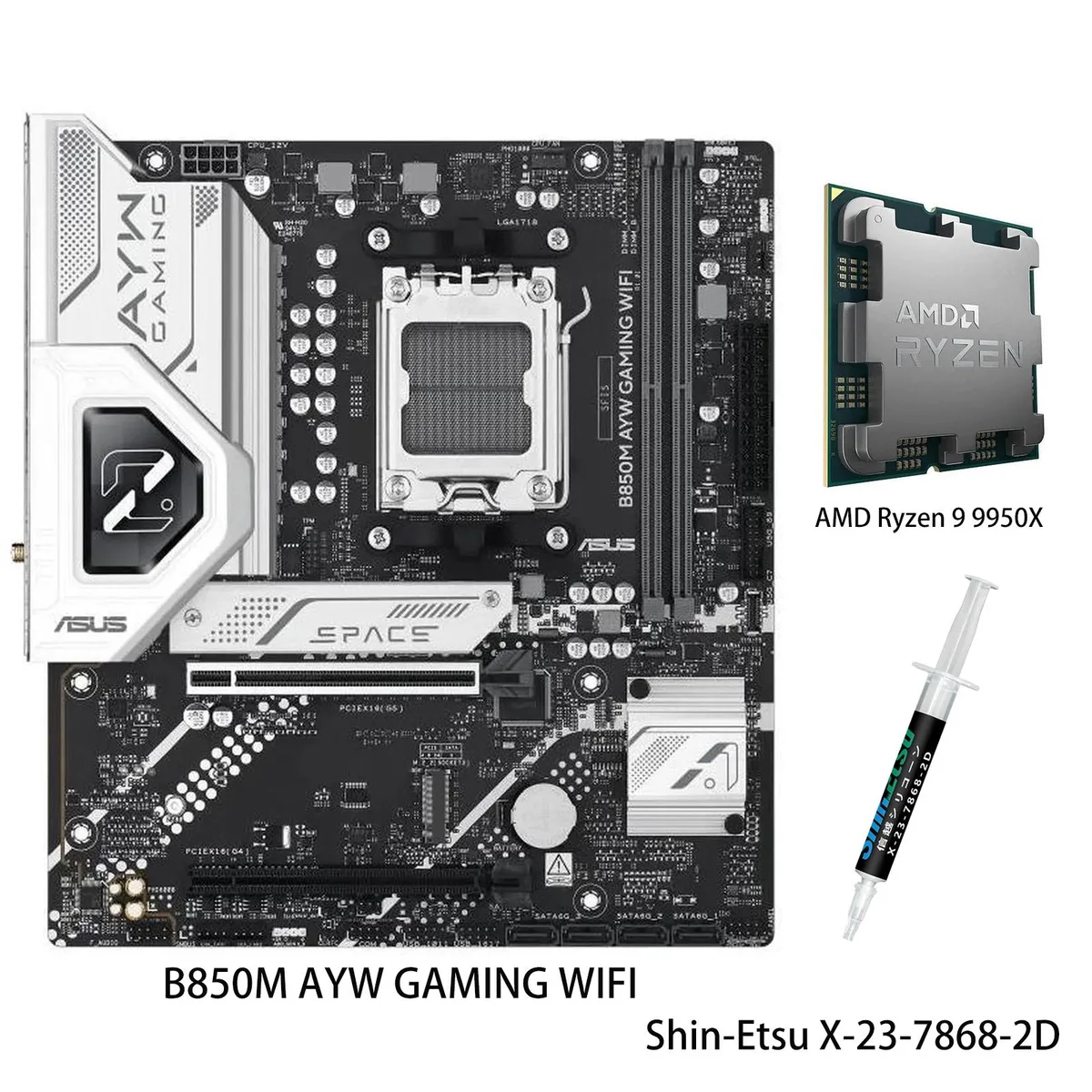
AM5 motherboard and 12-core Ryzen 9 9900X CPU combo with DDR5 support, three M.2 slots, Wi-Fi 6, 2.5Gb Ethernet and USB 40Gbps front Type-C
Motherboard X870 AYW GAMING WIFI W
CPU + R9 9900X
This bundle pairs an ASUS X870 AYW GAMING WIFI W motherboard with a Ryzen 9 9900X processor on the AM5 platform. It targets builders who want a matched CPU and board without separate compatibility checks. The package delivers 12 cores and 24 threads based on the Zen 5 architecture for heavy multitasking and content creation.
AI Intelligent Cooling 2.0 adjusts fan and AIO speeds automatically through Fan Xpert 4, keeping thermals in check during sustained loads. The VRM uses 12 plus 2 plus 1 power stages rated at 80 A each, feeding the unlocked 9900X up to its 5.6 GHz max boost. Wi-Fi 6 and 2.5 Gb Ethernet handle network traffic while multiple heatsinks dissipate heat quietly.
Storage expands across three M.2 slots sharing up to 128 Gbps bandwidth, and the board adds a front-panel USB 20 Gbps Type-C connector plus USB 40 Gbps rear ports. DDR5-5600 memory support and PCIe 5.0 readiness on select slots give headroom for faster drives and GPUs later. The jump makes sense when moving from an older AM4 system or a lower-tier Zen 4 chip that lacks the core count and boost headroom of the 9900X.
| Brand | ASUS |
|---|---|
| Model | X870 AYW GAMING WIFI W+R9 9900X |
| CPU Socket Type | AM5 |
Versi lain model ini
Keluarga yang sama, memori, penyejuk atau kelajuan jam yang berbeza — bandingkan sebelum membuat keputusan.
Align the gold triangle on the CPU with the socket marker, lower it gently without force, and engage the retention arm; the step often missed is removing the protective plastic cover from the socket before placement.
Clean dust from the VRM and M.2 heatsinks every few months, verify fan curves in Fan Xpert 4 after BIOS updates, and replace thermal paste on the CPU if temperatures rise under sustained loads.
The VRM thermal limit typically appears first; the 80A modules can deliver the current, but sustained 5.6 GHz loads heat the heatsinks until Fan Xpert 4 ramps fans to maximum.
Juga di rak ini
Rak yang sama, checkout yang sama — lapan koin kripto dan kunci kadar 30 minit.
Apa yang anda hantar untuk membayar, dan mata wang yang anda guna untuk membaca harga.
Dihantar daripada dompet anda semasa semak keluar
Untuk paparan sahaja — katalog diberi harga dalam USD
Tiada mata wang yang sepadan.
Pilih bahasa yang digunakan oleh laman web ini.
Tiada bahasa yang sepadan.
Pengguna baharu?
Sudah mempunyai akaun?
Tiada set semula automatik: kedai ini tidak menghantar sebarang e-mel, jadi tiada pautan sekali guna untuk diminta. Biarkan alamat pada akaun tersebut, ia akan diuruskan secara manual.
Permintaan direkodkan
Tiada apa-apa akan sampai ke peti masuk anda — kedai ini tidak menghantar sebarang e-mel. Seseorang akan menguruskannya secara manual.
Sudah teringat?