ASUS
ASUS PRIME X870-P WIFI + Ryzen 7 9700X AMD motherboard & CPU combo
- AMD X870
- 4x288pin (DDR5)
718.99 US$
0.00915806BTC
متوفرنقبل الدفع بالعملة المشفرة — لذلك يمكن للعملات الرقمية التي تملكها أن تشتري أجهزة حقيقية.ادفع بالعملة المشفرة، وأنفقها على أجهزة حقيقية. شحن مؤمن مجانا إلى كل أنحاء العالم لما يتجاوز 399 US$. صناديق شحن بسيطة بلا علامة تجارية، ترسل من ألمانيا.شحن مؤمن مجانا لما يتجاوز 399 US$. يُقفل سعرك لمدة 30 دقيقة بمجرد فتح صفحة الدفع.السعر مقفل لمدة 30 دقيقة. كل قطعة مختومة، ورقمها التسلسلي متحقق منه، ومشمولة بضمان 24 شهرا.مختوم، وبضمان 24 شهرا.


ASUS
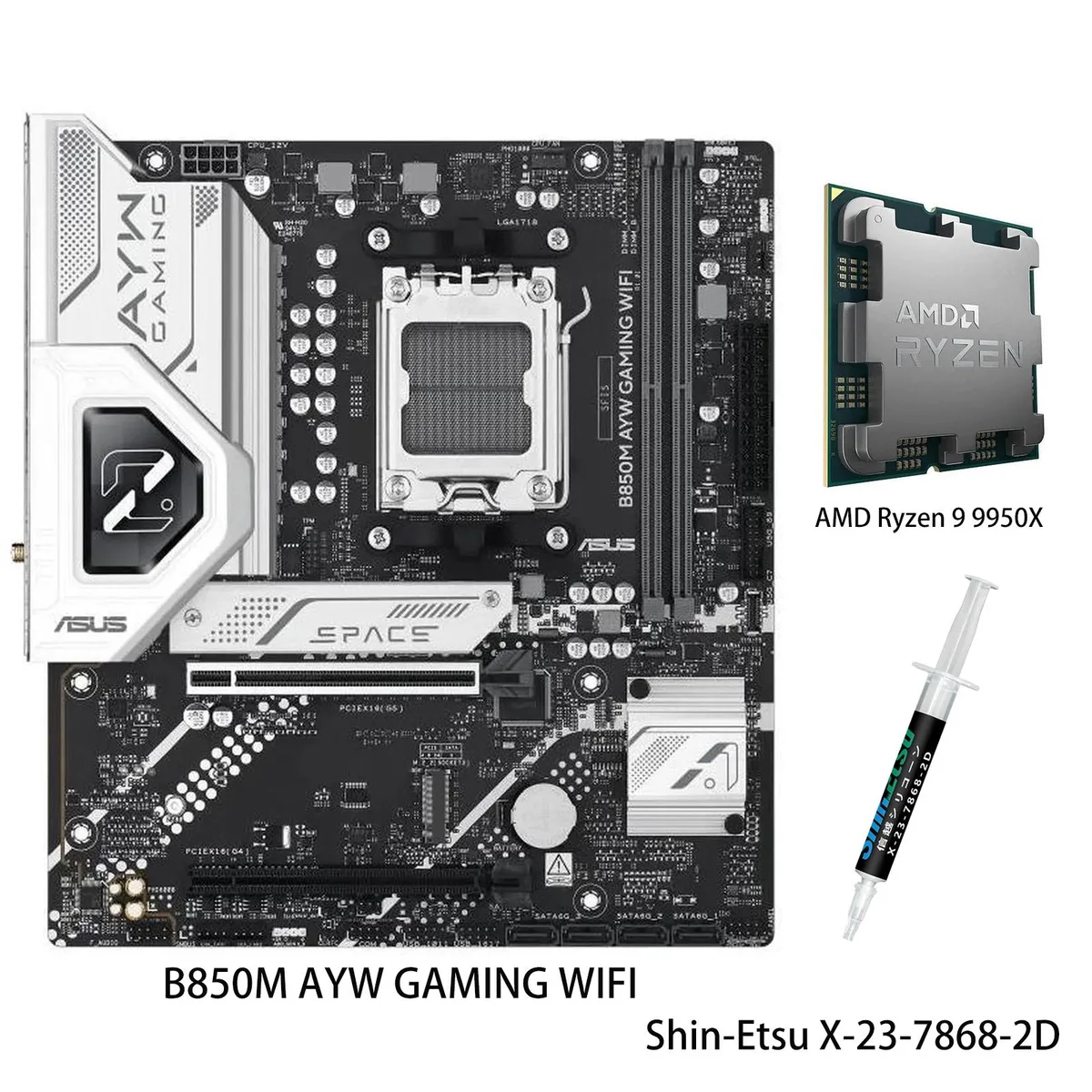
AM5 motherboard and 12-core Ryzen 9 9900X CPU combo with DDR5 support, three M.2 slots, Wi-Fi 6, 2.5Gb Ethernet and USB 40Gbps front Type-C
Motherboard X870 AYW GAMING WIFI W
CPU + R9 9900X
This bundle pairs an ASUS X870 AYW GAMING WIFI W motherboard with a Ryzen 9 9900X processor on the AM5 platform. It targets builders who want a matched CPU and board without separate compatibility checks. The package delivers 12 cores and 24 threads based on the Zen 5 architecture for heavy multitasking and content creation.
AI Intelligent Cooling 2.0 adjusts fan and AIO speeds automatically through Fan Xpert 4, keeping thermals in check during sustained loads. The VRM uses 12 plus 2 plus 1 power stages rated at 80 A each, feeding the unlocked 9900X up to its 5.6 GHz max boost. Wi-Fi 6 and 2.5 Gb Ethernet handle network traffic while multiple heatsinks dissipate heat quietly.
Storage expands across three M.2 slots sharing up to 128 Gbps bandwidth, and the board adds a front-panel USB 20 Gbps Type-C connector plus USB 40 Gbps rear ports. DDR5-5600 memory support and PCIe 5.0 readiness on select slots give headroom for faster drives and GPUs later. The jump makes sense when moving from an older AM4 system or a lower-tier Zen 4 chip that lacks the core count and boost headroom of the 9900X.
| Brand | ASUS |
|---|---|
| Model | X870 AYW GAMING WIFI W+R9 9900X |
| CPU Socket Type | AM5 |
إصدارات أخرى من هذا الطراز
نفس الفئة، بذاكرة أو مبرّد أو تردد مختلف — قارن قبل أن تقرر.
Align the gold triangle on the CPU with the socket marker, lower it gently without force, and engage the retention arm; the step often missed is removing the protective plastic cover from the socket before placement.
Clean dust from the VRM and M.2 heatsinks every few months, verify fan curves in Fan Xpert 4 after BIOS updates, and replace thermal paste on the CPU if temperatures rise under sustained loads.
The VRM thermal limit typically appears first; the 80A modules can deliver the current, but sustained 5.6 GHz loads heat the heatsinks until Fan Xpert 4 ramps fans to maximum.
أيضًا في هذا القسم
نفس القسم، ونفس صفحة الدفع — ثماني عملات رقمية وقفل سعر لمدة 30 دقيقة.
ما تدفعه، وما تُعرض به الأسعار.
يُرسَل من محفظتك عند إتمام الطلب
للعرض فقط — أسعار الكتالوج بالدولار الأمريكي
لا توجد عملة مطابقة.
اختر اللغة التي يخاطبك بها الموقع.
لا توجد لغة مطابقة.
هل أنت جديد هنا؟
لديك حساب بالفعل؟
لا توجد إعادة تعيين تلقائية: هذا المتجر لا يُرسل أي بريد، فلا يوجد رابط لمرة واحدة يمكن طلبه. اترك العنوان في الحساب، وسيُعالَج الأمر يدويًا.
تم تسجيل الطلب
لا شيء في طريقه إلى بريدك الوارد — هذا المتجر لا يُرسل أي بريد إطلاقًا. يتولّى أحدهم معالجة هذه الطلبات يدويًا.
تذكّرتها؟