ASUS
ASUS PRIME X870-P WIFI + Ryzen 7 9700X AMD motherboard & CPU combo
- AMD X870
- 4x288pin (DDR5)
718,99 USD
0.00908883BTC
Til á lagerVið tökum við rafmynt — svo myntirnar sem þú átt geta keypt alvöru vélbúnað.Greiddu í rafmynt, eyddu henni í alvöru vélbúnað. Frí, tryggð sending um allan heim fyrir pantanir yfir 399 $. Hlutlausir pappakassar án merkinga, sendir frá Þýskalandi.Frí, tryggð sending yfir 399 $. Gengið þitt er læst í 30 mínútur um leið og greiðsluferlið hefst.Gengið læst í 30 mínútur. Hver vara er innsigluð, raðnúmer hennar yfirfarið, og hún nýtur 24 mánaða ábyrgðar.Innsiglað, með 24 mánaða ábyrgð.


ASUS
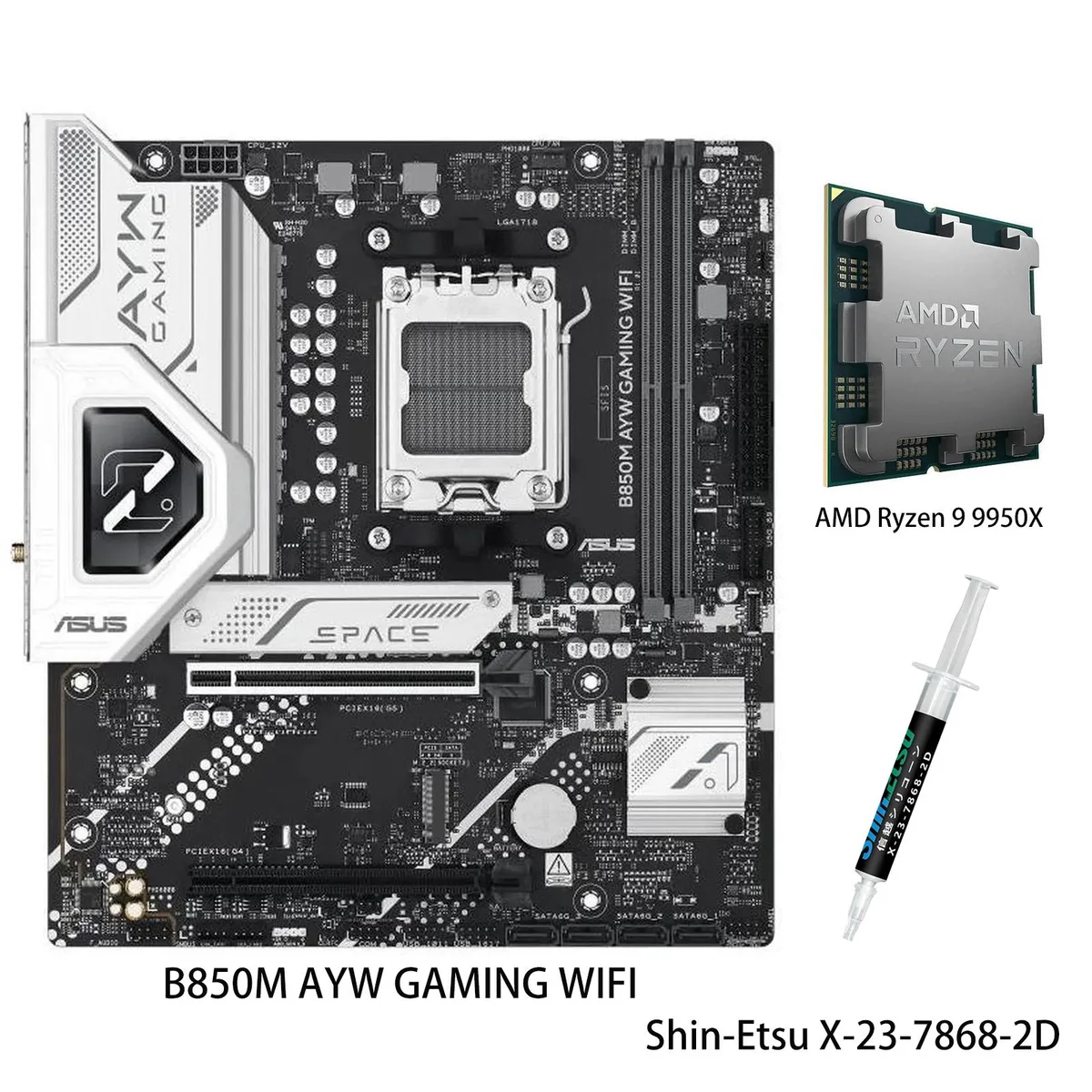
AM5 motherboard and 12-core Ryzen 9 9900X CPU combo with DDR5 support, three M.2 slots, Wi-Fi 6, 2.5Gb Ethernet and USB 40Gbps front Type-C
Motherboard X870 AYW GAMING WIFI W
CPU + R9 9900X
This bundle pairs an ASUS X870 AYW GAMING WIFI W motherboard with a Ryzen 9 9900X processor on the AM5 platform. It targets builders who want a matched CPU and board without separate compatibility checks. The package delivers 12 cores and 24 threads based on the Zen 5 architecture for heavy multitasking and content creation.
AI Intelligent Cooling 2.0 adjusts fan and AIO speeds automatically through Fan Xpert 4, keeping thermals in check during sustained loads. The VRM uses 12 plus 2 plus 1 power stages rated at 80 A each, feeding the unlocked 9900X up to its 5.6 GHz max boost. Wi-Fi 6 and 2.5 Gb Ethernet handle network traffic while multiple heatsinks dissipate heat quietly.
Storage expands across three M.2 slots sharing up to 128 Gbps bandwidth, and the board adds a front-panel USB 20 Gbps Type-C connector plus USB 40 Gbps rear ports. DDR5-5600 memory support and PCIe 5.0 readiness on select slots give headroom for faster drives and GPUs later. The jump makes sense when moving from an older AM4 system or a lower-tier Zen 4 chip that lacks the core count and boost headroom of the 9900X.
| Brand | ASUS |
|---|---|
| Model | X870 AYW GAMING WIFI W+R9 9900X |
| CPU Socket Type | AM5 |
Aðrar útgáfur af þessari vöru
Sama fjölskylda, mismunandi minni, kælingu eða klukkuhraða — berðu saman áður en þú ákveður þig.
Align the gold triangle on the CPU with the socket marker, lower it gently without force, and engage the retention arm; the step often missed is removing the protective plastic cover from the socket before placement.
Clean dust from the VRM and M.2 heatsinks every few months, verify fan curves in Fan Xpert 4 after BIOS updates, and replace thermal paste on the CPU if temperatures rise under sustained loads.
The VRM thermal limit typically appears first; the 80A modules can deliver the current, but sustained 5.6 GHz loads heat the heatsinks until Fan Xpert 4 ramps fans to maximum.
Einnig í þessum vöruflokki
Sama hilla, sama greiðsluferli — átta myntir og 30 mínútna gengislæsing.
Það sem þú greiðir í, og það sem þú sérð verð í.
Sent úr veskinu þínu í greiðsluferlinu
Aðeins til skýringar — verð í vörulistanum eru í Bandaríkjadölum
Enginn gjaldmiðill passar við það.
Veldu tungumálið sem síðan talar við þig á.
Ekkert tungumál fannst.
Fyrsta heimsókn?
Áttu þegar aðgang?
Það er engin sjálfvirk endurstilling: þessi verslun sendir engan tölvupóst, svo það er enginn einnota tengill til að biðja um. Skildu netfangið eftir á aðganginum og einhver sinnir því handvirkt.
Beiðni skráð
Ekkert er á leiðinni í pósthólfið þitt — þessi verslun sendir engan tölvupóst. Einhver sinnir þessu handvirkt.
Mundir þú það?