EZ Dupe, Inc.
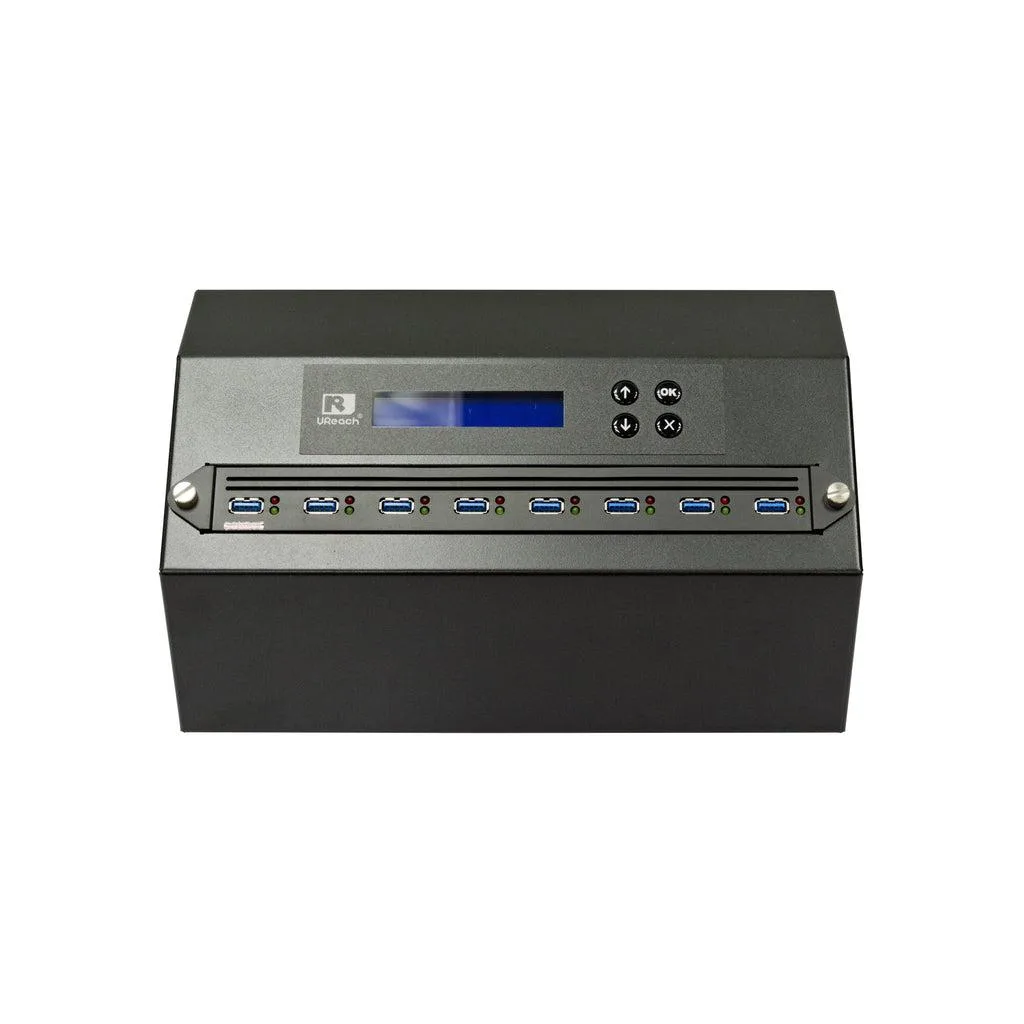
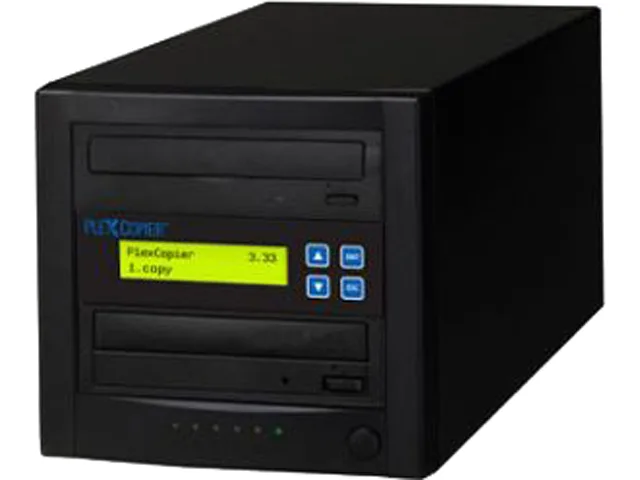
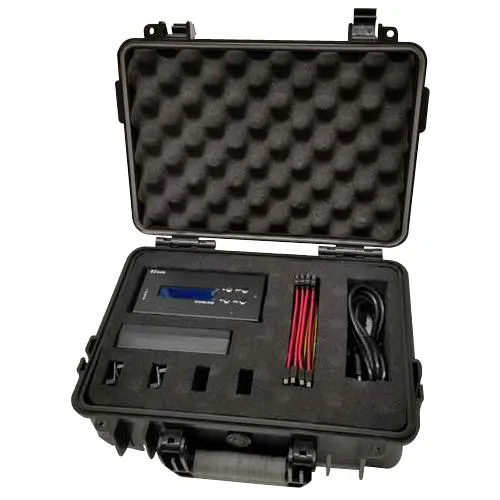
EZ Dupe 1 to 3 Forensic Duplicator Holmes 221B
- 1 to 3
- 300MB/s
1 001,99 $
0.01230523BTC
KrājumāMēs pieņemam kriptovalūtu — lai tā, kas Jums pieder, varētu nopirkt īstu aparatūru.Maksājiet kriptovalūtā, iztērējiet to īstai aparatūrai. Bezmaksas apdrošināta piegāde visā pasaulē virs 399 $. Vienkāršas, nemarķētas kastes, sūtītas no Vācijas.Bezmaksas apdrošināta piegāde virs 399 $. Jūsu kurss tiek fiksēts uz 30 minūtēm, tiklīdz atveras kase.Kurss fiksēts uz 30 minūtēm. Katra prece ir aizzīmogota, tās sērijas numurs ir pārbaudīts, un uz to attiecas 24 mēnešu garantija.Aizzīmogots, 24 mēnešu garantija.
IBM
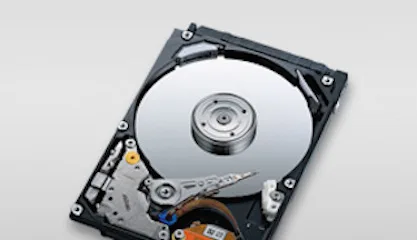
4.5 GB 3.5-inch 68-pin SCSI laptop internal hard drive for legacy system storage
The IBM DDRS-34560 (00K4000) is a new 3.5-inch internal hard drive with a 68-pin SCSI interface and 4.5GB capacity. It suits technicians maintaining older laptops or industrial equipment that require this specific form factor and connection type.
This drive upgrades a failed unit of the same specification in hardware that only accepts 68-pin SCSI. The jump is worth it when the host system cannot support newer interfaces or larger capacities and a direct replacement is required to restore operation.
| Brand | IBM |
|---|---|
| Model | DDRS-34560 (00K4000) |
| Form Factor | 3.5" |
The drive fits a standard 3.5-inch bay and uses a 68-pin SCSI connector for data and power.
Set the SCSI ID with the jumpers on the rear of the 00K4000 before installation; the step often missed is verifying the ID does not conflict with other devices on the same bus.
Arī šajā sadaļā
Tas pats plaukts, tā pati kase — astoņas kriptovalūtas un kursa fiksēšana uz 30 minūtēm.
Kriptovalūta, kurā maksājat, un valūta, kurā redzat cenas.
Nosūtīts no Jūsu maciņa, noformējot pasūtījumu
Tikai informatīvi — katalogā cenas norādītas ASV dolāros
Neviena valūta neatbilst.
Izvēlieties valodu, kurā vietne sarunājas ar Jums.
Neviena valoda neatbilst.
Pirmo reizi šeit?
Jau ir konts?
Automātiskas atiestatīšanas nav: šis veikals nesūta e-pastus, tāpēc nav arī vienreizējas saites, ko pieprasīt. Atstājiet adresi kontā, un tā tiks apstrādāta manuāli.
Pieprasījums saņemts
Uz Jūsu e-pastu nekas neatnāks — šis veikals vispār nesūta e-pastus. Kāds šos pieprasījumus apstrādā manuāli.
Atcerējāties?