EZ Dupe, Inc.
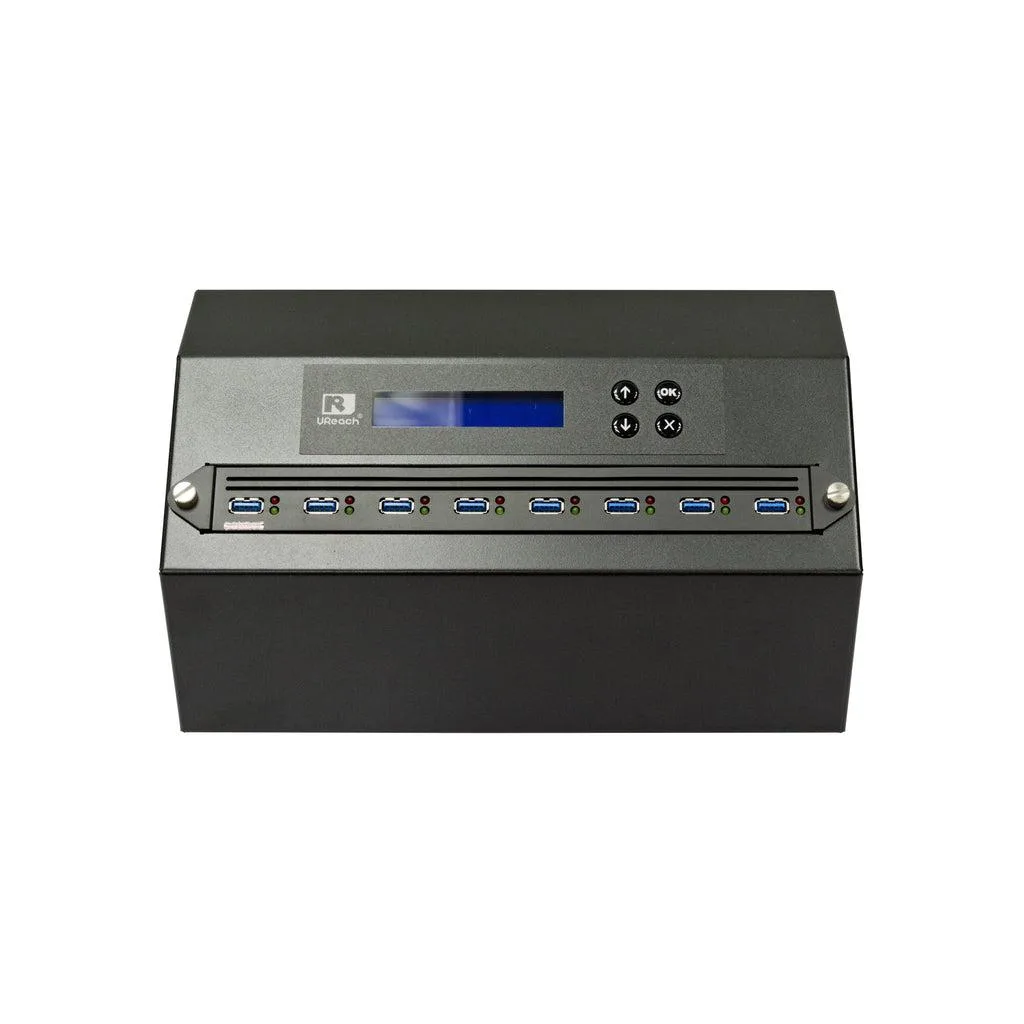
EZ Dupe 1 to 3 Forensic Duplicator Holmes 221B
- 1 to 3
- 300MB/s
1 001,99 $
0.01230523BTC
VarastossaHyväksymme kryptoa — hallussasi olevat kolikot voivat näin ostaa oikeaa laitteistoa.Maksa kryptolla, käytä se oikeaan laitteistoon. Ilmainen vakuutettu toimitus maailmanlaajuisesti yli 399 $. Neutraalit, tuotemerkittömät ulkopakkaukset, lähetetään Saksasta.Ilmainen vakuutettu toimitus yli 399 $. Kurssisi lukitaan 30 minuutiksi heti, kun kassa avautuu.Kurssi lukittu 30 minuutiksi. Jokainen tuote on sinetöity, sen sarjanumero on tarkistettu, ja sillä on 24 kuukauden takuu.Sinetöity, 24 kuukauden takuu.
IBM
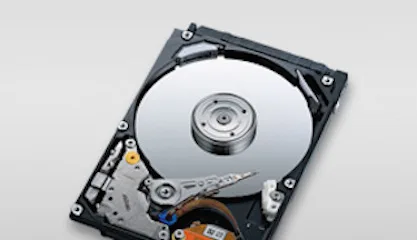
4.5 GB 3.5-inch 68-pin SCSI laptop internal hard drive for legacy system storage
The IBM DDRS-34560 (00K4000) is a new 3.5-inch internal hard drive with a 68-pin SCSI interface and 4.5GB capacity. It suits technicians maintaining older laptops or industrial equipment that require this specific form factor and connection type.
This drive upgrades a failed unit of the same specification in hardware that only accepts 68-pin SCSI. The jump is worth it when the host system cannot support newer interfaces or larger capacities and a direct replacement is required to restore operation.
| Brand | IBM |
|---|---|
| Model | DDRS-34560 (00K4000) |
| Form Factor | 3.5" |
The drive fits a standard 3.5-inch bay and uses a 68-pin SCSI connector for data and power.
Set the SCSI ID with the jumpers on the rear of the 00K4000 before installation; the step often missed is verifying the ID does not conflict with other devices on the same bus.
Myös tällä osastolla
Sama osasto, sama kassa — kahdeksan kryptovaluuttaa ja 30 minuutin kurssilukko.
Valuutta, jolla maksetaan, sekä valuutta, jossa hinnat näytetään.
Lähetetään lompakostasi kassalla
Vain näyttöä varten — hinnat ovat Yhdysvaltain dollareissa
Valuuttaa ei löytynyt.
Valitse kieli, jolla sivusto puhuu sinulle.
Ei vastaavaa kieltä.
Uusi täällä?
Onko sinulla jo tili?
Automaattista palautusta ei ole: kauppa ei lähetä sähköpostia lainkaan, joten kertakäyttöistä linkkiä ei ole mistä pyytää. Jätä osoite tilille, niin se käsitellään käsin.
Pyyntö kirjattu
Mikään ei ole tulossa sähköpostiisi — tämä kauppa ei lähetä sähköpostia lainkaan. Joku käsittelee nämä pyynnöt käsin.
Muistitko sen?