EZ Dupe, Inc.
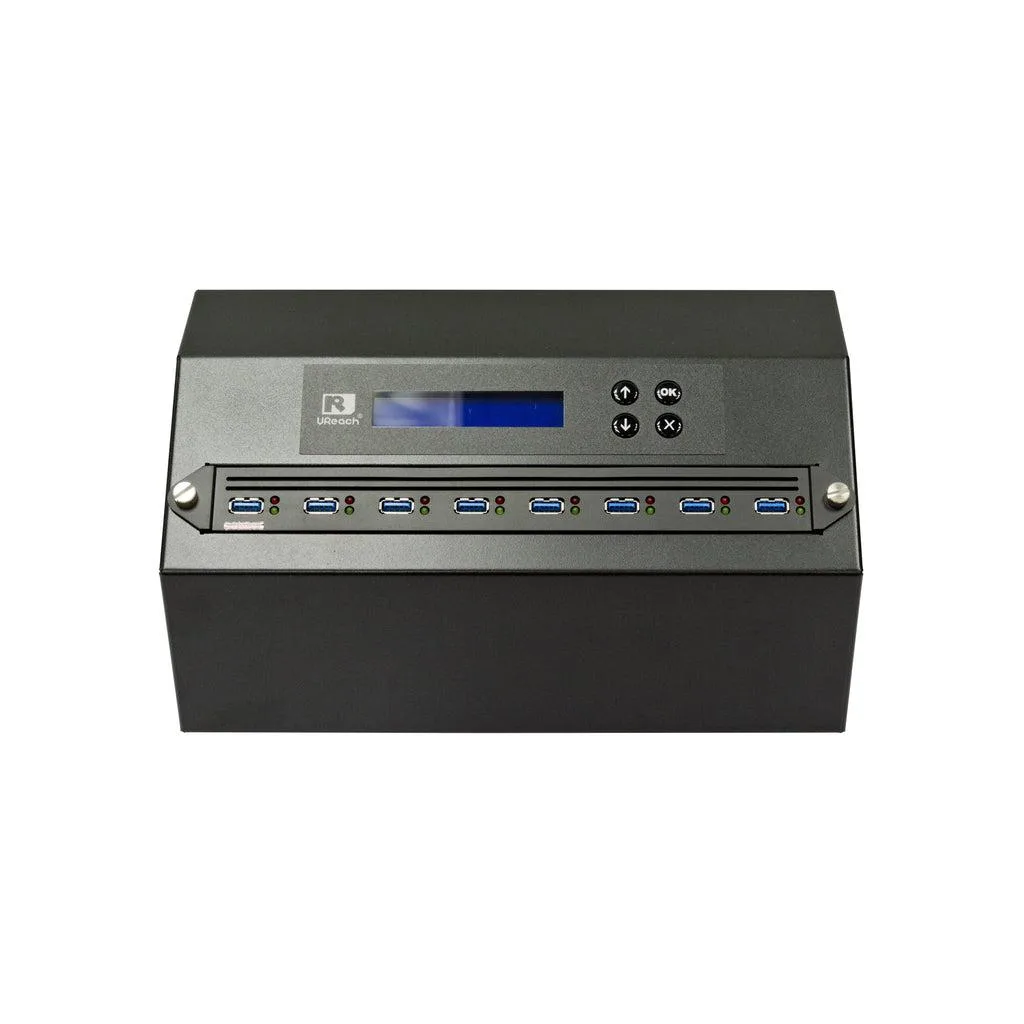
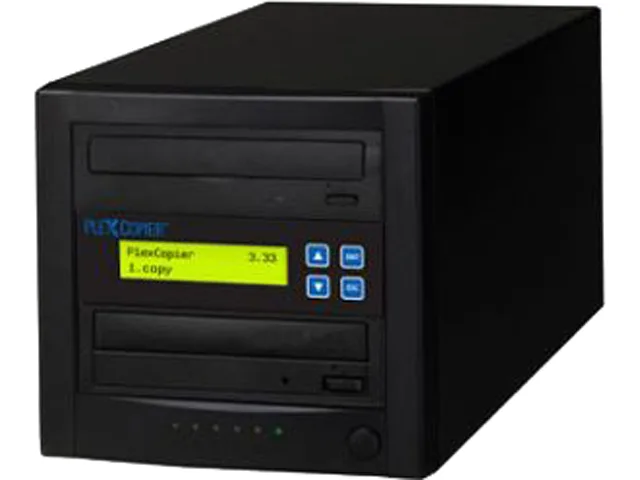
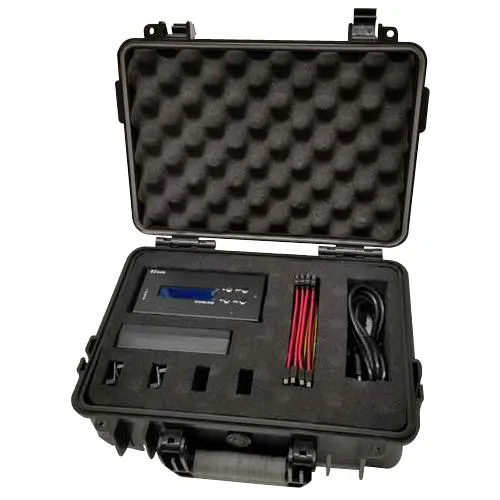
EZ Dupe 1 to 3 Forensic Duplicator Holmes 221B
- 1 to 3
- 300MB/s
1.001,99 USD
0.01230523BTC
Til á lagerVið tökum við rafmynt — svo myntirnar sem þú átt geta keypt alvöru vélbúnað.Greiddu í rafmynt, eyddu henni í alvöru vélbúnað. Frí, tryggð sending um allan heim fyrir pantanir yfir 399 $. Hlutlausir pappakassar án merkinga, sendir frá Þýskalandi.Frí, tryggð sending yfir 399 $. Gengið þitt er læst í 30 mínútur um leið og greiðsluferlið hefst.Gengið læst í 30 mínútur. Hver vara er innsigluð, raðnúmer hennar yfirfarið, og hún nýtur 24 mánaða ábyrgðar.Innsiglað, með 24 mánaða ábyrgð.

IBM
4.5 GB 3.5-inch 68-pin SCSI laptop internal hard drive for legacy system storage
The IBM DDRS-34560 (00K4000) is a new 3.5-inch internal hard drive with a 68-pin SCSI interface and 4.5GB capacity. It suits technicians maintaining older laptops or industrial equipment that require this specific form factor and connection type.
This drive upgrades a failed unit of the same specification in hardware that only accepts 68-pin SCSI. The jump is worth it when the host system cannot support newer interfaces or larger capacities and a direct replacement is required to restore operation.
| Brand | IBM |
|---|---|
| Model | DDRS-34560 (00K4000) |
| Form Factor | 3.5" |
The drive fits a standard 3.5-inch bay and uses a 68-pin SCSI connector for data and power.
Set the SCSI ID with the jumpers on the rear of the 00K4000 before installation; the step often missed is verifying the ID does not conflict with other devices on the same bus.
Einnig í þessum vöruflokki
Sama hilla, sama greiðsluferli — átta myntir og 30 mínútna gengislæsing.
Það sem þú greiðir í, og það sem þú sérð verð í.
Sent úr veskinu þínu í greiðsluferlinu
Aðeins til skýringar — verð í vörulistanum eru í Bandaríkjadölum
Enginn gjaldmiðill passar við það.
Veldu tungumálið sem síðan talar við þig á.
Ekkert tungumál fannst.
Fyrsta heimsókn?
Áttu þegar aðgang?
Það er engin sjálfvirk endurstilling: þessi verslun sendir engan tölvupóst, svo það er enginn einnota tengill til að biðja um. Skildu netfangið eftir á aðganginum og einhver sinnir því handvirkt.
Beiðni skráð
Ekkert er á leiðinni í pósthólfið þitt — þessi verslun sendir engan tölvupóst. Einhver sinnir þessu handvirkt.
Mundir þú það?