EZ Dupe, Inc.
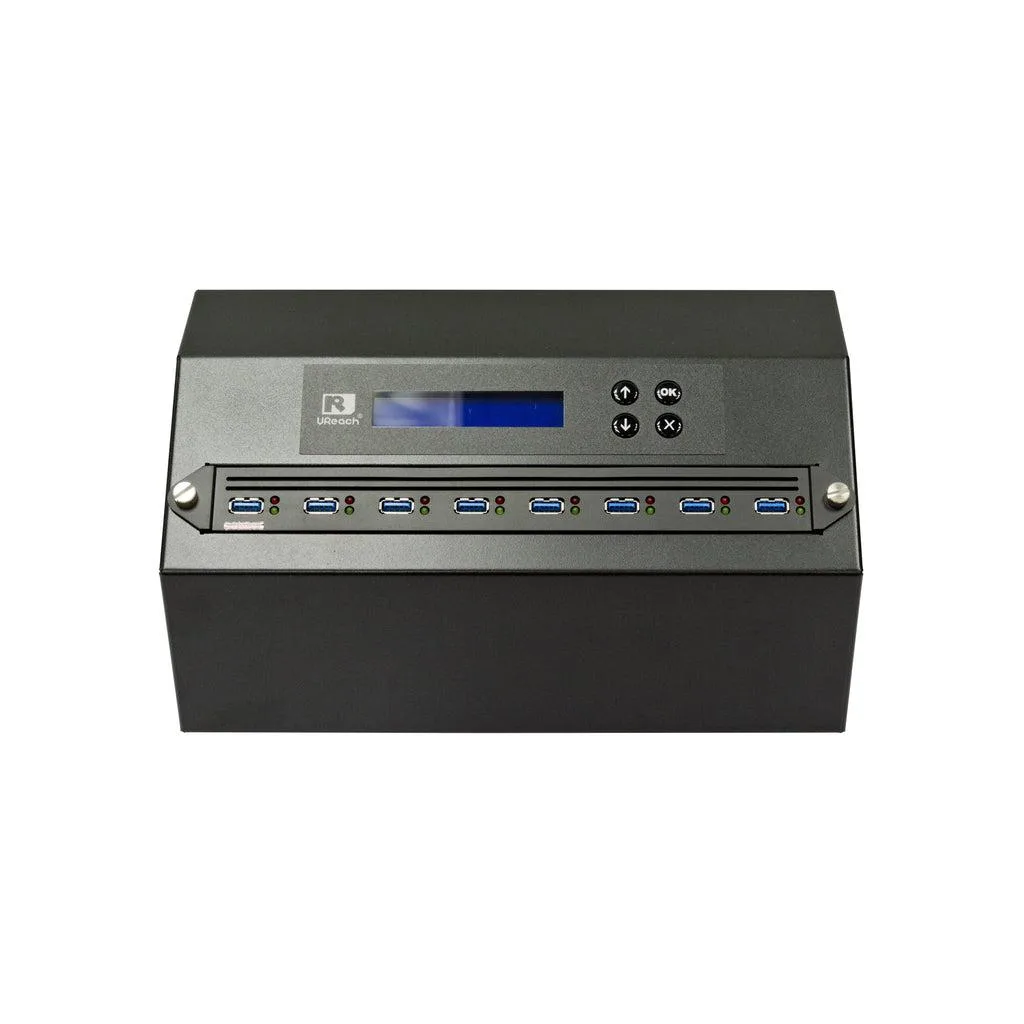
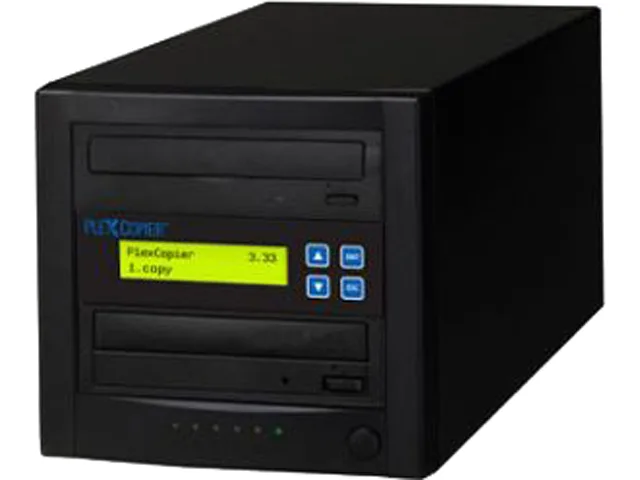
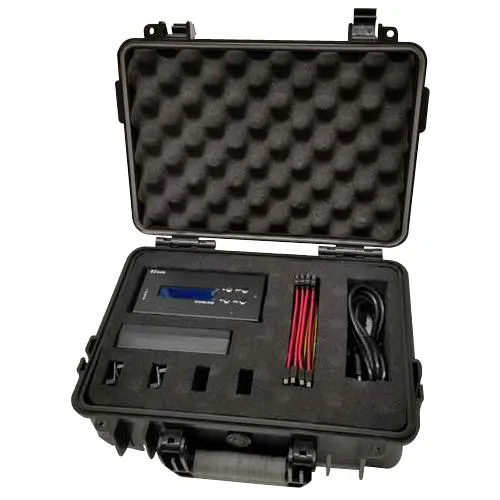
EZ Dupe 1 to 3 Forensic Duplicator Holmes 221B
- 1 to 3
- 300MB/s
1 001,99 USD
0.01230523BTC
SkladomPrijímame kryptomeny — takže mince, ktoré držíte, môžete zameniť za skutočný hardvér.Plaťte v krypte, miňte ho na skutočný hardvér. Poistená doprava zadarmo po celom svete nad 399 $. Neutrálne kartóny bez potlače, odosielané z Nemecka.Poistená doprava zadarmo nad 399 $. Váš kurz je zablokovaný na 30 minút hneď po otvorení pokladne.Kurz zablokovaný na 30 minút. Každý produkt je zapečatený, jeho sériové číslo je overené a vzťahuje sa naň 24-mesačná záruka.Zapečatené, 24-mesačná záruka.
IBM
4.5 GB 3.5-inch 68-pin SCSI laptop internal hard drive for legacy system storage
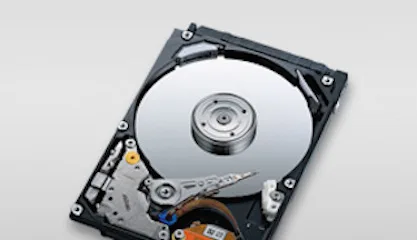
The IBM DDRS-34560 (00K4000) is a new 3.5-inch internal hard drive with a 68-pin SCSI interface and 4.5GB capacity. It suits technicians maintaining older laptops or industrial equipment that require this specific form factor and connection type.
This drive upgrades a failed unit of the same specification in hardware that only accepts 68-pin SCSI. The jump is worth it when the host system cannot support newer interfaces or larger capacities and a direct replacement is required to restore operation.
| Brand | IBM |
|---|---|
| Model | DDRS-34560 (00K4000) |
| Form Factor | 3.5" |
The drive fits a standard 3.5-inch bay and uses a 68-pin SCSI connector for data and power.
Set the SCSI ID with the jumpers on the rear of the 00K4000 before installation; the step often missed is verifying the ID does not conflict with other devices on the same bus.
Aj v tomto oddelení
Rovnaké oddelenie, rovnaká pokladňa — osem mien a kurz zablokovaný na 30 minút.
Mena, v ktorej platíte, a mena, v ktorej sa zobrazujú ceny.
Odoslané z vašej peňaženky na pokladni
Len na zobrazenie — katalóg je uvedený v dolároch
Žiadna mena nezodpovedá.
Vyberte jazyk, v ktorom s vami bude web komunikovať.
Žiadny jazyk nezodpovedá.
Ste tu prvýkrát?
Účet už máte?
Automatický reset hesla neexistuje: tento obchod neposiela žiadne e-maily, takže neexistuje jednorazový odkaz, o ktorý by ste mohli požiadať. Nechajte adresu na účte — niekto sa jej ujme ručne.
Žiadosť zaznamenaná
Do vašej schránky nič nepríde — tento obchod neposiela vôbec žiadne e-maily. Niekto sa o to postará ručne.
Spomenuli ste si?