EZ Dupe, Inc.
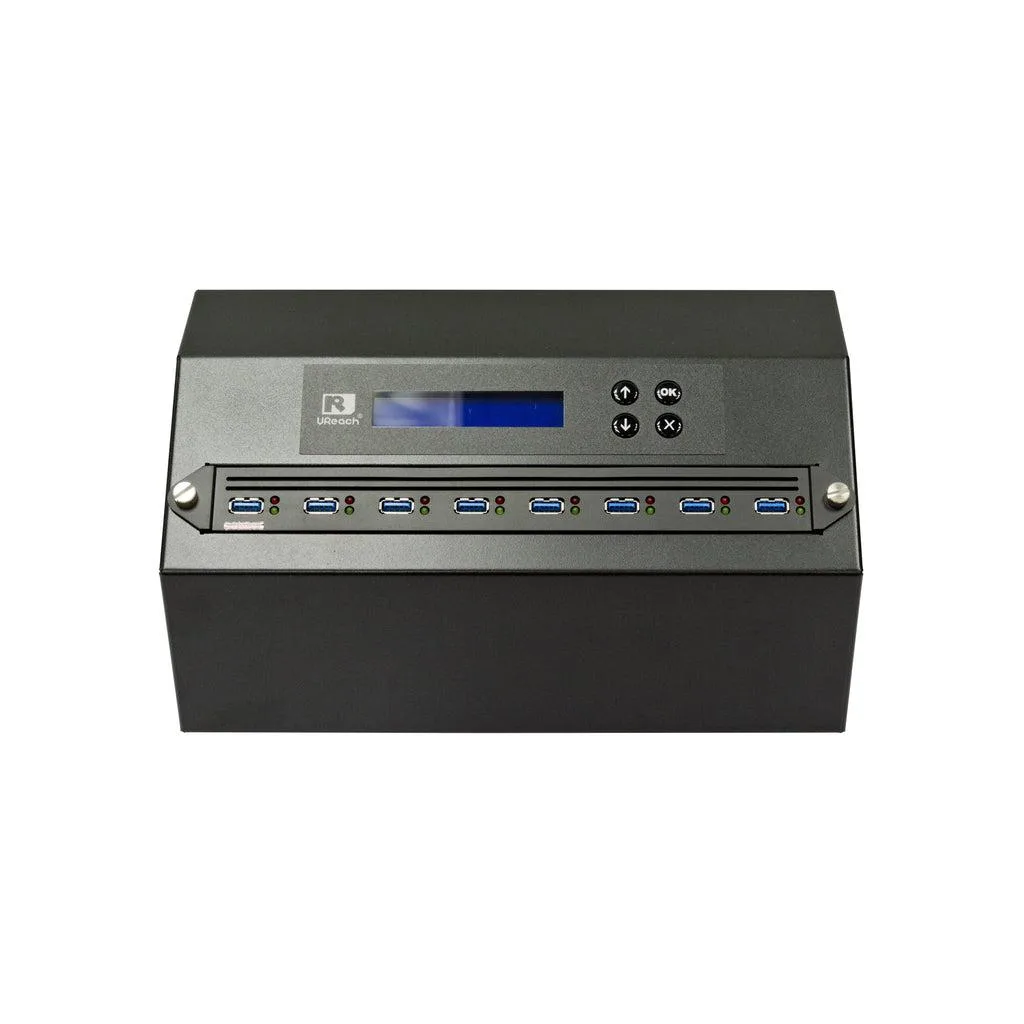
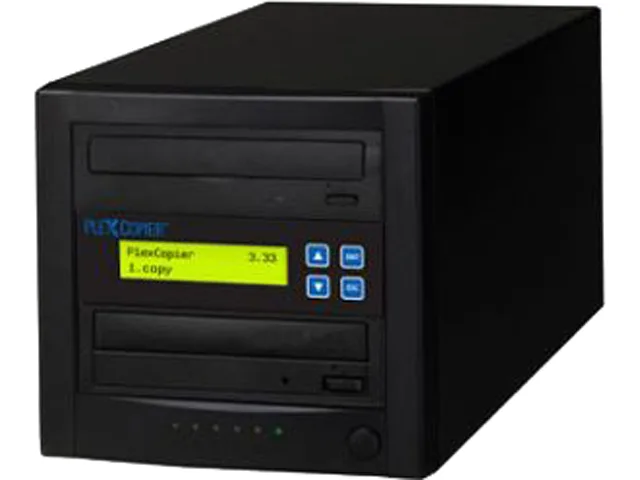
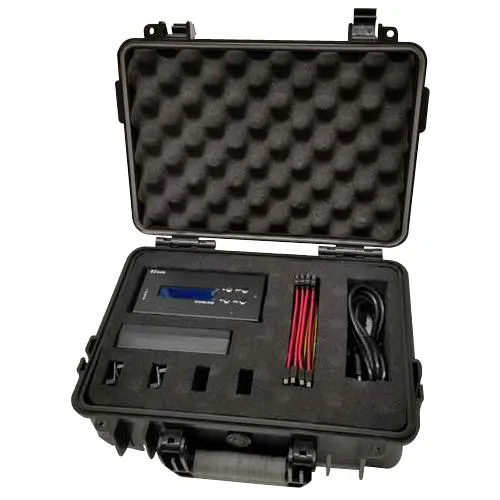
EZ Dupe 1 to 3 Forensic Duplicator Holmes 221B
- 1 to 3
- 300MB/s
1.001,99 $
0.01230523BTC
Na zalogiSprejemamo kriptovalute — tako lahko sredstva, ki jih imate, kupijo pravo strojno opremo.Plačajte v kriptovaluti, zapravite jo za pravo strojno opremo. Brezplačna zavarovana dostava po vsem svetu nad 399 $. Nevtralni kartoni brez znamke, poslani iz Nemčije.Brezplačna zavarovana dostava nad 399 $. Vaš tečaj je zaklenjen za 30 minut, takoj ko se odpre blagajna.Tečaj zaklenjen 30 minut. Vsak izdelek je zapečaten, njegova serijska številka preverjena, in krit z 24-mesečno garancijo.Zapečateno, 24-mesečna garancija.
IBM
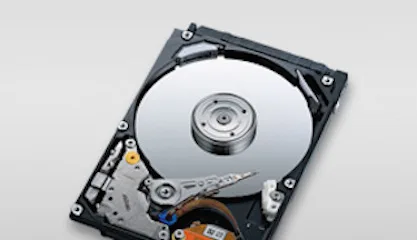
4.5 GB 3.5-inch 68-pin SCSI laptop internal hard drive for legacy system storage
The IBM DDRS-34560 (00K4000) is a new 3.5-inch internal hard drive with a 68-pin SCSI interface and 4.5GB capacity. It suits technicians maintaining older laptops or industrial equipment that require this specific form factor and connection type.
This drive upgrades a failed unit of the same specification in hardware that only accepts 68-pin SCSI. The jump is worth it when the host system cannot support newer interfaces or larger capacities and a direct replacement is required to restore operation.
| Brand | IBM |
|---|---|
| Model | DDRS-34560 (00K4000) |
| Form Factor | 3.5" |
The drive fits a standard 3.5-inch bay and uses a 68-pin SCSI connector for data and power.
Set the SCSI ID with the jumpers on the rear of the 00K4000 before installation; the step often missed is verifying the ID does not conflict with other devices on the same bus.
Tudi v tem oddelku
Ista polica, ista blagajna — osem kriptovalut in 30-minutni zaklep tečaja.
V čem plačujete in v čem berete cene.
Poslano iz Vaše denarnice ob blagajni
Samo za prikaz — katalog je cenovno izražen v dolarjih
Nobena valuta ne ustreza.
Izberite jezik, v katerem Vam govori spletna stran.
Ni ustreznega jezika.
Prvič tu?
Že imate račun?
Samodejne ponastavitve ni: ta trgovina ne pošilja e-pošte, zato ni enkratne povezave, ki bi jo lahko zahtevali. Pustite naslov na računu — nekdo ga bo obravnaval ročno.
Zahteva zabeležena
V Vašo elektronsko pošto ne prihaja nič — ta trgovina ne pošilja nobene e-pošte. Zahteve nekdo obravnava ročno.
Ste se spomnili?