


ADATA
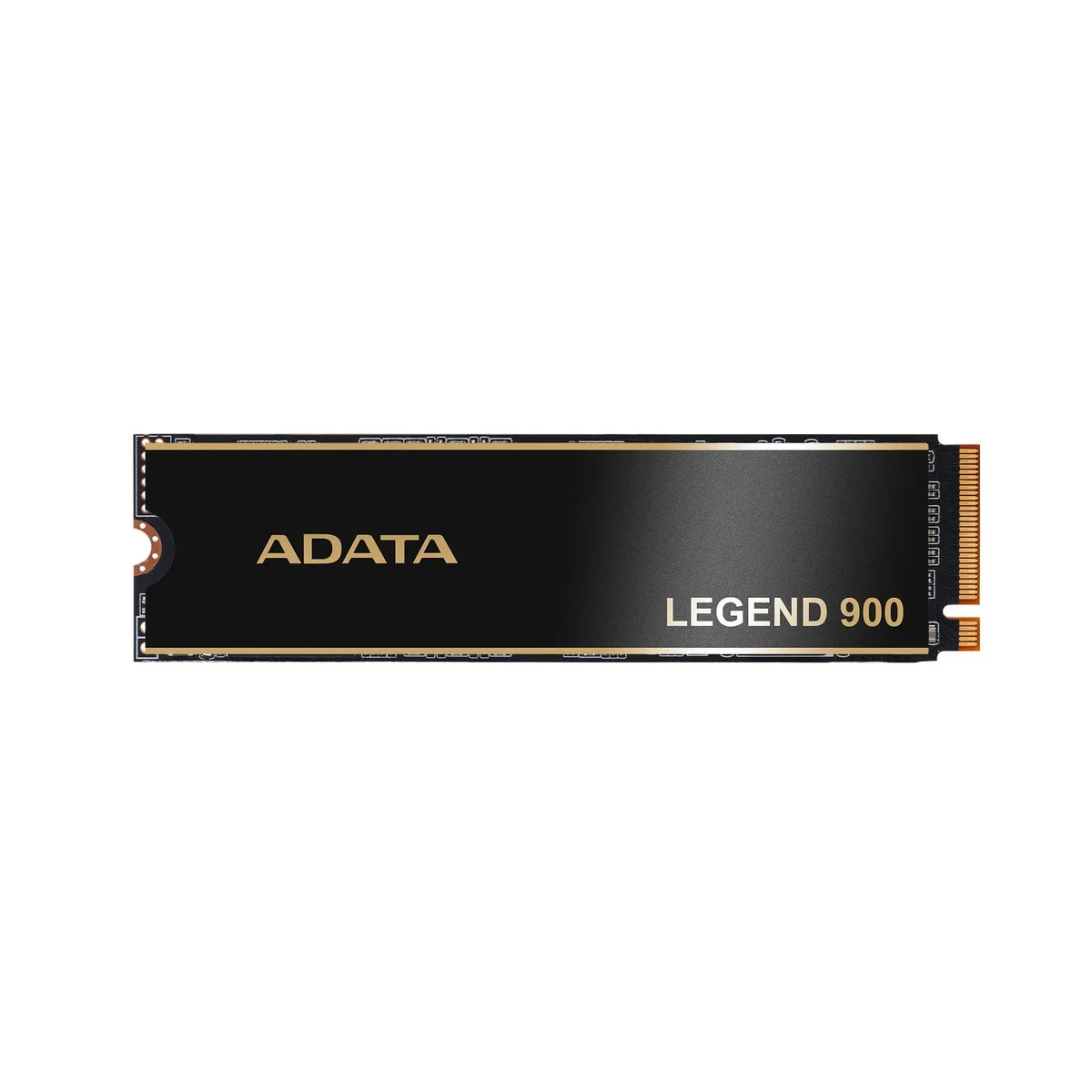
ADATA Legend 900 1TB NVMe internal SSD
1 TB NVMe drive reaching 7,000 MB/s for gaming and PS5 use
- Sequential reads up to 7,000 MB/s for fast game loading
- PCIe Gen4 x4 interface enables high throughput for demanding workloads
- 1 TB capacity stores large libraries and project files
- PS5 compatible design allows direct console storage expansion
ADATA Legend 900 1TB NVMe SSD
The ADATA Legend 900 is a 1TB internal NVMe SSD built on the PCIe Gen4x4 interface. Sequential read speeds reach up to 7000 MB/s for fast data access. The M.2 form factor fits compatible motherboards and expansion slots. It is validated for PlayStation 5 internal storage expansion.
Gamers and creators needing high-speed primary
This drive suits PC builders and PS5 owners who want a 1TB NVMe drive with Gen4x4 performance. Buyers who need more capacity should consider other options. Systems limited to PCIe Gen3 will not reach the stated sequential speeds.
Høydepunkter
- Sequential reads up to 7,000 MB/s for fast game loading
- PCIe Gen4 x4 interface enables high throughput for demanding workloads
- 1 TB capacity stores large libraries and project files
- PS5 compatible design allows direct console storage expansion
Spesifikasjoner
Ingen publiserte spesifikasjoner for denne varen ennå.
Spørsmål om denne varen
Does the Legend 900 fit a standard M.2 slot?
It uses the M.2 form factor and a PCIe Gen4x4 NVMe interface, so any motherboard or laptop with an M.2 key-M slot that supports PCIe NVMe will accept it.
What is the installation step people often miss?
After seating the drive and securing the screw, enter the BIOS to confirm the drive appears and enable the PCIe Gen4 link; then initialize and format the volume in the operating system before use.
Også i denne avdelingen
Kunder sammenlignet disse
Samme hylle, samme kasse — åtte mynter og 30 minutters kurslås.




