Intel
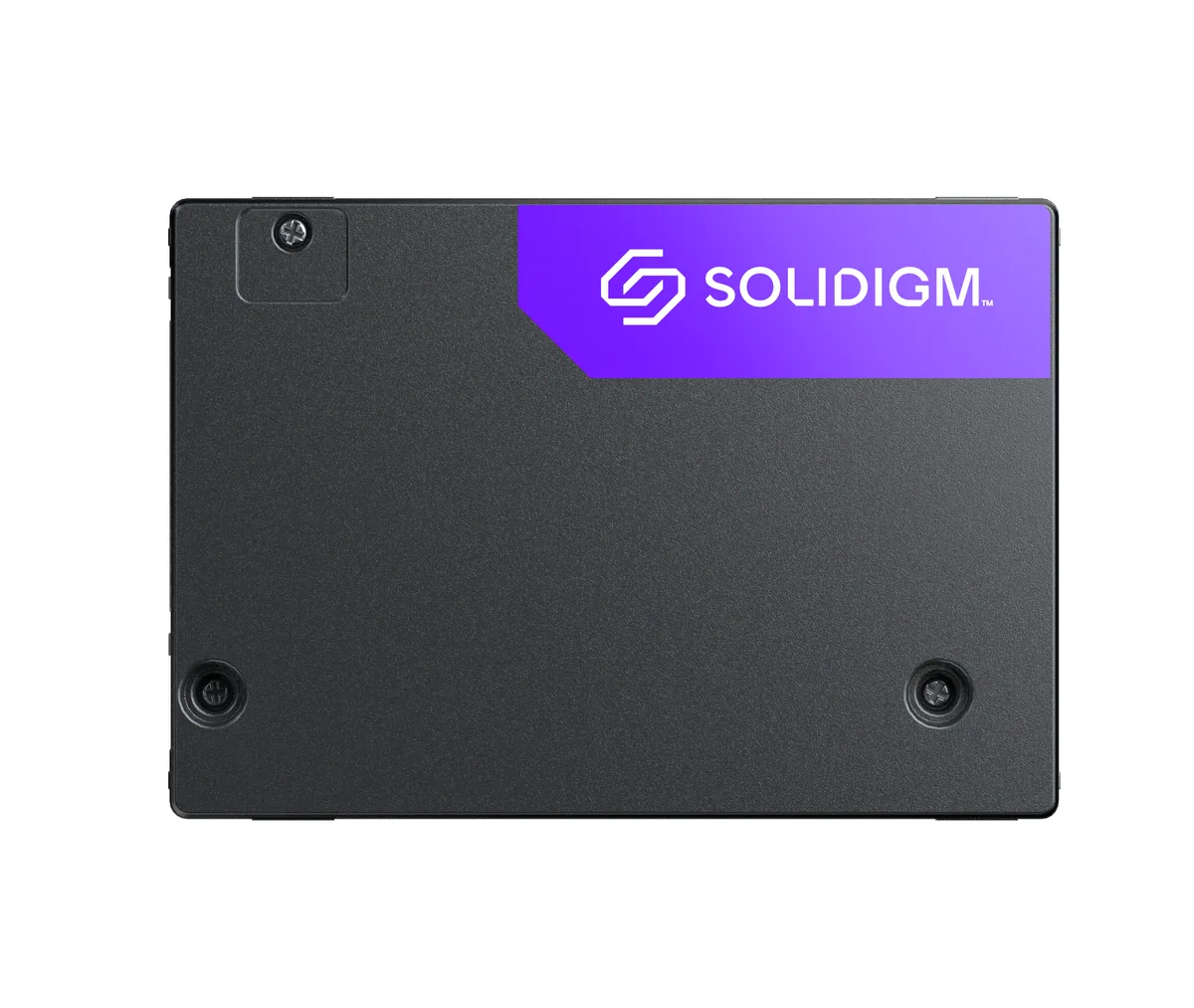
Intel Optane SSD DC P4801X 200GB M.2 22110 enterprise SSD SSDPEL1K200GA01
- M.2 22110
- 200GB
660,99 $US
0.00853562BTC
En stockNous acceptons la cryptomonnaie — les cryptos que vous détenez peuvent ainsi acheter du matériel réel.Payez en crypto, dépensez-la en matériel réel. Livraison assurée offerte partout dans le monde au-delà de 399 $. Cartons neutres, sans marque, expédiés depuis l’Allemagne.Livraison assurée offerte au-delà de 399 $. Votre taux est bloqué pendant 30 minutes dès l’ouverture de la caisse.Taux bloqué 30 minutes. Chaque article est scellé, son numéro de série est vérifié, et il est couvert par une garantie de 24 mois.Scellé, garanti 24 mois.


ADATA
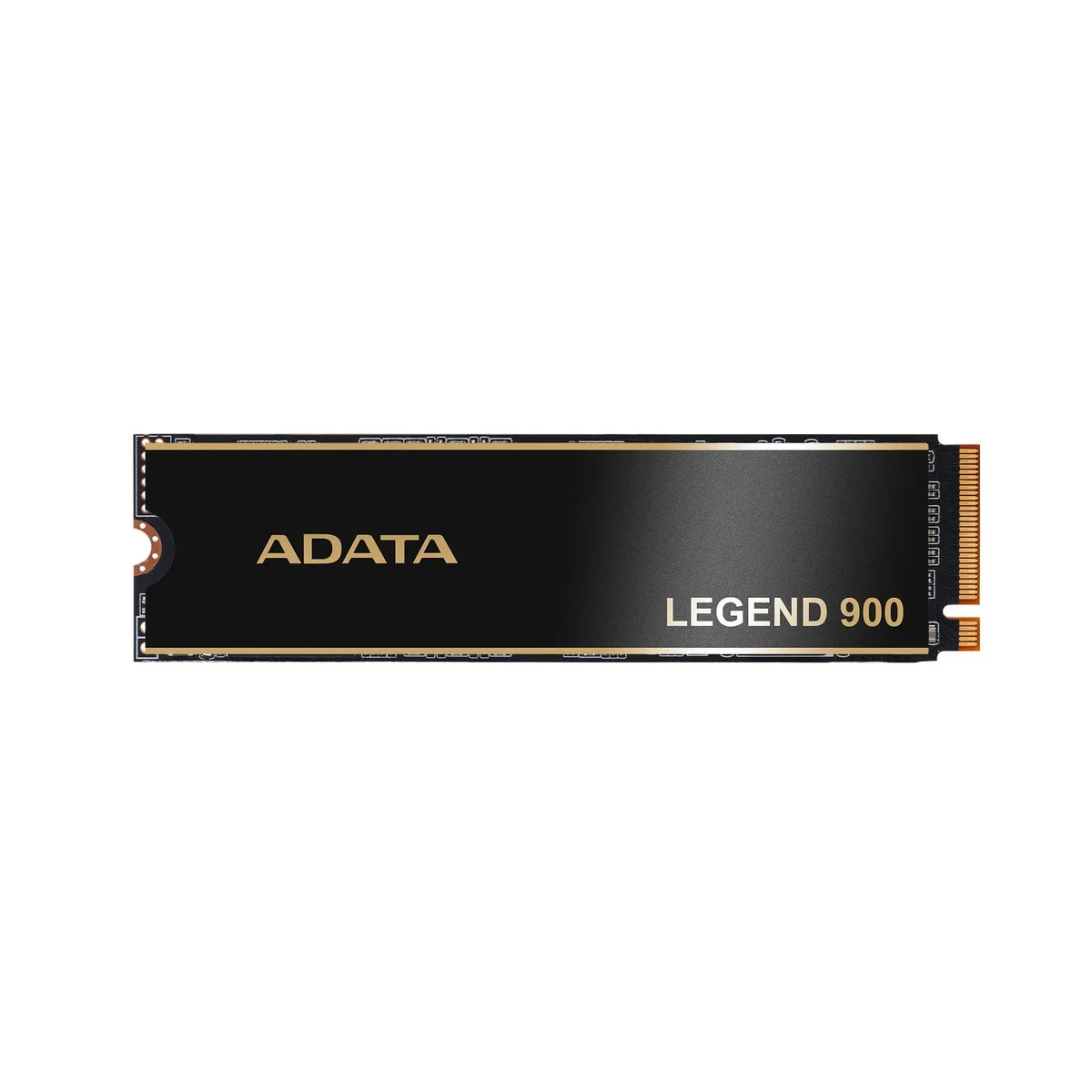
1 TB NVMe drive reaching 7,000 MB/s for gaming and PS5 use
The ADATA Legend 900 is a 1TB internal NVMe SSD built on the PCIe Gen4x4 interface. Sequential read speeds reach up to 7000 MB/s for fast data access. The M.2 form factor fits compatible motherboards and expansion slots. It is validated for PlayStation 5 internal storage expansion.
This drive suits PC builders and PS5 owners who want a 1TB NVMe drive with Gen4x4 performance. Buyers who need more capacity should consider other options. Systems limited to PCIe Gen3 will not reach the stated sequential speeds.
Aucune caractéristique publiée pour cet article pour l’instant.
It uses the M.2 form factor and a PCIe Gen4x4 NVMe interface, so any motherboard or laptop with an M.2 key-M slot that supports PCIe NVMe will accept it.
After seating the drive and securing the screw, enter the BIOS to confirm the drive appears and enable the PCIe Gen4 link; then initialize and format the volume in the operating system before use.
Également dans ce rayon
Même rayon, même caisse — huit monnaies et un taux bloqué 30 minutes.
Ce que vous envoyez, et ce dans quoi vous lisez les prix.
Envoyé depuis votre portefeuille à la caisse
Affichage seul — le catalogue est libellé en dollars
Aucune monnaie ne correspond.
Choisissez la langue dans laquelle le site vous parle.
Première visite ?
Vous avez déjà un compte ?
Il n’y a pas de réinitialisation automatique : cette boutique n’envoie aucun e-mail, il n’existe donc aucun lien à usage unique à demander. Laissez l’adresse sur le compte, elle sera traitée à la main.
Demande enregistrée
Rien n’arrivera dans votre boîte de réception — cette boutique n’envoie aucun e-mail. Quelqu’un s’en occupe à la main.
Vous l’avez retrouvé ?