

Intel
Intel DC S3610 SSDSC2BX016T401 1.6TB 2.5" SATA enterprise SSD
- 2.5"
- 1.6TB
$1,299
0.01680444BTC
In stockWe take cryptocurrency — so the coins you hold can buy real hardware.Pay in crypto, spend it on real hardware. Free insured shipping worldwide over $399. Plain, unbranded boxes, sent from Germany.Free insured shipping over $399. Your rate is locked for 30 minutes once checkout opens.Rate locked 30 minutes. Every item sealed, serial-checked and covered by a 24-month warranty.Sealed, 24-month warranty.
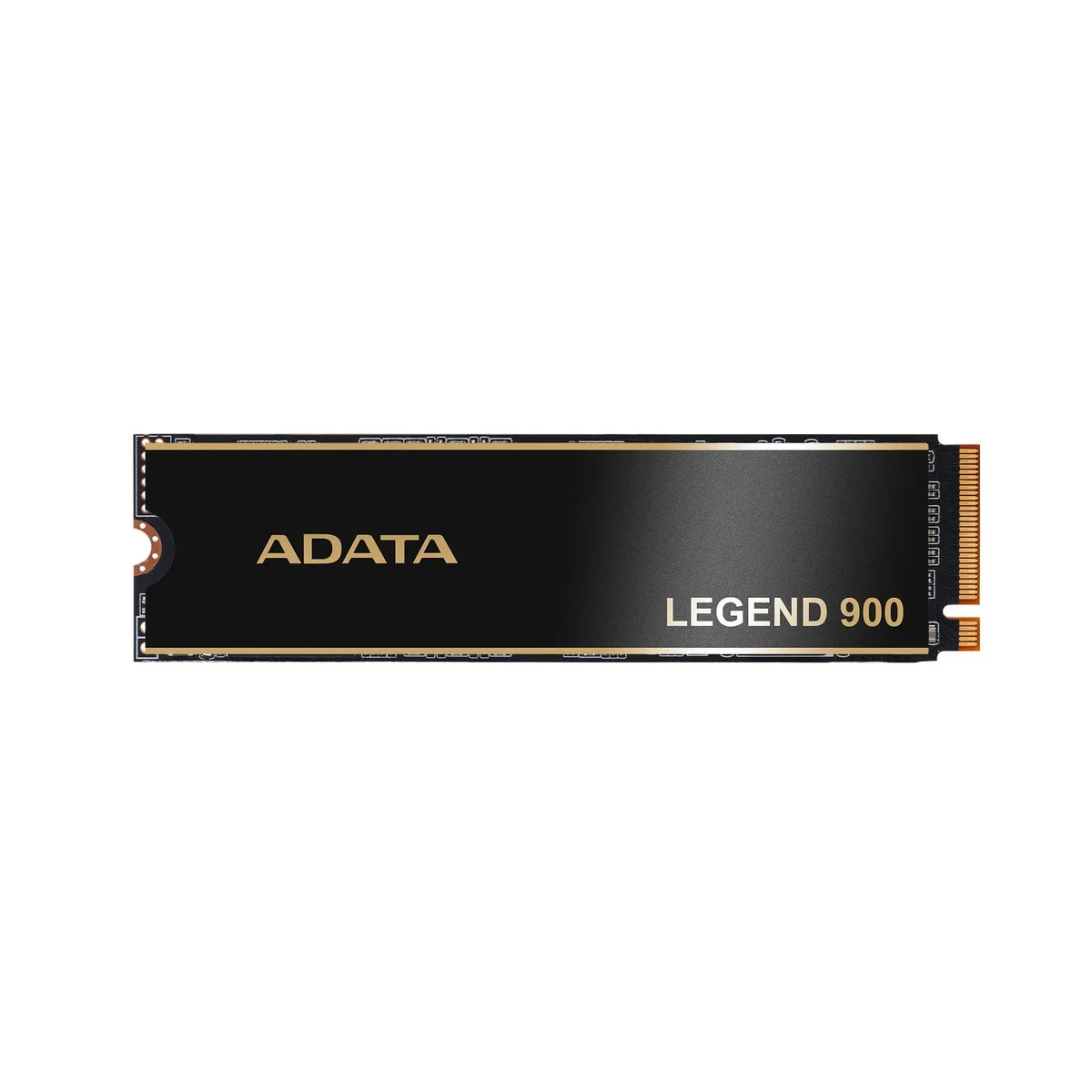


ADATA
1 TB NVMe drive reaching 7,000 MB/s for gaming and PS5 use
The ADATA Legend 900 is a 1TB internal NVMe SSD built on the PCIe Gen4x4 interface. Sequential read speeds reach up to 7000 MB/s for fast data access. The M.2 form factor fits compatible motherboards and expansion slots. It is validated for PlayStation 5 internal storage expansion.
This drive suits PC builders and PS5 owners who want a 1TB NVMe drive with Gen4x4 performance. Buyers who need more capacity should consider other options. Systems limited to PCIe Gen3 will not reach the stated sequential speeds.
No published specifications for this item yet.
It uses the M.2 form factor and a PCIe Gen4x4 NVMe interface, so any motherboard or laptop with an M.2 key-M slot that supports PCIe NVMe will accept it.
After seating the drive and securing the screw, enter the BIOS to confirm the drive appears and enable the PCIe Gen4 link; then initialize and format the volume in the operating system before use.
Also in this aisle
Same shelf, same checkout — eight coins and a 30-minute rate lock.
What you pay in, and what you read prices in.
Sent from your wallet at checkout
Display only — the catalogue is priced in USD
No currency matches that.
Pick the language the site speaks to you in.
New here?
Already have one?
There is no automatic reset: this shop sends no mail, so there is no one-time link to ask for. Leave the address on the account and it gets picked up by hand.
Request noted
Nothing is on its way to your inbox — this shop sends no mail at all. Someone picks these up by hand.
Remembered it?


