


DELL
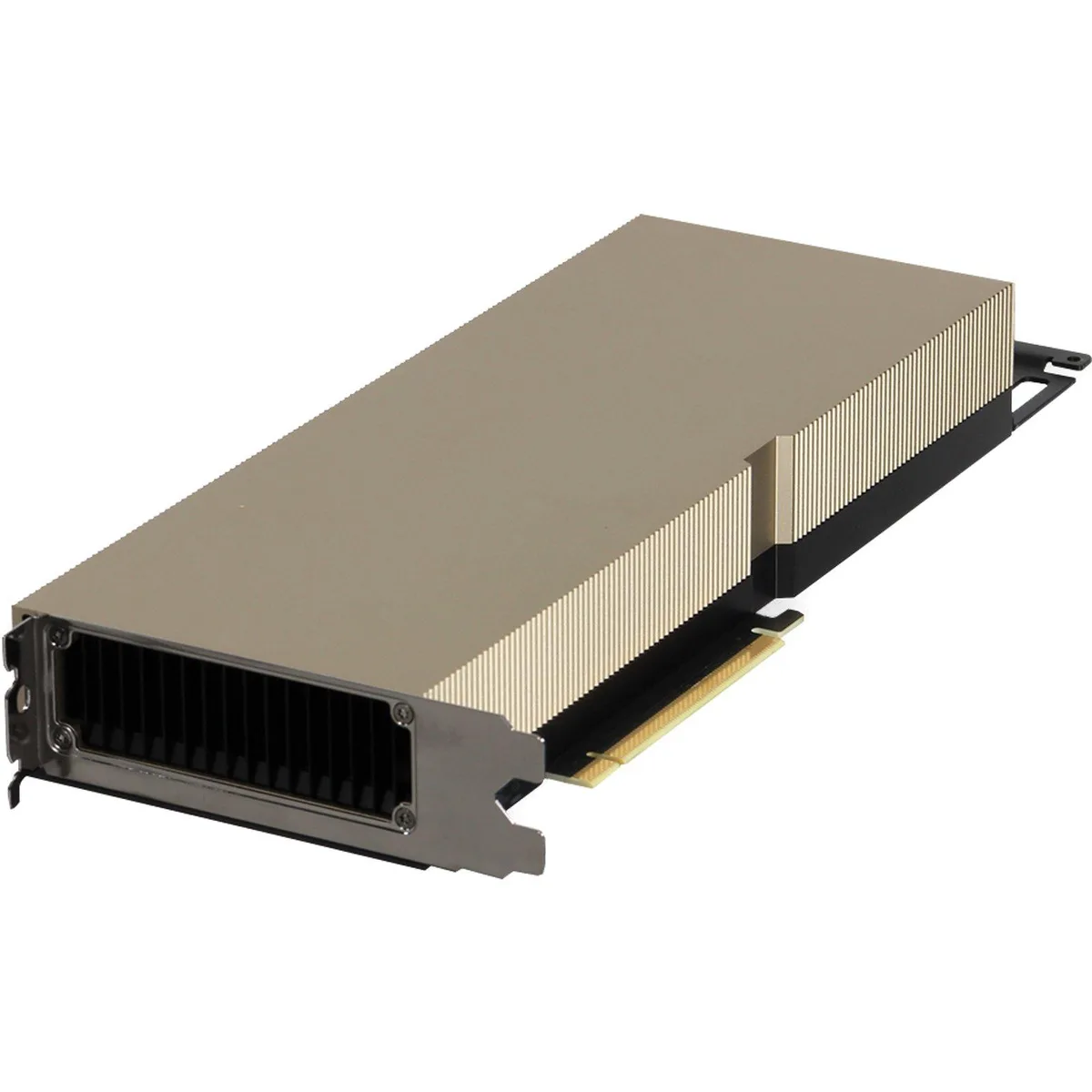
DELL 490-BGUS NVIDIA Ampere A30 24GB 165W FHFL DW FH PCIe GPU v2
NVIDIA Ampere A30 GPU with 24GB memory and 165W power for Dell PowerEdge servers
- TypeRack
- 24 GB memory supports large AI models
- 165 W power draw fits standard server budgets
- Full-height full-length PCIe design installs in Dell PowerEdge R740 and R750
- Tested components with updated firmware ensure reliable operation
- Compatible with Dell PowerEdge R760 and T560 for flexible deployment
Dell NVIDIA Ampere A30 GPU for Server Workloads
This Dell NVIDIA Ampere A30 graphics processor delivers 24GB of memory and a 165W power envelope in a full-height, full-length PCIe form factor. It is designed for compute-intensive tasks inside compatible Dell PowerEdge servers.
Suited for Dense GPU Deployments in Supported
The card fits Dell PowerEdge R740, R740XD, R750, R750XA, R7515, R7525, R760, R760XA, R760XD2, R7615, R7625, T550, T560 and XR12 systems. Buyers whose servers are not on this validated list should look at something else.
24GB VRAM Handles Large Datasets
The 24GB frame buffer accommodates sizable AI inference batches, virtual desktop infrastructure sessions and HPC datasets. Workloads that exceed this memory capacity will require additional cards or a different accelerator class.
Puncte forte
- 24 GB memory supports large AI models
- 165 W power draw fits standard server budgets
- Full-height full-length PCIe design installs in Dell PowerEdge R740 and R750
- Tested components with updated firmware ensure reliable operation
- Compatible with Dell PowerEdge R760 and T560 for flexible deployment
Specificații
| Brand | DELL |
|---|---|
| Model | 490-BGUS |
| Type | Rack |
Întrebări despre acest articol
Which Dell PowerEdge servers will accept this 165W FHFL DW GPU?
Compatible Dell PowerEdge models include R740, R740XD, R750, R750XA, R7515, R7525, R760, R760XA, R760XD2, R7615, R7625, T550, T560 and XR12.
Can this GPU run in an older R740 chassis that I already own?
Yes, the R740 is listed among the compatible PowerEdge servers for this 24GB A30 GPU.
How do I verify the GPU is recognised after installation?
After installation the GPU should appear in the server BIOS or management console showing 24GB memory and the correct device ID.
Tot din acest raion
Clienții au comparat și acestea.
Același raion, aceeași finalizare a comenzii — opt monede și un curs blocat 30 de minute.



DELL
DELL J1-7490AA01 All-in-One PC Core i7-10700 2.9GHz 16GB 512GB SSD 23.8" FHD
- All-in-One PC
- All-in-One
691,99 USD768,99 USD−10%
0.00895479BTC
În stoc
HP
HP J1-800G6AA01 All-in-One PC Core i5-10500 16GB DDR4 512GB NVMe 23.8
- All-in-One PC
- All-in-One
810,99 USD999,99 USD−19%
0.01049472BTC
În stoc
HP
HP OmniStudio X 27-CS1000T all-in-one PC, Intel Core Ultra 7 256V, 16 GB, 512 GB, 27" FHD IPS, Meteor Silver
696,99 USD
0.00901949BTC
În stoc