


DELL
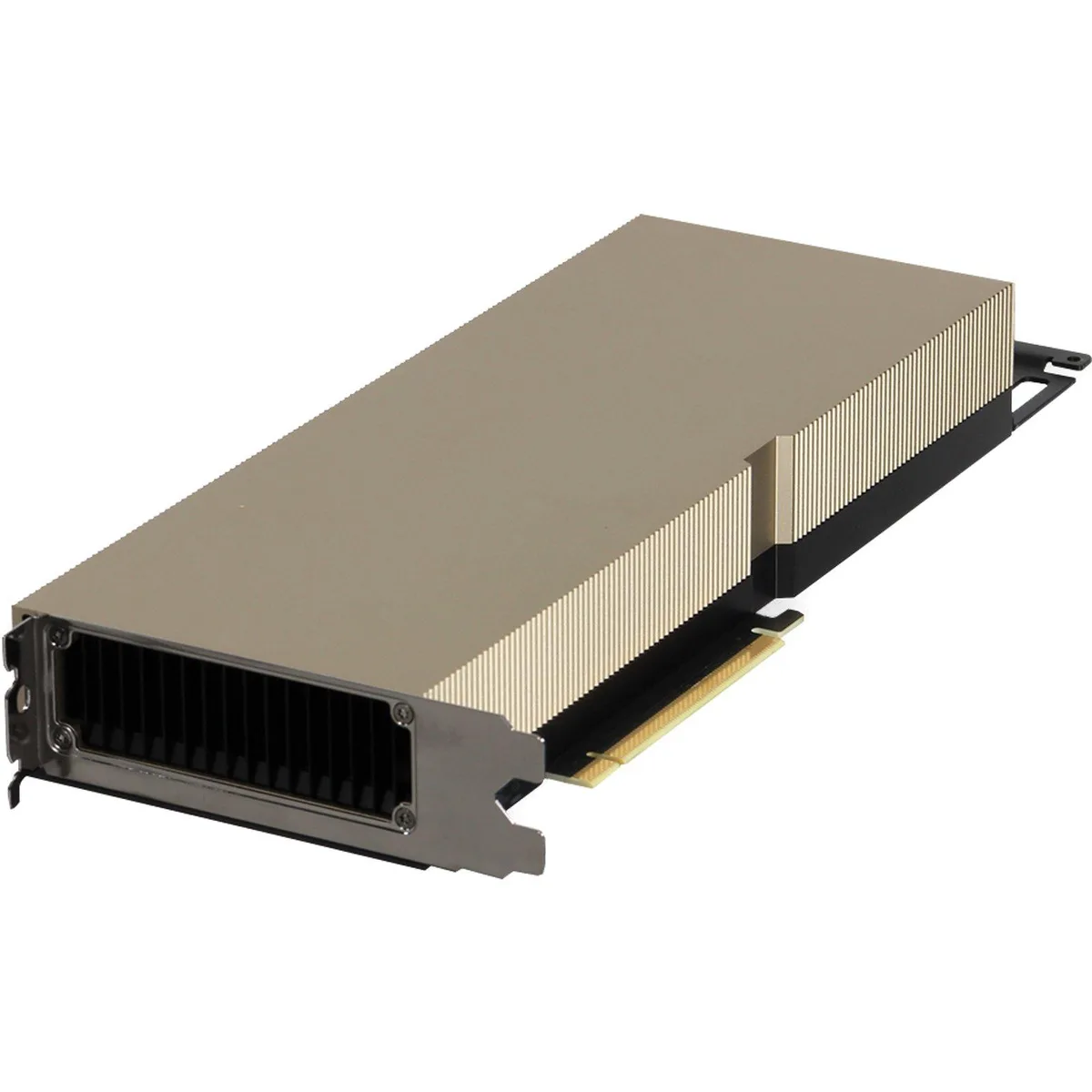
DELL 490-BGUS NVIDIA Ampere A30 24GB 165W FHFL DW FH PCIe GPU v2
NVIDIA Ampere A30 GPU with 24GB memory and 165W power for Dell PowerEdge servers
- TypeRack
- 24 GB memory supports large AI models
- 165 W power draw fits standard server budgets
- Full-height full-length PCIe design installs in Dell PowerEdge R740 and R750
- Tested components with updated firmware ensure reliable operation
- Compatible with Dell PowerEdge R760 and T560 for flexible deployment
Dell NVIDIA Ampere A30 GPU for Server Workloads
This Dell NVIDIA Ampere A30 graphics processor delivers 24GB of memory and a 165W power envelope in a full-height, full-length PCIe form factor. It is designed for compute-intensive tasks inside compatible Dell PowerEdge servers.
Suited for Dense GPU Deployments in Supported
The card fits Dell PowerEdge R740, R740XD, R750, R750XA, R7515, R7525, R760, R760XA, R760XD2, R7615, R7625, T550, T560 and XR12 systems. Buyers whose servers are not on this validated list should look at something else.
24GB VRAM Handles Large Datasets
The 24GB frame buffer accommodates sizable AI inference batches, virtual desktop infrastructure sessions and HPC datasets. Workloads that exceed this memory capacity will require additional cards or a different accelerator class.
Highlights
- 24 GB memory supports large AI models
- 165 W power draw fits standard server budgets
- Full-height full-length PCIe design installs in Dell PowerEdge R740 and R750
- Tested components with updated firmware ensure reliable operation
- Compatible with Dell PowerEdge R760 and T560 for flexible deployment
Specifications
| Brand | DELL |
|---|---|
| Model | 490-BGUS |
| Type | Rack |
Questions about this item
Which Dell PowerEdge servers will accept this 165W FHFL DW GPU?
Compatible Dell PowerEdge models include R740, R740XD, R750, R750XA, R7515, R7525, R760, R760XA, R760XD2, R7615, R7625, T550, T560 and XR12.
Can this GPU run in an older R740 chassis that I already own?
Yes, the R740 is listed among the compatible PowerEdge servers for this 24GB A30 GPU.
How do I verify the GPU is recognised after installation?
After installation the GPU should appear in the server BIOS or management console showing 24GB memory and the correct device ID.
Also in this aisle
People compared these
Same shelf, same checkout — eight coins and a 30-minute rate lock.



HPE
HPE P22020B21 2U Cable Management Arm for DL38X Gen10 Plus Rail Kit
$52.99$67.99−22%
0.00067489BTC
In stock
Lenovo
Lenovo ThinkSystem ST250 V3 7DCEA01YNA Tower Server Xeon E-2434 16 GB RAM
$1,267.99
0.01614945BTC
In stock