DELL
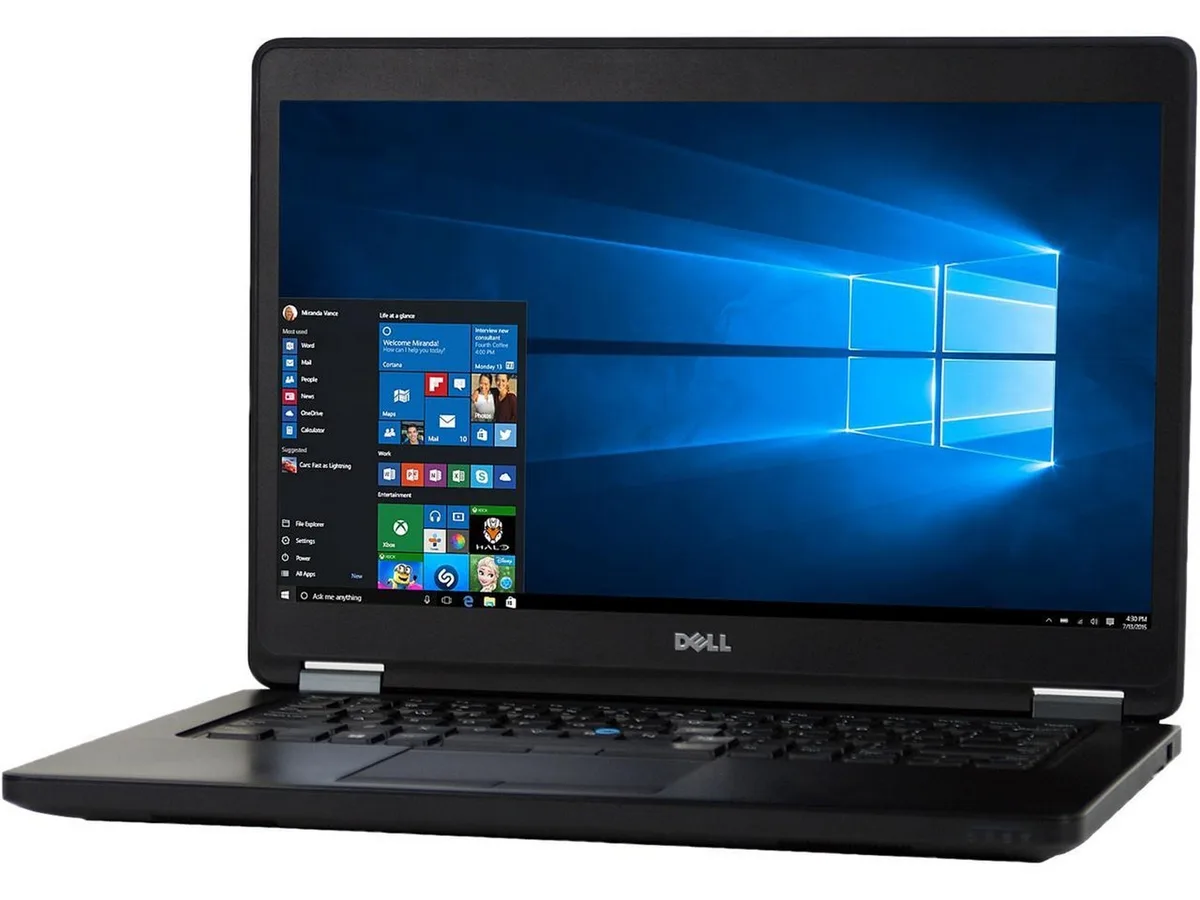
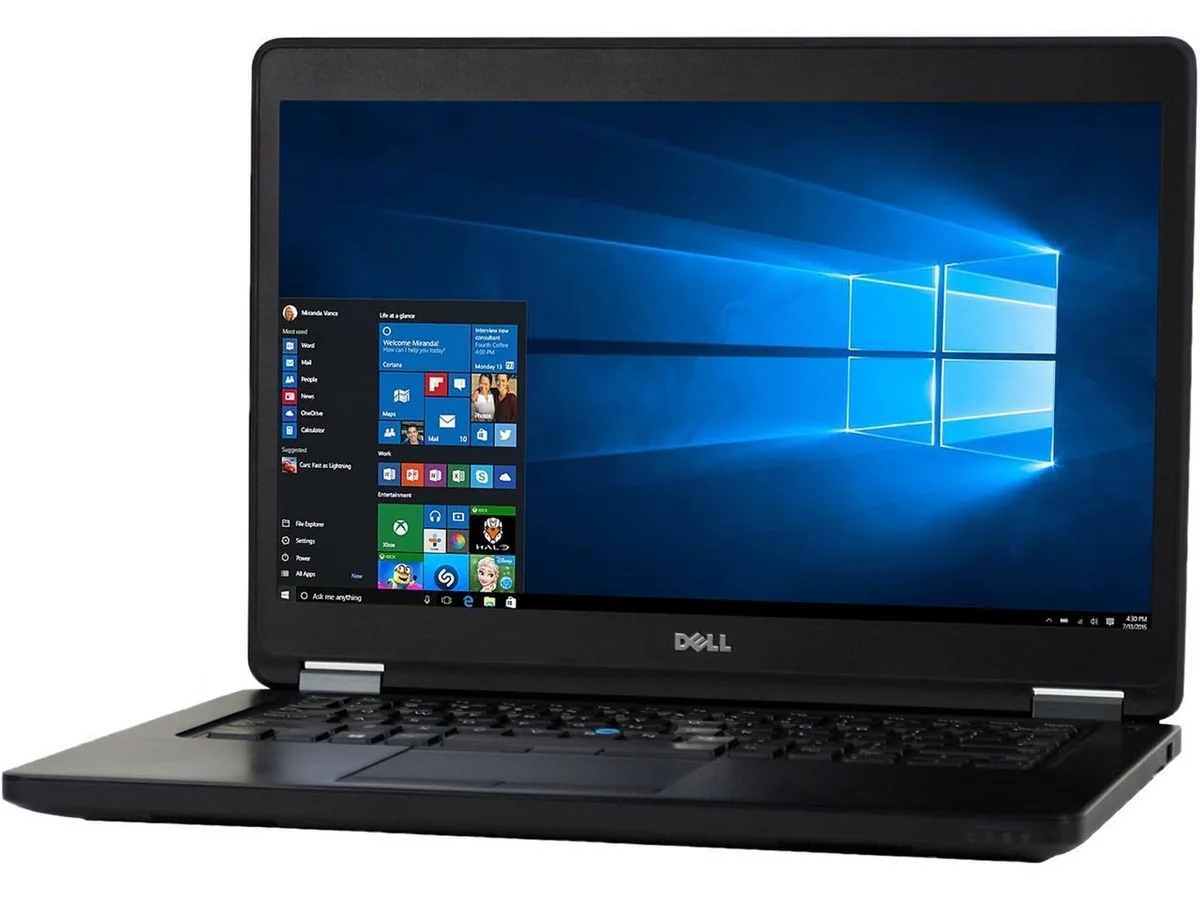
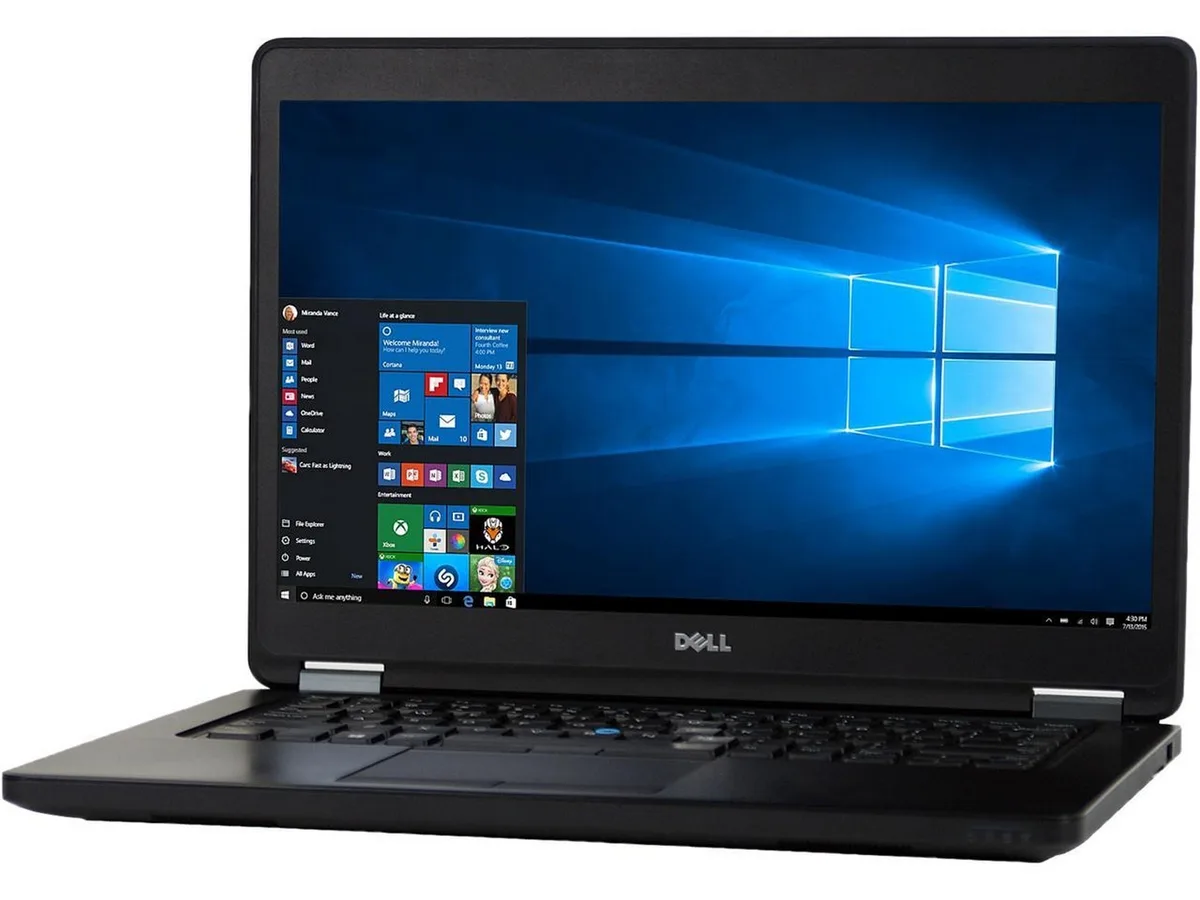
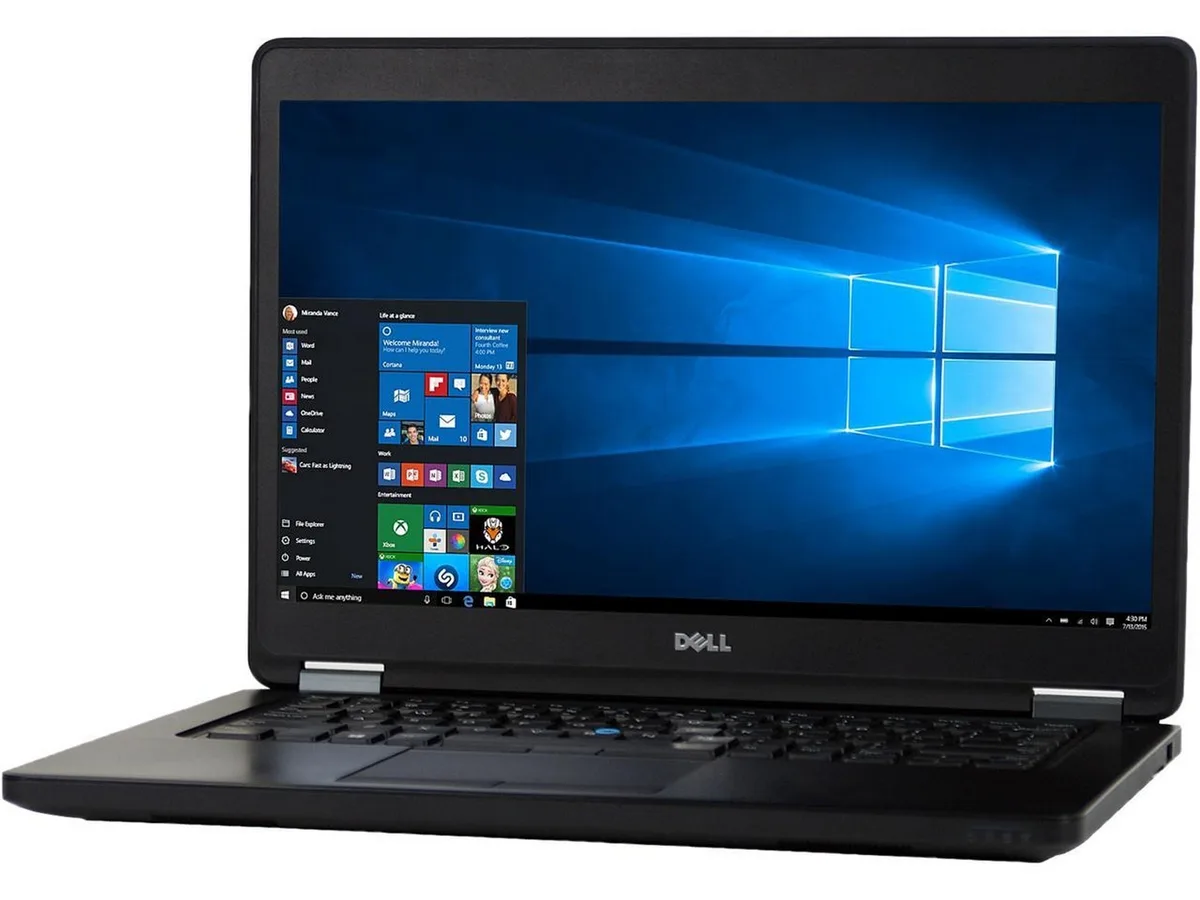
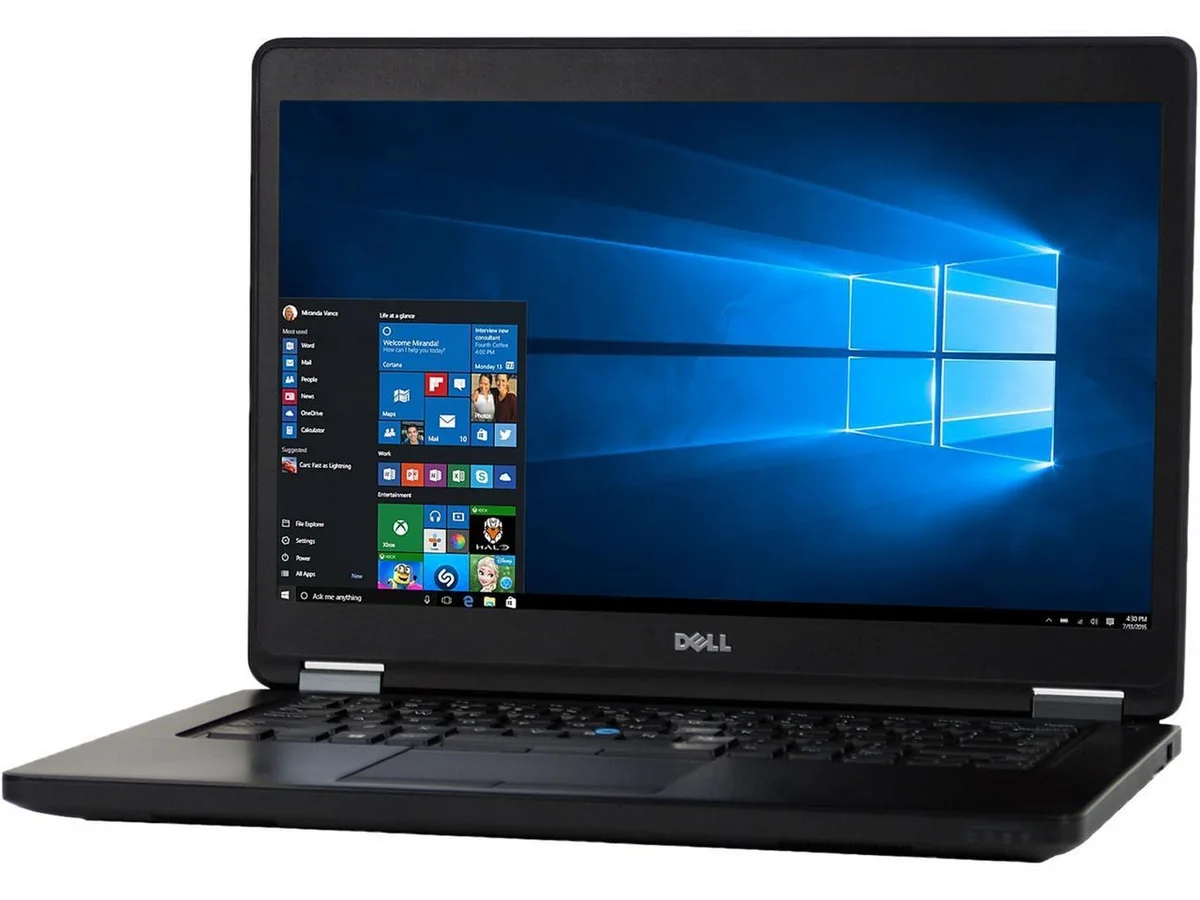
DELL Latitude E5450 laptop Intel Core i7 5th Gen 2.90 GHz 8GB DDR3 128GB SSD 14" Windows 10 Home
- Black
- Windows 10 Home 🙋♀…
208,99 USD
0.00264598BTC
În stocAcceptăm criptomonede — astfel, criptomonedele pe care le dețineți pot cumpăra echipamente reale.Plătiți în cripto, cheltuiți-o pe echipamente reale. Livrare asigurată gratuită oriunde în lume peste 399 $. Cartoane neutre, fără marcă, expediate din Germania.Livrare asigurată gratuită peste 399 $. Cursul dumneavoastră este blocat timp de 30 de minute de la deschiderea paginii de plată.Curs blocat 30 de minute. Fiecare articol este sigilat, numărul de serie este verificat, iar produsul este acoperit de o garanție de 24 de luni.Sigilat, garantat 24 de luni.


DELL
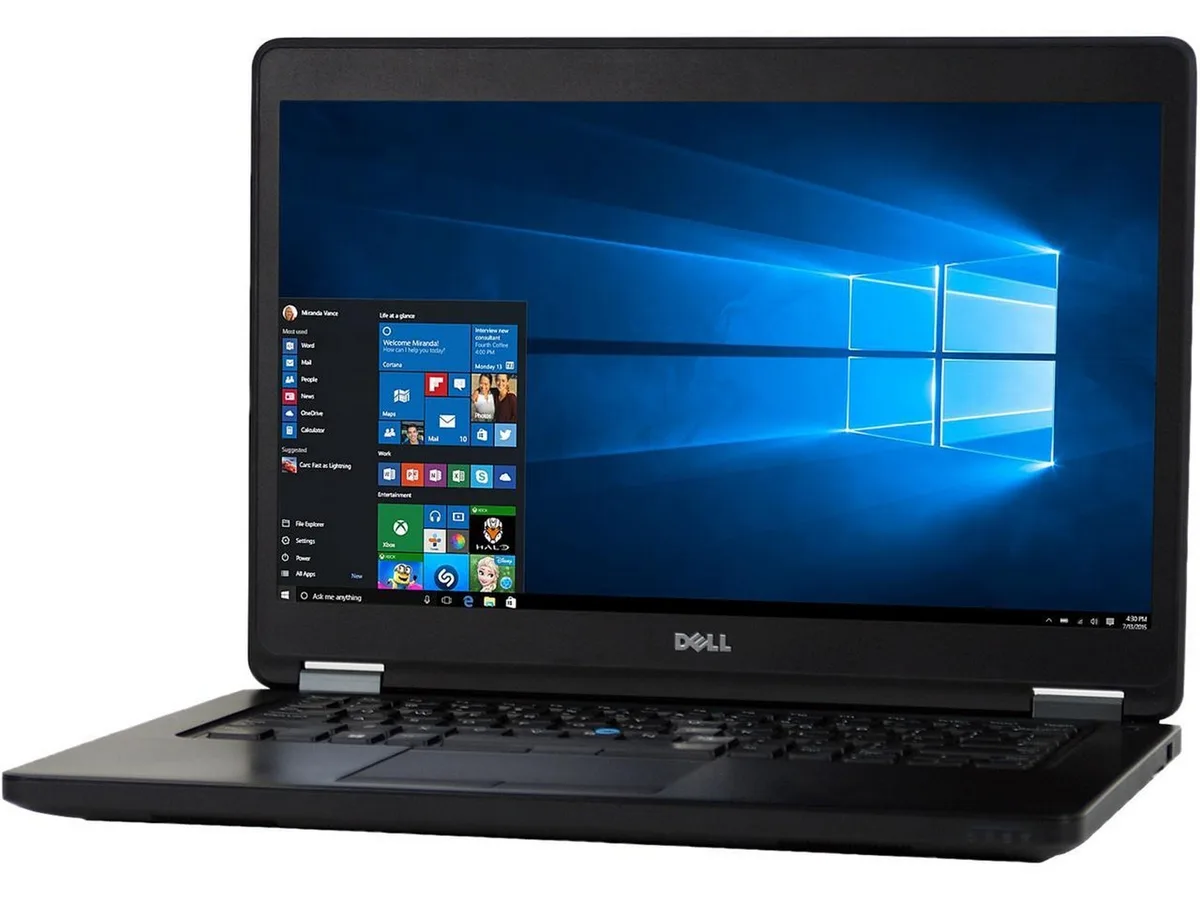
A 14-inch Windows 10 business laptop with a 2.90 GHz Intel Core i7 5th Gen processor, 8GB DDR3 memory and a 512GB SSD
Options 8GB/512GB W10H
The Dell Latitude E5450 is a 14.0 inch laptop built for everyday business use. It runs on an Intel Core i7 5th Gen processor at 2.90 GHz with 8GB DDR3 memory and a 512GB SSD. Windows 10 Home 64 Bit comes pre-installed and activates automatically. The non-touch screen and compact chassis suit mobile professionals needing reliable productivity.
The system arrives ready to use with a fresh Windows installation and verified ports. Memory upgrades are straightforward thanks to two accessible slots supporting up to 16 GB total. The 8GB DDR3 configuration handles standard workloads well. No Bluetooth module is fitted, so wireless peripherals need a USB adapter.
The 512GB SSD provides fast boot times and space for documents and applications. 8GB DDR3 handles typical office multitasking such as browser tabs and productivity suites. The 16 GB ceiling limits heavy virtualisation or large dataset work. Wireless connectivity uses 802.11a/b/g for basic network access.
| Brand | Latitude |
|---|---|
| Series | Latitude |
| Model | E5450 |
| Color | Black |
| Operating System | Windows 10 Home 🙋♀️Microsoft Windows 11 Pro Upgrade 👉Check ABS/Helix computers with Windows 11 |
| CPU Type | Intel Core i7 5th Gen |
| Processor Name | 2.80GHz |
| Screen Size | 14.0" |
| Touchscreen | Non-Touch Screen |
| SSD | 512GB |
| HDD | No |
| Memory | 8GB |
| Memory Slot (Total) | 2 |
| Max Memory Supported | 16 GB |
| Optical Drive Type | No |
| WLAN | 802.11a/b/g Wireless LAN |
| Bluetooth | No |
| USB | 2 |
| Type | Mainstream |
| Usage | Business |
| AC Adapter/Charger | Yes |
| Battery | Li-Ion |
| Weight | 4 |
| Software Included | Anti-Virus Software & Libre Office Suite |
| Package Content | Dell Latitude E5450 , Pre installed Windows 10 Home 64Bit, power cord(s), and Blair quick start guide 🙋♀️Microsoft Windows 11 Pro Upgrade 👉Check ABS/Helix computers with Windows 11 |
Alte versiuni ale acestui model
Aceeași familie, memorie, radiator sau frecvență diferite — comparați înainte de a vă decide.
Open Task Manager and confirm the processor shows two cores at 2.90 GHz base speed, then run Windows Update to ensure all drivers install without errors.
The box contains the laptop, AC adapter and power cord; a carrying case, external optical drive and USB hub are not included.
Choose 8 GB for typical office tasks and web browsing; upgrade to 16 GB if you run virtual machines, large spreadsheets or multiple apps simultaneously.
Tot din acest raion
Același raion, aceeași finalizare a comenzii — opt monede și un curs blocat 30 de minute.
În ce monedă plătiți și în ce monedă citiți prețurile.
Trimis din portofelul dumneavoastră la finalizarea comenzii
Doar pentru afișare — catalogul este exprimat în dolari
Nicio monedă nu corespunde.
Alegeți limba în care vă vorbește site-ul.
Nicio limbă nu corespunde.
Prima vizită?
Aveți deja un cont?
Nu există o resetare automată: acest magazin nu trimite niciun e-mail, deci nu există niciun link de unică folosință de solicitat. Lăsați adresa în cont. Va fi tratată manual.
Cerere înregistrată
Nu veți primi nimic în căsuța de e-mail — acest magazin nu trimite niciun e-mail. Cineva se ocupă de asta manual.
V-ați amintit-o?