DELL
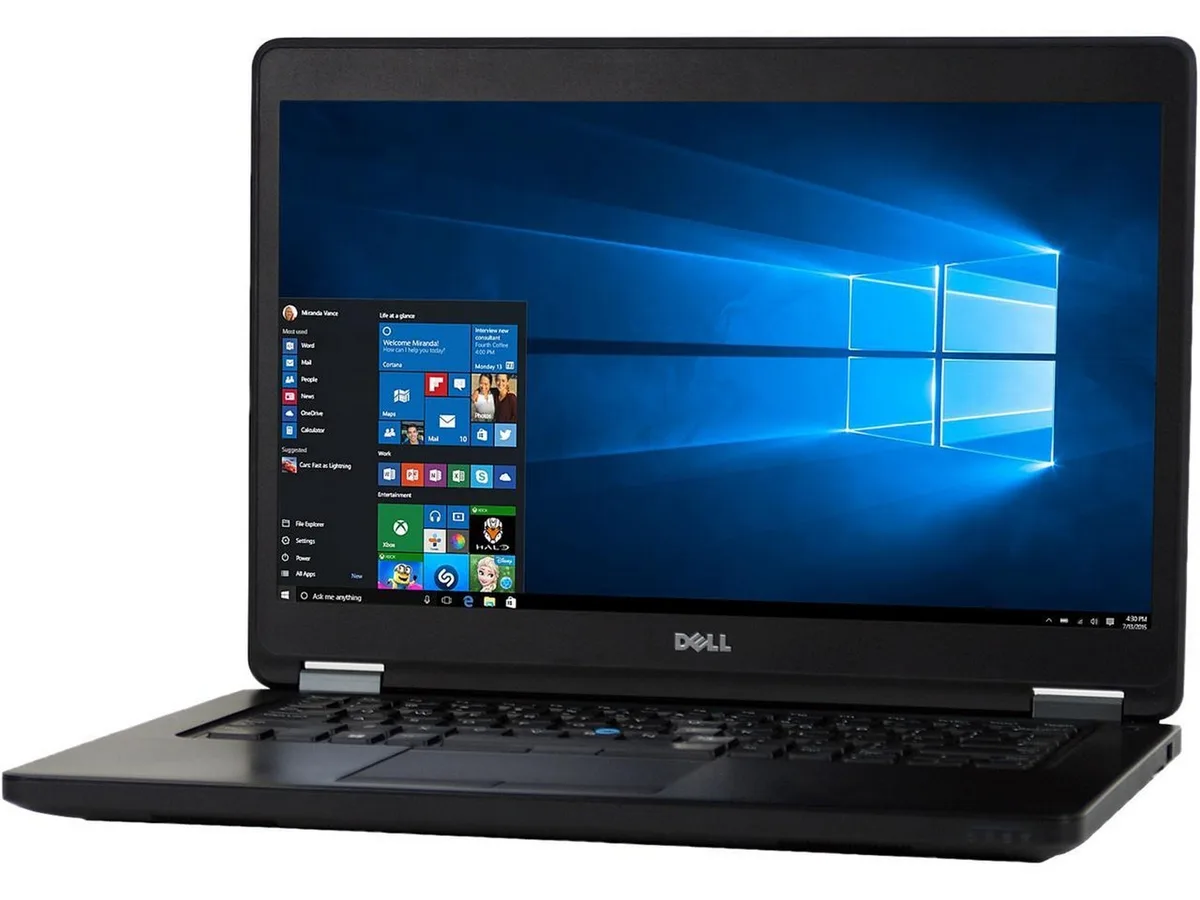
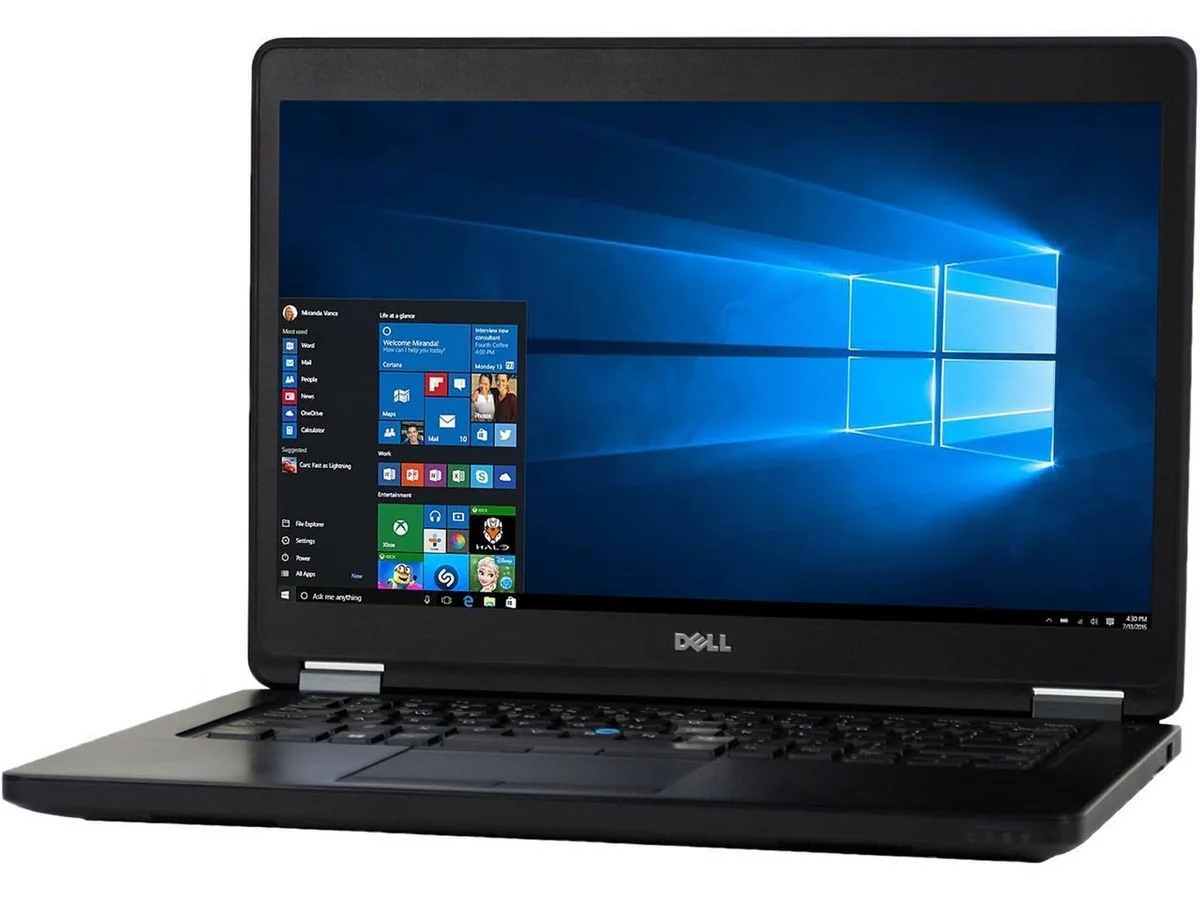
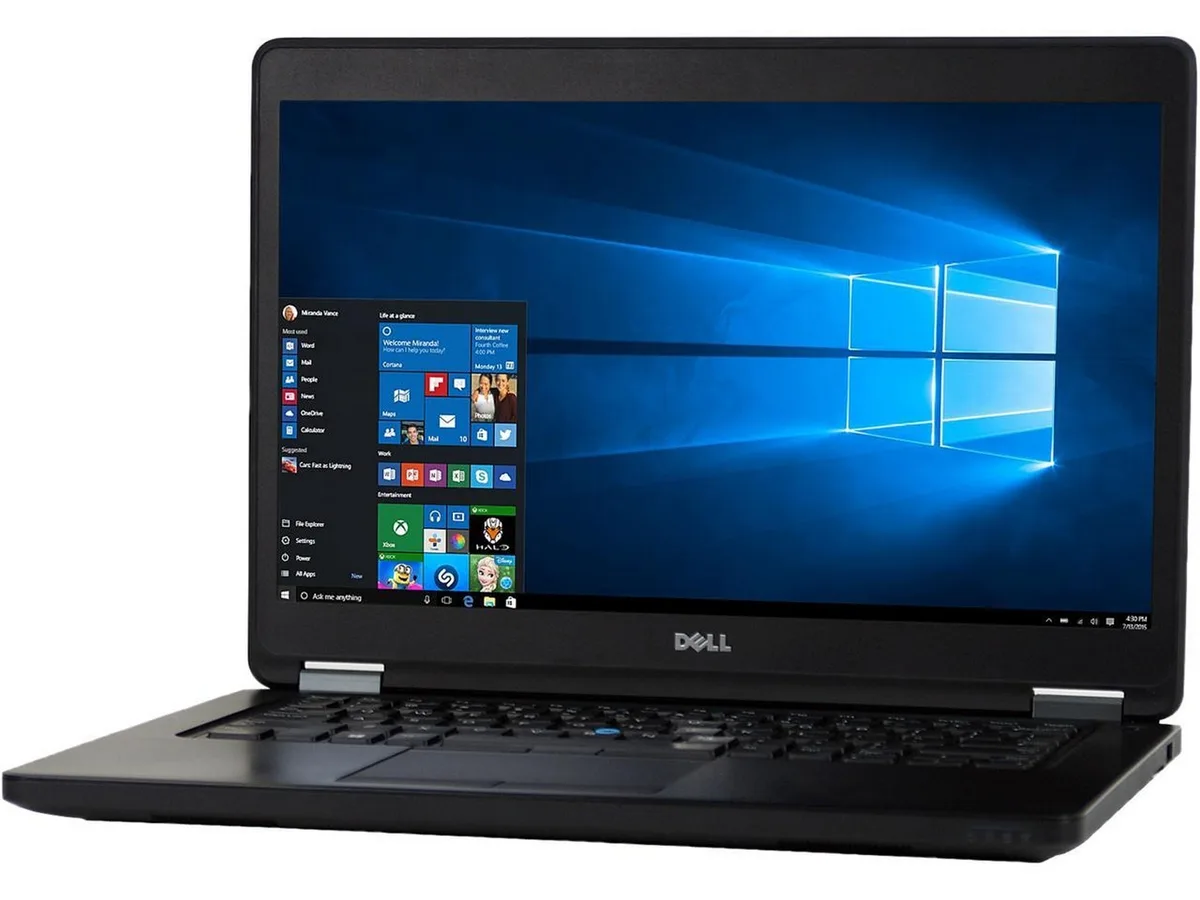
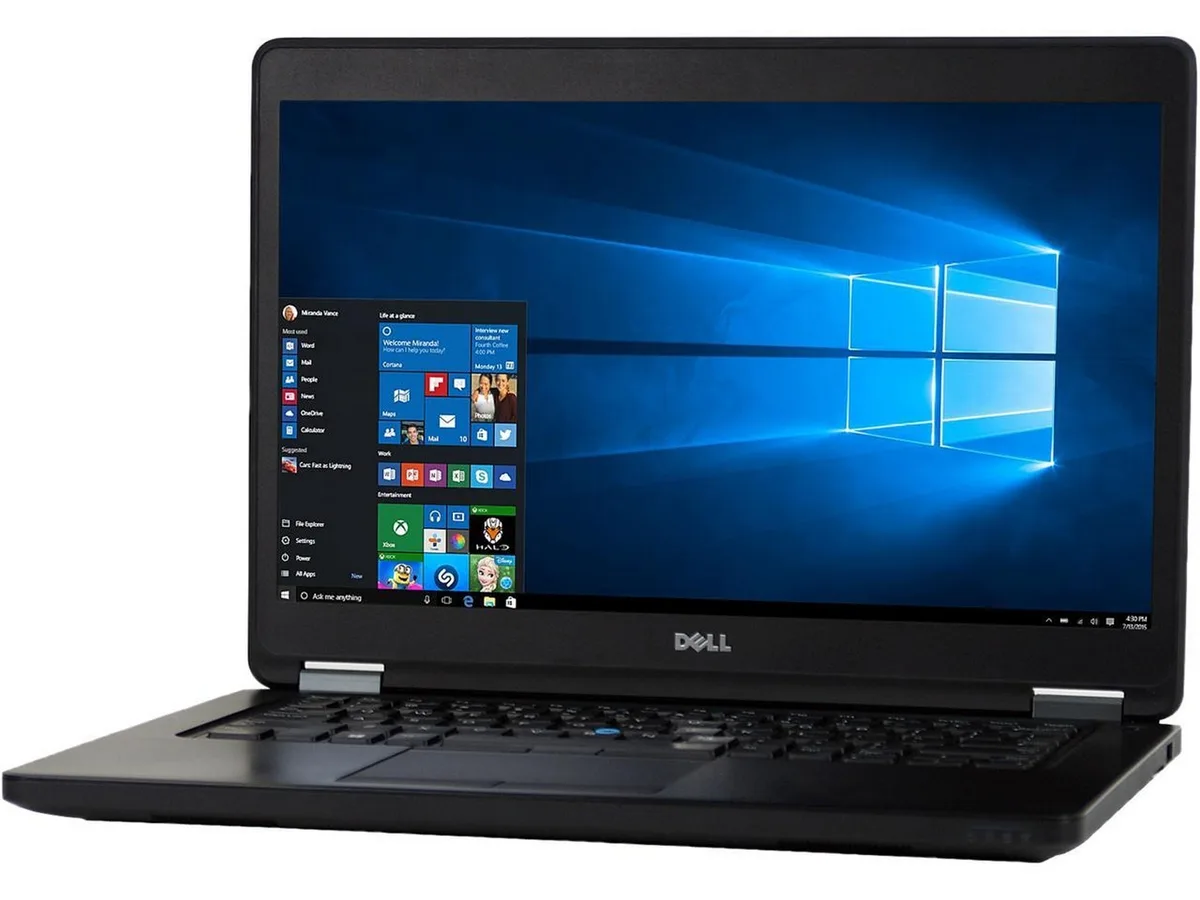
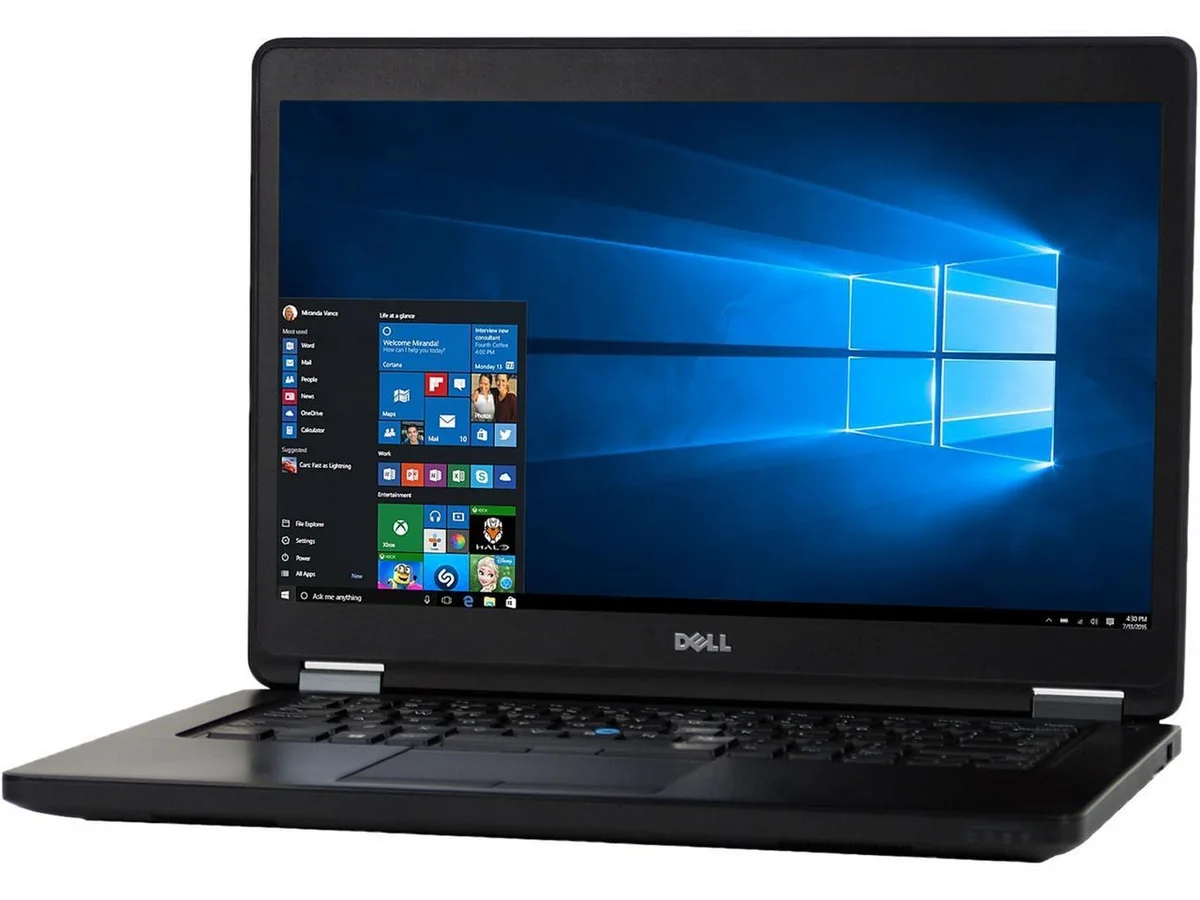
DELL Latitude E5450 laptop Intel Core i7 5th Gen 2.90 GHz 8GB DDR3 128GB SSD 14" Windows 10 Home
- Black
- Windows 10 Home 🙋♀…
208,99 USD
0.00266077BTC
DisponibileAccettiamo criptovalute — così le crypto che Lei possiede possono comprare hardware reale.Paghi in crypto, la spenda in hardware reale. Spedizione assicurata gratuita in tutto il mondo oltre i 399 $. Cartoni neutri, senza marchio, spediti dalla Germania.Spedizione assicurata gratuita oltre i 399 $. Il Suo tasso resta bloccato per 30 minuti dall’apertura del checkout.Tasso bloccato 30 minuti. Ogni articolo è sigillato, il numero di serie è verificato, ed è coperto da una garanzia di 24 mesi.Sigillato, garantito 24 mesi.


DELL
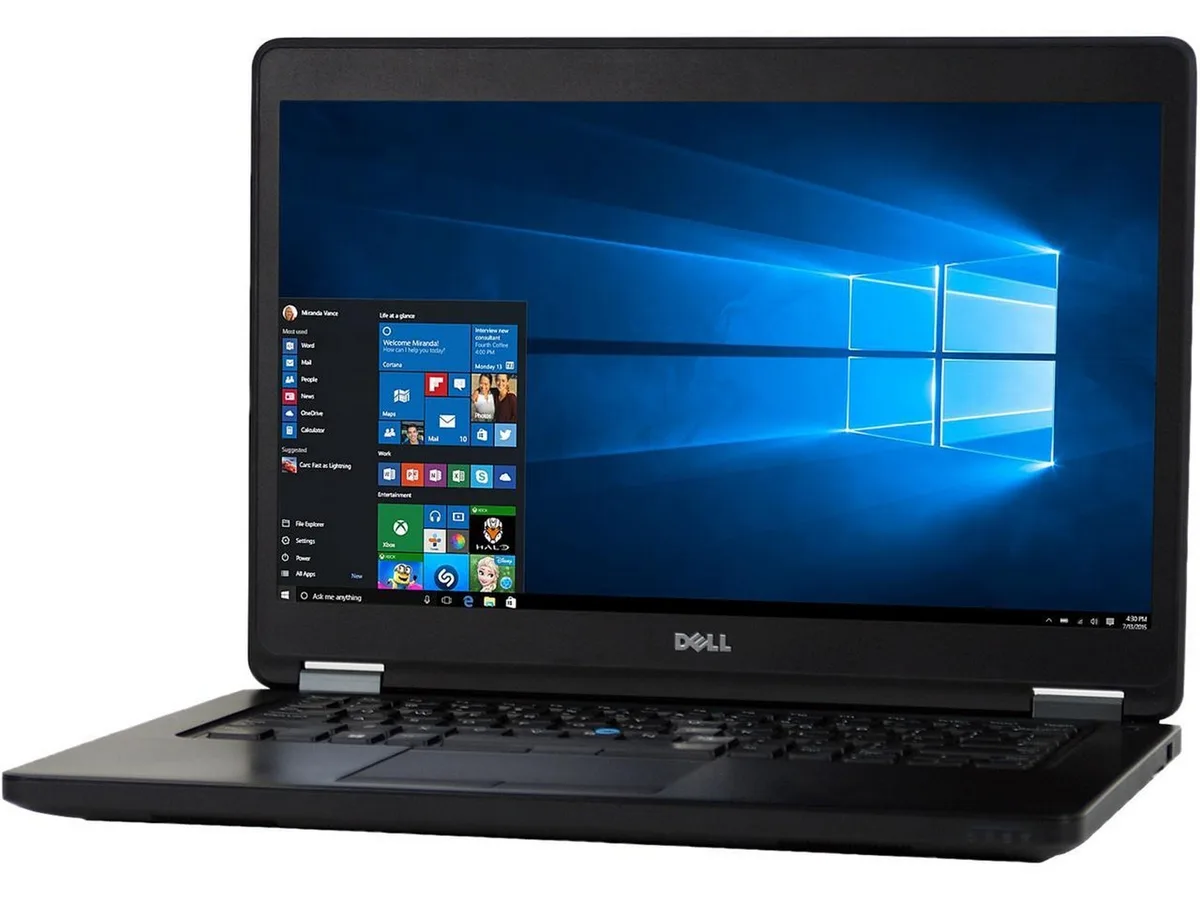
A 14-inch Windows 10 business laptop with a 2.90 GHz Intel Core i7 5th Gen processor, 8GB DDR3 memory and a 512GB SSD
Options 8GB/512GB W10H
The Dell Latitude E5450 is a 14.0 inch laptop built for everyday business use. It runs on an Intel Core i7 5th Gen processor at 2.90 GHz with 8GB DDR3 memory and a 512GB SSD. Windows 10 Home 64 Bit comes pre-installed and activates automatically. The non-touch screen and compact chassis suit mobile professionals needing reliable productivity.
The system arrives ready to use with a fresh Windows installation and verified ports. Memory upgrades are straightforward thanks to two accessible slots supporting up to 16 GB total. The 8GB DDR3 configuration handles standard workloads well. No Bluetooth module is fitted, so wireless peripherals need a USB adapter.
The 512GB SSD provides fast boot times and space for documents and applications. 8GB DDR3 handles typical office multitasking such as browser tabs and productivity suites. The 16 GB ceiling limits heavy virtualisation or large dataset work. Wireless connectivity uses 802.11a/b/g for basic network access.
| Brand | Latitude |
|---|---|
| Series | Latitude |
| Model | E5450 |
| Color | Black |
| Operating System | Windows 10 Home 🙋♀️Microsoft Windows 11 Pro Upgrade 👉Check ABS/Helix computers with Windows 11 |
| CPU Type | Intel Core i7 5th Gen |
| Processor Name | 2.80GHz |
| Screen Size | 14.0" |
| Touchscreen | Non-Touch Screen |
| SSD | 512GB |
| HDD | No |
| Memory | 8GB |
| Memory Slot (Total) | 2 |
| Max Memory Supported | 16 GB |
| Optical Drive Type | No |
| WLAN | 802.11a/b/g Wireless LAN |
| Bluetooth | No |
| USB | 2 |
| Type | Mainstream |
| Usage | Business |
| AC Adapter/Charger | Yes |
| Battery | Li-Ion |
| Weight | 4 |
| Software Included | Anti-Virus Software & Libre Office Suite |
| Package Content | Dell Latitude E5450 , Pre installed Windows 10 Home 64Bit, power cord(s), and Blair quick start guide 🙋♀️Microsoft Windows 11 Pro Upgrade 👉Check ABS/Helix computers with Windows 11 |
Altre versioni di questo modello
Stessa famiglia, con memoria, dissipatore o frequenza diversi — confronti prima di decidere.
Open Task Manager and confirm the processor shows two cores at 2.90 GHz base speed, then run Windows Update to ensure all drivers install without errors.
The box contains the laptop, AC adapter and power cord; a carrying case, external optical drive and USB hub are not included.
Choose 8 GB for typical office tasks and web browsing; upgrade to 16 GB if you run virtual machines, large spreadsheets or multiple apps simultaneously.
Anche in questo reparto
Stesso reparto, stessa cassa — otto monete e un cambio bloccato per 30 minuti.
Cosa invia per pagare, e in quale valuta legge i prezzi.
Inviato dal Suo portafoglio alla cassa
Solo a titolo indicativo — il catalogo è espresso in dollari
Nessuna valuta corrisponde.
Scelga la lingua in cui il sito Le parla.
Nessuna lingua corrisponde.
Prima visita?
Ne ha già uno?
Non esiste un ripristino automatico: questo negozio non invia e-mail, quindi non esiste alcun link monouso da richiedere. Lasci l’indirizzo sull’account: verrà gestito manualmente.
Richiesta registrata
Non arriverà nulla nella Sua casella di posta — questo negozio non invia e-mail. Qualcuno se ne occupa manualmente.
L’ha ritrovata?