OWC
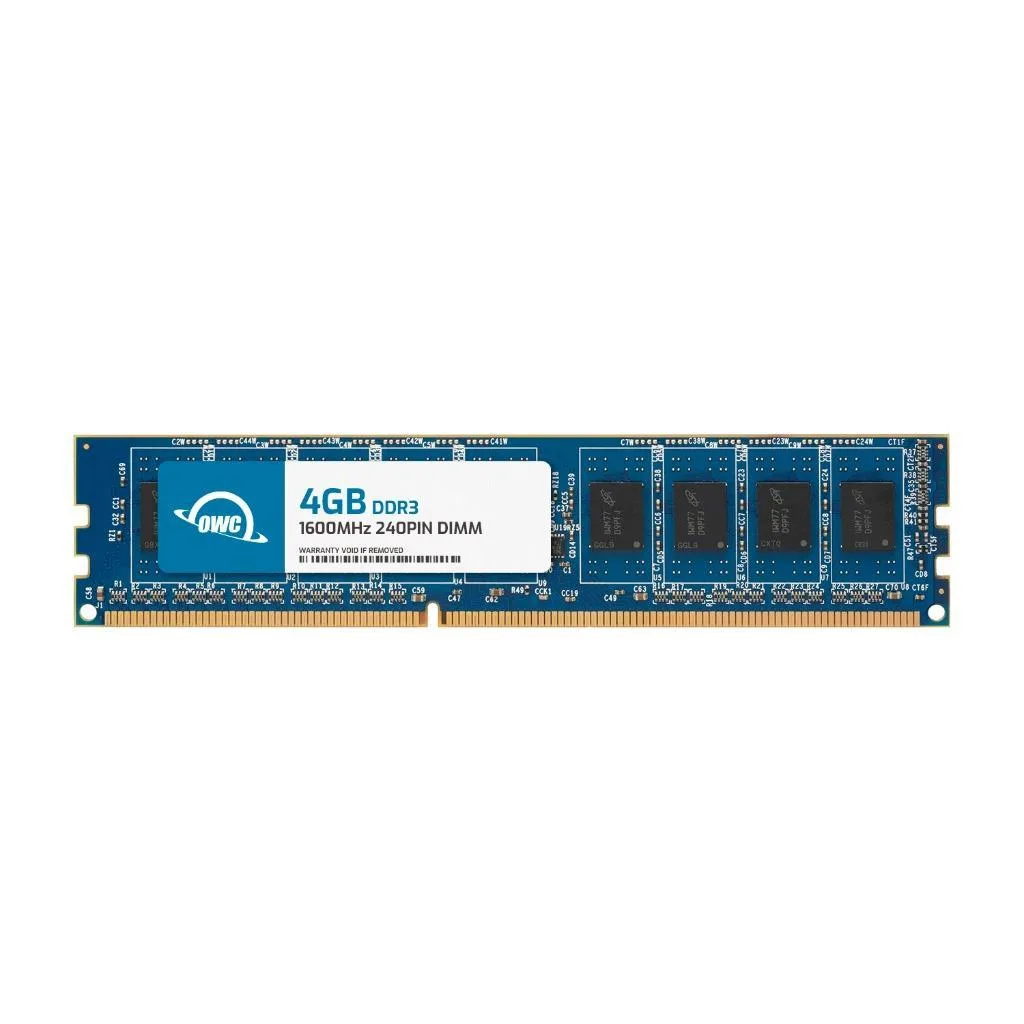
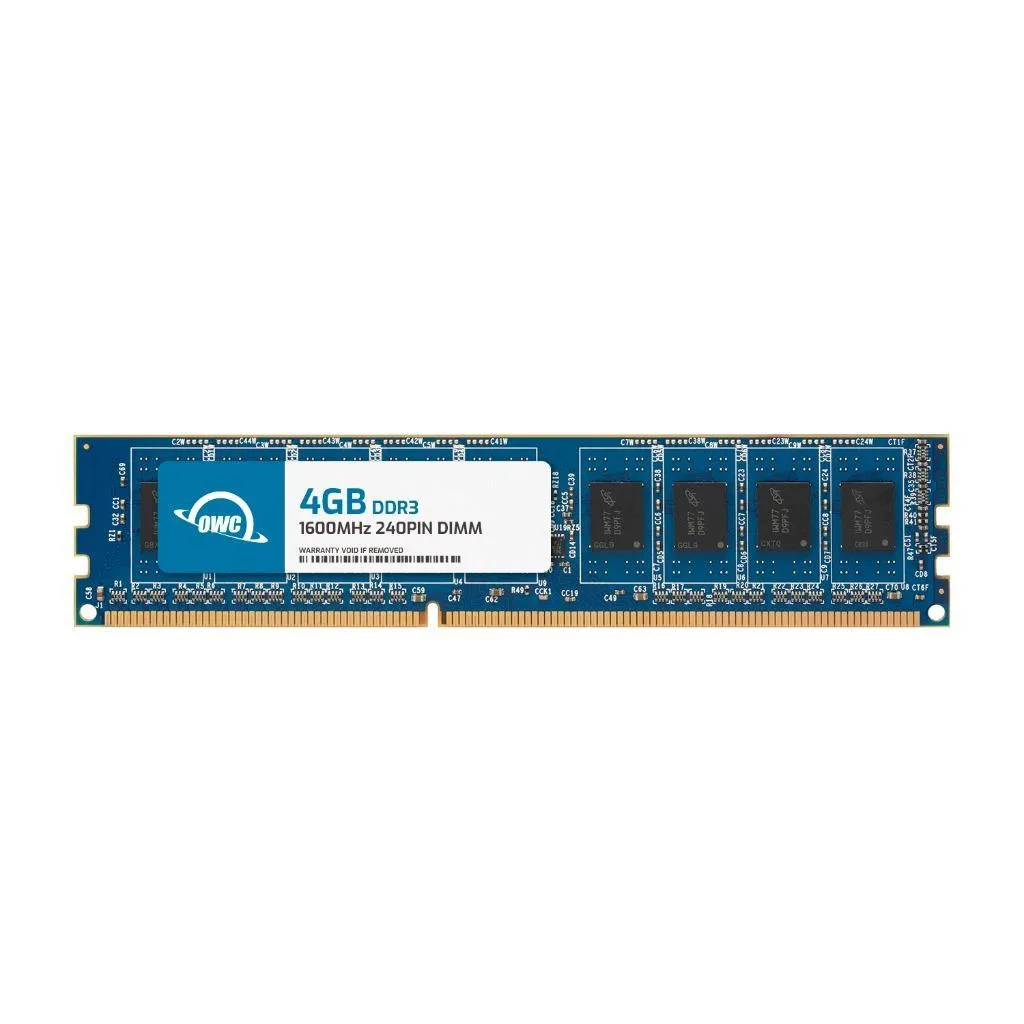
OWC 4GB DDR3L 1600 CL11 1Rx8 240-pin 1.35V Non-ECC UDIMM Dell XPS 8700
- 4GB
- 240-Pin DDR3L Non-E…
17,99 USD
0.00023093BTC
În stocAcceptăm criptomonede — astfel, criptomonedele pe care le dețineți pot cumpăra echipamente reale.Plătiți în cripto, cheltuiți-o pe echipamente reale. Livrare asigurată gratuită oriunde în lume peste 399 $. Cartoane neutre, fără marcă, expediate din Germania.Livrare asigurată gratuită peste 399 $. Cursul dumneavoastră este blocat timp de 30 de minute de la deschiderea paginii de plată.Curs blocat 30 de minute. Fiecare articol este sigilat, numărul de serie este verificat, iar produsul este acoperit de o garanție de 24 de luni.Sigilat, garantat 24 de luni.


OWC
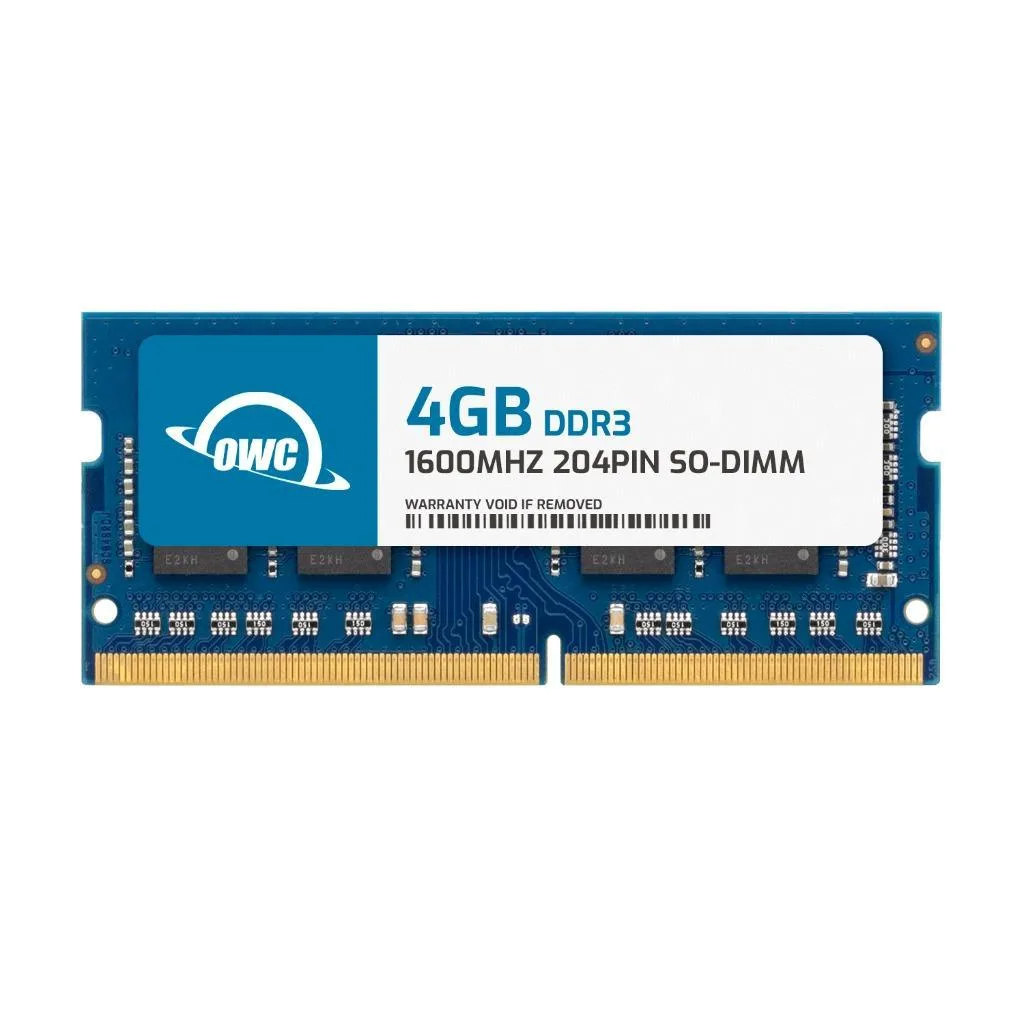
A 4 GB DDR3 SODIMM running at 1600 MHz CL11 for Dell Latitude E6330, E6430, E6430 ATG, E6430S and E6530 laptops
This 4 GB DDR3 SODIMM is built specifically for Dell Latitude E6330, E6430, E6430 ATG, E6430S and E6530 notebooks. It plugs directly into the 204-pin slot without adapters or configuration changes. Builders needing ECC, registered modules or higher densities must look elsewhere.
The module runs at the standard 1.5 V JEDEC voltage and carries no heat spreader, so it relies on the laptop's existing airflow. CL11 latency at 1600 MHz keeps power draw low during typical office workloads. Silent operation is assured because there are no moving parts or active cooling.
JEDEC and RoHS compliance mean the upgrade is warranty-safe for the supported Dell systems. OWC's limited lifetime warranty includes free technical support and an advanced replacement programme. A single 4 GB stick lets you add capacity incrementally rather than replacing a matched pair.
| Brand | OWC |
|---|---|
| Part Number | 1S6D31R804GB |
| Capacity | 4GB |
| Type | 204-Pin DDR3 Non-ECC SODIMM |
| Speed | DDR3 1600 (PC3 12800) |
| CAS Latency | CL11 |
| Voltage | 1.5V |
| ECC | No |
| Buffered/Registered | Unbuffered |
| Rank | 1Rx8 |
| Heat Spreader | No |
| Compatible System | Dell Latitude E6330 Dell Latitude E6430 Dell Latitude E6430 ATG Dell Latitude E6430S Dell Latitude E6530 |
Alte versiuni ale acestui model
Aceeași familie, memorie, radiator sau frecvență diferite — comparați înainte de a vă decide.
Power off the laptop, remove the battery, open the memory door, align the notch on the module with the slot key, press firmly until both side clips click, then replace the door and battery before turning on.
No routine maintenance is required; the module has no heat spreader and runs at 1.5V, so replacement is only needed if a memory error appears or you upgrade to a higher capacity.
The CAS latency of 11 at 1600MHz sets the timing ceiling; sustained workloads will hit that latency boundary before voltage or thermal limits become a factor.
Tot din acest raion
Același raion, aceeași finalizare a comenzii — opt monede și un curs blocat 30 de minute.
În ce monedă plătiți și în ce monedă citiți prețurile.
Trimis din portofelul dumneavoastră la finalizarea comenzii
Doar pentru afișare — catalogul este exprimat în dolari
Nicio monedă nu corespunde.
Alegeți limba în care vă vorbește site-ul.
Nicio limbă nu corespunde.
Prima vizită?
Aveți deja un cont?
Nu există o resetare automată: acest magazin nu trimite niciun e-mail, deci nu există niciun link de unică folosință de solicitat. Lăsați adresa în cont. Va fi tratată manual.
Cerere înregistrată
Nu veți primi nimic în căsuța de e-mail — acest magazin nu trimite niciun e-mail. Cineva se ocupă de asta manual.
V-ați amintit-o?