OWC
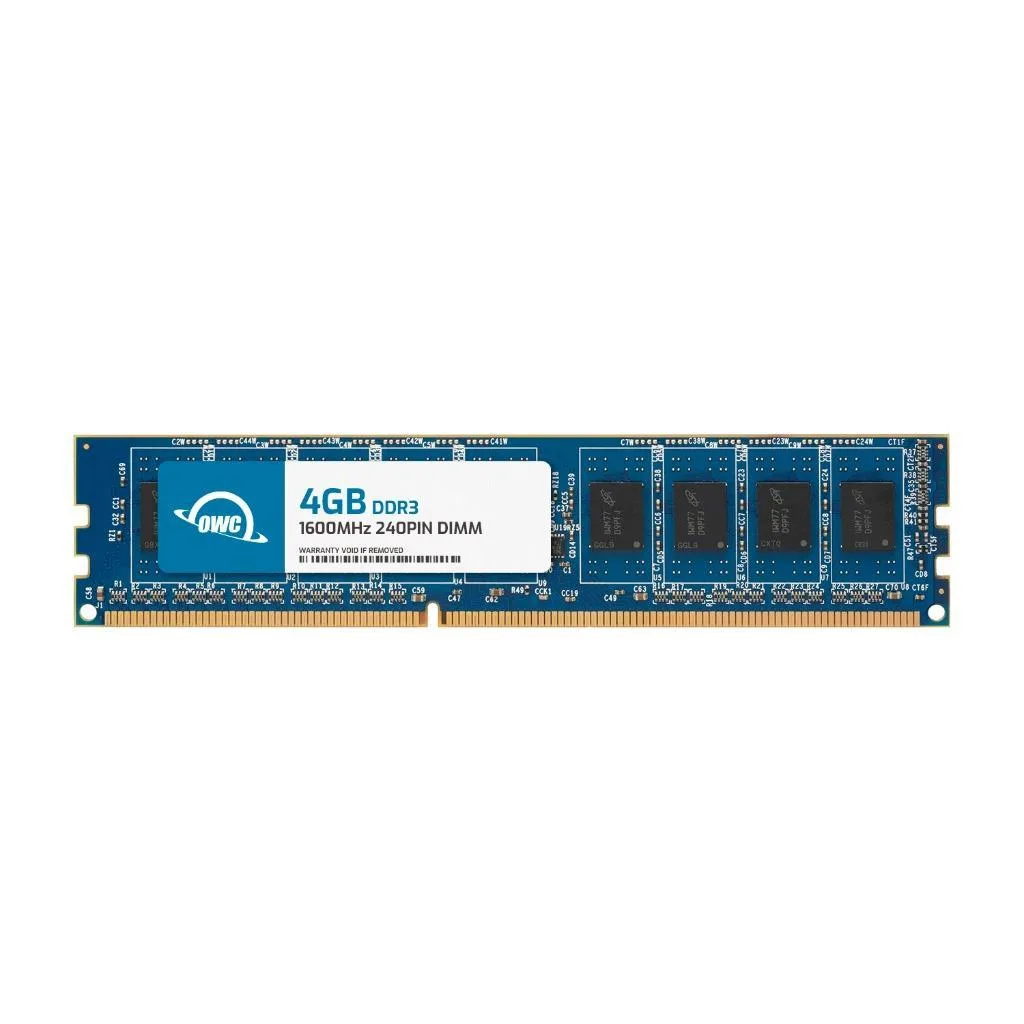
OWC 4GB DDR3L 1600 CL11 1Rx8 240-pin 1.35V Non-ECC UDIMM Dell XPS 8700
- 4GB
- 240-Pin DDR3L Non-E…
US$17.99
0.00022917BTC
มีสินค้าเรารับชำระด้วยคริปโต — เหรียญที่คุณถืออยู่จึงนำมาซื้อฮาร์ดแวร์ของจริงได้จ่ายด้วยคริปโต แล้วนำไปซื้อฮาร์ดแวร์ของจริง จัดส่งฟรีพร้อมประกันภัยทั่วโลก เมื่อสั่งซื้อเกิน US$399 กล่องพัสดุเรียบไม่มีตราสินค้า จัดส่งจากประเทศเยอรมนีจัดส่งฟรีพร้อมประกันภัย เมื่อสั่งซื้อเกิน US$399 อัตราแลกเปลี่ยนของคุณจะถูกล็อกไว้ 30 นาที ทันทีที่เปิดหน้าชำระเงินล็อกอัตราแลกเปลี่ยน 30 นาที สินค้าทุกชิ้นปิดผนึกจากโรงงาน ตรวจสอบหมายเลขซีเรียล และรับประกัน 24 เดือนปิดผนึกจากโรงงาน รับประกัน 24 เดือน


OWC
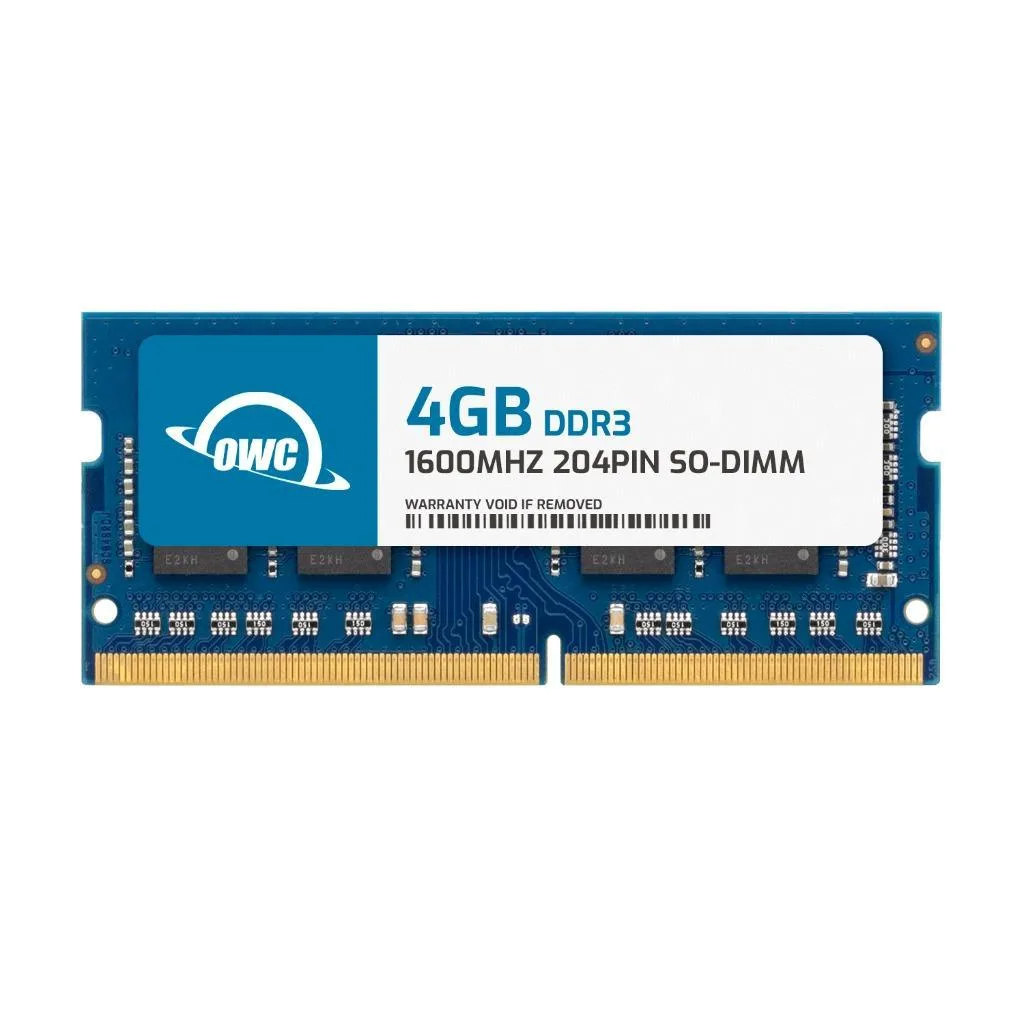
A 4 GB DDR3 SODIMM running at 1600 MHz CL11 for Dell Latitude E6330, E6430, E6430 ATG, E6430S and E6530 laptops
This 4 GB DDR3 SODIMM is built specifically for Dell Latitude E6330, E6430, E6430 ATG, E6430S and E6530 notebooks. It plugs directly into the 204-pin slot without adapters or configuration changes. Builders needing ECC, registered modules or higher densities must look elsewhere.
The module runs at the standard 1.5 V JEDEC voltage and carries no heat spreader, so it relies on the laptop's existing airflow. CL11 latency at 1600 MHz keeps power draw low during typical office workloads. Silent operation is assured because there are no moving parts or active cooling.
JEDEC and RoHS compliance mean the upgrade is warranty-safe for the supported Dell systems. OWC's limited lifetime warranty includes free technical support and an advanced replacement programme. A single 4 GB stick lets you add capacity incrementally rather than replacing a matched pair.
| Brand | OWC |
|---|---|
| Part Number | 1S6D31R804GB |
| Capacity | 4GB |
| Type | 204-Pin DDR3 Non-ECC SODIMM |
| Speed | DDR3 1600 (PC3 12800) |
| CAS Latency | CL11 |
| Voltage | 1.5V |
| ECC | No |
| Buffered/Registered | Unbuffered |
| Rank | 1Rx8 |
| Heat Spreader | No |
| Compatible System | Dell Latitude E6330 Dell Latitude E6430 Dell Latitude E6430 ATG Dell Latitude E6430S Dell Latitude E6530 |
รุ่นอื่นในตระกูลเดียวกัน
ตระกูลเดียวกัน แต่หน่วยความจำ คูลเลอร์ หรือสัญญาณนาฬิกาต่างกัน — เปรียบเทียบก่อนตัดสินใจ
Power off the laptop, remove the battery, open the memory door, align the notch on the module with the slot key, press firmly until both side clips click, then replace the door and battery before turning on.
No routine maintenance is required; the module has no heat spreader and runs at 1.5V, so replacement is only needed if a memory error appears or you upgrade to a higher capacity.
The CAS latency of 11 at 1600MHz sets the timing ceiling; sustained workloads will hit that latency boundary before voltage or thermal limits become a factor.
อื่น ๆ ในหมวดนี้
หมวดเดียวกัน การชำระเงินแบบเดียวกัน — แปดสกุลเงินคริปโตและอัตราแลกเปลี่ยนที่ล็อกไว้ 30 นาที
สิ่งที่คุณใช้ชำระ และสิ่งที่คุณใช้อ่านราคา
ส่งจากกระเป๋าเงินของคุณเมื่อชำระเงิน
แสดงผลเท่านั้น — แคตตาล็อกสินค้าตั้งราคาเป็นดอลลาร์สหรัฐ
ไม่พบสกุลเงินที่ตรงกัน
เลือกภาษาที่ต้องการให้เว็บไซต์แสดงผล
ไม่พบภาษาที่ตรงกัน
ยังไม่เคยใช้งานใช่ไหม
มีบัญชีอยู่แล้วใช่ไหม
ไม่มีการรีเซ็ตแบบอัตโนมัติ ร้านนี้ไม่ส่งอีเมลใด ๆ จึงไม่มีลิงก์ใช้ครั้งเดียวให้ขอ ปล่อยที่อยู่อีเมลนี้ไว้ในบัญชี แล้วเจ้าหน้าที่จะดำเนินการให้ด้วยตนเอง
รับคำขอแล้ว
ไม่มีอะไรถูกส่งไปยังกล่องจดหมายของคุณ — ร้านนี้ไม่ส่งอีเมลใด ๆ เลย มีคนดำเนินการเรื่องนี้ให้ด้วยมือ
นึกออกแล้วใช่ไหม