

Thermalright
Thermalright MC-2 ARGB Memory Cooler White 3200 RPM
- Fan & Heatsinks
- DDR/DDR2/DDR3/DDR4/…
22,99 USD
0.00028799BTC
SkladomPrijímame kryptomeny — takže mince, ktoré držíte, môžete zameniť za skutočný hardvér.Plaťte v krypte, miňte ho na skutočný hardvér. Poistená doprava zadarmo po celom svete nad 399 $. Neutrálne kartóny bez potlače, odosielané z Nemecka.Poistená doprava zadarmo nad 399 $. Váš kurz je zablokovaný na 30 minút hneď po otvorení pokladne.Kurz zablokovaný na 30 minút. Každý produkt je zapečatený, jeho sériové číslo je overené a vzťahuje sa naň 24-mesačná záruka.Zapečatené, 24-mesačná záruka.

Fans
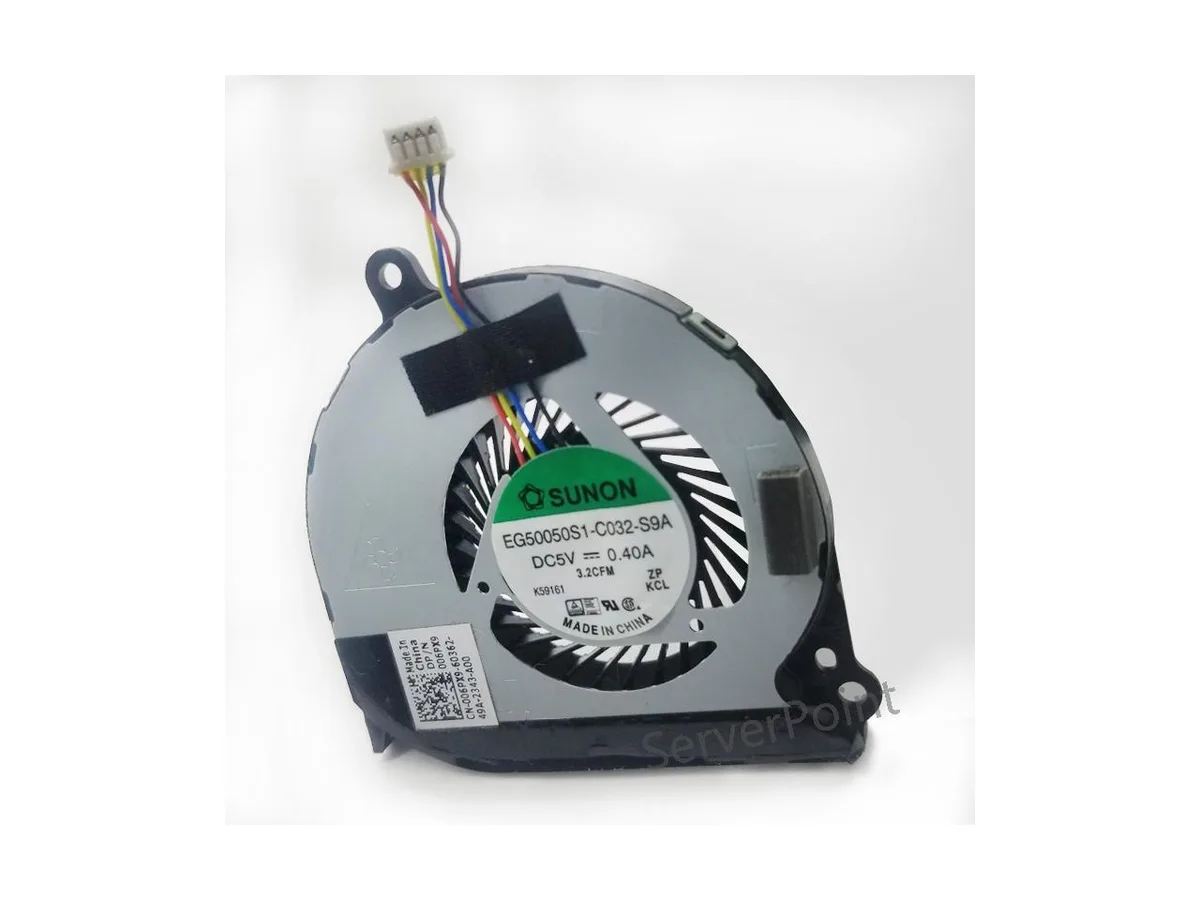
Replacement CPU cooler for Dell Latitude E7440 laptops, part EG50050S1-C032-S9A
This new air cooler is an original component built for the DELL Latitude E7440 notebook. It matches the EG50050S1-C032-S9A specification and DP/N 0HMWC7 part number exactly. The part is intended for owners or technicians servicing that specific laptop model.
The cooler is designed to manage the thermal output of the Latitude E7440 processor under standard workloads. It draws power from the system fan header at the voltage the laptop provides. Acoustic output stays within the original equipment baseline for this chassis.
Pre tento produkt zatiaľ nie sú zverejnené žiadne špecifikácie.
Remove the bottom case, disconnect the old fan cable from the motherboard, unscrew the heatsink assembly, fit the new EG50050S1-C032-S9A unit, reattach the heatsink screws in a cross pattern, reconnect the 4-pin connector, then reassemble; the step most often missed is the cross-pattern tightening.
Clean dust from the heatsink fins and fan blades periodically with compressed air; replace the unit if bearing noise appears or RPM drops noticeably.
Aj v tomto oddelení
Rovnaké oddelenie, rovnaká pokladňa — osem mien a kurz zablokovaný na 30 minút.
Mena, v ktorej platíte, a mena, v ktorej sa zobrazujú ceny.
Odoslané z vašej peňaženky na pokladni
Len na zobrazenie — katalóg je uvedený v dolároch
Žiadna mena nezodpovedá.
Vyberte jazyk, v ktorom s vami bude web komunikovať.
Ste tu prvýkrát?
Účet už máte?
Automatický reset hesla neexistuje: tento obchod neposiela žiadne e-maily, takže neexistuje jednorazový odkaz, o ktorý by ste mohli požiadať. Nechajte adresu na účte — niekto sa jej ujme ručne.
Žiadosť zaznamenaná
Do vašej schránky nič nepríde — tento obchod neposiela vôbec žiadne e-maily. Niekto sa o to postará ručne.
Spomenuli ste si?


