
Simmtec, Inc
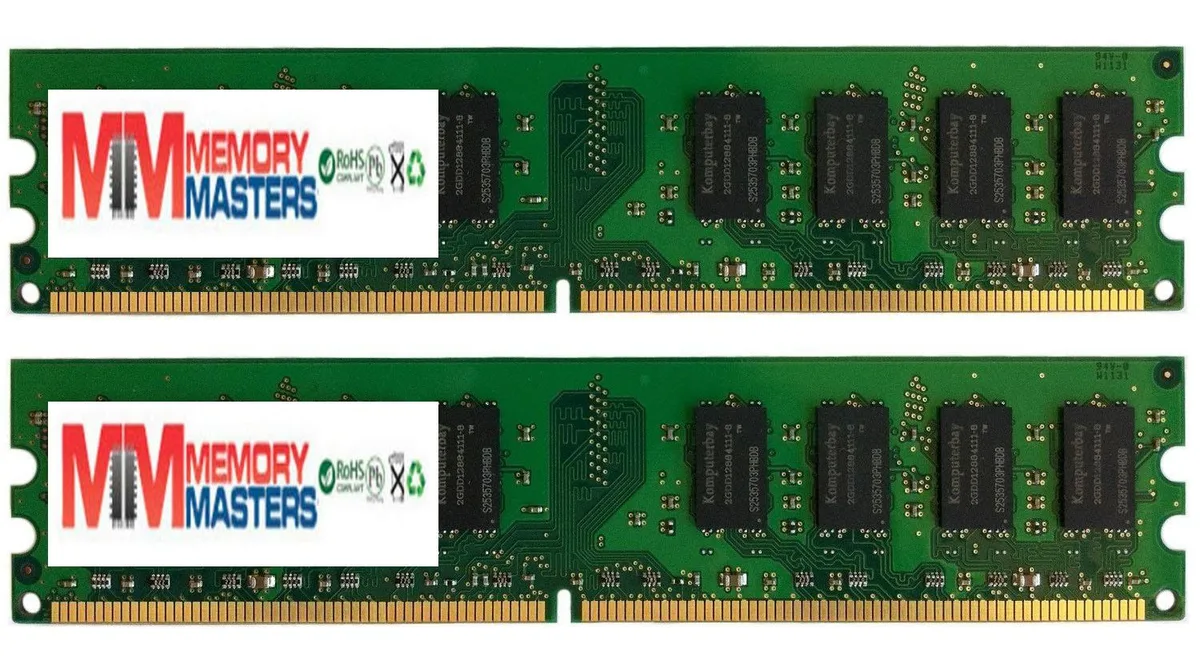
Simmtec, Inc 2GB 2x1GB DDR2 667MHz PC2-5300/5400 240-pin DIMM desktop RAM
A 2 GB desktop memory kit with two 1 GB DDR2 modules running at 667 MHz, PC2-5300/5400, 240-pin DIMM, non-ECC unbuffered at 1.8 V
- Capacity2GB (2 x 1GB)
- 2GB kit adds responsive multitasking capacity
- Dual-channel pair keeps data flowing smoothly
- 667MHz speed matches PC2-5300 and PC2-5400 specs
- 240-pin DIMM fits standard desktop slots
- 8V operation runs cool and efficiently
Kit Contents
This kit supplies two 1GB DDR2 modules for a total of 2GB capacity. Each stick is a 240-pin unbuffered DIMM rated at 667MHz and specified as PC2-5300/PC2-5400. The modules operate at 1.8V and are non-ECC, non-parity desktop memory. Every unit is tested by the supplier before dispatch.
Who This Suits
The pair suits owners of older DDR2 platforms needing a matched 2GB upgrade for dual-channel operation. Buyers who want more storage or who need higher speeds than 667MHz should look at something else. Systems that require ECC or registered memory will not accept these sticks. Laptop or small-form-factor boards using SO-DIMM slots are also incompatible.
Before Ordering
Check that the motherboard has free 240-pin DDR2 slots and supports unbuffered non-ECC memory at 1.8V. Verify the board can run at 667MHz or will down-clock the modules automatically. Confirm the operating system can address the total 2GB capacity. Ensure no BIOS restriction prevents the use of 1GB density modules.
I korthet
- 2GB kit adds responsive multitasking capacity
- Dual-channel pair keeps data flowing smoothly
- 667MHz speed matches PC2-5300 and PC2-5400 specs
- 240-pin DIMM fits standard desktop slots
- 8V operation runs cool and efficiently
Specifikationer
| Capacity | 2GB (2 x 1GB) |
|---|
Frågor om den här produkten
My motherboard has DDR2 slots — will these 240-pin DIMMs fit?
Yes, the modules use the standard 240-pin DDR2 DIMM form factor used by desktop boards that accept DDR2 memory.
Can I mix these PC2-5300/5400 sticks with slower DDR2 modules I already have?
The system will run all installed DDR2 memory at the speed of the slowest module, so mixing is possible but overall bandwidth drops to the lower rated speed.
How do I confirm the kit is running at 667 MHz after installation?
Check the memory frequency reported in the BIOS or a system-information utility; it should show 667 MHz (PC2-5300/5400) when the modules are operating as specified.
Även i den här avdelningen
Andra har jämfört dessa
Samma hylla, samma kassa — åtta mynt och ett 30-minuters kurslås.


Mushkin Enhanced
Mushkin Enhanced 4GB DDR2-800 CL6 SoDIMM Apple 971741A memory upgrade
104,99 US$
0.00134525BTC
I lager

SK hynix
SK hynix HYMD232M646C6-J 256MB DDR 333MHz PC2700 CL2.5 SODIMM laptop RAM
- 4GB (2 x 2GB)
7,99 US$
0.00010238BTC
I lager