

Thermalright
Thermalright MC-2 ARGB Memory Cooler White 3200 RPM
- Fan & Heatsinks
- DDR/DDR2/DDR3/DDR4/…
22,99 щ.д.
0.0002898BTC
В наличностПриемаме криптовалута — така монетите, които притежавате, могат да купят истински хардуер.Платете с крипто, похарчете го за истински хардуер. Безплатна застрахована доставка по целия свят над 399 $. Неутрални кашони без марка, изпратени от Германия.Безплатна застрахована доставка над 399 $. Курсът Ви е заключен за 30 минути веднага след отварянето на касата.Курс, заключен за 30 минути. Всеки артикул е запечатан, серийният му номер е проверен, и е покрит с 24-месечна гаранция.Запечатан, 24-месечна гаранция.

Fans
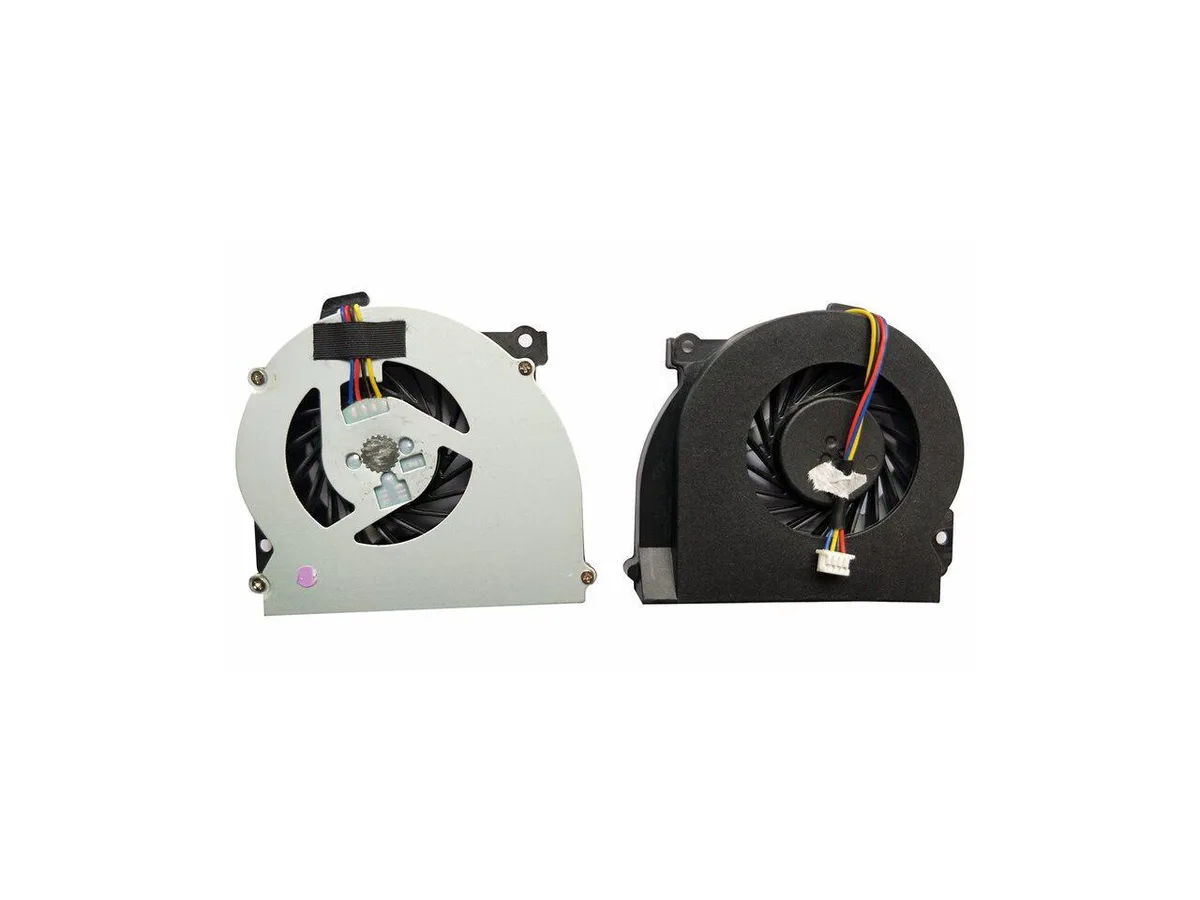
Replacement CPU cooling fan for HP EliteBook 2560 and 2570 series laptops, part number 651378-001
This new CPU cooling fan is built for the HP EliteBook 2560, 2560P, 2570 and 2570p series. It matches the original 651378-001 part number so the notebook runs at the thermal level the manufacturer intended. Install it when the stock cooler fails or becomes noisy.
The swap is worth it when the existing fan spins loudly, overheats the chassis or stops entirely. It restores the factory cooling profile without changing the form factor. Buyers who need a higher airflow design or a different mounting layout should look elsewhere.
Все още няма публикувани спецификации за този артикул.
Yes, it is designed for the EliteBook 2560 and 2560p series.
Remove the old cooler, clean the CPU surface, apply fresh thermal paste, then secure the new fan and reconnect its cable.
Още от този рафт
Същият рафт, същата каса — осем монети и заключване на курса за 30 минути.
Това, което изпращате, и това, в което четете цените.
Изпратено от Вашия портфейл при поръчката
Само за визуализация — каталогът е в долари
Никоя валута не съответства.
Изберете езика, на който сайтът да Ви говори.
Нови сте тук?
Вече имате профил?
Няма автоматично нулиране: този магазин не изпраща имейли, така че няма еднократна връзка, която да поискате. Оставете адреса в профила си и той ще бъде обработен ръчно.
Заявката е приета
Нищо няма да пристигне във Вашата пощенска кутия — този магазин изобщо не изпраща имейли. Заявките се обработват ръчно.
Спомнихте си я?


