


Synology Inc.
Synology WRX560 wireless router Wi-Fi 6 2.5GbE 5.9 GHz quad-core 1.4 GHz
Dual-band Wi-Fi 6 router with a 2.5GbE WAN/LAN port, quad-core 1.4 GHz processor and mesh support for whole-home coverage
- Wireless StandardIEEE 802.11a/b/g/n/ac/ax
- WAN PortsGigabit (RJ-45) x 1 2.5 GbE (RJ-45) x 1 (Dual WAN)
- LAN Ports2.5GbE (RJ-45) x 1 Gigabit (RJ-45) x 3
- ButtonsWPS, Power, Reset, Wi-Fi On/Off
- Antenna4x4 MIMO high-performance internal antenna (5 GHz) 2x2 MIMO
- Power Supply100 V to 240 V AC
- Dual-band Wi-Fi 6 reaches 3000 Mbps wireless throughput
- Configurable 2.5GbE WAN/LAN port handles superfast internet plans
- Quad-core 1.4 GHz processor manages heavy multi-device traffic
- Mesh-ready design expands coverage with other Synology routers
- Parental controls and web filtering protect family browsing
Dual-band Wi-Fi 6 router with 2.5GbE
The Synology WRX560 is a dual-band Wi-Fi 6 wireless router powered by a quad-core 1.4 GHz processor. It delivers wireless speeds up to 3,000 Mbps and includes configurable 2.5GbE WAN and LAN ports alongside three Gigabit LAN ports. Four internal 4x4 MIMO antennas on 5 GHz and 2x2 MIMO on 2.4 GHz provide high-performance coverage in a compact 233 mm x 194 mm x 66 mm design. Management is handled through the DS router mobile app for straightforward setup and monitoring.
Households wanting mesh-ready security
This router suits families and home offices that need comprehensive parental controls, web filtering, and WPA3 encryption across a mesh-compatible network. It supports seamless whole-home coverage when combined with other Synology routers and offers VPN server features for secure remote access. Buyers who require multi-gigabit WAN beyond 2.5GbE, dedicated 6 GHz band support, or rack-mountable hardware should consider other product categories that provide those specific capabilities.
Compact unit needing only power and an internet link
The WRX560 operates from a 100 V to 240 V AC adapter and functions within 5°C to 40°C ambient temperatures. Its internal antenna design eliminates external protrusions, freeing shelf space while the 2.5GbE ports release bandwidth bottlenecks for compatible NAS devices, workstations, or gaming consoles. A single RJ-45 cable is included for immediate wired connection, and the router can serve as a standalone gateway or as a node in a larger Synology mesh system.
Přednosti
- Dual-band Wi-Fi 6 reaches 3000 Mbps wireless throughput
- Configurable 2.5GbE WAN/LAN port handles superfast internet plans
- Quad-core 1.4 GHz processor manages heavy multi-device traffic
- Mesh-ready design expands coverage with other Synology routers
- Parental controls and web filtering protect family browsing
Specifikace
| Brand | Synology |
|---|---|
| Model | WRX560 |
| Wireless Standard | IEEE 802.11a/b/g/n/ac/ax |
| WAN Ports | Gigabit (RJ-45) x 1 2.5 GbE (RJ-45) x 1 (Dual WAN) |
| LAN Ports | 2.5GbE (RJ-45) x 1 Gigabit (RJ-45) x 3 |
| Buttons | WPS, Power, Reset, Wi-Fi On/Off |
| Antenna | 4x4 MIMO high-performance internal antenna (5 GHz) 2x2 MIMO high-performance internal antenna (2.4 GHz) |
| Power Supply | 100 V to 240 V AC |
| Processor | Quad core 1.4 GHz |
| Dimensions | 233 mm x 194 mm x 66 mm |
| Weight | 1.35 kg |
| Temperature | Operating Temperature 5°C to 40°C (40°F to 104°F) Storage Temperature -20°C to 60°C (-5°F to 140°F) |
| Humidity | 5% to 95% RH |
| Package Contents | Main Unit X 1 AC Power Adapter X 1 RJ-45 LAN Cable X 1 Quick Installation Guide X 1 |
| Přepravní hmotnost | 1.32 kg |
| Rozměry balení | 343 × 274 × 76 mm |
Otázky k tomuto produktu
What internet connection speed do I need to benefit from the 2.5 GbE WAN port?
The 2.5 GbE WAN port supports multi-gigabit internet plans up to 2.5 Gbps, so you need a subscription that delivers more than 1 Gbps to exceed a standard gigabit port.
Can I add another Synology router later to build a mesh network?
Yes, the WRX560 is mesh-ready and can be combined with other Synology routers including another WRX560 for whole-home coverage under a single Wi-Fi name.
How can I verify the 5.9 GHz band is active after setup?
In the DS router app, check the wireless settings to confirm the 5.9 GHz radio is enabled and view connected clients using that band for interference-free performance.
Také v této kategorii
Zákazníci také porovnávali
Stejná kategorie, stejná pokladna — osm měn a kurz zamčený na 30 minut.

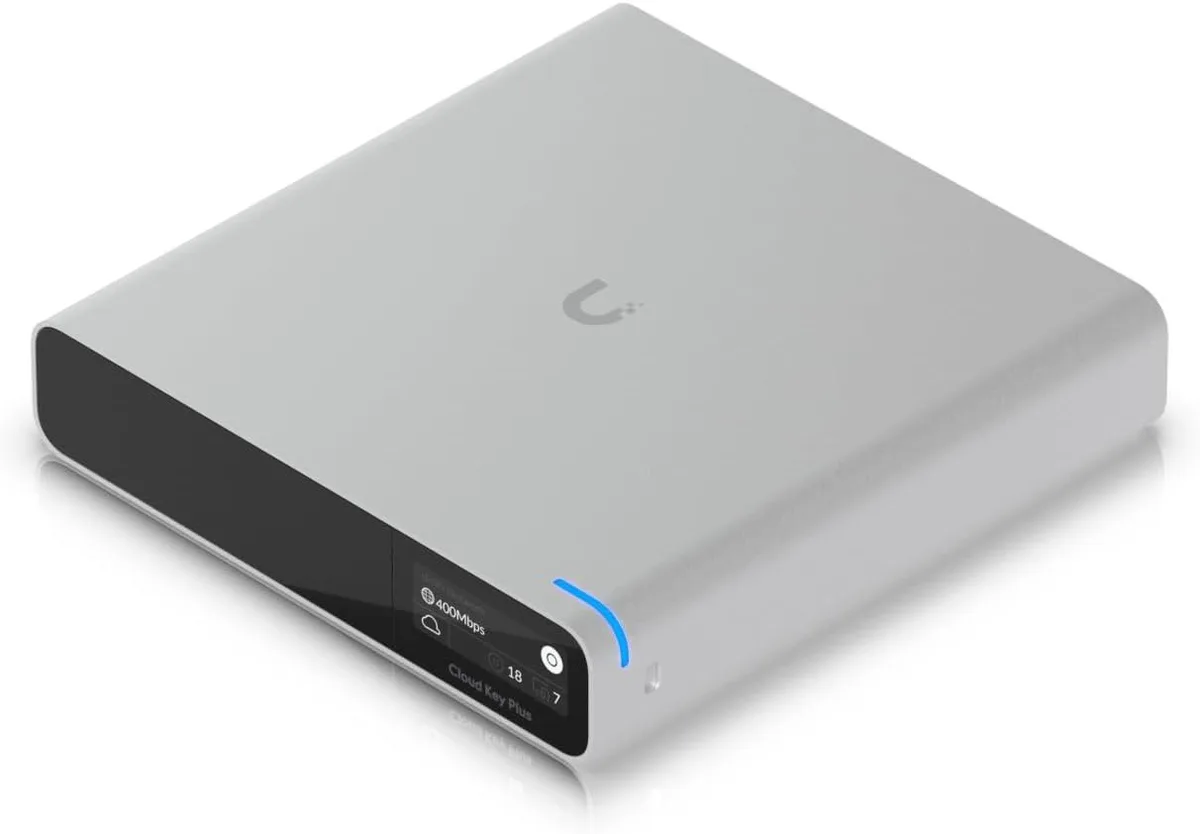
Ubiquiti Networks
Ubiquiti Networks Cloud Key Gen2 UCK-G2-SSD wireless router
400,99 US$
0.00511173BTC
Skladem
