
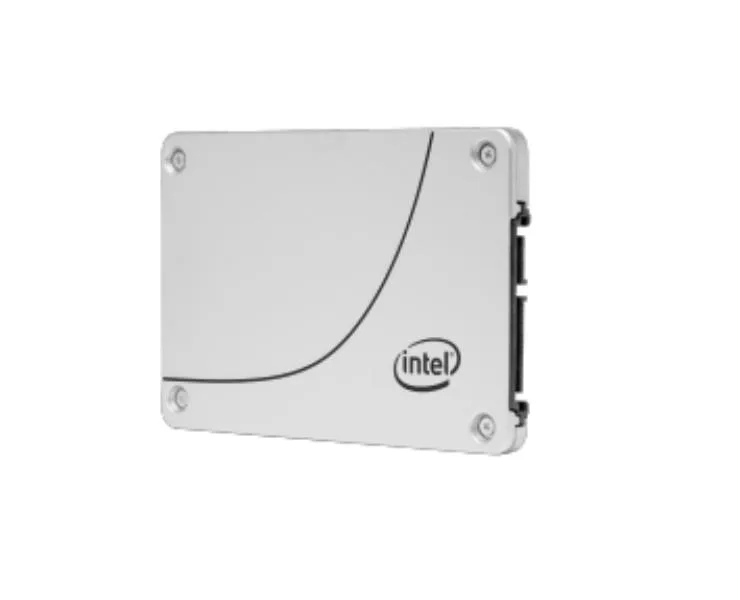


Intel
Intel SSD DC S3520 1.60 TB 2.5" SATA internal SSD
A 1.60 TB 2.5-inch SATA internal SSD with 450 MB/s read and 380 MB/s write speeds, 256-bit encryption, and a 0.3-inch height for read-intensive workloads
- 60 TB capacity supports read-intensive workloads like boot and web serving
- 450 MB/s max read speed delivers consistent performance for analytics
- 380 MB/s max write speed handles low-rate operational databases
- 256-bit encryption standard protects data integrity at rest
- 5" SATA/600 interface fits standard internal drive bays
Intel DC S3520 1.60 TB SATA SSD
The Intel DC S3520 is a 1.60 TB internal solid-state drive built for read-intensive workloads. It uses a 2.5 inch form factor and a SATA 600 interface to deliver consistent performance. Hardware-based 256-bit encryption protects stored data without host overhead.
Read-intensive server and storage roles
This drive suits boot volumes, web servers, low-rate operational databases and analytics tasks where reads dominate. It is not optimised for write-heavy applications such as high-transaction databases or sustained logging workloads.
Fits standard 2.5 inch SATA bays
The 0.3 inch height matches common drive trays and backplanes using the SATA interface. Replacing mechanical disks with this SSD frees up IOPS headroom and reduces latency for the listed read-centric workloads.
Punti di forza
- 60 TB capacity supports read-intensive workloads like boot and web serving
- 450 MB/s max read speed delivers consistent performance for analytics
- 380 MB/s max write speed handles low-rate operational databases
- 256-bit encryption standard protects data integrity at rest
- 5" SATA/600 interface fits standard internal drive bays
Caratteristiche tecniche
| Brand | Intel |
|---|
Domande su questo articolo
Does my system need a SATA/600 port and a 2.5" drive bay to install this SSD?
Yes, the drive uses the SATA/600 interface and a 2.5" form factor, so the host must provide a compatible SATA data and power connection plus a bay that accepts the 0.3" height.
Will the SATA/600 interface run at full speed if I connect it to an older SATA 3 Gb/s controller?
The SSD is backward compatible with earlier SATA revisions, but maximum read and write rates of 450 MB/s and 380 MB/s are only reached on a SATA/600 link.
How can I verify the 256-bit encryption is active after I set up the drive?
Use the Intel SSD Toolbox or your system BIOS to confirm the drive reports hardware encryption enabled; the utility will show the 256-bit AES status once the drive is initialised.
Anche in questo reparto
Anche i clienti hanno confrontato questi
Stesso reparto, stessa cassa — otto monete e un cambio bloccato per 30 minuti.




