
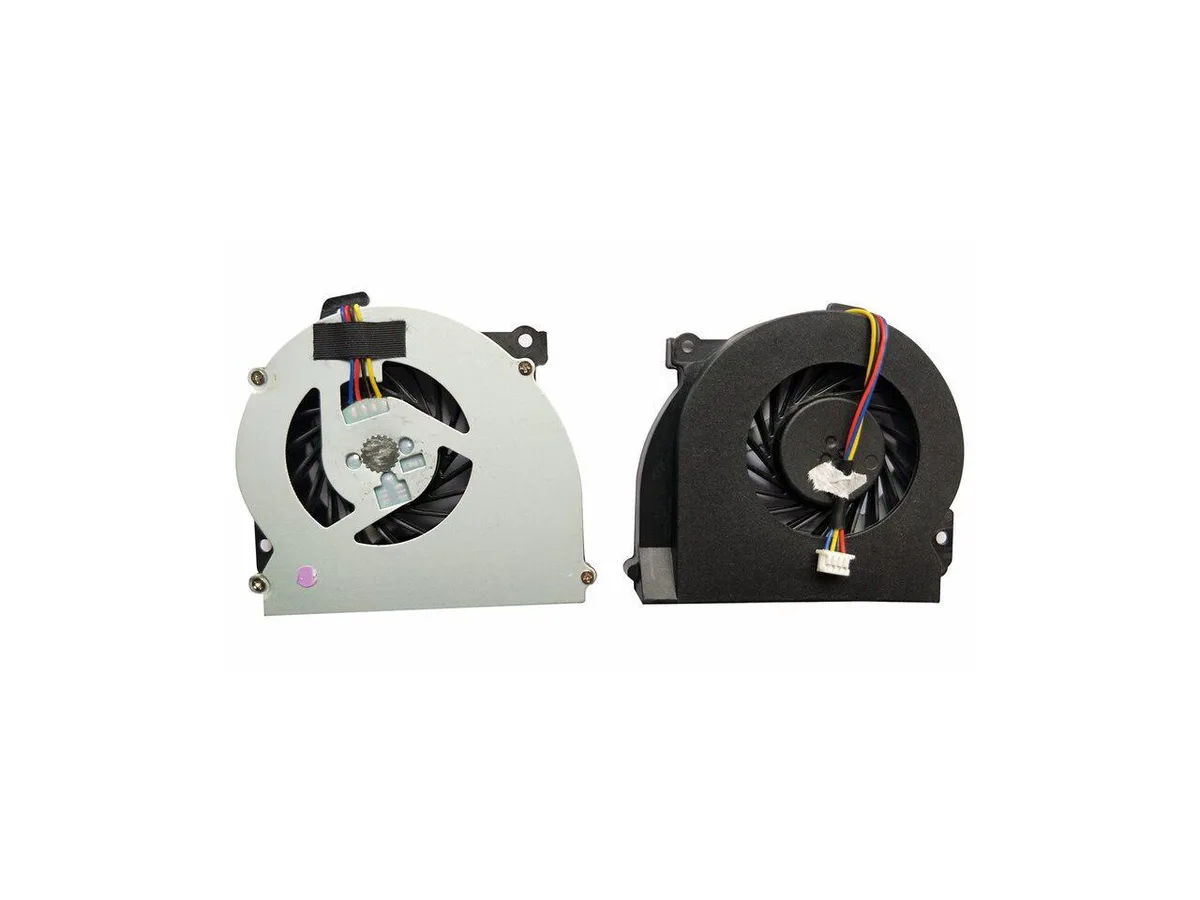

Fans
Fans CPU Cooler for HP EliteBook 2560 2570 651378-001
Replacement CPU cooling fan for HP EliteBook 2560 and 2570 series laptops, part number 651378-001
- Direct replacement for HP EliteBook 2560 and 2570 series
- Matches original part number 651378-001 for guaranteed fit
- New condition ensures reliable cooling performance
- Single fan unit designed for notebook CPU thermal management
Replacement Fan for EliteBook 2560 and 2570
This new CPU cooling fan is built for the HP EliteBook 2560, 2560P, 2570 and 2570p series. It matches the original 651378-001 part number so the notebook runs at the thermal level the manufacturer intended. Install it when the stock cooler fails or becomes noisy.
Upgrade from a worn or failed original cooler
The swap is worth it when the existing fan spins loudly, overheats the chassis or stops entirely. It restores the factory cooling profile without changing the form factor. Buyers who need a higher airflow design or a different mounting layout should look elsewhere.
Ciri-ciri utama
- Direct replacement for HP EliteBook 2560 and 2570 series
- Matches original part number 651378-001 for guaranteed fit
- New condition ensures reliable cooling performance
- Single fan unit designed for notebook CPU thermal management
Spesifikasi
Belum ada spesifikasi diterbitkan untuk produk ini.
Soalan tentang produk ini
Will this cooler fit my HP EliteBook 2560p?
Yes, it is designed for the EliteBook 2560 and 2560p series.
What is the correct way to install this laptop fan?
Remove the old cooler, clean the CPU surface, apply fresh thermal paste, then secure the new fan and reconnect its cable.
Juga di rak ini
Pelanggan turut membandingkan
Rak yang sama, checkout yang sama — lapan koin kripto dan kunci kadar 30 minit.



ModMyMods
ModMyMods MOD-0002 3/8" ID x 1/2" OD Clear PVC Tubing DIY Cooling
- Clear
USD 0.82
0.0000105BTC
Ada stok