


Opengear
Opengear CM8000 Console Manager 3.91 GB 8 Serial Ports Gigabit Ethernet
Compact console manager with 8 serial ports, dual gigabit Ethernet and 3.91 GB memory for out-of-band access
- 91 GB memory enables rapid recovery across distributed edge sites
- 8 serial ports with Cisco Straight X2 pinout provide secure console access to critical infrastructure
- Gigabit Ethernet with 1000Base-T and 100Base-TX ensures reliable out-of-band connectivity when networks are down
- 2 expansion slots plus 2 USB ports allow flexible PDU integration for remote power control
- Compact quad-core ARM platform delivers purpose-built management in space-constrained environments
Compact Console Manager for Edge Sites
The Opengear CM8000 is a compact console manager built on a quad-core ARM platform. It provides secure serial console access for branch offices, retail locations, network closets and remote edge environments. The unit delivers reliable out-of-band management when the primary network is unavailable. It is designed for sites where space is limited but uptime is critical.
Installation and Common Issues
The appliance mounts in a small form-factor suitable for tight network cabinets. It connects via two RJ-45 network ports supporting 1000Base-T and 100Base-TX, two USB ports and twisted-pair or optical-fiber media. Two expansion slots allow additional modules. Misconfigured serial pinouts or missing PDU cables are the most frequent setup problems.
Pre-Order Compatibility Checks
Verify that your managed devices use Cisco Straight X2 pinout serial cables matching the 4 or 8 port configuration. Confirm the site can supply twisted-pair or optical-fiber links for the uplinks. Ensure the rack or cabinet has space for the compact chassis and access to the front-panel serial, USB and network ports. Check that remote power control requirements align with the integrated PDU support.
Pluspunten
- 91 GB memory enables rapid recovery across distributed edge sites
- 8 serial ports with Cisco Straight X2 pinout provide secure console access to critical infrastructure
- Gigabit Ethernet with 1000Base-T and 100Base-TX ensures reliable out-of-band connectivity when networks are down
- 2 expansion slots plus 2 USB ports allow flexible PDU integration for remote power control
- Compact quad-core ARM platform delivers purpose-built management in space-constrained environments
Specificaties
Voor dit artikel zijn nog geen specificaties gepubliceerd.
Vragen over dit artikel
How can I confirm the CM8000 is operating correctly after initial setup?
Check the front-panel status LEDs for power, network link on the two RJ-45 Gigabit Ethernet ports, and activity on each of the eight serial ports; then log into the web UI or SSH session to verify the quad-core ARM platform reports 3.91 GB memory and all interfaces show up.
What ships with the CM8000 and what must I source separately?
The unit includes the console manager with 8 serial ports, 2 USB ports, 2 RJ-45 network ports, and 2 expansion slots; serial cables, SFP modules for optical fibre, rack-mount brackets, and any PDU integration accessories are not included.
Which serial-port count should I select for my deployment?
This CM8000 model provides 8 Cisco Straight X2 pinout serial ports; if your site only needs 4 ports, the 4-port variant of the same platform would be the appropriate choice.
Ook in deze afdeling
Klanten vergeleken ook
Dezelfde afdeling, dezelfde kassa — acht munten en een koers die 30 minuten vaststaat.

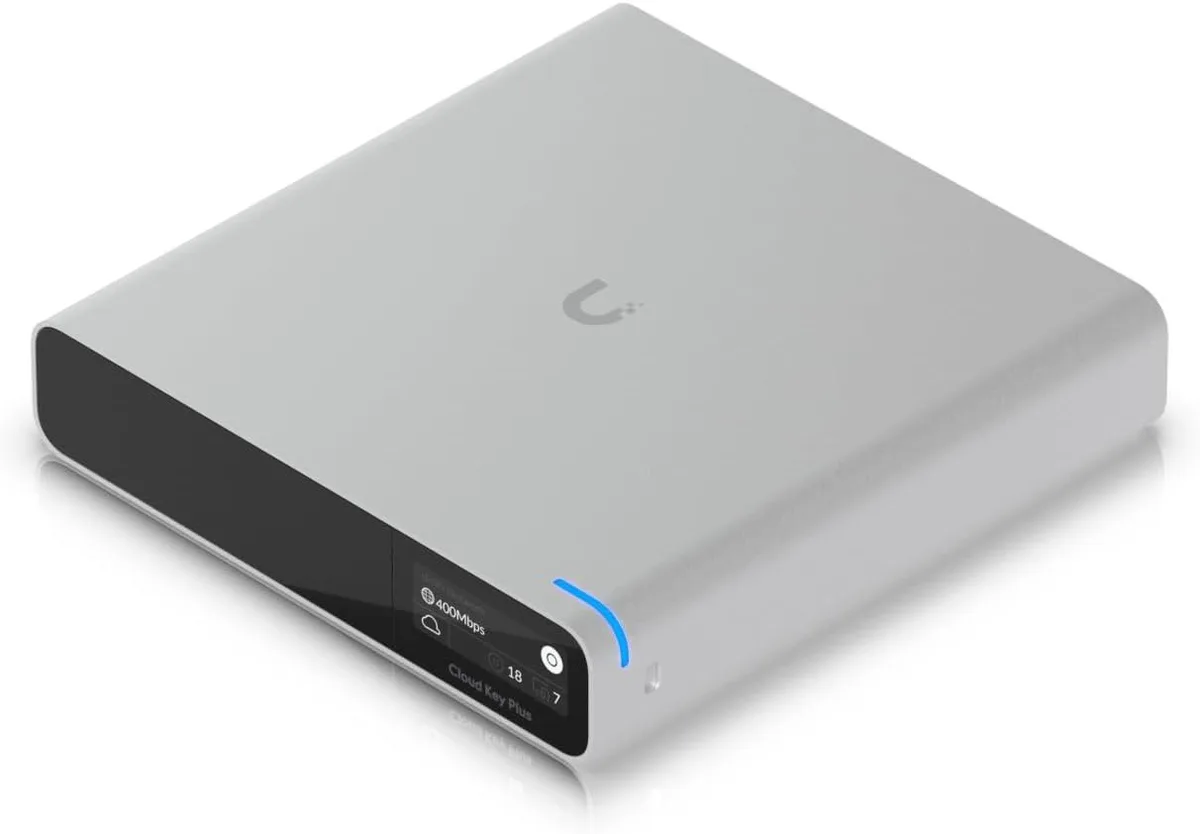
Ubiquiti Networks
Ubiquiti Networks Cloud Key Gen2 UCK-G2-SSD wireless router
US$ 400,99
0.00513182BTC
Op voorraad

Ubiquiti Networks
Ubiquiti Networks UniFi 6 Pro Access Point US Model
US$ 232,99
0.00298178BTC
Op voorraad