


SAMSUNG
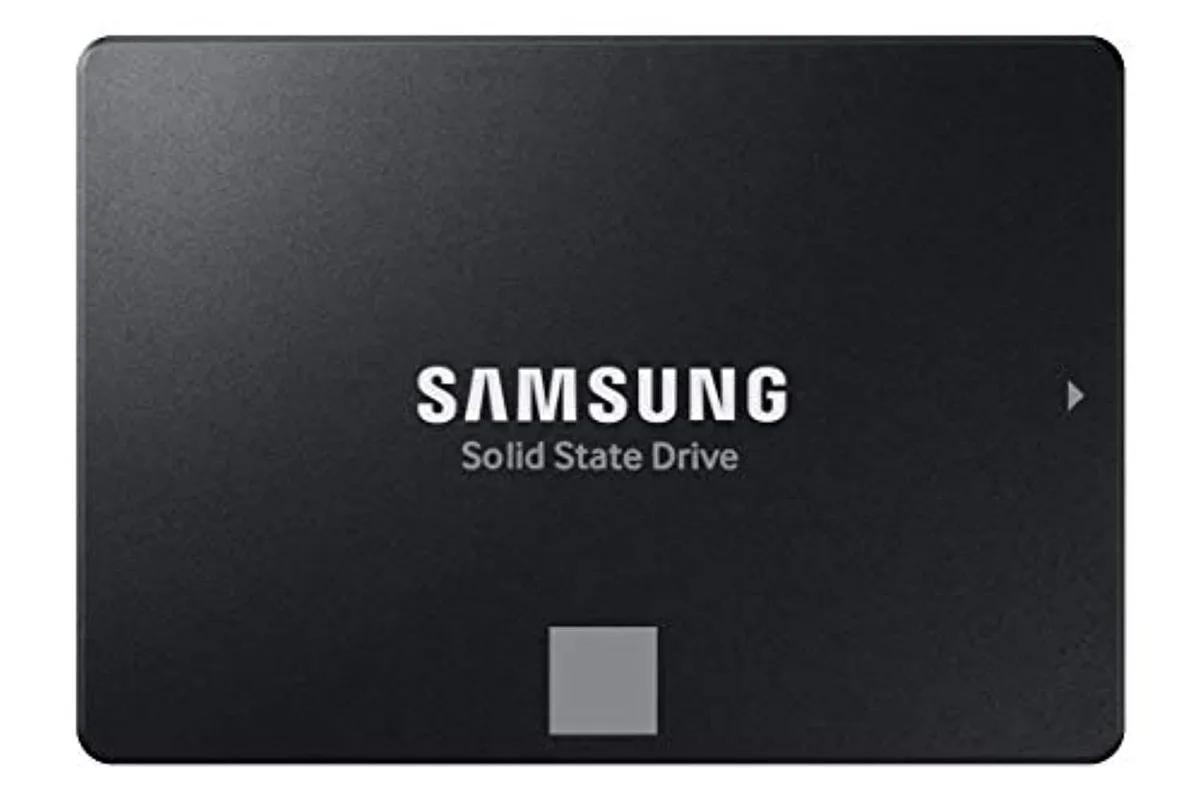
SAMSUNG 870 EVO 500GB SATA 2.5" internal SSD
A 2.5-inch SATA solid-state drive with 500 GB capacity, 560 MB/s sequential read, 530 MB/s sequential write and 512 MB DDR4 cache
- Device TypeExternal Solid State Drive (SSD)
- Sequential reads up to 560 MB/s accelerate boot and load times
- Sequential writes up to 530 MB/s keep file saves responsive
- SATA 6 Gb/s interface works with older 3 Gb/s and 1.5 Gb/s ports
- 512 MB DDR4 cache buffers bursts for consistent throughput
- 5 inch form factor fits mainstream laptops and desktops
What it is
The Samsung 870 EVO 500 GB is a 2.5-inch internal solid state drive that connects through a SATA 6 Gb/s interface. It delivers sequential read and write speeds up to 560 MB/s and 530 MB/s respectively and includes 512 MB of DDR4 cache memory. The drive is built for mainstream desktops and laptops handling personal, gaming and business workloads.
Who it suits
This drive fits any system with a 2.5-inch SATA bay, making it a direct upgrade for older laptops or desktops that lack M.2 slots. It works with SATA 3 Gb/s and 1.5 Gb/s controllers as well. Buyers needing the higher throughput of a PCIe-based interface or a different physical connector should consider other form factors.
Deciding specification
The SATA 6 Gb/s interface is the single specification that determines compatibility; the drive will only operate in a system that provides a standard SATA data and power connection.
Pluspunten
- Sequential reads up to 560 MB/s accelerate boot and load times
- Sequential writes up to 530 MB/s keep file saves responsive
- SATA 6 Gb/s interface works with older 3 Gb/s and 1.5 Gb/s ports
- 512 MB DDR4 cache buffers bursts for consistent throughput
- 5 inch form factor fits mainstream laptops and desktops
Specificaties
| Device Type | External Solid State Drive (SSD) |
|---|
Vragen over dit artikel
What real-world speed does the SATA 6Gb/s interface cap the 870 EVO at?
The SATA 6Gb/s link limits sequential throughput to the rated 560 MB/s read and 530 MB/s write, so the drive cannot exceed those figures in practice.
What physical space and mounting points does the 2.5 inch form factor require?
It needs a standard 2.5 inch drive bay or caddy with SATA data and power connectors, matching the 7 mm height used in most laptops and desktops.
How is the drive installed and which step is often missed?
Connect both SATA data and power cables, secure the drive in the bay, then initialise and format the new volume in the operating system — skipping the initialisation step leaves the drive invisible.
Ook in deze afdeling
Klanten vergeleken ook
Dezelfde afdeling, dezelfde kassa — acht munten en een koers die 30 minuten vaststaat.




