eshinreal
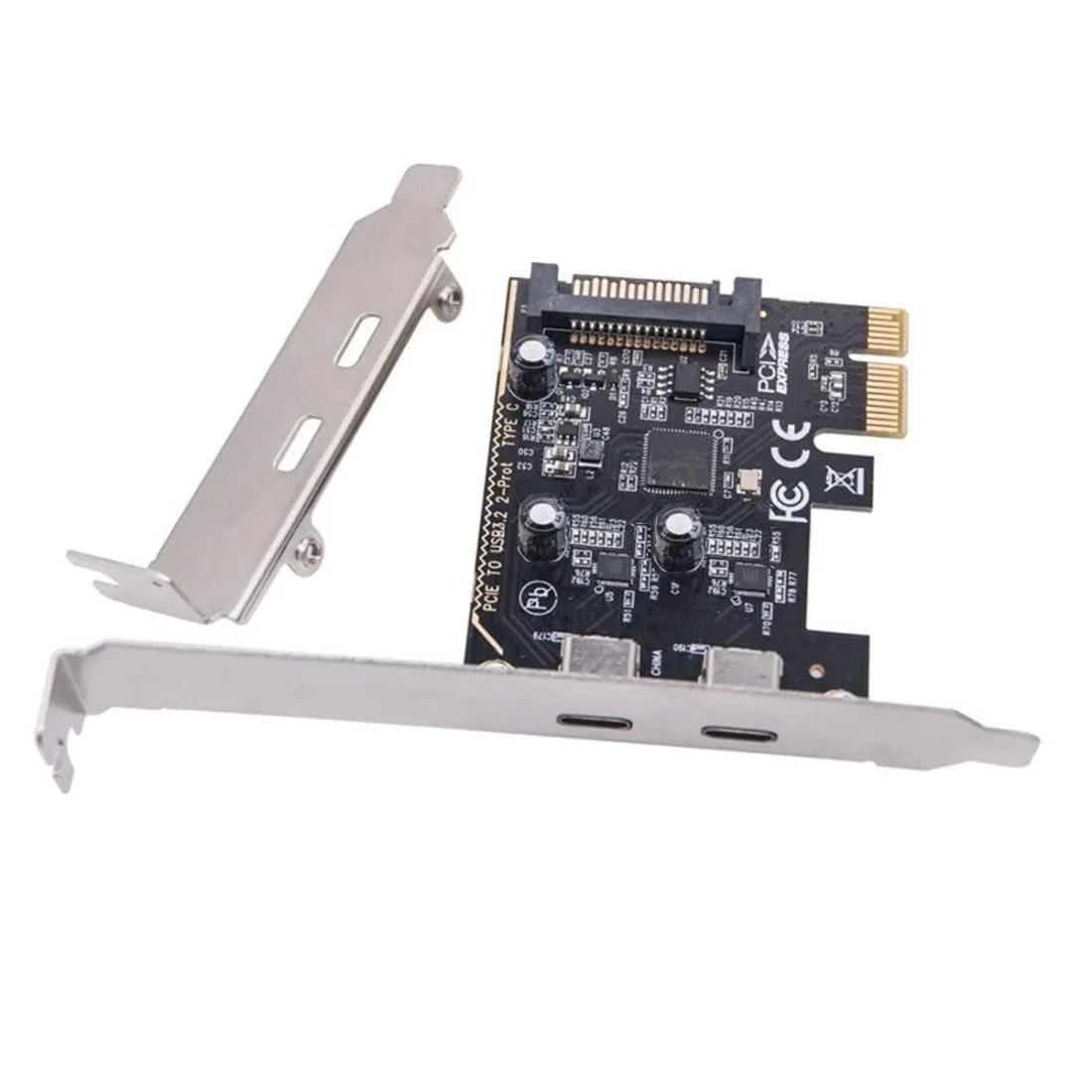
eshinreal 4 Port Mini PCIe to SATA 3 Expansion Card
- Controller Card
US$ 25,99
0.00033339BTC
Op voorraadWij accepteren cryptovaluta — zo kunnen de munten die u bezit echte hardware kopen.Betaal in crypto, besteed het aan echte hardware. Gratis verzekerde verzending wereldwijd vanaf $399. Neutrale dozen zonder merk, verzonden vanuit Duitsland.Gratis verzekerde verzending vanaf $399. Uw koers wordt 30 minuten vastgezet zodra het afrekenen begint.Koers 30 minuten vastgezet. Elk artikel is verzegeld, het serienummer wordt gecontroleerd, en het valt onder 24 maanden garantie.Verzegeld, 24 maanden garantie.

SAMSUNG
8GB desktop memory kit of four 2GB DDR2 modules running at PC2-5300 with CL5 latency
This kit supplies four 2 GB DDR2 modules for a total of 8 GB. It uses the PC2-5300F standard with a CL5 latency timing. The 240-pin DIMMs are fully buffered and organised as 2Rx8. The kit is intended for older desktop systems that still require DDR2 memory.
The upgrade makes sense when a motherboard has four available slots and currently runs with less memory. It is not suited for boards limited to two slots or chipsets that cannot address the full capacity. Buyers needing ECC or registered modules for server platforms should look elsewhere.
| Capacity | 2GB |
|---|---|
| CAS Latency | CL5 |
The kit uses 240-pin DDR2 fully-buffered DIMMs; they require a motherboard with registered DDR2 slots and will not work in standard unbuffered desktop boards.
Populate matching channel pairs first, seat each module until the retention clips click, and ensure the BIOS is set to the PC2-5300F speed and CL5 timing.
Ook in deze afdeling
Dezelfde afdeling, dezelfde kassa — acht munten en een koers die 30 minuten vaststaat.
Waarmee u betaalt, en waarin u de prijzen leest.
Verzonden vanuit uw wallet bij het afrekenen
Alleen ter weergave — de catalogus is geprijsd in USD
Geen valuta gevonden.
Kies de taal waarin de site met u spreekt.
Geen taal gevonden.
Nieuw hier?
Al een account?
Er is geen automatisch herstel: deze winkel verstuurt geen e-mail, dus er is geen eenmalige link om aan te vragen. Laat het adres op het account achter en het wordt handmatig opgepakt.
Verzoek genoteerd
Er is niets onderweg naar uw inbox — deze winkel verstuurt helemaal geen e-mail. Iemand pakt dit handmatig op.
Weet u het weer?