YUNZII
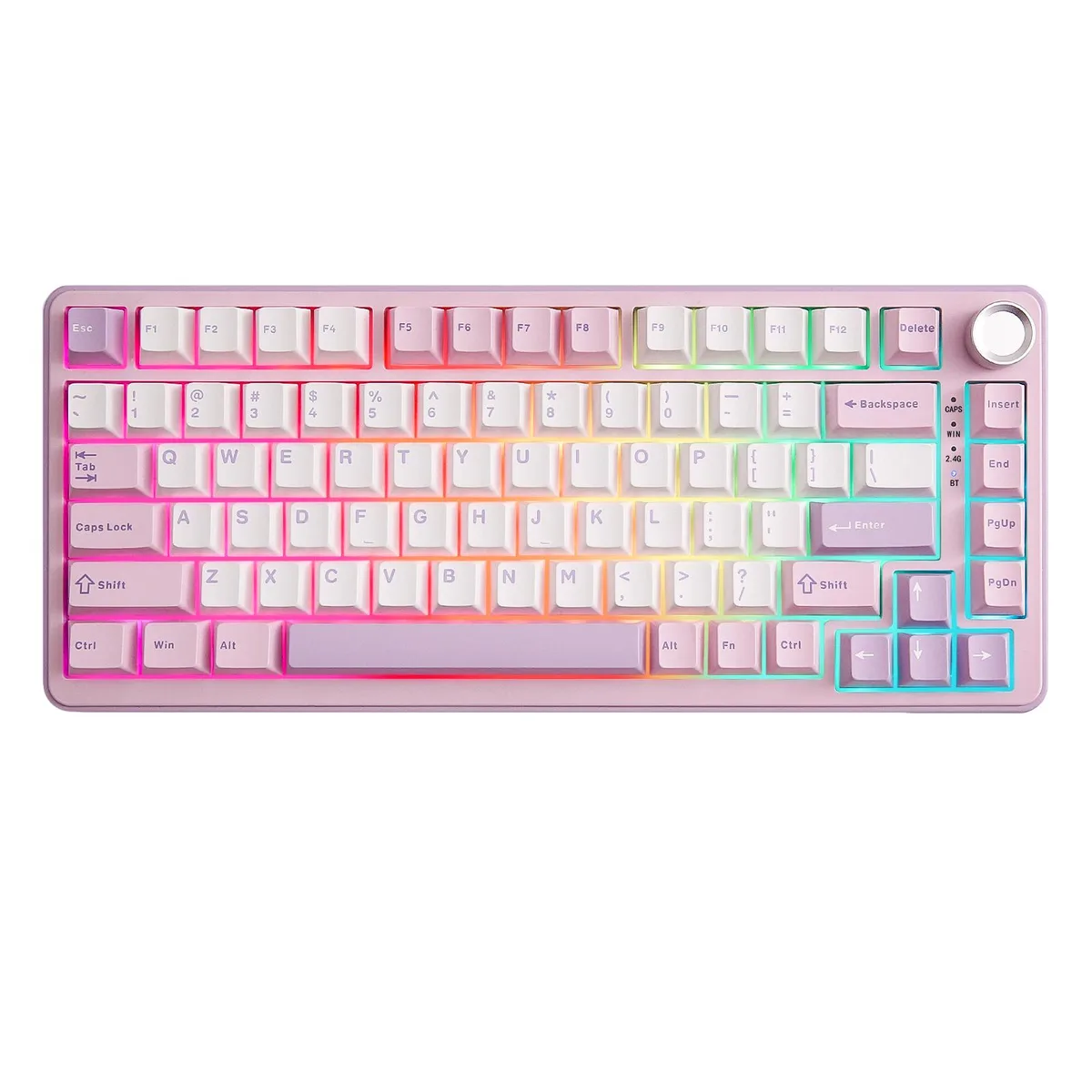
YUNZII B75 PRO Wireless Mechanical Gaming Keyboard 75% Purple Milk V2 Switch
- ABS
- USB Type-C
US$ 56,99
0.00071328BTC
Op voorraadWij accepteren cryptovaluta — zo kunnen de munten die u bezit echte hardware kopen.Betaal in crypto, besteed het aan echte hardware. Gratis verzekerde verzending wereldwijd vanaf $399. Neutrale dozen zonder merk, verzonden vanuit Duitsland.Gratis verzekerde verzending vanaf $399. Uw koers wordt 30 minuten vastgezet zodra het afrekenen begint.Koers 30 minuten vastgezet. Elk artikel is verzegeld, het serienummer wordt gecontroleerd, en het valt onder 24 maanden garantie.Verzegeld, 24 maanden garantie.


YUNZII
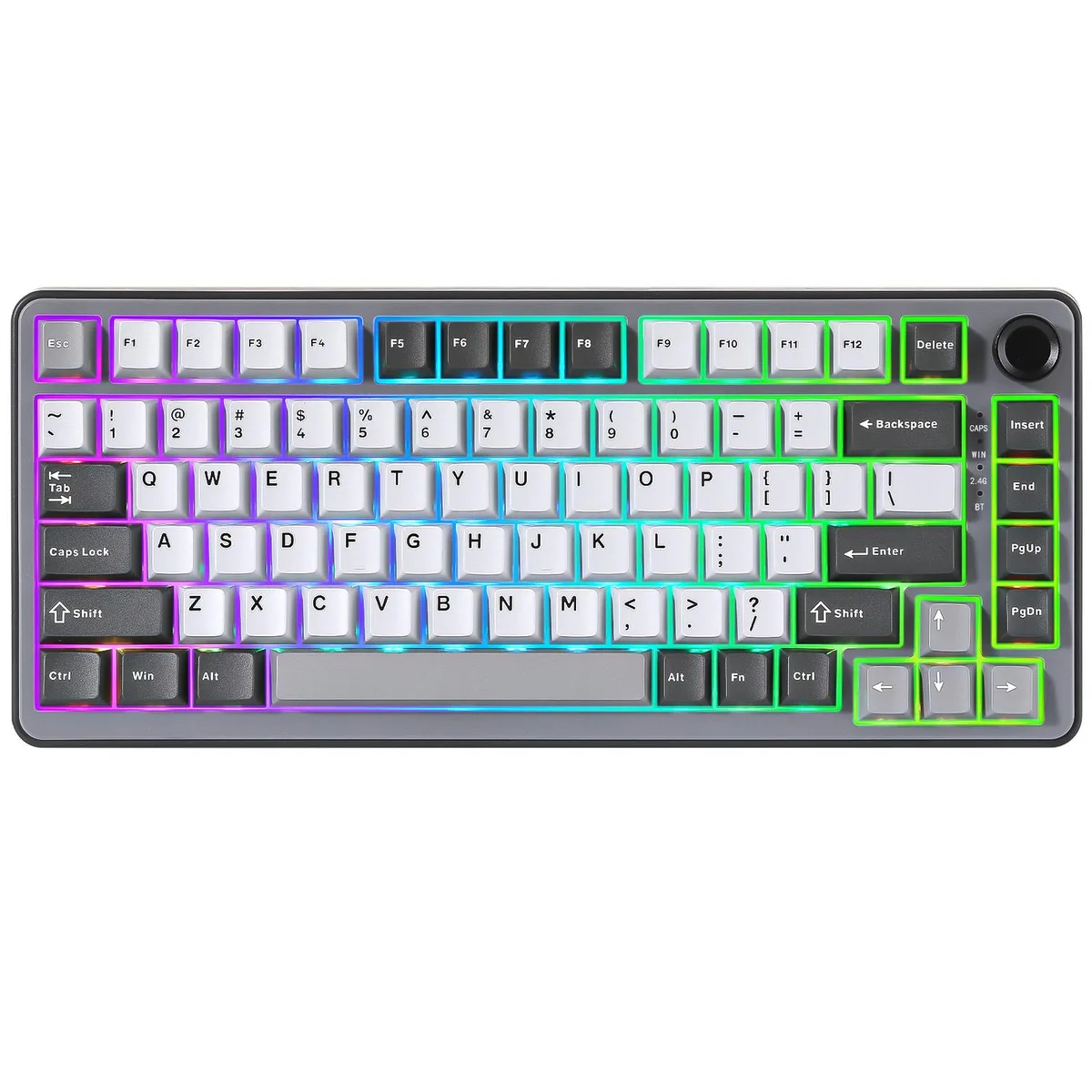
Compact 75% gasket-mount keyboard with a multimedia knob, hot-swappable pre-lubed linear switches, tri-mode wireless and a 4000mAh battery
Color Dark Gray
Switch YUNZII Milk V2 Switch
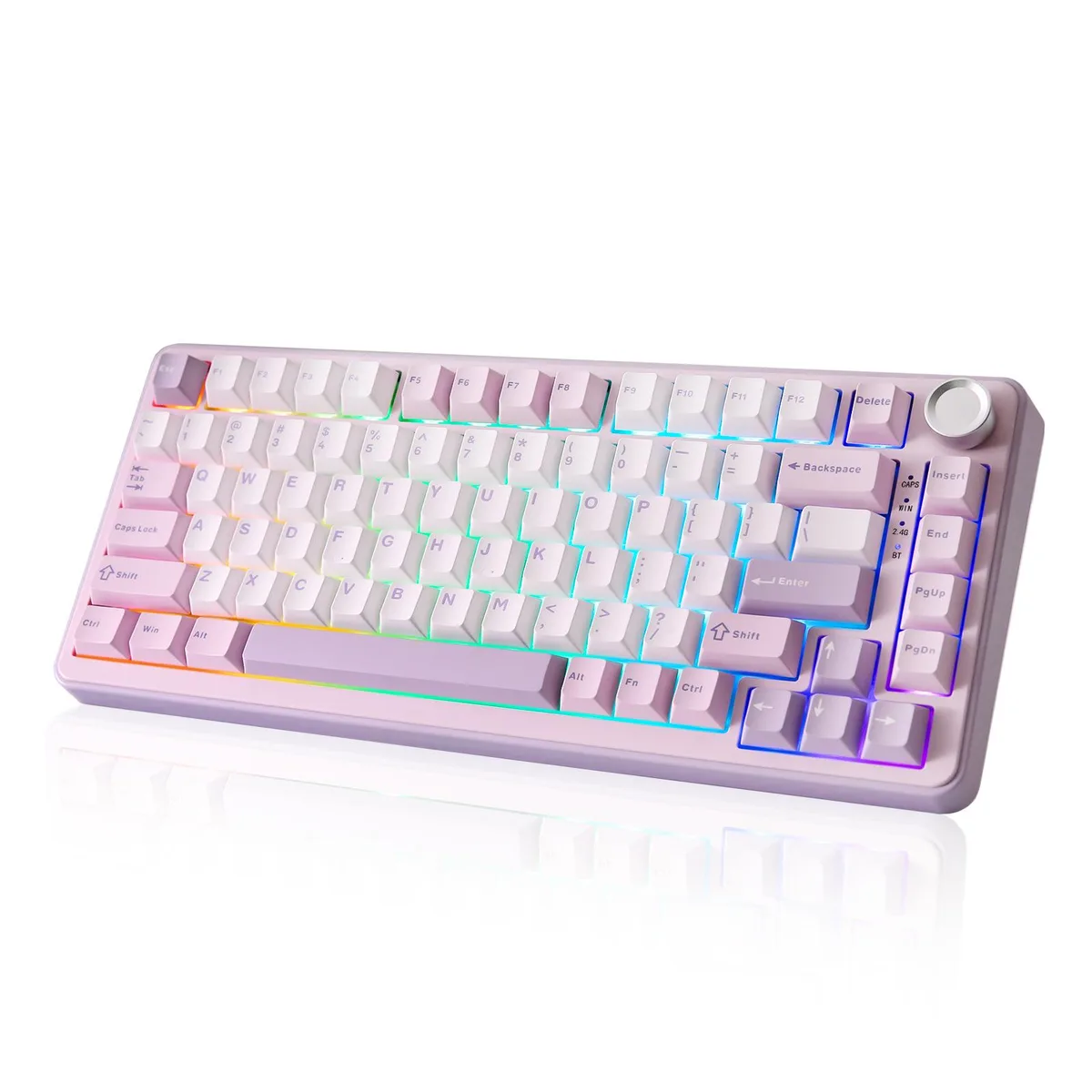
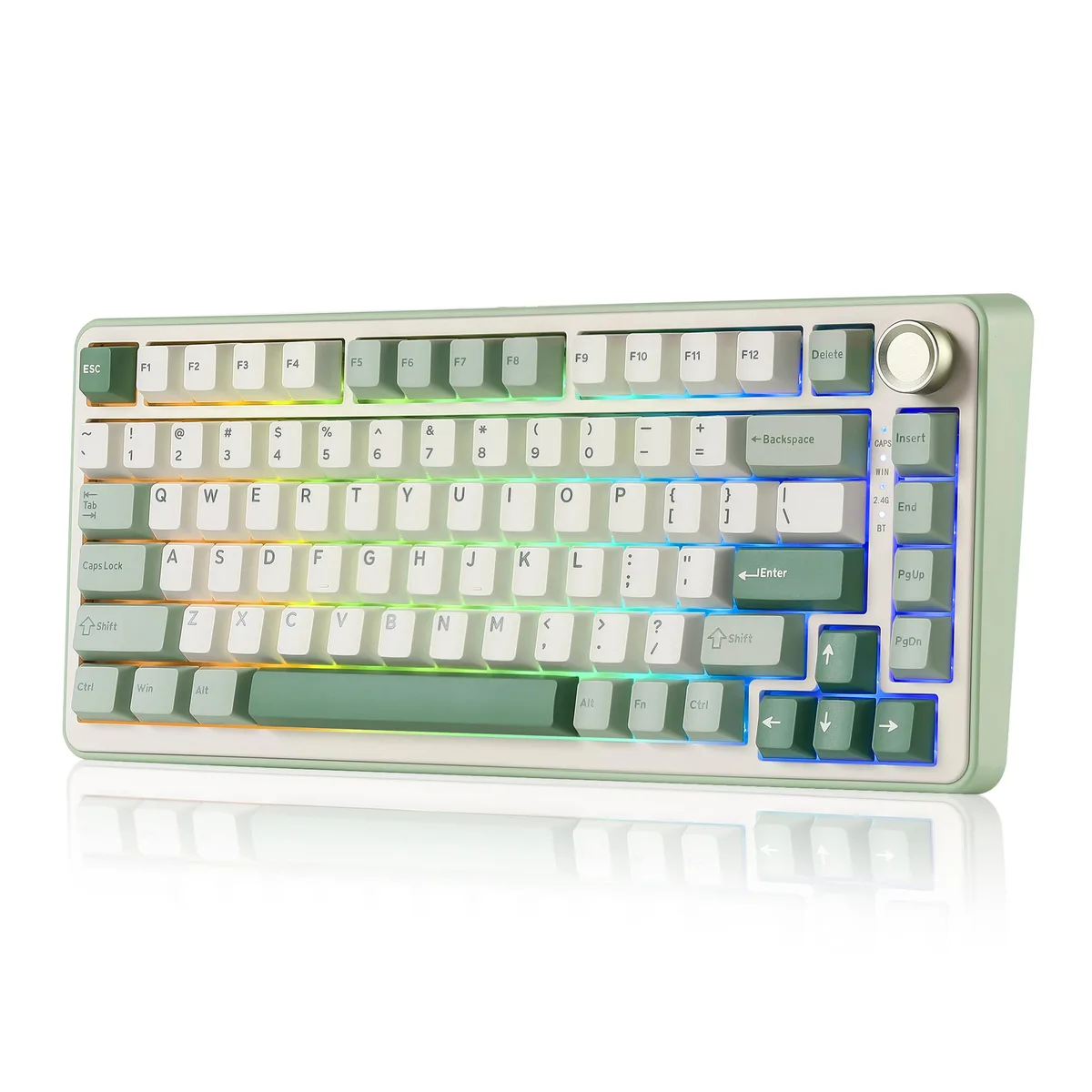
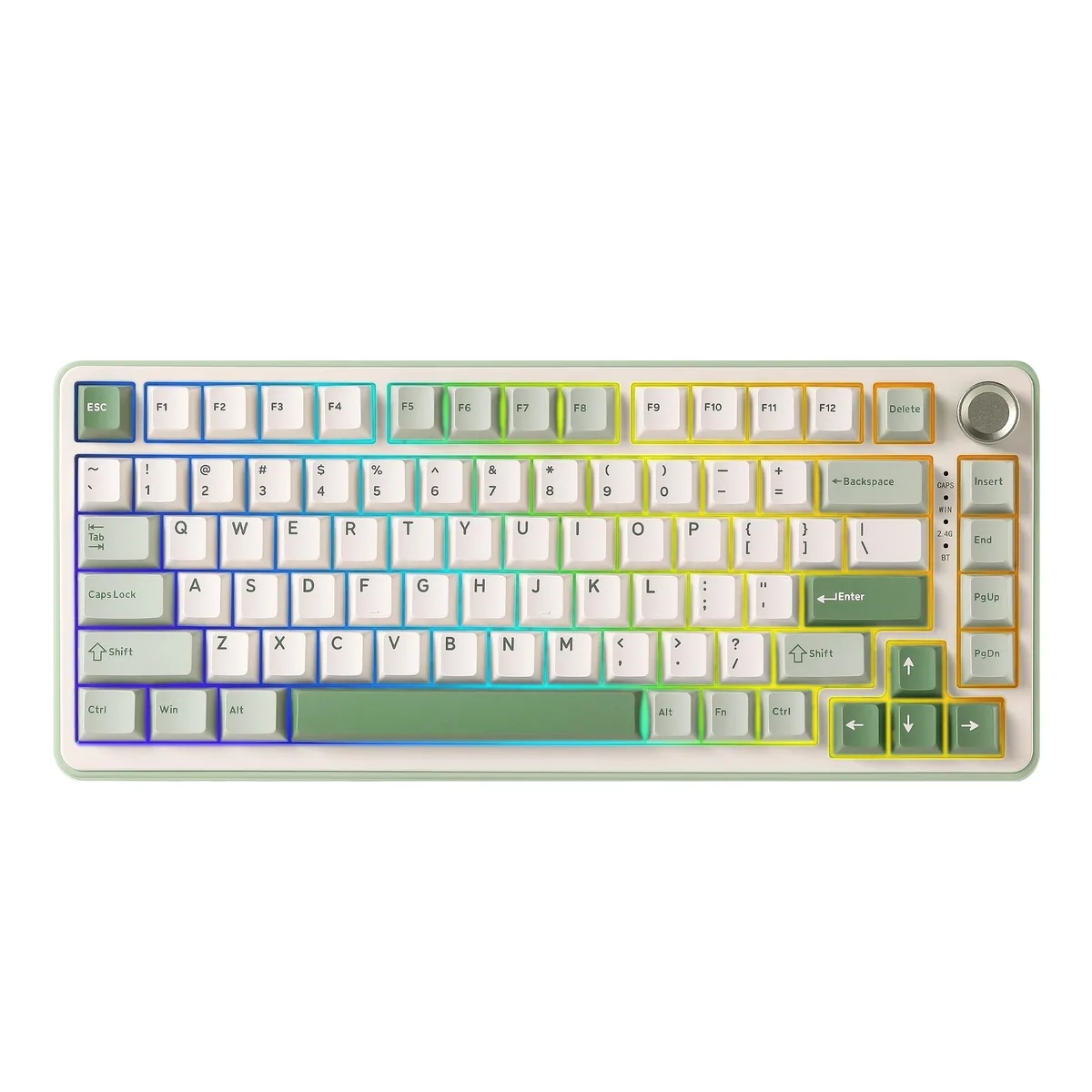
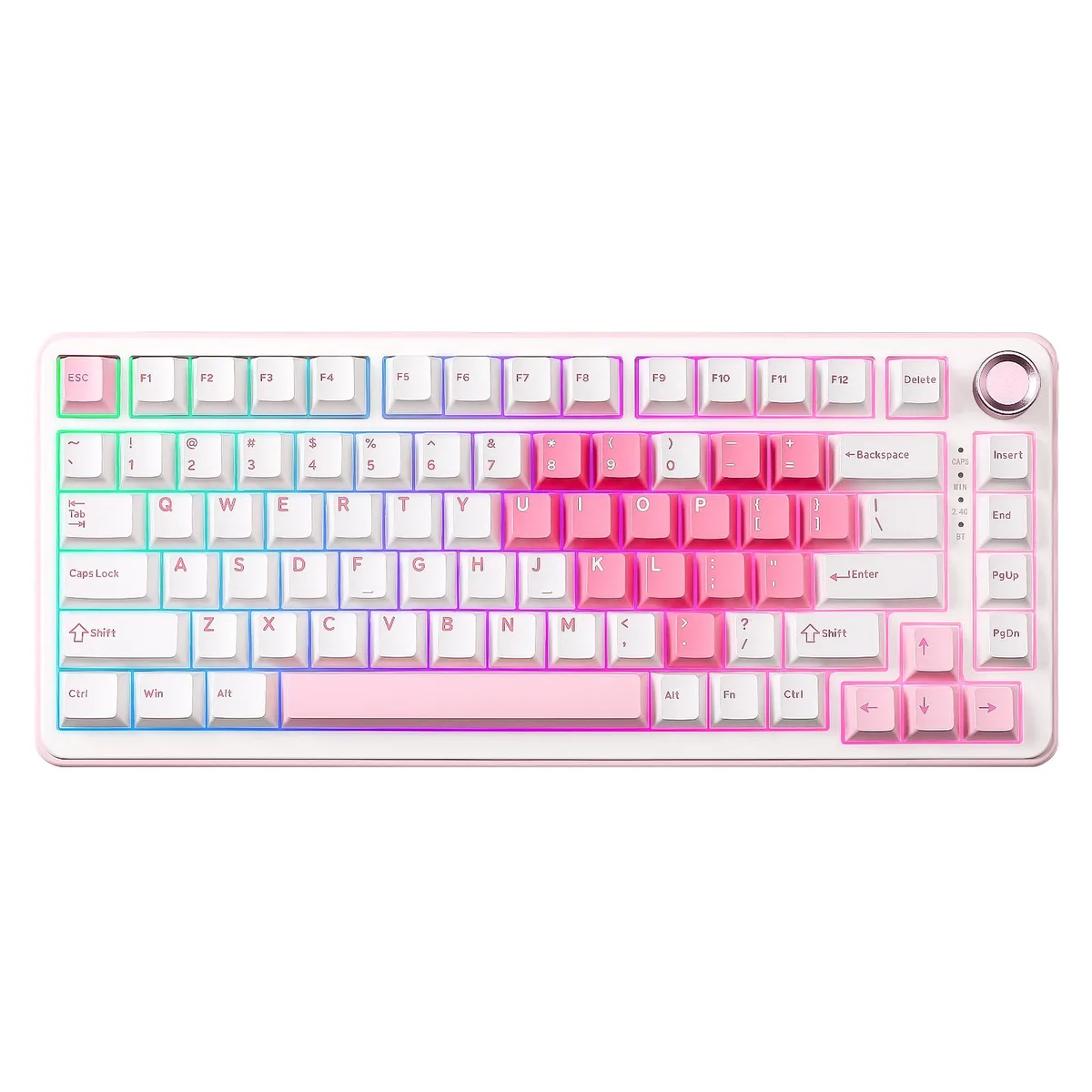
The YUNZII B75 PRO is a 75% gasket-mount mechanical keyboard with 82 keys and a multimedia control knob. It uses pre-lubed linear Milk V2 switches and double-shot PBT Cherry profile keycaps. The compact layout keeps number, function and arrow keys while saving desk space. It suits gamers and office users who want a tactile, quiet typing experience with a dedicated volume knob.
A five-layer gasket structure with noise-cancelling padding, precision stabilisers and factory-lubed switches delivers a creamy, solid sound signature. The keyboard runs on a built-in 4000mAh lithium-ion battery for extended wireless use. Three connection modes — Bluetooth, 2.4GHz wireless and wired USB Type-C — let you choose between mobility and a stable wired link. South-facing RGB LEDs provide per-key lighting without switch interference.
The hot-swappable PCB lets you replace switches without soldering, so you can change the linear feel or try other switch types later. The multimedia knob switches between gaming and office modes with a long press and adjusts volume or RGB effects by rotation. This board replaces fixed-switch keyboards and non-hot-swap compact models when you want per-key programmability, gasket acoustics and a knob in a 75% form factor. It is not for users who need a full-size layout with a dedicated numpad or a separate wrist rest.
| Brand | YUNZII |
|---|---|
| Series | Wireless Mechanical Gaming Keyboard |
| Model | B75 PRO |
| Material | ABS |
| Keyboard Interface | USB Type-C |
| Design Style | Mechanical |
| Layout | 75% |
| Palm Rest | No |
| Normal Keys | 82 |
| Mechanical Keyboard | Yes |
| Key Switch | YUNZII Milk V2 Linear Switch/YUNZII Cocoa Cream V2 Linear Switch |
| Key Switch Type | Linear |
| Keycaps | Double-shot PBT Cherry Profile Keycaps |
| Keyboard Color | Pink Heart, White Heart, Matcha Green, Purple, Grey, Black, Dark Gray |
| Backlit | Yes |
| Dimensions | 334.4*143.6*42.15mm/13.17*5.65*1.66 inch |
| Type | 2.4 GHz / Bluetooth / Wired |
| Power Source | Lithium-ion Rechargeable Battery |
Andere versies van dit model
Dezelfde familie, met ander geheugen, andere koeler of kloksnelheid — vergelijk voordat u beslist.
Hold the Bluetooth key combination until the indicator flashes, then select the device in your OS Bluetooth menu; the step many miss is keeping the keyboard in pairing mode long enough for the OS to discover it.
The Milk V2 linear switches are hot-swappable, so you can pull them out with a switch puller and press in new ones without soldering; the double-shot PBT keycaps can also be removed with a keycap puller if legends wear.
The built-in 4000mAh lithium-ion battery sets the runtime ceiling; once depleted the keyboard must be charged via the USB Type-C port to resume wireless operation.
Ook in deze afdeling
Dezelfde afdeling, dezelfde kassa — acht munten en een koers die 30 minuten vaststaat.
Waarmee u betaalt, en waarin u de prijzen leest.
Verzonden vanuit uw wallet bij het afrekenen
Alleen ter weergave — de catalogus is geprijsd in USD
Geen valuta gevonden.
Kies de taal waarin de site met u spreekt.
Nieuw hier?
Al een account?
Er is geen automatisch herstel: deze winkel verstuurt geen e-mail, dus er is geen eenmalige link om aan te vragen. Laat het adres op het account achter en het wordt handmatig opgepakt.
Verzoek genoteerd
Er is niets onderweg naar uw inbox — deze winkel verstuurt helemaal geen e-mail. Iemand pakt dit handmatig op.
Weet u het weer?