ASUS
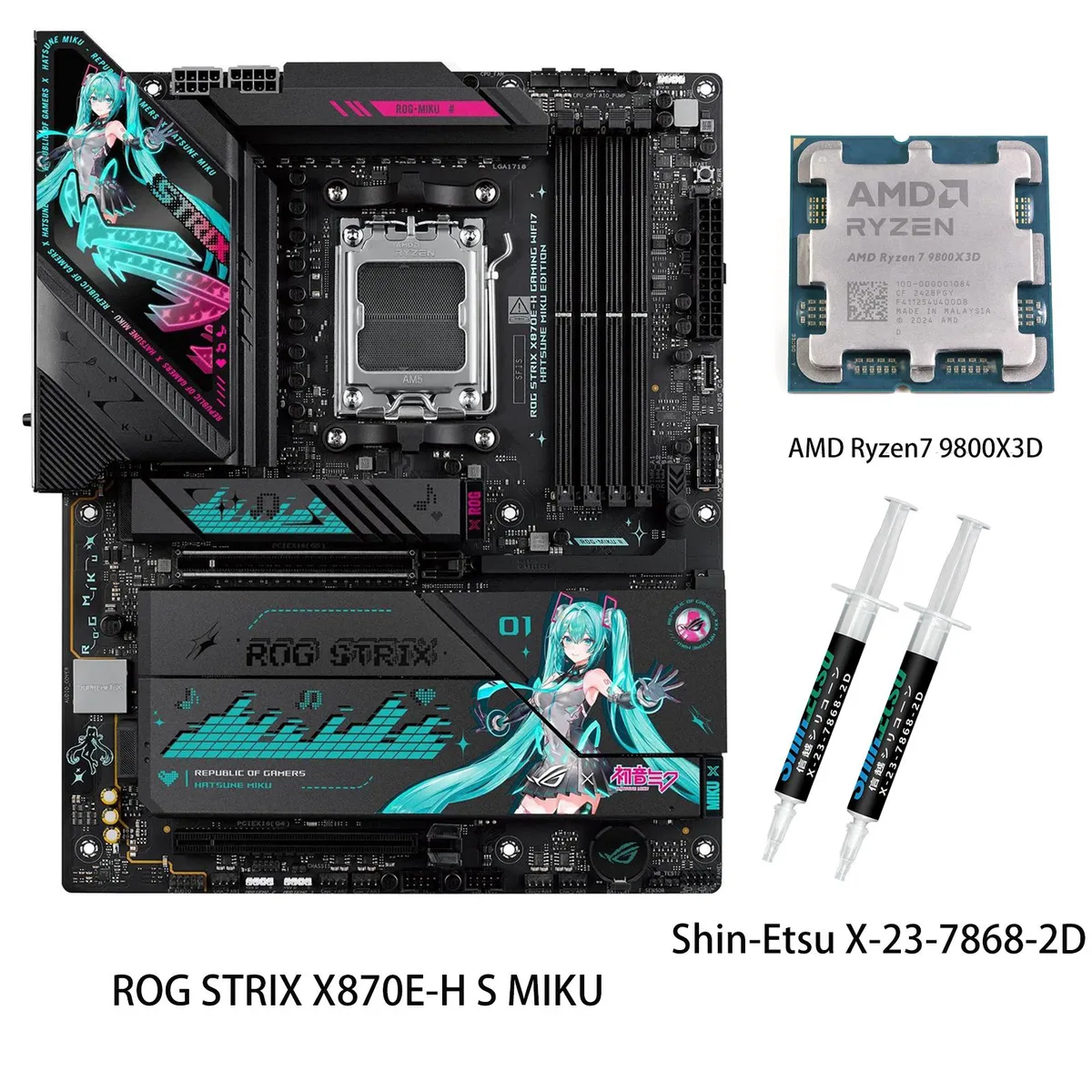
ASUS ROG STRIX X870E-H GAMING WIFI7 + Ryzen 7 9800X3D AMD motherboard combo
- AM5
- AMD X870E
US$961.99
0.01220072BTC
มีสินค้าเรารับชำระด้วยคริปโต — เหรียญที่คุณถืออยู่จึงนำมาซื้อฮาร์ดแวร์ของจริงได้จ่ายด้วยคริปโต แล้วนำไปซื้อฮาร์ดแวร์ของจริง จัดส่งฟรีพร้อมประกันภัยทั่วโลก เมื่อสั่งซื้อเกิน US$399 กล่องพัสดุเรียบไม่มีตราสินค้า จัดส่งจากประเทศเยอรมนีจัดส่งฟรีพร้อมประกันภัย เมื่อสั่งซื้อเกิน US$399 อัตราแลกเปลี่ยนของคุณจะถูกล็อกไว้ 30 นาที ทันทีที่เปิดหน้าชำระเงินล็อกอัตราแลกเปลี่ยน 30 นาที สินค้าทุกชิ้นปิดผนึกจากโรงงาน ตรวจสอบหมายเลขซีเรียล และรับประกัน 24 เดือนปิดผนึกจากโรงงาน รับประกัน 24 เดือน


ASUS
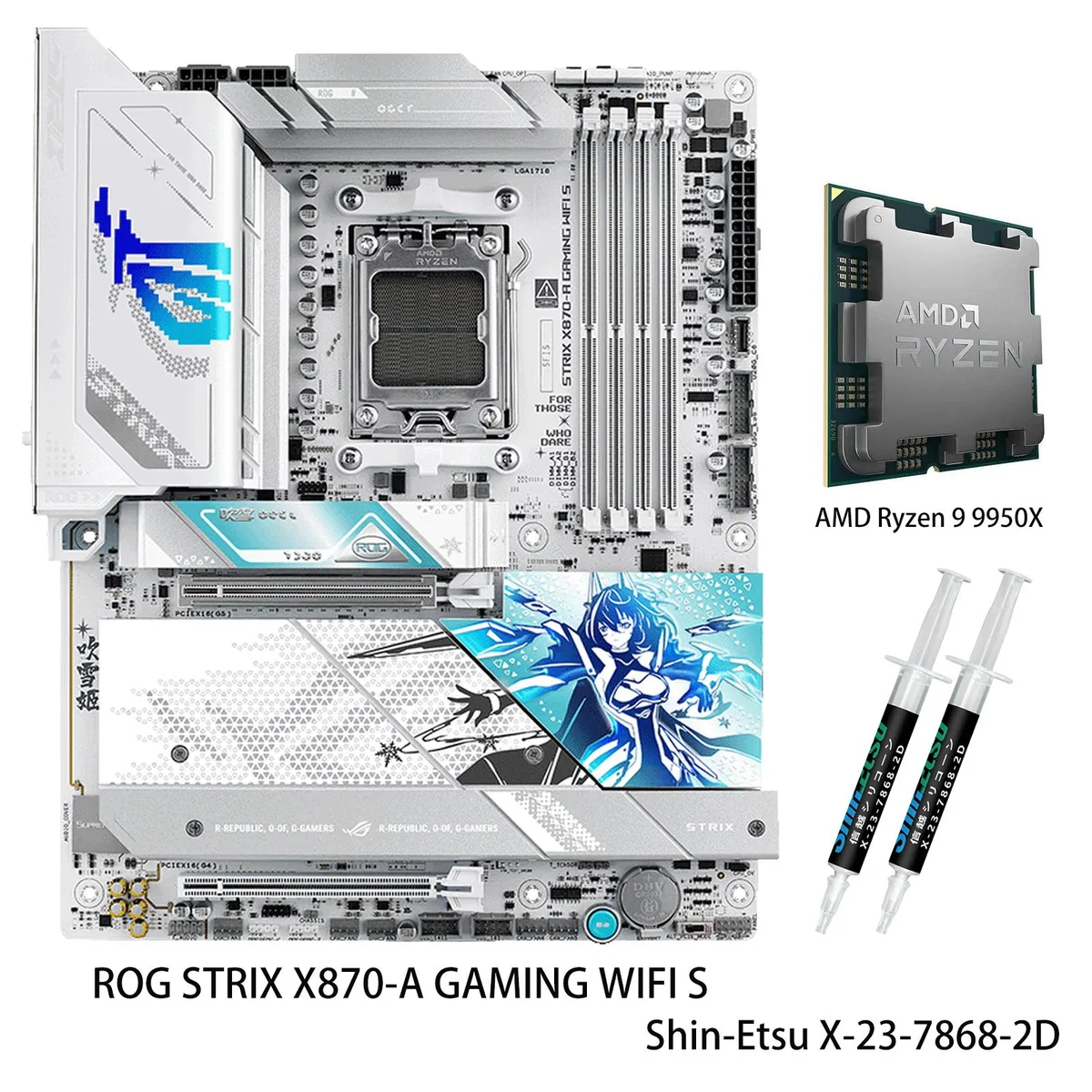
AM5 motherboard and 16-core Ryzen 9 9950X CPU combo with 32 threads, 5.7 GHz boost, 64 MB L3 cache, DDR5-5600 support, 16+2+2 90 A power stages, two PCIe 5.0 and two PCIe 4.0 M.2 slots, and WiFi 7
model ROG STRIX X870-A GAMING WIFI S
+CPU +R9 9950X
This bundle pairs the ROG STRIX X870-A GAMING WIFI S motherboard with an AMD Ryzen 9 9950X processor. The board uses the AMD X870 chipset and AM5 socket to support Ryzen 7000, 8000 and 9000 series CPUs. It is designed for advanced AI computing workloads and high-performance desktop builds.
The combo delivers 16 cores and 32 threads with a 5.7 GHz max boost based on Zen 5 architecture. It adds 64MB L3 cache and DDR5-5600 support for bandwidth-intensive tasks. The jump is worth it when moving to PCIe 5.0 storage and WiFi 7 connectivity for modern workloads.
Two onboard PCIe 5.0 M.2 slots and two PCIe 4.0 M.2 slots provide high-speed storage lanes with substantial cooling. The 16+2+2 power solution rated for 90A per stage supports multi-core operation. DDR5 AEMP simplifies memory tuning without manual configuration.
| Brand | ASUS |
|---|---|
| Model | ROG STRIX X870-A GAMING WIFI S+R9 9950X |
| CPU Socket Type | AM5 |
| Chipset | AMD X870 |
รุ่นอื่นในตระกูลเดียวกัน
ตระกูลเดียวกัน แต่หน่วยความจำ คูลเลอร์ หรือสัญญาณนาฬิกาต่างกัน — เปรียบเทียบก่อนตัดสินใจ
The board uses the ATX form factor and requires dual ProCool II power connectors to feed its 16+2+2 power stages rated for 90A each.
The CPU ships without a cooler, so you must mount a compatible AM5 cooler before first boot or the system will not post.
Reapply thermal pads on the M.2 heatsinks whenever you swap drives, and clean dust from the VRM and chipset heatsinks periodically to keep the 90A power stages cool.
อื่น ๆ ในหมวดนี้
หมวดเดียวกัน การชำระเงินแบบเดียวกัน — แปดสกุลเงินคริปโตและอัตราแลกเปลี่ยนที่ล็อกไว้ 30 นาที
สิ่งที่คุณใช้ชำระ และสิ่งที่คุณใช้อ่านราคา
ส่งจากกระเป๋าเงินของคุณเมื่อชำระเงิน
แสดงผลเท่านั้น — แคตตาล็อกสินค้าตั้งราคาเป็นดอลลาร์สหรัฐ
ไม่พบสกุลเงินที่ตรงกัน
เลือกภาษาที่ต้องการให้เว็บไซต์แสดงผล
ไม่พบภาษาที่ตรงกัน
ยังไม่เคยใช้งานใช่ไหม
มีบัญชีอยู่แล้วใช่ไหม
ไม่มีการรีเซ็ตแบบอัตโนมัติ ร้านนี้ไม่ส่งอีเมลใด ๆ จึงไม่มีลิงก์ใช้ครั้งเดียวให้ขอ ปล่อยที่อยู่อีเมลนี้ไว้ในบัญชี แล้วเจ้าหน้าที่จะดำเนินการให้ด้วยตนเอง
รับคำขอแล้ว
ไม่มีอะไรถูกส่งไปยังกล่องจดหมายของคุณ — ร้านนี้ไม่ส่งอีเมลใด ๆ เลย มีคนดำเนินการเรื่องนี้ให้ด้วยมือ
นึกออกแล้วใช่ไหม