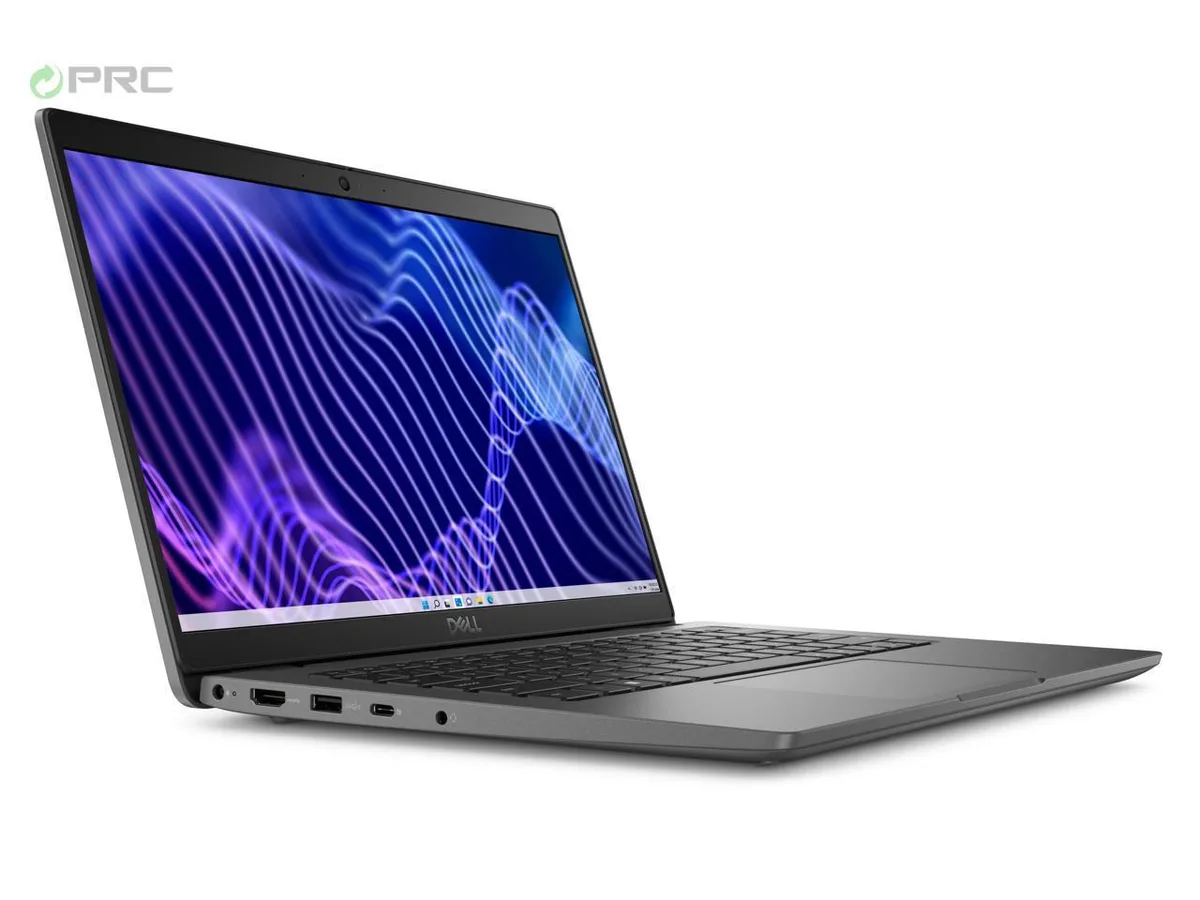
DELL
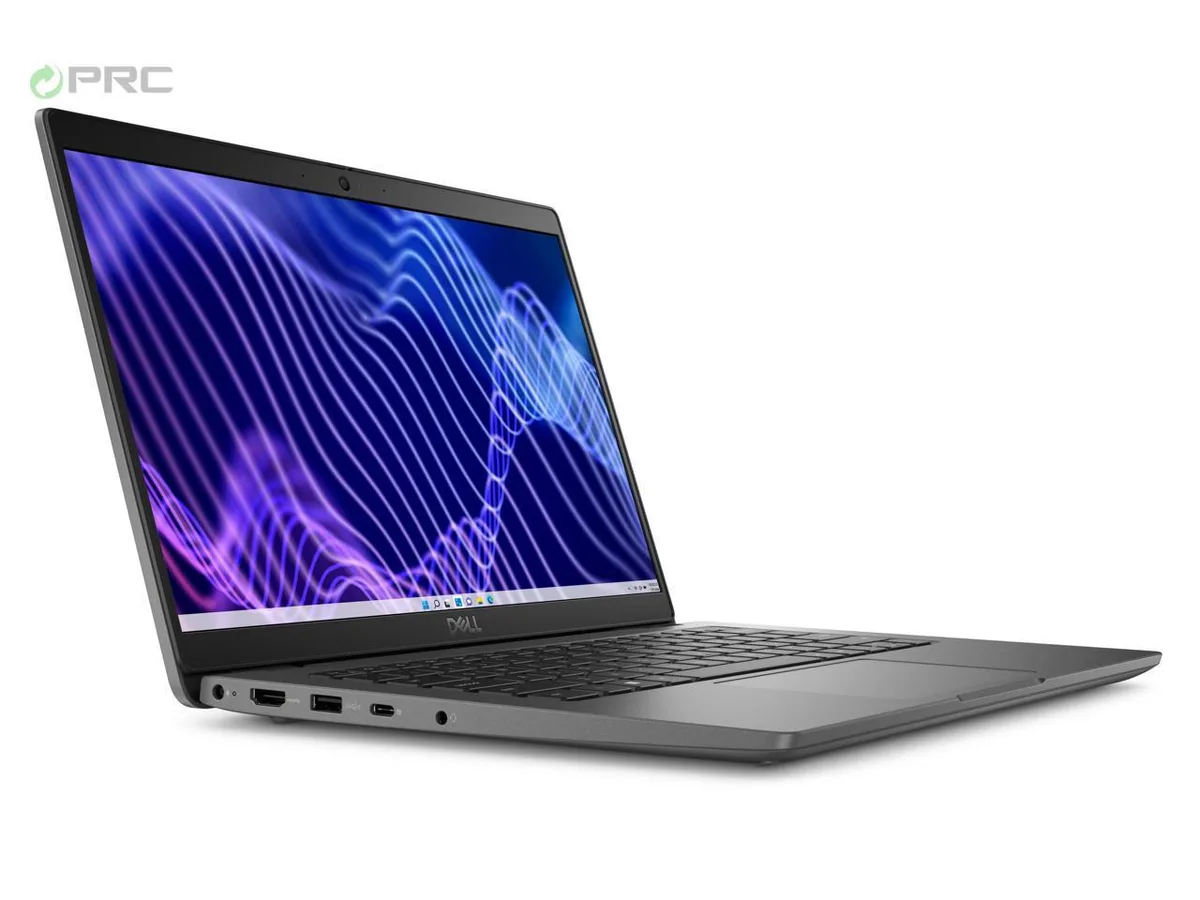
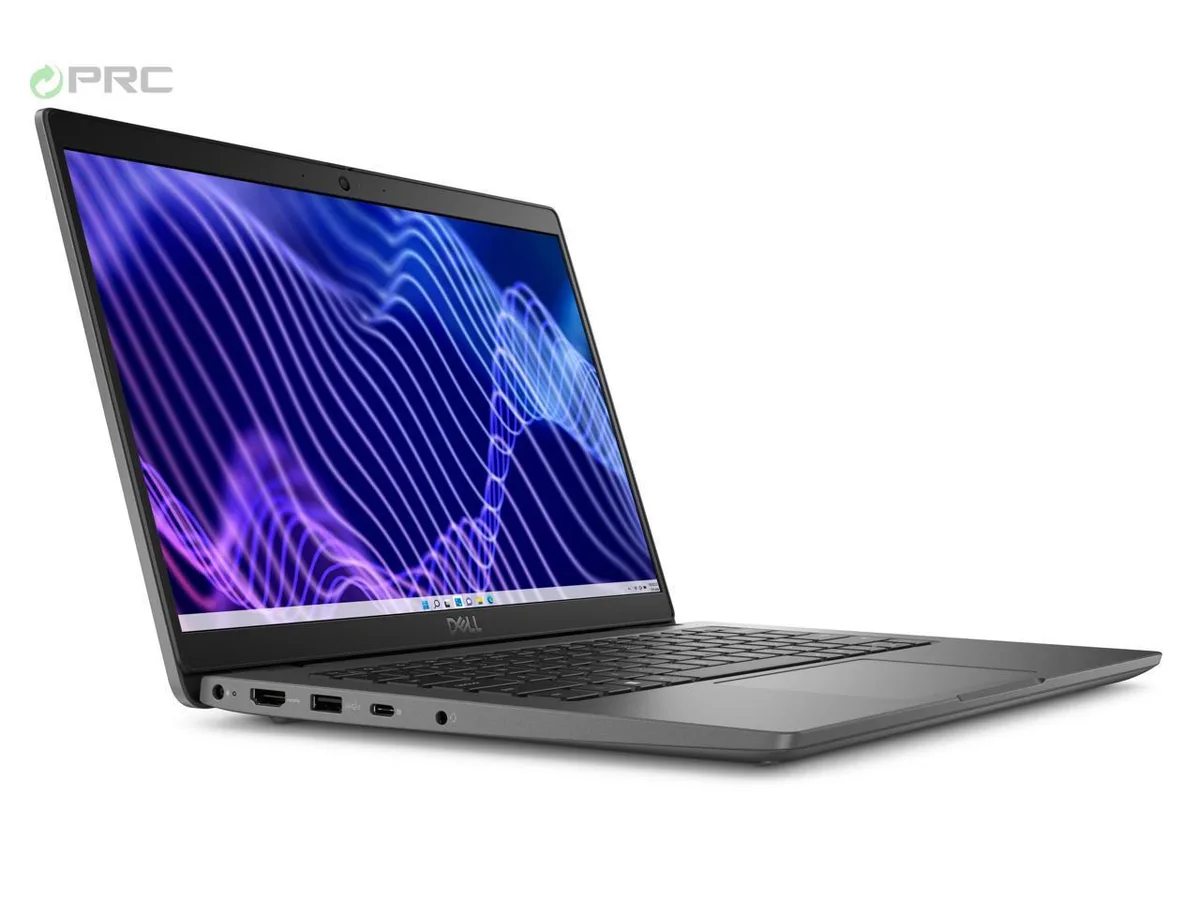
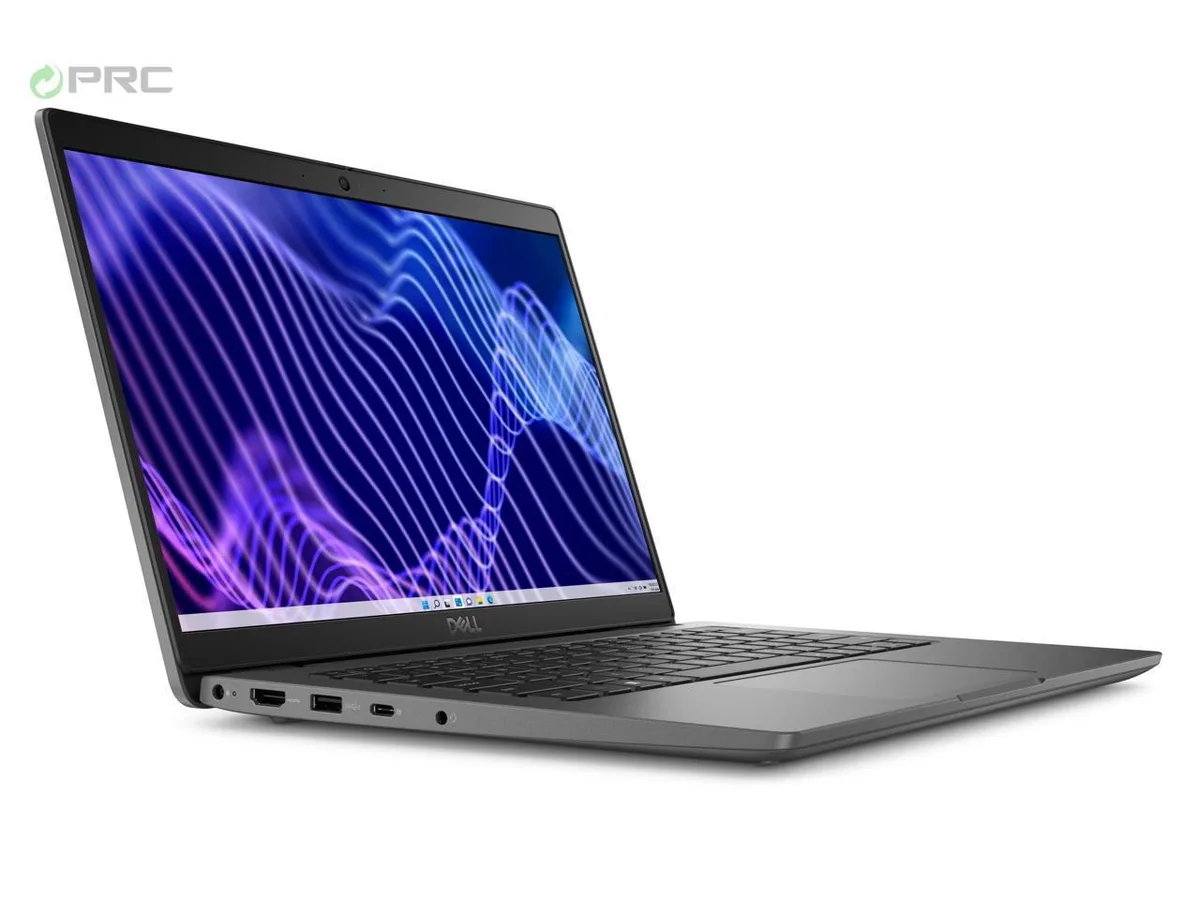
DELL Latitude 3440 14.0" FHD i5-1335U 16GB DDR4 4TB NVMe
- Gray
- Windows 11 Pro
US$752.99
0.00965384BTC
มีสินค้าเรารับชำระด้วยคริปโต — เหรียญที่คุณถืออยู่จึงนำมาซื้อฮาร์ดแวร์ของจริงได้จ่ายด้วยคริปโต แล้วนำไปซื้อฮาร์ดแวร์ของจริง จัดส่งฟรีพร้อมประกันภัยทั่วโลก เมื่อสั่งซื้อเกิน US$399 กล่องพัสดุเรียบไม่มีตราสินค้า จัดส่งจากประเทศเยอรมนีจัดส่งฟรีพร้อมประกันภัย เมื่อสั่งซื้อเกิน US$399 อัตราแลกเปลี่ยนของคุณจะถูกล็อกไว้ 30 นาที ทันทีที่เปิดหน้าชำระเงินล็อกอัตราแลกเปลี่ยน 30 นาที สินค้าทุกชิ้นปิดผนึกจากโรงงาน ตรวจสอบหมายเลขซีเรียล และรับประกัน 24 เดือนปิดผนึกจากโรงงาน รับประกัน 24 เดือน
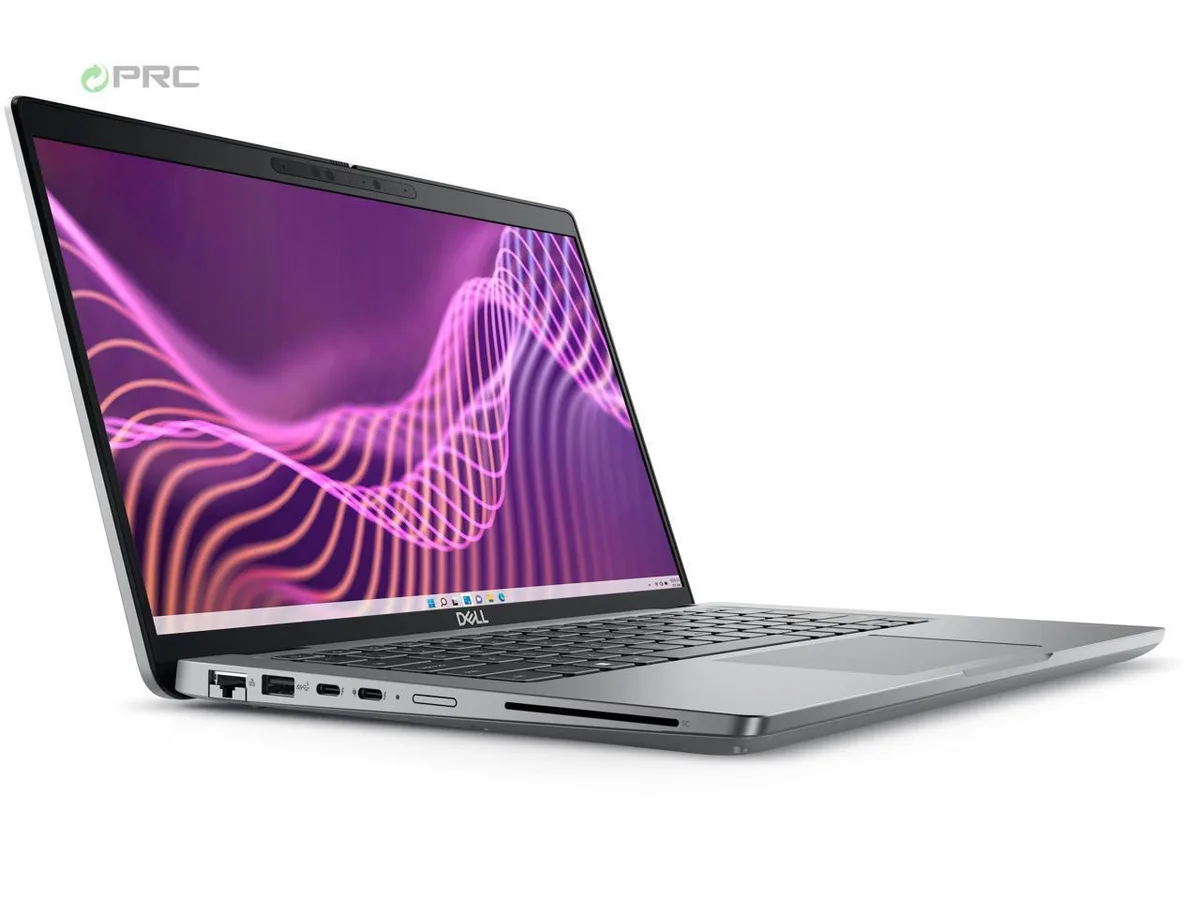


DELL
14-inch Full HD touchscreen laptop with 13th Gen Intel Core i5-1335U, 32 GB DDR4 RAM and 4 TB NVMe SSD
Options i5-1335U 32GB/4TB W11P Touch
This new 14.0 inch laptop runs Windows 11 Pro on a 13th Gen Intel Core i5-1335U processor with 10 cores and 12 threads. It includes 32 GB of DDR4 memory and a 4 TB PCIe NVMe M.2 SSD. The FHD display measures 1920 x 1080 pixels with 250 nits brightness and anti-glare coating. Integrated Intel Iris Xe Graphics handle visual output.
The 4 TB drive supports extensive project files and media libraries without external drives. Buyers who want a dedicated GPU for rendering or gaming should look at something else. The integrated graphics limit 3D performance. The 65 W power adapter is included for standard charging.
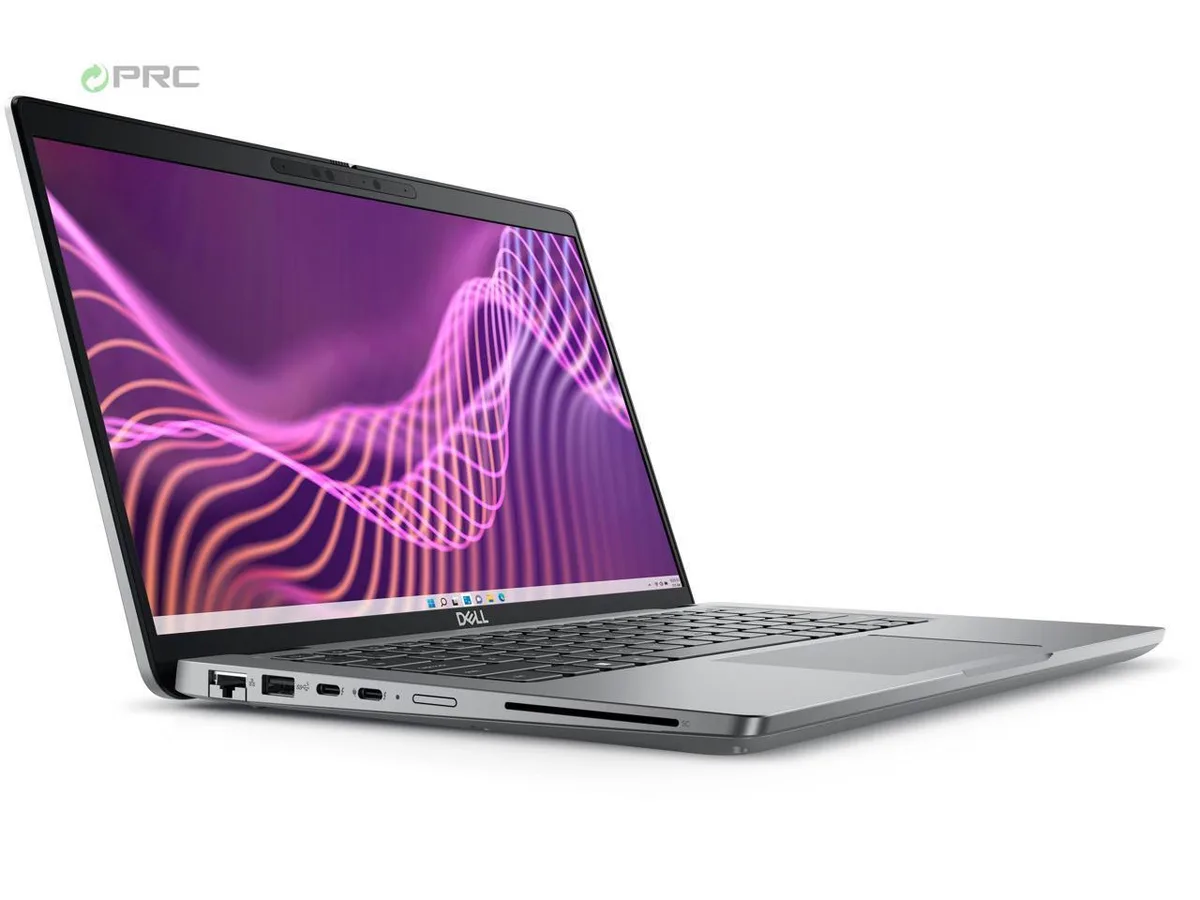
The bundled power supply delivers 65 W through the barrel connector. No docking station, stylus, or external peripherals are supplied. The laptop provides one HDMI 2.0 port, two USB 3.2 Gen 1 Type-A ports, one USB Type-C 3.2 Gen 2 port, one USB 3.2 Gen 1 with PowerShare, RJ-45 Ethernet, and a universal audio port. Wi-Fi 6 and Bluetooth 5.2 are built in.
| Brand | DELL |
|---|---|
| Series | 5000 |
| Model | Latitude |
| Part Number | 5440 |
| Color | Gray |
| Operating System | Windows 11 Pro |
| CPU Type | Intel Core i5 13th Gen |
| Processor Name | Intel Core i5-1335U |
| CPU L2 Cache | 6MB |
| Screen Size | 14.0" |
| Touchscreen | Non-Touch Screen |
| Display Type | FHD |
| Resolution | 1920 x 1080 |
| GPU/VPU | Intel Iris Xe Graphics |
| Graphic Type | Integrated Card |
| SSD | 4TB |
| HDD | No |
| Storage Spec | 4 TB |
| Memory | 32GB |
| Memory Speed | DDR4 |
| Memory Spec | 16 GB x 2 |
| Memory Slot (Total) | 2 |
| Memory Slot (Available) | 0 |
| Max Memory Supported | 64 GB |
| Optical Drive Type | No |
| LAN | 10/100/1000Mbps |
| WiFi Generation | Wi-Fi 6 |
| Bluetooth | Yes |
| USB | 2 x USB 3.2 Gen 1, 1 x USB 3.2 (PowerShare), 1 x USB-C 3.2 Gen 2 |
| Video Port | 1 x HDMI 2.0 |
| HDMI | 1 x HDMI 2.0 |
| Audio Ports | 1 x Microphone Jack, 1 x Headphone Jack |
| Audio | Integrated Sound card |
| Touchpad | Yes |
| Keyboard | Standard |
| Webcam | Yes |
| Style | Thin and Light |
| Type | Work / Business |
| Usage | Consumer |
| AC Adapter/Charger | 65-watt AC Adapter |
| Weight | 3 - 3.9 lbs. |
รุ่นอื่นในตระกูลเดียวกัน
ตระกูลเดียวกัน แต่หน่วยความจำ คูลเลอร์ หรือสัญญาณนาฬิกาต่างกัน — เปรียบเทียบก่อนตัดสินใจ
It ships with an OEM 65W AC adapter and charges via the USB Type-C 3.2 Gen2 port, so no proprietary dock is required.
Yes, the two USB 3.2 Gen 1 Type-A ports are backward compatible with USB 3.0 devices at 5 Gbps.
Open Settings > System > Storage or Disk Management in Windows 11 Pro and verify the drive shows approximately 4 TB.
อื่น ๆ ในหมวดนี้
หมวดเดียวกัน การชำระเงินแบบเดียวกัน — แปดสกุลเงินคริปโตและอัตราแลกเปลี่ยนที่ล็อกไว้ 30 นาที
สิ่งที่คุณใช้ชำระ และสิ่งที่คุณใช้อ่านราคา
ส่งจากกระเป๋าเงินของคุณเมื่อชำระเงิน
แสดงผลเท่านั้น — แคตตาล็อกสินค้าตั้งราคาเป็นดอลลาร์สหรัฐ
ไม่พบสกุลเงินที่ตรงกัน
เลือกภาษาที่ต้องการให้เว็บไซต์แสดงผล
ไม่พบภาษาที่ตรงกัน
ยังไม่เคยใช้งานใช่ไหม
มีบัญชีอยู่แล้วใช่ไหม
ไม่มีการรีเซ็ตแบบอัตโนมัติ ร้านนี้ไม่ส่งอีเมลใด ๆ จึงไม่มีลิงก์ใช้ครั้งเดียวให้ขอ ปล่อยที่อยู่อีเมลนี้ไว้ในบัญชี แล้วเจ้าหน้าที่จะดำเนินการให้ด้วยตนเอง
รับคำขอแล้ว
ไม่มีอะไรถูกส่งไปยังกล่องจดหมายของคุณ — ร้านนี้ไม่ส่งอีเมลใด ๆ เลย มีคนดำเนินการเรื่องนี้ให้ด้วยมือ
นึกออกแล้วใช่ไหม