HP
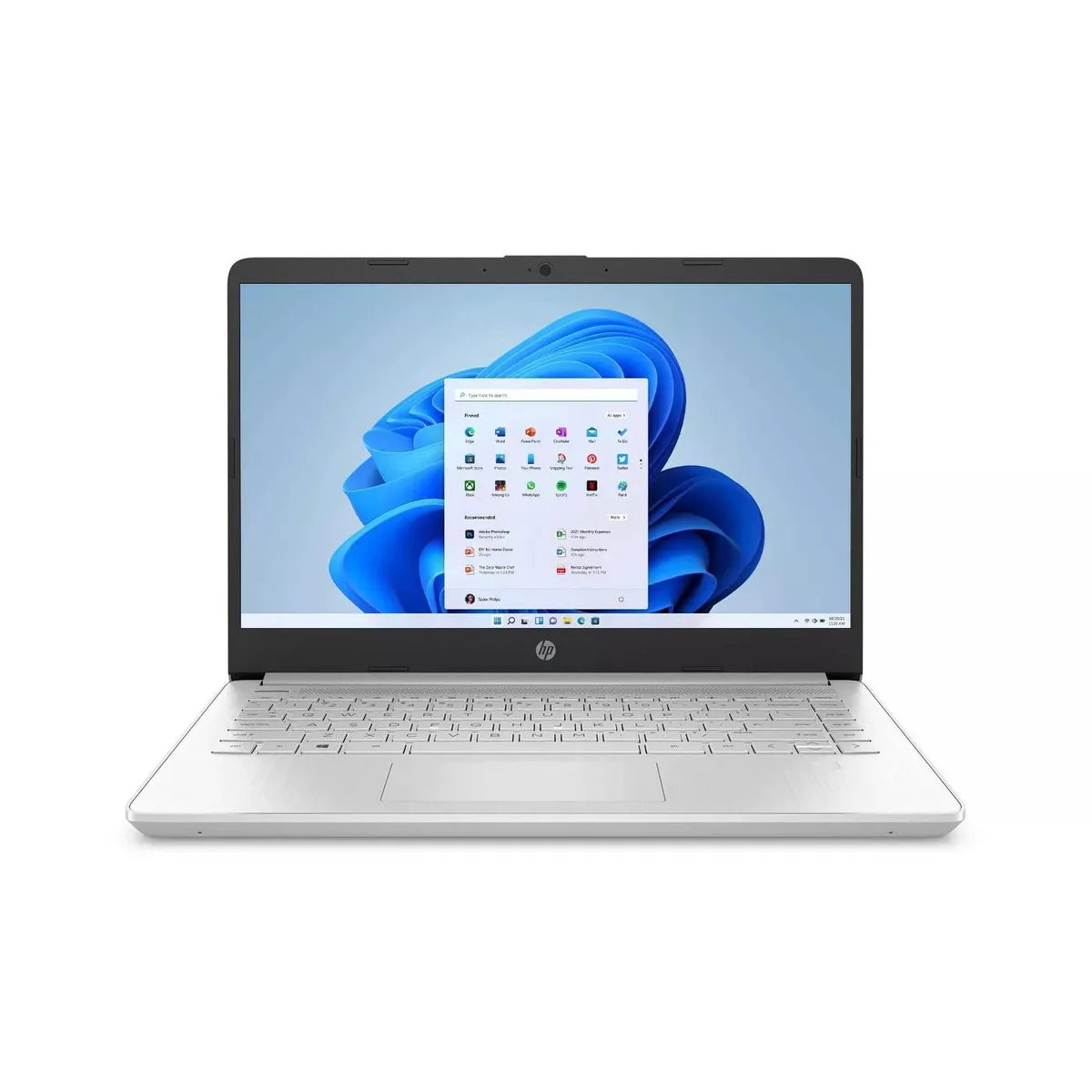
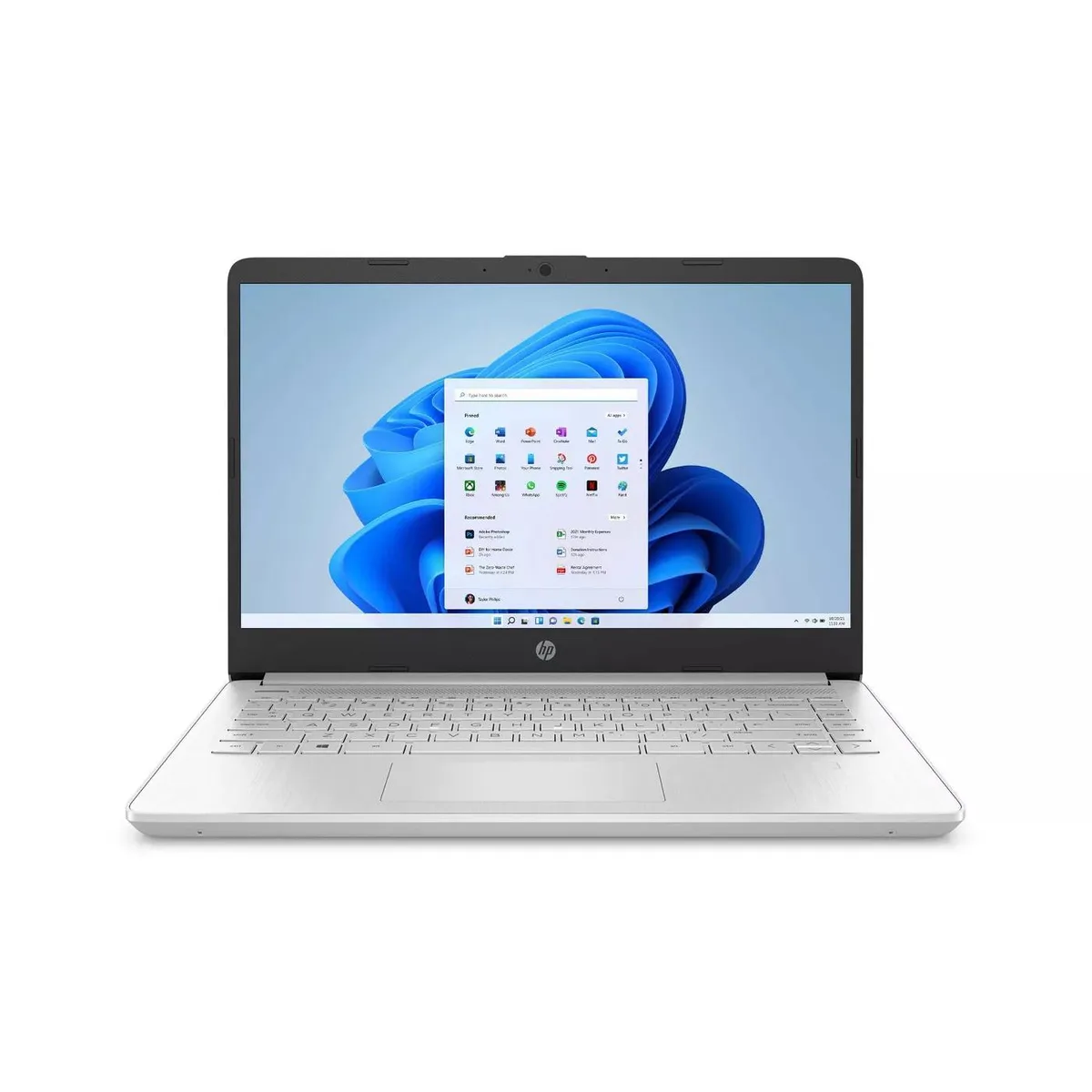
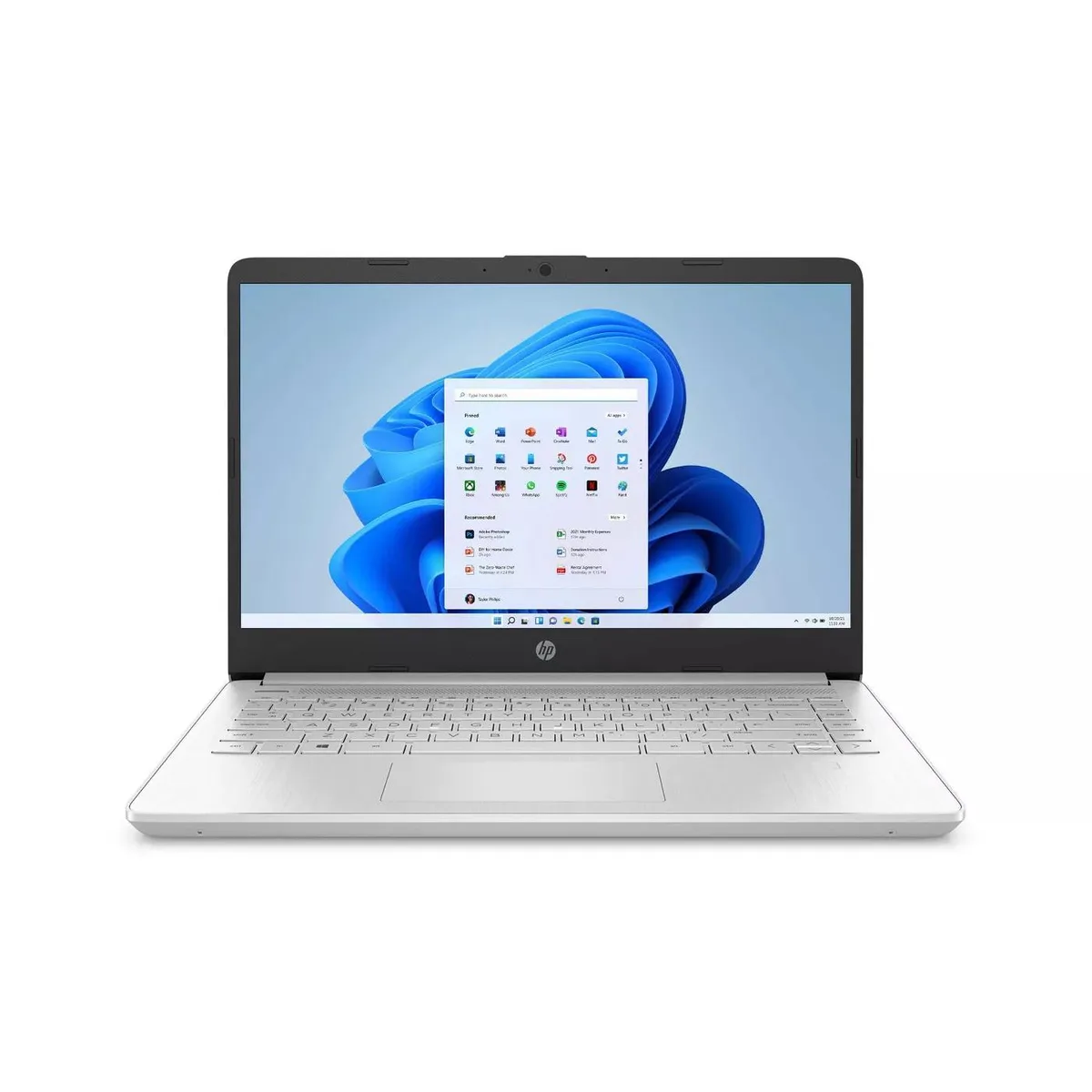
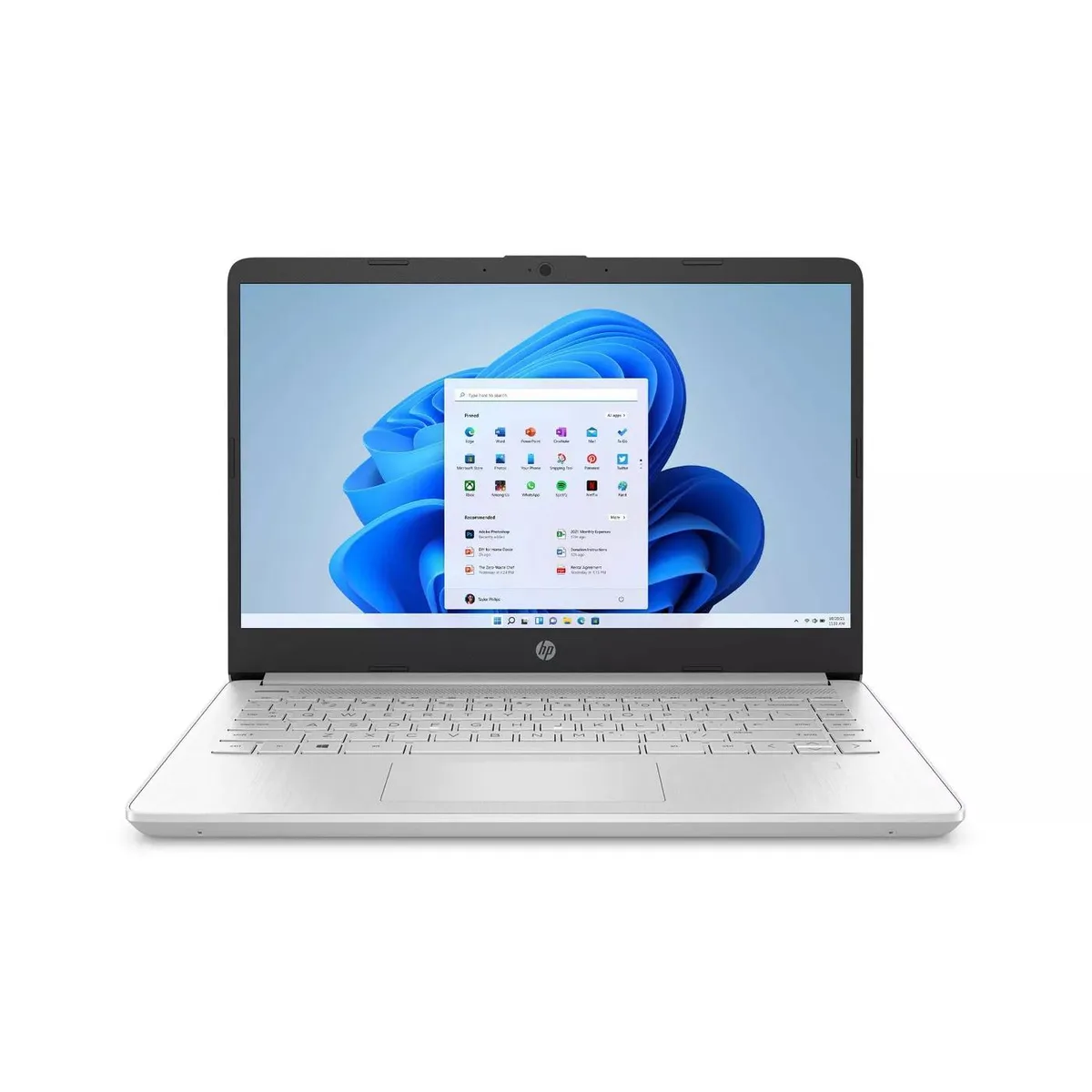
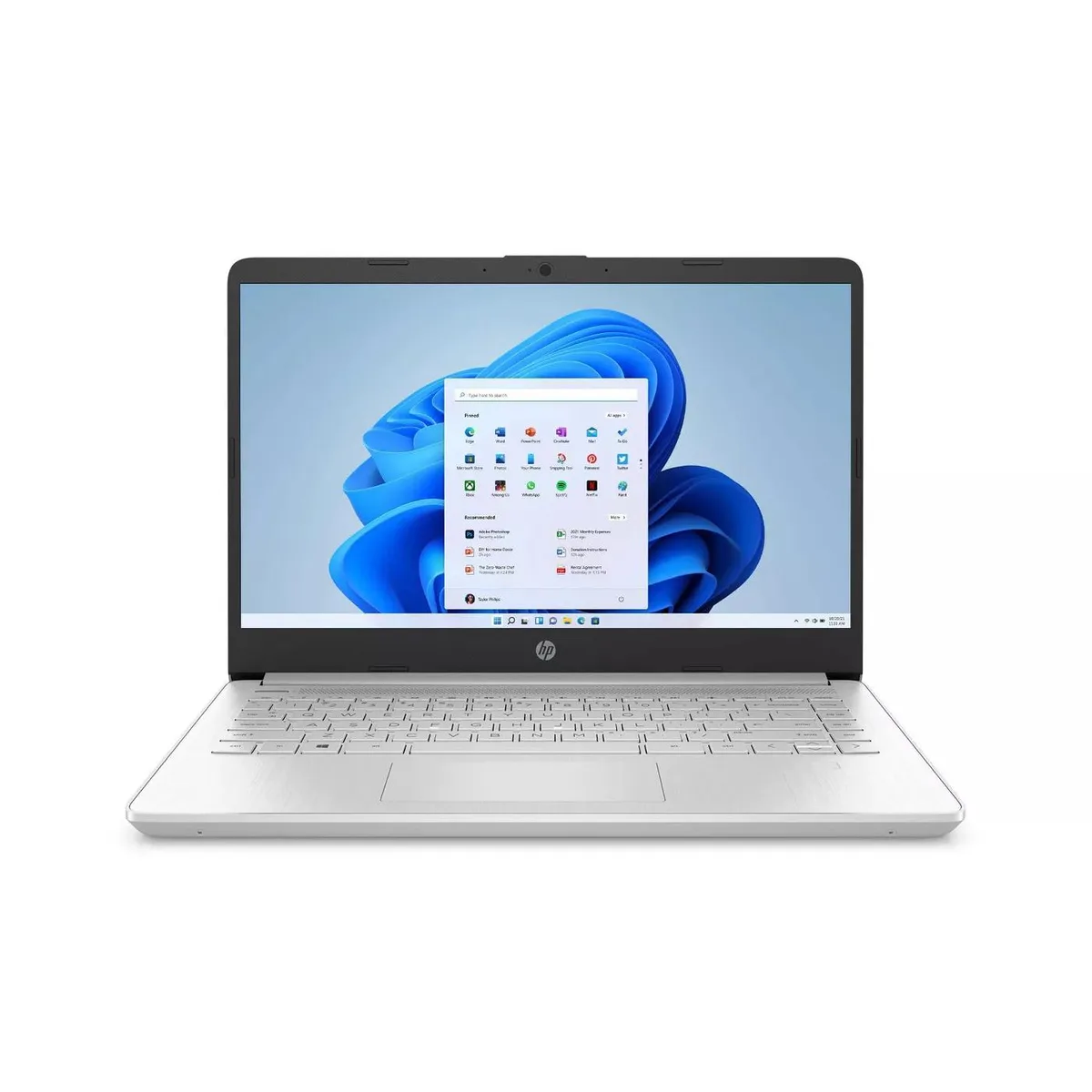
HP 14 laptop Intel Core i3 11th Gen 4GB 1TB SSD Silver
- Silver
- Windows 10 in S mode
US$276.99
0.00354121BTC
มีสินค้าเรารับชำระด้วยคริปโต — เหรียญที่คุณถืออยู่จึงนำมาซื้อฮาร์ดแวร์ของจริงได้จ่ายด้วยคริปโต แล้วนำไปซื้อฮาร์ดแวร์ของจริง จัดส่งฟรีพร้อมประกันภัยทั่วโลก เมื่อสั่งซื้อเกิน US$399 กล่องพัสดุเรียบไม่มีตราสินค้า จัดส่งจากประเทศเยอรมนีจัดส่งฟรีพร้อมประกันภัย เมื่อสั่งซื้อเกิน US$399 อัตราแลกเปลี่ยนของคุณจะถูกล็อกไว้ 30 นาที ทันทีที่เปิดหน้าชำระเงินล็อกอัตราแลกเปลี่ยน 30 นาที สินค้าทุกชิ้นปิดผนึกจากโรงงาน ตรวจสอบหมายเลขซีเรียล และรับประกัน 24 เดือนปิดผนึกจากโรงงาน รับประกัน 24 เดือน


HP
A 14-inch Full HD laptop with an 11th Gen Intel Core i3, 4 GB DDR4 memory, 128 GB SATA SSD, fingerprint reader and up to 9 hours 45 minutes battery life
The HP 14-inch laptop runs Windows 10 in S mode on an 11th Generation Intel Core i3-1125G4 processor with Intel UHD Graphics. Four gigabytes of DDR4-3200 memory and a 128 GB SATA M.2 SSD handle web browsing, document editing and video calls. A fingerprint reader adds quick sign-in for home or personal use.
The low-power i3-1125G4 chip keeps thermals modest during typical office tasks and streaming. Fan noise stays unobtrusive in a quiet room and the 2.00 GHz base clock helps extend the battery to nine hours and 45 minutes on a single charge. HP Fast Charge tops up the cell quickly between sessions.
The anti-glare Full HD IPS micro-edge display folds into a slim silver body that slips into a small bag. One SuperSpeed USB Type-C, two SuperSpeed USB Type-A, HDMI and a headset jack cover monitors, peripherals and audio without dongles. Buyers who need more internal storage or discrete graphics should look at larger configurations.
| Color | Silver |
|---|---|
| Operating System | Windows 10 in S mode |
| CPU Type | Intel Core i3 11th Gen |
| Processor Name | 2.00GHz |
| Screen Size | 14.0" |
| Touchscreen | Non-Touch Screen |
| GPU/VPU | Intel UHD Graphics |
| SSD | 128GB |
| HDD | No |
| Memory | 4GB |
| Type | Home / Personal |
รุ่นอื่นในตระกูลเดียวกัน
ตระกูลเดียวกัน แต่หน่วยความจำ คูลเลอร์ หรือสัญญาณนาฬิกาต่างกัน — เปรียบเทียบก่อนตัดสินใจ
Power off the laptop, remove the base screws, open the case, insert the DDR4 module at an angle then press down until the clips lock, and replace the cover before turning on.
The battery will degrade before the 128 GB SATA M.2 SSD, so plan to replace the battery after several hundred charge cycles.
The 4 GB DDR4 memory fills quickly, forcing the system to swap to the 128 GB SATA SSD and slowing performance.
อื่น ๆ ในหมวดนี้
หมวดเดียวกัน การชำระเงินแบบเดียวกัน — แปดสกุลเงินคริปโตและอัตราแลกเปลี่ยนที่ล็อกไว้ 30 นาที
สิ่งที่คุณใช้ชำระ และสิ่งที่คุณใช้อ่านราคา
ส่งจากกระเป๋าเงินของคุณเมื่อชำระเงิน
แสดงผลเท่านั้น — แคตตาล็อกสินค้าตั้งราคาเป็นดอลลาร์สหรัฐ
ไม่พบสกุลเงินที่ตรงกัน
เลือกภาษาที่ต้องการให้เว็บไซต์แสดงผล
ไม่พบภาษาที่ตรงกัน
ยังไม่เคยใช้งานใช่ไหม
มีบัญชีอยู่แล้วใช่ไหม
ไม่มีการรีเซ็ตแบบอัตโนมัติ ร้านนี้ไม่ส่งอีเมลใด ๆ จึงไม่มีลิงก์ใช้ครั้งเดียวให้ขอ ปล่อยที่อยู่อีเมลนี้ไว้ในบัญชี แล้วเจ้าหน้าที่จะดำเนินการให้ด้วยตนเอง
รับคำขอแล้ว
ไม่มีอะไรถูกส่งไปยังกล่องจดหมายของคุณ — ร้านนี้ไม่ส่งอีเมลใด ๆ เลย มีคนดำเนินการเรื่องนี้ให้ด้วยมือ
นึกออกแล้วใช่ไหม