Uperfect
Uperfect 15.6" Portable Monitor 1080P 125% sRGB 350Nits USB-C HDMI Stand
- 15.6"
- 1920 x 1080
US$57.99
0.00072038BTC
มีสินค้าเรารับชำระด้วยคริปโต — เหรียญที่คุณถืออยู่จึงนำมาซื้อฮาร์ดแวร์ของจริงได้จ่ายด้วยคริปโต แล้วนำไปซื้อฮาร์ดแวร์ของจริง จัดส่งฟรีพร้อมประกันภัยทั่วโลก เมื่อสั่งซื้อเกิน US$399 กล่องพัสดุเรียบไม่มีตราสินค้า จัดส่งจากประเทศเยอรมนีจัดส่งฟรีพร้อมประกันภัย เมื่อสั่งซื้อเกิน US$399 อัตราแลกเปลี่ยนของคุณจะถูกล็อกไว้ 30 นาที ทันทีที่เปิดหน้าชำระเงินล็อกอัตราแลกเปลี่ยน 30 นาที สินค้าทุกชิ้นปิดผนึกจากโรงงาน ตรวจสอบหมายเลขซีเรียล และรับประกัน 24 เดือนปิดผนึกจากโรงงาน รับประกัน 24 เดือน


Uperfect
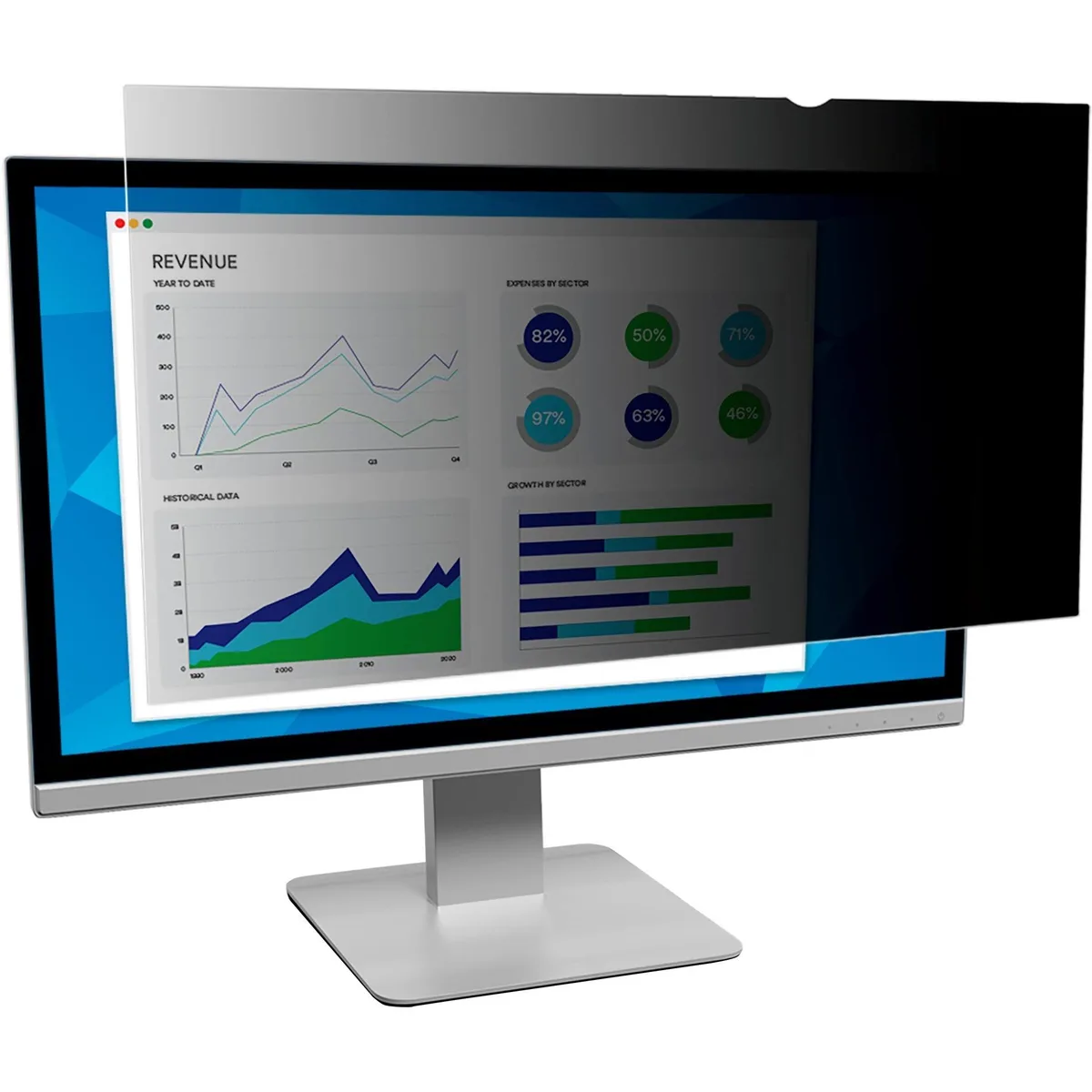
A 15.6-inch IPS portable monitor with 1920 x 1080 resolution, 300 cd/m2 brightness, 1ms response time and a 180° kickstand for landscape or portrait use
Color White
This 15.6-inch IPS panel delivers 1920 x 1080 resolution with 300 cd/m² brightness and a 1200:1 contrast ratio. It weighs 1.4 lbs and supports 16.7 million colours across 178° horizontal and vertical viewing angles. The 1ms response time suits fast motion.
Travellers who need a lightweight second screen for laptop extension or phone mirroring will benefit from the kickstand and VESA options. Buyers who require higher pixel density, wider colour gamut coverage, or built-in battery operation should consider other models.
Verify that your host device supplies video over USB-C or provides a Mini HDMI output. A single USB-C link must carry both signal and power, otherwise an external power source is needed for stable operation. Ensure your graphics driver handles 16:9 external displays.
| Cabinet Color | White |
|---|---|
| Screen Size | 15.6" |
| Resolution | 1920 x 1080 |
| Brightness | 300 cd/m2 |
| Contrast Ratio | 1200:1 |
| Response Time | 1ms |
| Panel | IPS |
| Display Type | FHD |
| Viewing Angle | 178° (H) / 178° (V) |
| Display Colors | 16.7 Million |
| Aspect Ratio | 16:9 |
รุ่นอื่นในตระกูลเดียวกัน
ตระกูลเดียวกัน แต่หน่วยความจำ คูลเลอร์ หรือสัญญาณนาฬิกาต่างกัน — เปรียบเทียบก่อนตัดสินใจ
Yes, a single USB-C connection works when the port carries DisplayPort Alt Mode or Thunderbolt 3 / USB 3.1 video; otherwise use the Mini HDMI port plus the separate USB-C power input.
Connect the monitor’s Mini HDMI port with an HDMI-to-Mini-HDMI cable and supply power through the USB-C port via a standard USB-A charger or power bank.
Enable HDR in the OS display settings, then play HDR-labelled content; the on-screen menu will show “HDR” and colours should appear richer with deeper contrast.
อื่น ๆ ในหมวดนี้
หมวดเดียวกัน การชำระเงินแบบเดียวกัน — แปดสกุลเงินคริปโตและอัตราแลกเปลี่ยนที่ล็อกไว้ 30 นาที
สิ่งที่คุณใช้ชำระ และสิ่งที่คุณใช้อ่านราคา
ส่งจากกระเป๋าเงินของคุณเมื่อชำระเงิน
แสดงผลเท่านั้น — แคตตาล็อกสินค้าตั้งราคาเป็นดอลลาร์สหรัฐ
ไม่พบสกุลเงินที่ตรงกัน
เลือกภาษาที่ต้องการให้เว็บไซต์แสดงผล
ไม่พบภาษาที่ตรงกัน
ยังไม่เคยใช้งานใช่ไหม
มีบัญชีอยู่แล้วใช่ไหม
ไม่มีการรีเซ็ตแบบอัตโนมัติ ร้านนี้ไม่ส่งอีเมลใด ๆ จึงไม่มีลิงก์ใช้ครั้งเดียวให้ขอ ปล่อยที่อยู่อีเมลนี้ไว้ในบัญชี แล้วเจ้าหน้าที่จะดำเนินการให้ด้วยตนเอง
รับคำขอแล้ว
ไม่มีอะไรถูกส่งไปยังกล่องจดหมายของคุณ — ร้านนี้ไม่ส่งอีเมลใด ๆ เลย มีคนดำเนินการเรื่องนี้ให้ด้วยมือ
นึกออกแล้วใช่ไหม