HP
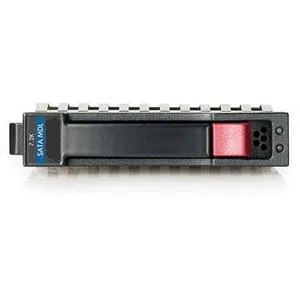
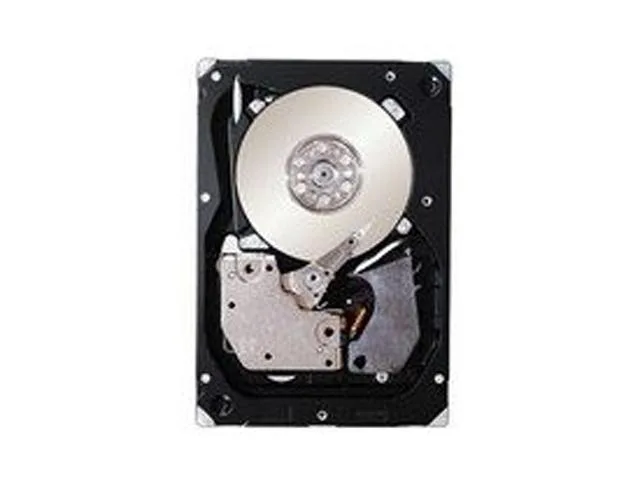
HP 507283-001 146GB 10000 RPM SAS 2.5" internal hard drive
- Bare Drive
- SATA
189.99 US$
0.00244952BTC
متوفرنقبل الدفع بالعملة المشفرة — لذلك يمكن للعملات الرقمية التي تملكها أن تشتري أجهزة حقيقية.ادفع بالعملة المشفرة، وأنفقها على أجهزة حقيقية. شحن مؤمن مجانا إلى كل أنحاء العالم لما يتجاوز 399 US$. صناديق شحن بسيطة بلا علامة تجارية، ترسل من ألمانيا.شحن مؤمن مجانا لما يتجاوز 399 US$. يُقفل سعرك لمدة 30 دقيقة بمجرد فتح صفحة الدفع.السعر مقفل لمدة 30 دقيقة. كل قطعة مختومة، ورقمها التسلسلي متحقق منه، ومشمولة بضمان 24 شهرا.مختوم، وبضمان 24 شهرا.
Intel
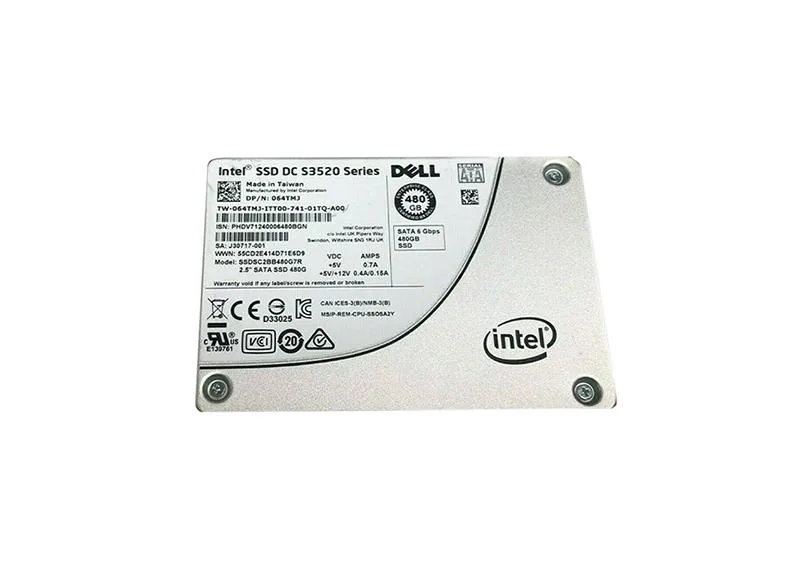
A 480 GB internal solid-state drive with a 2.5-inch SATA interface for desktops and laptops
The Intel S3520 is a 2.5-inch internal solid-state drive with a 480 GB capacity and a SATA 6Gb/s interface. It uses 3D1 MLC NAND technology for reliable data storage in compatible laptops, desktops or servers. The drive weighs 3.0000 grams and is supplied as an OEM unit without accessories.
This drive fits systems with a 2.5-inch SATA bay that need a durable 480 GB boot or data drive. Builders who require a larger capacity, a different form factor or a PCIe interface should look at other models.
| Device Type | Internal Solid State Drive (SSD) |
|---|---|
| Weight | 3.0000 |
The S3520 fits a standard 2.5-inch internal bay and uses the common SATA data and power connectors found on most desktop and server chassis.
Many forget to connect both the SATA data cable and the SATA power cable; the drive will not appear in BIOS until both are firmly seated.
أيضًا في هذا القسم
نفس القسم، ونفس صفحة الدفع — ثماني عملات رقمية وقفل سعر لمدة 30 دقيقة.
ما تدفعه، وما تُعرض به الأسعار.
يُرسَل من محفظتك عند إتمام الطلب
للعرض فقط — أسعار الكتالوج بالدولار الأمريكي
لا توجد عملة مطابقة.
اختر اللغة التي يخاطبك بها الموقع.
هل أنت جديد هنا؟
لديك حساب بالفعل؟
لا توجد إعادة تعيين تلقائية: هذا المتجر لا يُرسل أي بريد، فلا يوجد رابط لمرة واحدة يمكن طلبه. اترك العنوان في الحساب، وسيُعالَج الأمر يدويًا.
تم تسجيل الطلب
لا شيء في طريقه إلى بريدك الوارد — هذا المتجر لا يُرسل أي بريد إطلاقًا. يتولّى أحدهم معالجة هذه الطلبات يدويًا.
تذكّرتها؟