


Supersuperuncle
Supersuperuncle 14-pin 450W Server Power Supply FSP450-50ETN 6pin
A 450 W server power supply with a 14-pin connector and 6-pin graphics interface for Lenovo systems
- Designed for Lenovo systems with 14-pin connector
- Delivers 450W continuous power for server workloads
- Includes 6-pin graphics interface for GPU support
- FSP450-50ETN model ensures compatible replacement
14-pin 450W Server Power Supply
This 14-pin server power supply delivers 450W of rated power for compatible Lenovo systems. It includes a 6-pin graphics interface to support an add-in GPU. The unit is sold new and is intended as a direct replacement for the FSP450-50ETN model.
Capacity and headroom
The 450W rating provides headroom for a CPU and a single graphics card drawing power through the 6-pin connector. Systems with multiple GPUs or very high-wattage cards will exceed the available capacity. Builds requiring additional PCIe power connectors or higher total wattage cannot be supported by this unit.
أبرز المميزات
- Designed for Lenovo systems with 14-pin connector
- Delivers 450W continuous power for server workloads
- Includes 6-pin graphics interface for GPU support
- FSP450-50ETN model ensures compatible replacement
المواصفات
لا توجد مواصفات منشورة لهذا المنتج بعد.
أسئلة حول هذا المنتج
Will the 14-pin connector on this FSP450-50ETN fit the motherboard header on my older Lenovo server chassis?
The unit uses the proprietary 14-pin layout specified for compatible Lenovo servers, so it aligns with the same header pin-out used on those platforms.
How can I verify the 6-pin graphics interface is delivering power to my add-in card after installation?
With the system running, the GPU should be detected in BIOS or the operating system and any onboard power LEDs on the card will illuminate, confirming the 6-pin rail is active.
أيضًا في هذا القسم
عملاء قارنوا هذه المنتجات
نفس القسم، ونفس صفحة الدفع — ثماني عملات رقمية وقفل سعر لمدة 30 دقيقة.


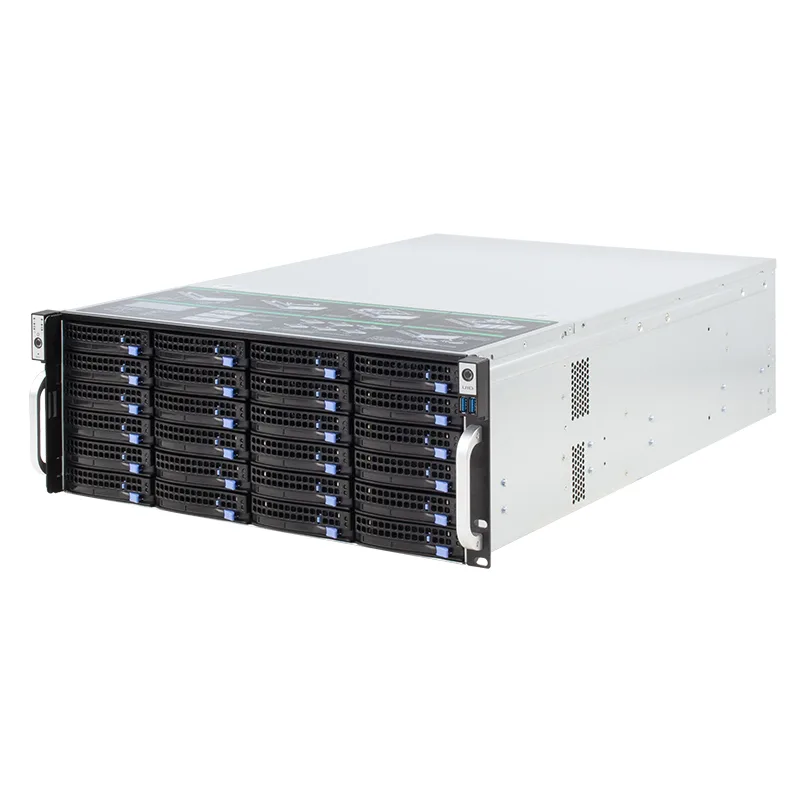
Shenzhen Junxiangcheng Technology Co.,
Shenzhen Junxiangcheng Technology Co., 24-Bay 6Gb/s miniSAS 4U Server Chassis
- Rackmount
- 4U
1,024.99 US$
0.01309607BTC
متوفر
STARTECH
STARTECH 4PCIE-PCIE-ENCLOSURE server chassis
- Accessories
438.99 US$531.99 US$−17%
0.00560888BTC
متوفر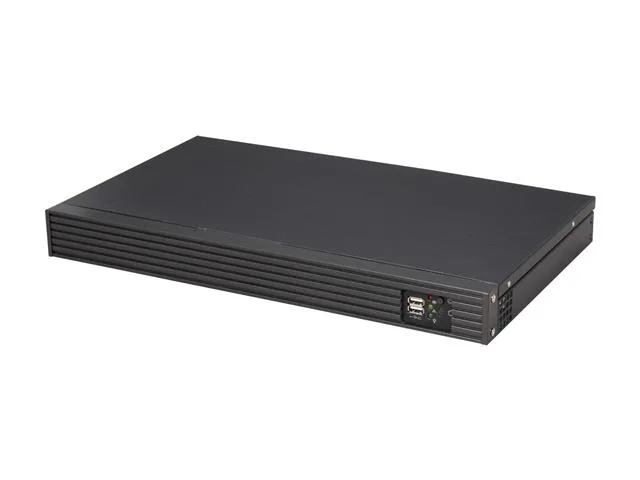
iStarUSA Inc.
iStarUSA Inc. D-118V2-ITX-DT 1U server chassis 11" depth
- 1U
- Black
245.99 US$
0.00314296BTC
متوفر