A-Tech
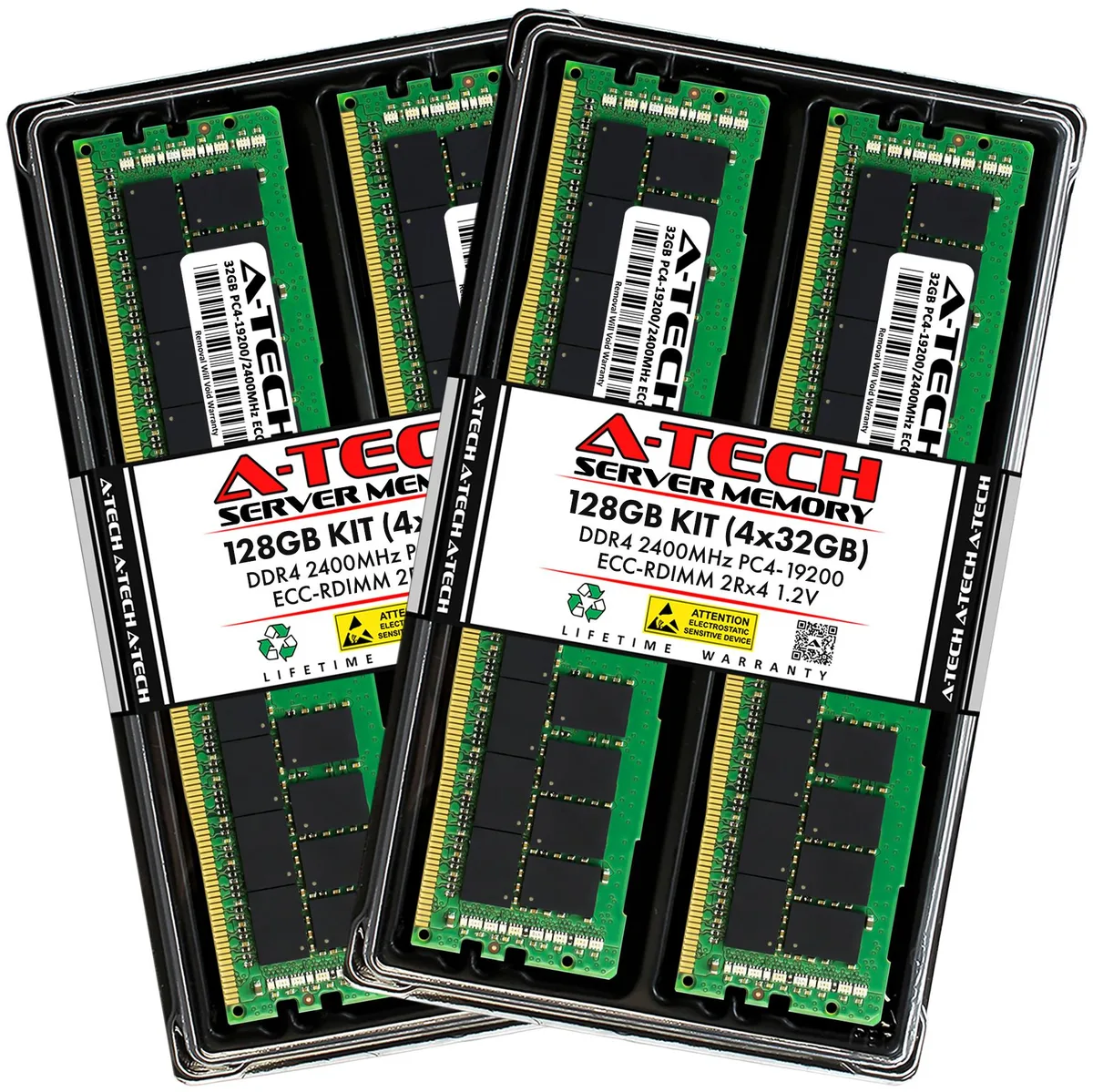
A-Tech 128GB (4x32GB) DDR4 2400 ECC RDIMM 2Rx4 memory upgrade
- 128GB (4 x 32GB)
- 288-Pin DDR4 SDRAM
575,99 US$
0.0072024BTC
På lagerVi tager imod kryptovaluta — så den krypto, du ejer, kan købe rigtig hardware.Betal med krypto, brug det på rigtig hardware. Gratis, forsikret levering til hele verden ved køb over 399 $. Neutrale, umærkede papkasser, sendt fra Tyskland.Gratis, forsikret levering over 399 $. Din kurs låses i 30 minutter, så snart kassen åbner.Kurs låst i 30 minutter. Hver vare er forseglet, har kontrolleret serienummer og er dækket af 24 måneders garanti.Forseglet, 24 måneders garanti.


A-Tech
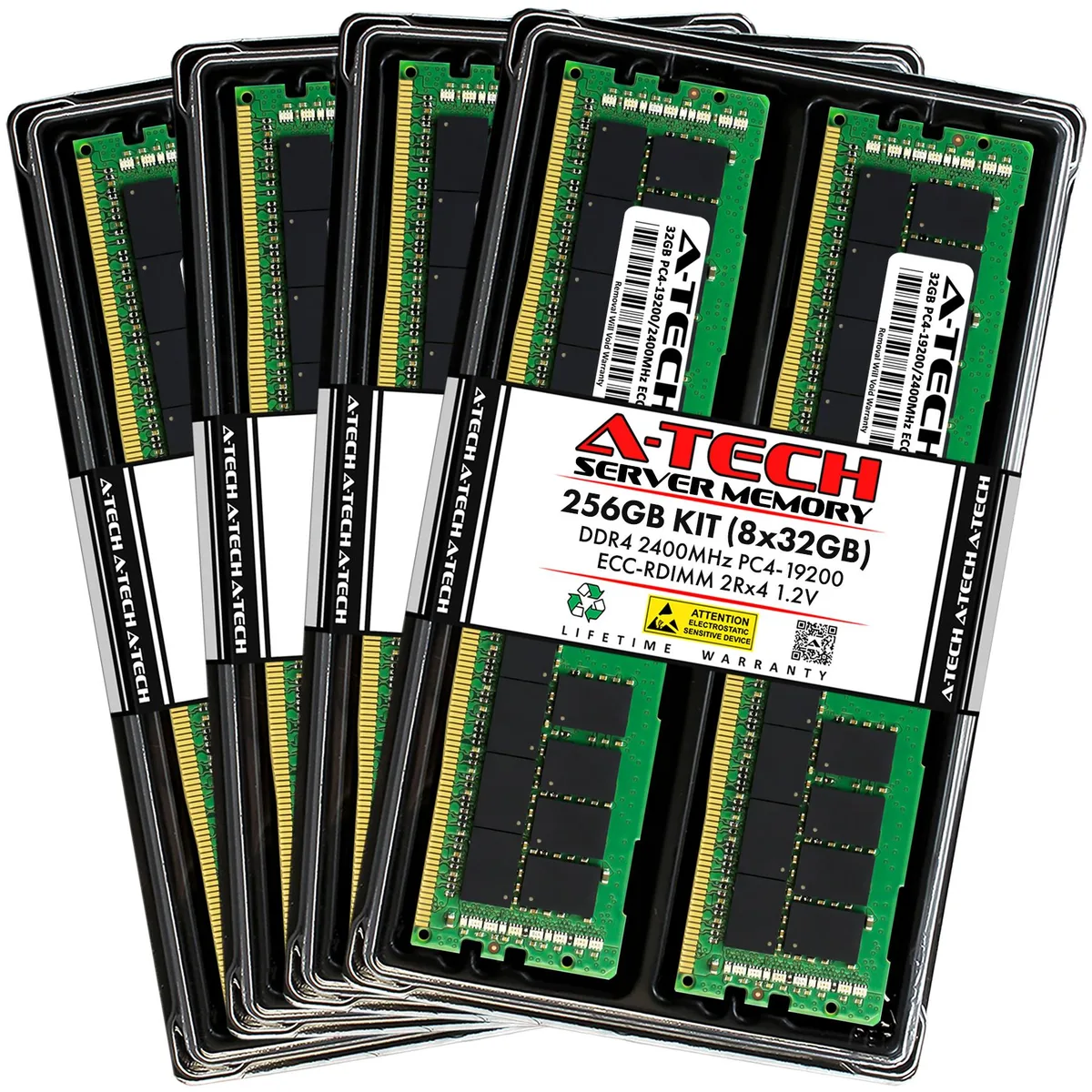
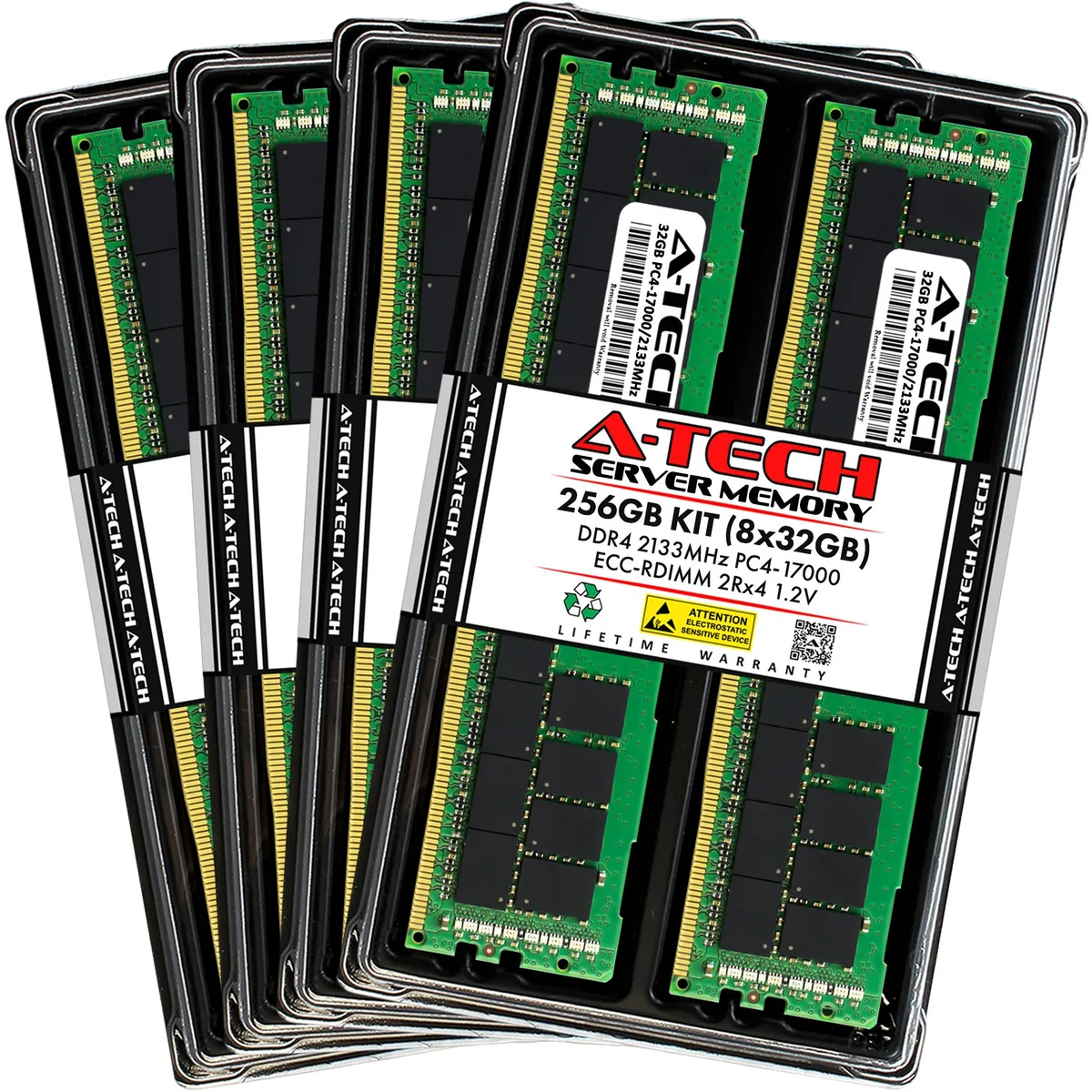
Eight registered DDR4 modules add 256 GB of ECC memory to Dell PowerEdge 13th Gen rack servers
Capacity 256GB (8 x 32GB)
Speed DDR4 2133 (PC4 17000)
This 256GB kit contains eight 32GB DDR4 2133MHz ECC registered DIMMs built for Dell PowerEdge 13th generation rack servers including the R430, R530, R630, R730, R730xd, R830 and R930 models. It targets administrators who need maximum capacity across all memory channels for virtualisation, database or high-throughput workloads. Each module operates at 1.20V with CL15 latency and a 2Rx4 organisation.
The kit replaces smaller factory configurations or mixed-capacity DIMM sets that limit total addressable memory and channel balance. Installing eight identical 32GB modules ensures the system runs at the full 2133MHz rated speed without down-clocking to the slowest installed stick. It is not suited for desktops, laptops or any platform that only accepts non-ECC unbuffered memory.
Registered buffering and on-die ECC maintain data integrity during continuous multi-threaded processing across all populated channels. The dual-rank x4 layout allows the memory controller to interleave requests efficiently, keeping throughput stable during extended compute cycles. Modules lack heat spreaders, so adequate chassis airflow is required to maintain specified operating temperatures under full load.
| Brand | A-Tech |
|---|---|
| Series | 13th Gen Dell PowerEdge Rack Server Compatible |
| Model | 256GB (8x32GB) 2Rx4 DDR4-2133 RDIMM for Dell PowerEdge R430, R530, R630, R630 XL, R730, R730 XL, R730xd, R730xd XL, R830, R930 |
| Part Number | NE-MS-0065 |
| Capacity | 256GB (8 x 32GB) |
| Type | 288-Pin DDR4 SDRAM |
| Speed | DDR4 2133 (PC4 17000) |
| CAS Latency | CL15 |
| Voltage | 1.20V |
| ECC | Yes |
| Buffered/Registered | Registered |
| Rank | 2Rx4 |
| Chipset | Major Brand Chipset |
| Heat Spreader | No |
| Compatible System | Dell PowerEdge R430, R530, R630, R630 XL, R730, R730 XL, R730xd, R730xd XL, R830, R930 | 13th Gen Rack Servers |
| Option | Compatible with Dell PowerEdge R430, R530, R630, R630 XL, R730, R730 XL, R730xd, R730xd XL, R830, R930 |
| Features | Designed for Dell PowerEdge R430, R530, R630, R630 XL, R730, R730 XL, R730xd, R730xd XL, R830, R930 |
| Package Content | Eight Modules |
Andre versioner af denne model
Samme familie, men med anden hukommelse, køler eller clockfrekvens — sammenlign, før du bestemmer dig.
This kit is designed for Dell PowerEdge R430, R530, R630, R630 XL, R730, R730 XL, R730xd, R730xd XL, R830 and R930 13th Gen rack servers.
Follow the server manual for the correct channel population order; the most common mistake is filling slots sequentially instead of balancing across memory channels.
Replace a module when the system management log shows a rising corrected-error count on a specific DIMM, indicating that the 2Rx4 chipset is degrading.
Også på denne hylde
Samme hylde, samme kasse — otte mønter og 30 minutters kurslås.
Det du betaler med, og det du ser priserne i.
Sendes fra din tegnebog i kassen
Kun til visning — kataloget er prissat i USD
Ingen valuta matcher det.
Vælg det sprog, siden taler til dig på.
Ny her?
Har du allerede en?
Der findes ingen automatisk nulstilling: denne butik sender ingen e-mails, så der er intet engangslink at bede om. Efterlad adressen på kontoen, så bliver den behandlet manuelt.
Anmodning registreret
Der er intet på vej til din indbakke — denne butik sender slet ingen e-mails. Nogen behandler dem manuelt.
Kom du i tanke om den?